AndrewH2019
Finding my way
-
Joined
-
Last visited
-
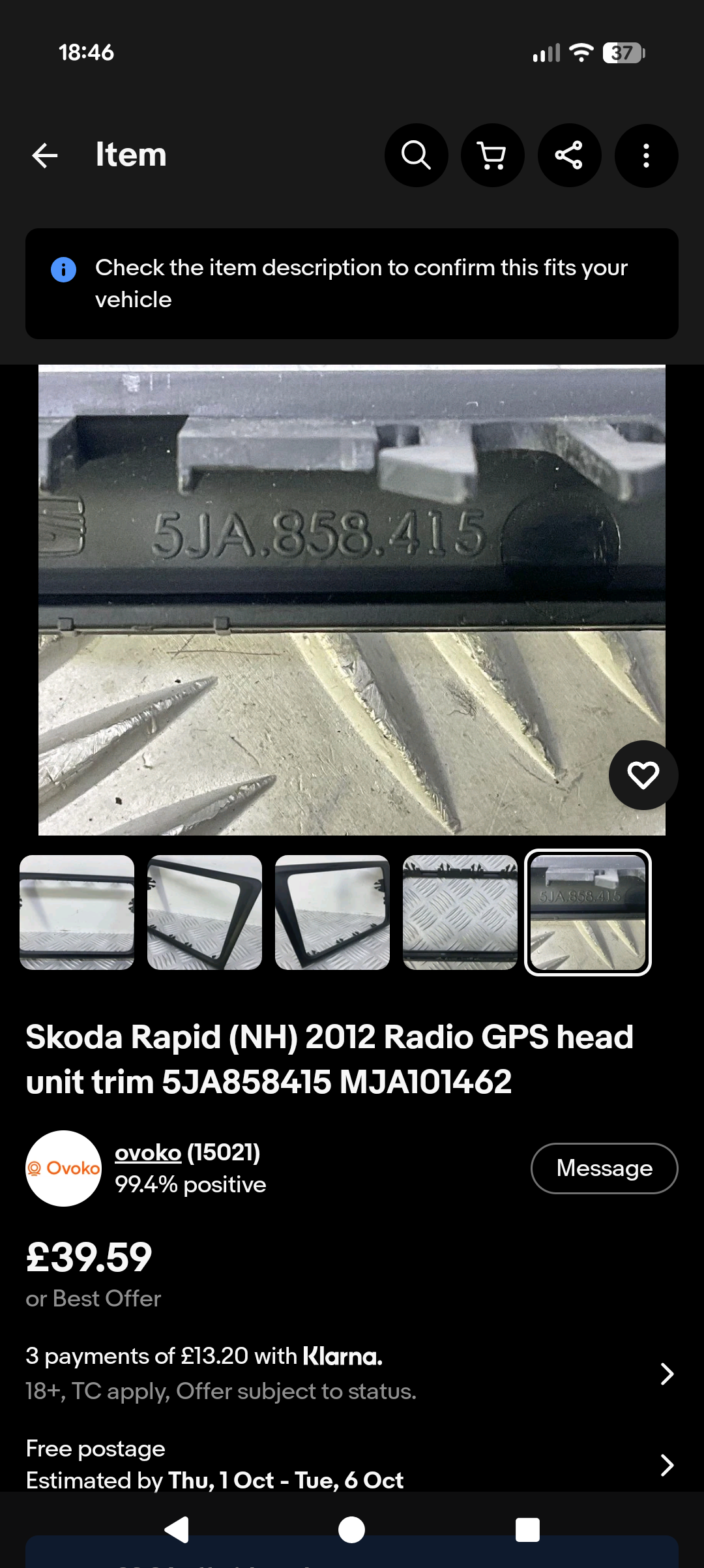
Hi, I am looking for a 2 DIN fascia for my Skoda Rapid after fitting an after market 9 inch android head unit. The part code is in the title. Anyone know where I can get one in the uk? There are hundreds on eBay but they are all in Lithuania....!! I don't want to go to main dealer as I'm sure they won't be cheap. Any help would be appreciated, thanks Image attached.
-
Hi all, I'm wanting some advice on upgrading my existing Skoda stereo for a 9 inch android after market device, but there are some many to choose from I have no idea what fits my car. I have previously got a replacement unit and although the website says it's fits my car, there is no way in hell it will go in the hole. My current stereo is the swing and I'm wanting a unit that will fit flush with the dash not floating. Any help would be greatly appreciated. Thanks in advance Andy
-
Hi rooted, yes there is but only for the sidelights, the main light light dosent light up, never has, sorry too many lights lol.
-
Hi all, had my 2013 rapid for couple of years and never really thought about this issue suppose you could call it. When I have the lights on just normal use, there isn't a dashboard light lit to tell me the lights are on, should there be? Thanks in advance
-
Hi all, I have had my 63 plate rapid four years. I have it serviced every year and it was last done in January of this year. Yesterday a message appeared on the dash saying 20 days to oil change. It's got 50,700 on the clock and I only do around 4000 miles a year. Can anyone advise why i am getting the message now and if I should be changing the oil again only 6 months after it was done on the last service. Thanks in advance