RUros
Finding my way
-
Joined
-
Last visited
Everything posted by RUros
-
The valve itsfelf is located together with water pump. So you have to take off a plastic belt cover on the left side of enigne and then you will see where the cable is connected to this coolant valve.
-
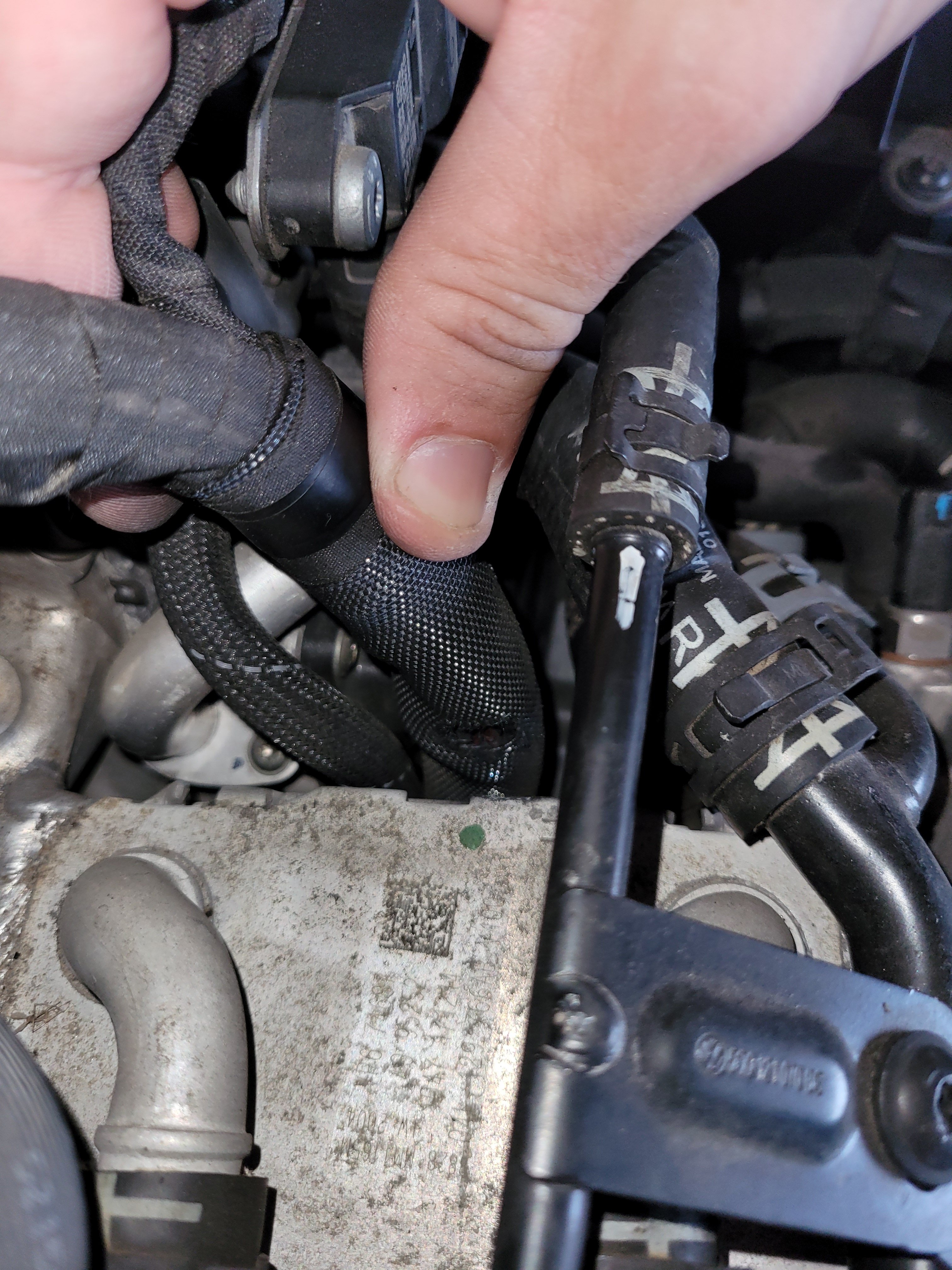
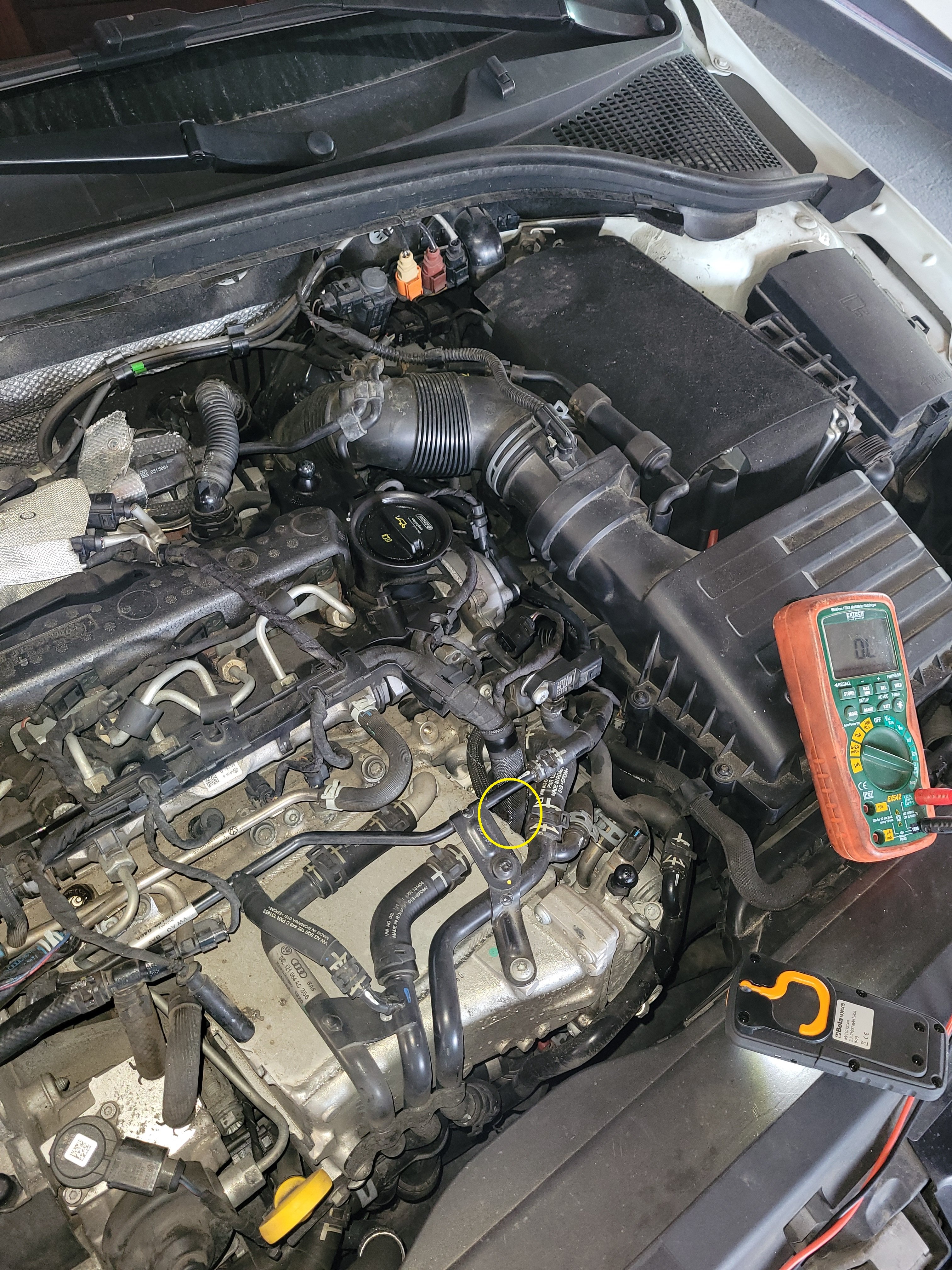
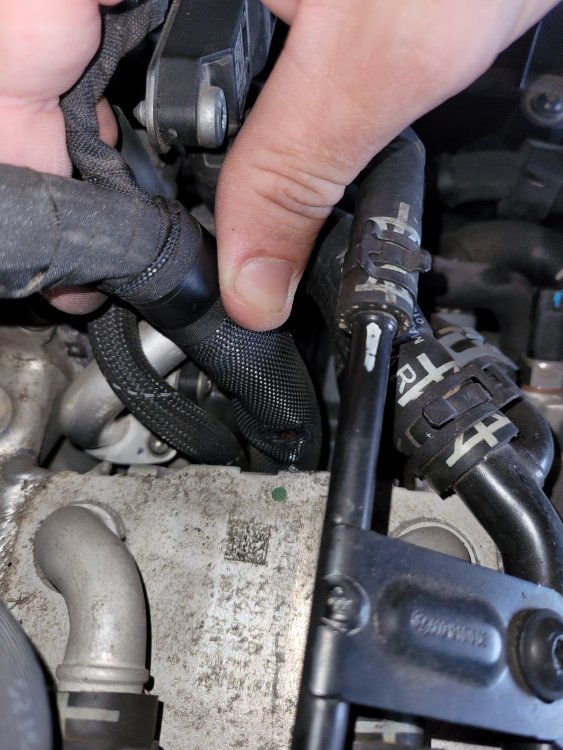
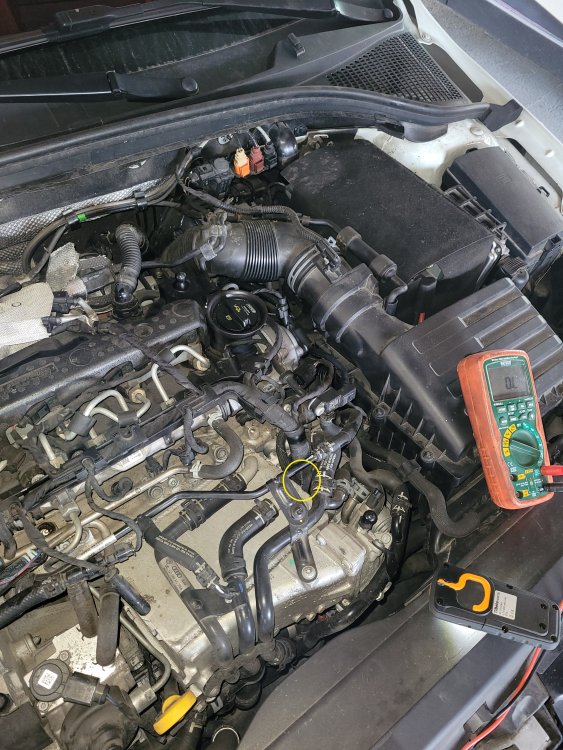
Hi, it took a while before i find an error, but I succeeded. It must be a common issue for all engines this type, because there is a failure in cable harness. Path of this harness goes through two very sharp edges of engine's part, and on these two points harness is damaged due to time and vibration. This harness involves almost all sensor and actuators for engine, so when harness is damaged, you might have different error codes or engine failure ! My error code was for coolant valve. Please check if this two points on harness are damaged at your engine. Photos are attached where to find it. One point is on top of engine when harness comes out and other point is a little lower, where harness turns under airbox towards main board (cpu, ecu...)
-
Occasionally P199D00 (short circuit to ground) error code come up on 2.0 TDI CR engine (octavia MK3), but i am not familiar where to find this valve to check it. Where should this valve suppose to be located ?
-
Hello, can anyone tell me what kind of tool is used in this video (at 15:54) for securing camshaft from turning when replacing vvt valve ? Is it just straight rod or is some special tool ? Any picture of this tool will be great. Thanks !