leszek_c
Finding my way
-
Joined
-
Last visited
-
Indeed. What a fool I am. No further comment.
-
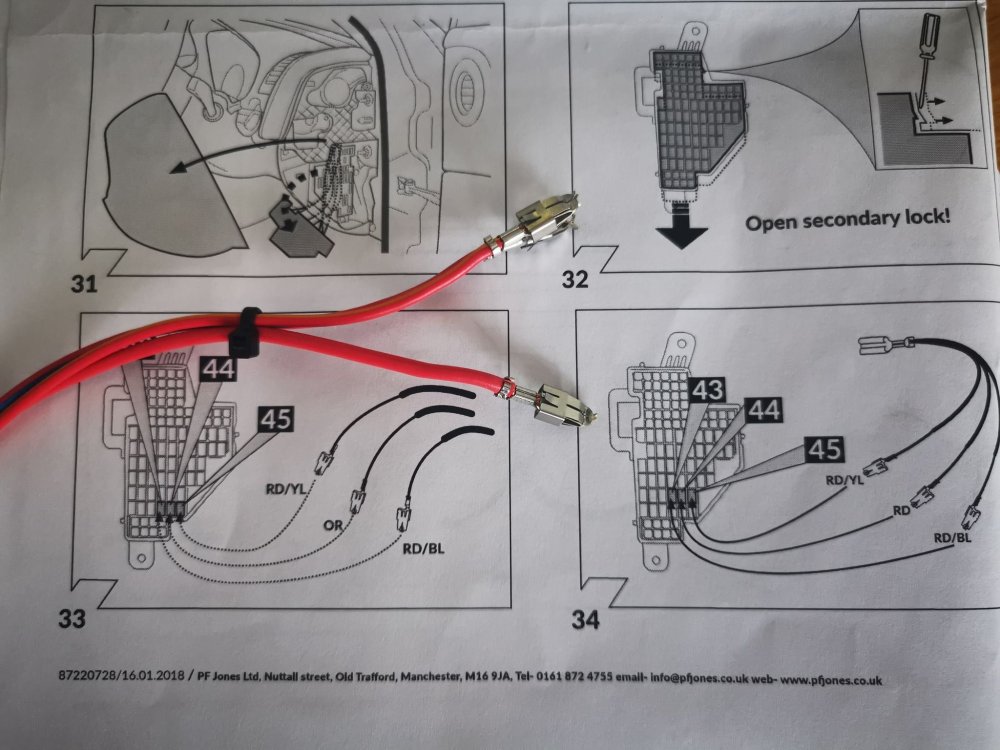
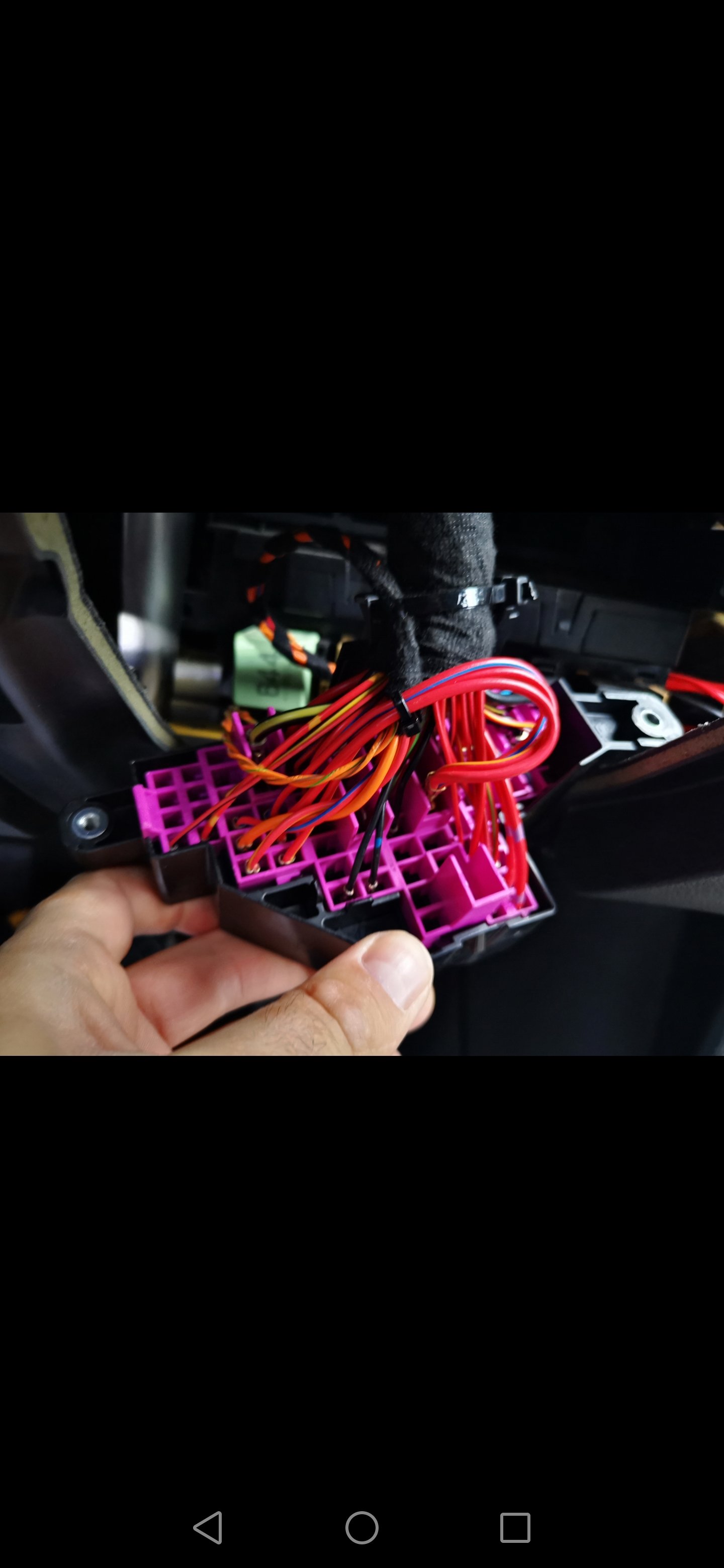
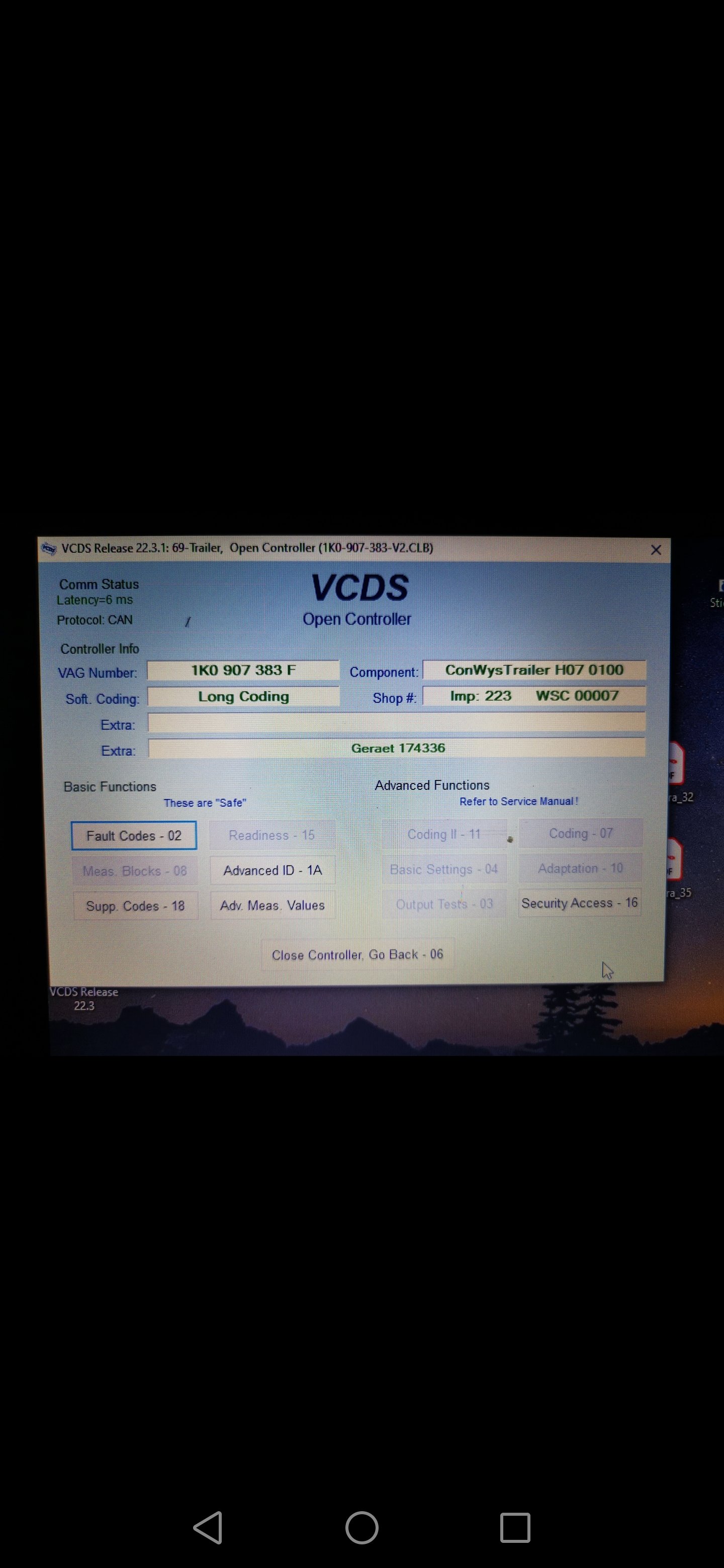
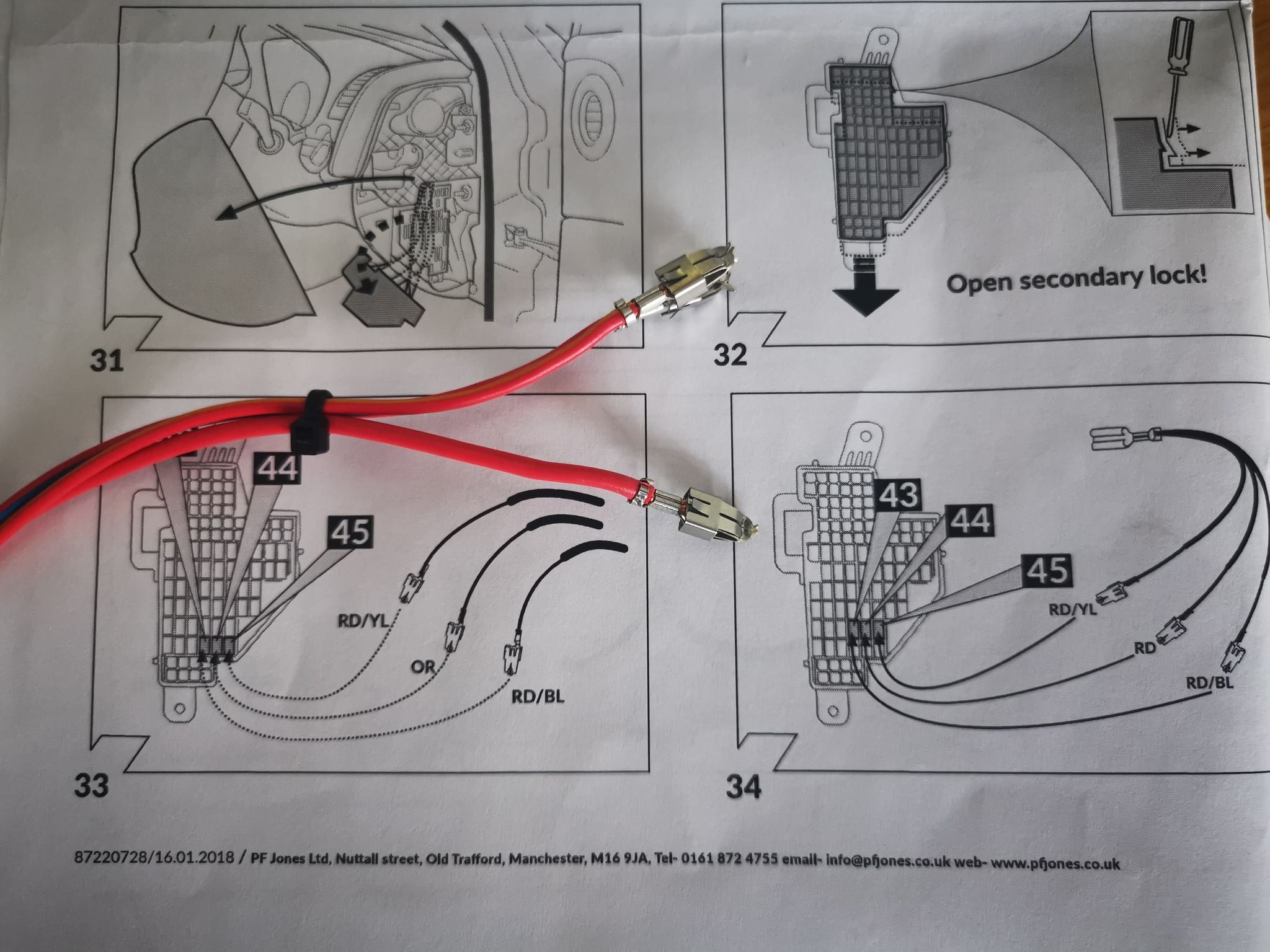
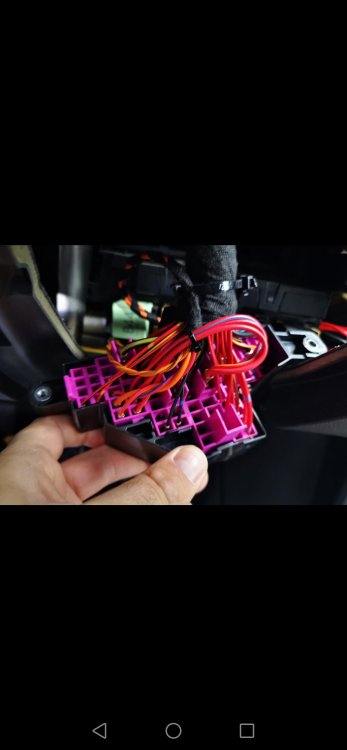
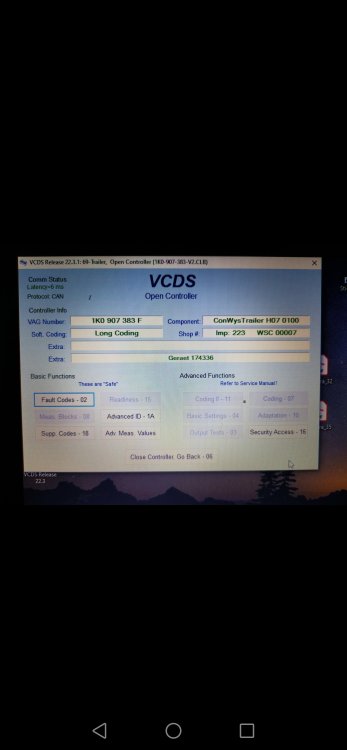
Hi guys, Job done. There is a littile latch to be open and then you can slide down the pink part of the fuse box. And then without problem I have inserted the terminals. Finally job completed. Thank you "chimaera" and "smart pro" for your help. I've done adaptation and everything looks work fine. But i haven't got the trailer yet to test it. looking for a caravan to buy soon. Thanks
-
I took the fuse off as you said and actually i was following that video as well before. And the guy in 22.22 minute was strugling to insert the terminals in. But as a chimaera mention there is a a pink part to slide down to unlock the fuse box and allows the terminals to be inserted which is not mentioned on the video. I will do it tomorrow morning and I will let you know. Thank you guys for reply. I appreciate your help. Leszek
-
I have not tried to slides down the pink part. I will try this tomorrow morning. Thank you very much chimaera.
-
Hi folks, I bought a kit from PF Jones. Westfalia tow bar with a dedicated wiring kit FF29220508PF. My car Skoda superb estate 2014 2.0TDI. . I installed the towbar, routed the electric harness along the car, and stopped there. The problem is that I can't fit the terminals into the fuse box. Do you have to use force to insert them or are they just not right. The terminals go halfway and I still can't push them in, they can be easily removed. Thank you kindly for answers.