




Hamster59
FREEDOM
-
Joined
-
Last visited
-
Everything worked and the maps updates successfully to 2024 version, many thanks for your guidance, the only thing I couldn’t do was select all 3 folders at once so did it one at a time.
-
Done it thanks, will try and upload it today,
-
Thanks will give it a go tonight
-
This new car has no card inserted and still works the sat nav
-
Yes I have
-
Yes I have a copy of it.
-
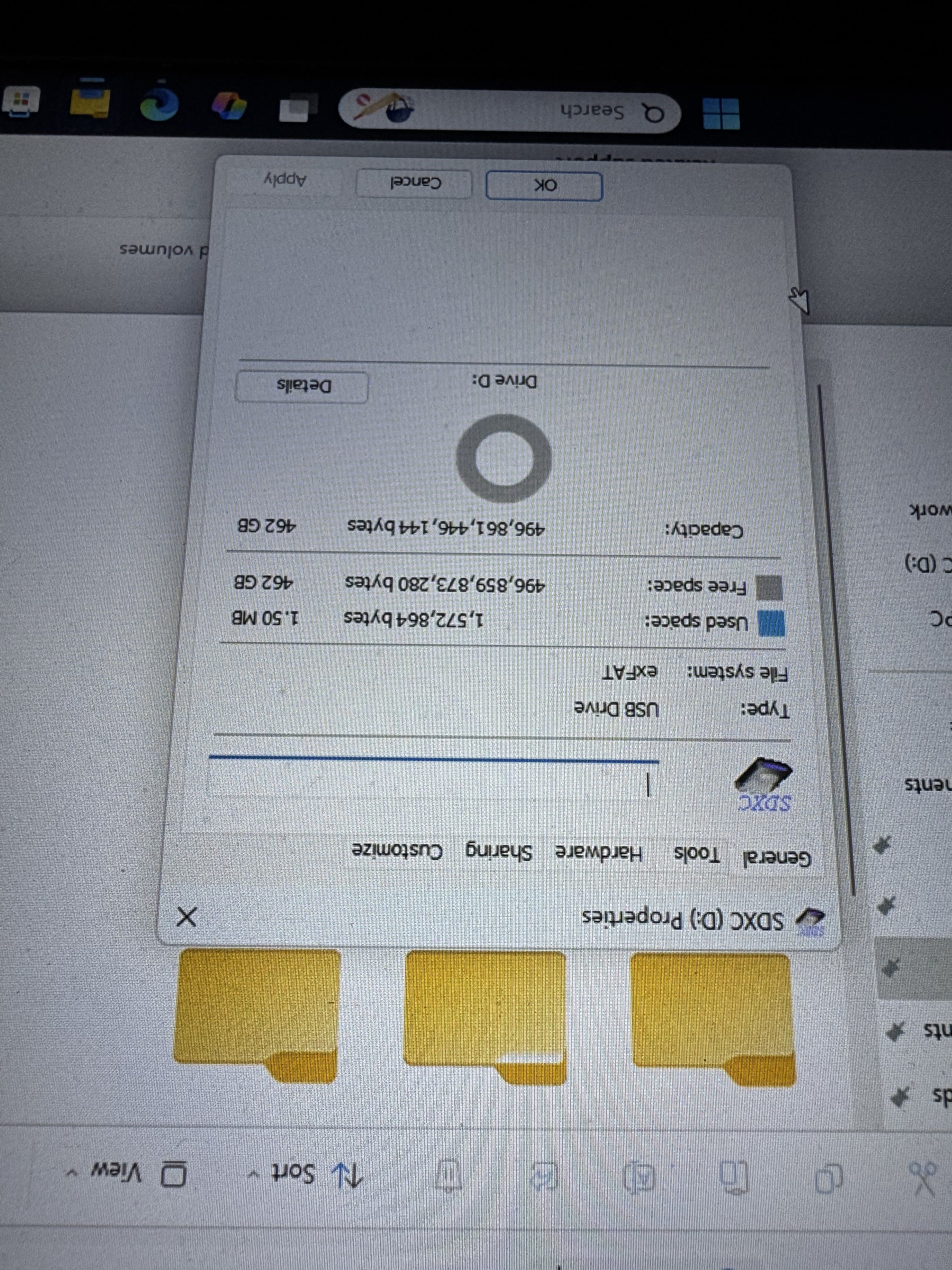
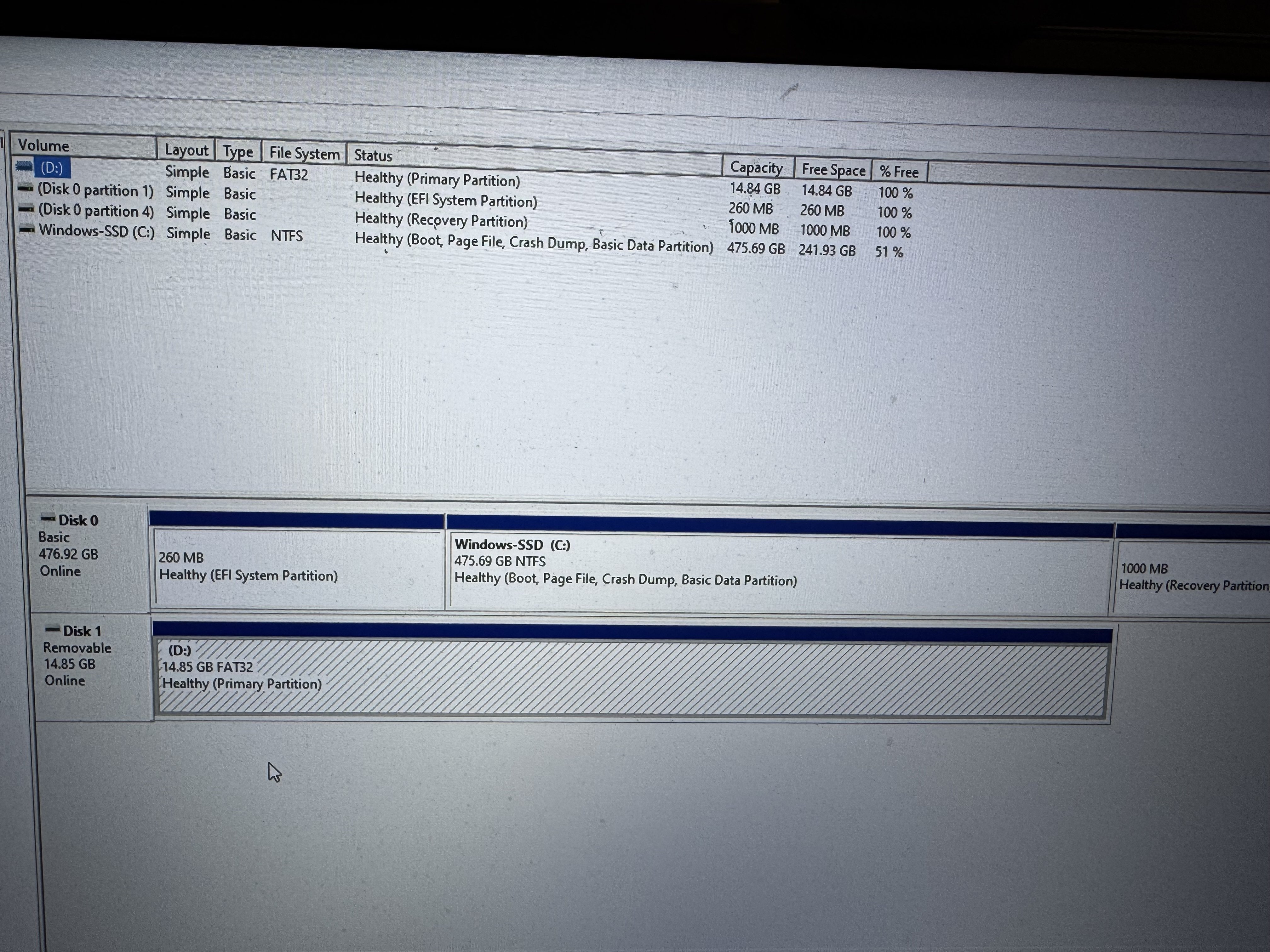
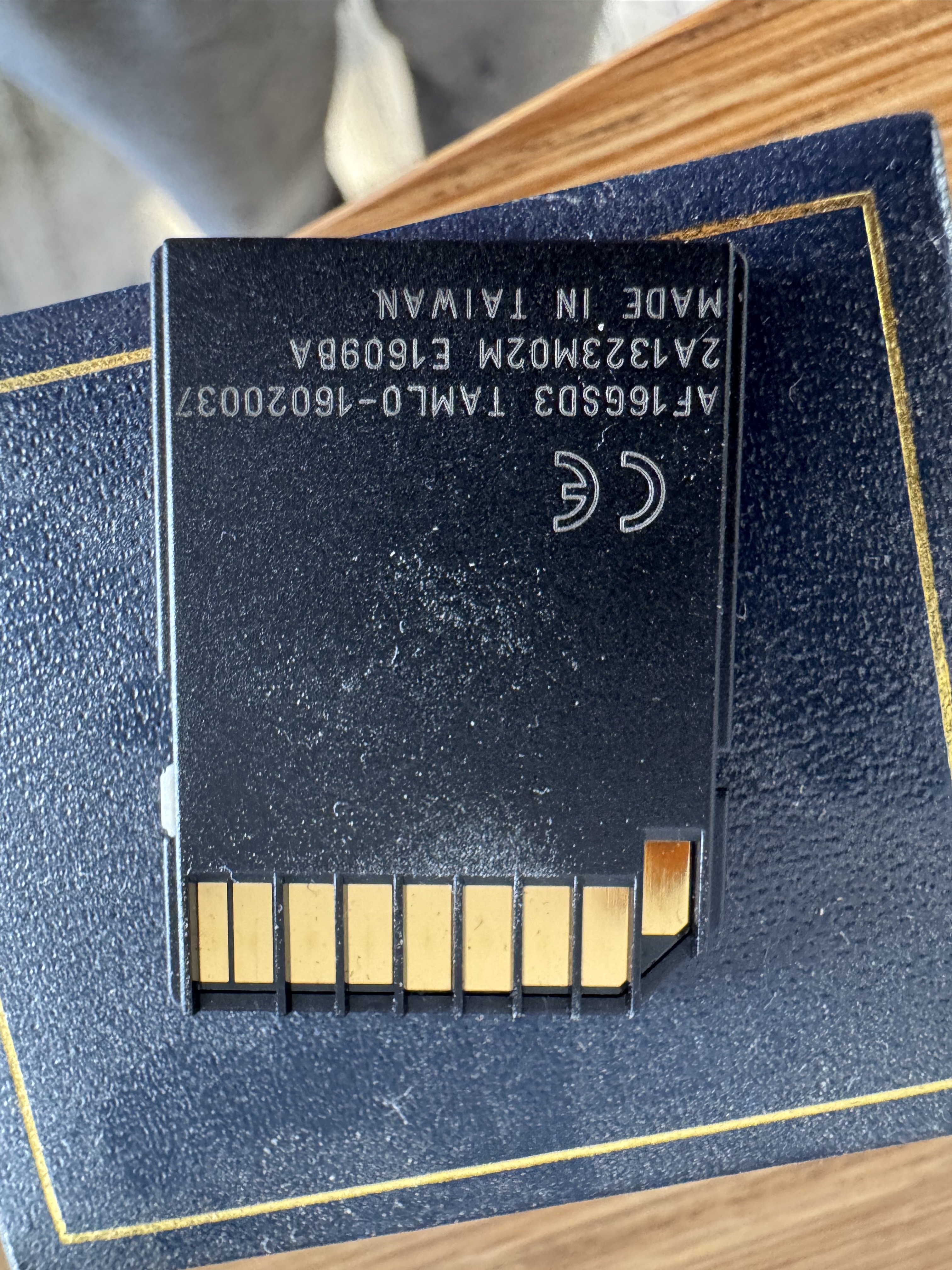
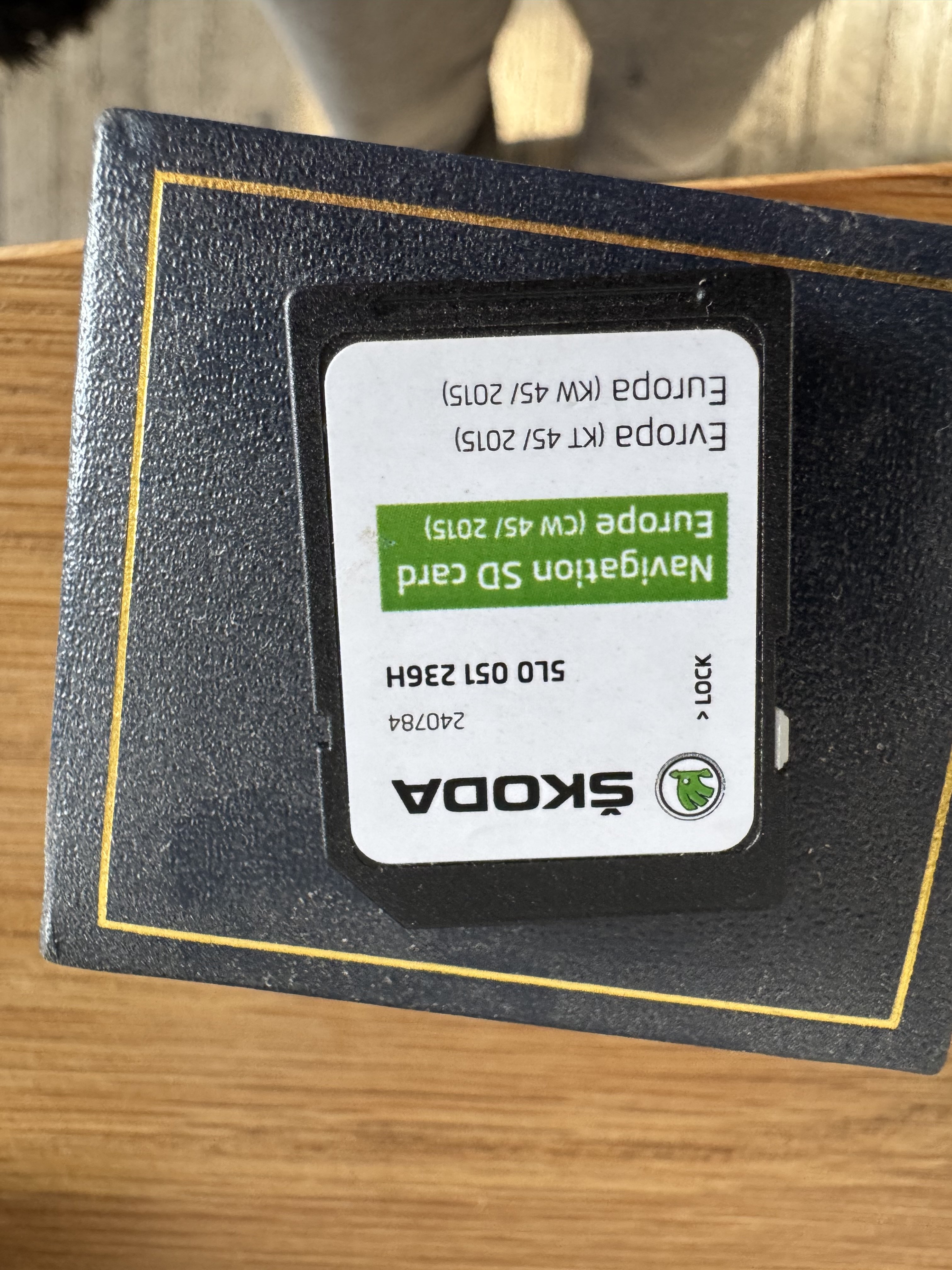
Is this too small, or should I use the 512.I’ve found a 512 GB micro card free in my drawerIt says 14.8 GB freeI have an adapter already.Legion 5 15ACH6HYes like the top one, it’s was the original Škoda one, or I could use a stick.

Important Information
Welcome to BRISKODA. Please note the following important links Terms of Use. We have a comprehensive Privacy Policy. We have placed cookies on your device to help make this website better. You can adjust your cookie settings, otherwise we'll assume you're okay to continue.
Account
Navigation
Configure browser push notifications
Chrome (Android)
- Tap the lock icon next to the address bar.
- Tap Permissions → Notifications.
- Adjust your preference.
Chrome (Desktop)
- Click the padlock icon in the address bar.
- Select Site settings.
- Find Notifications and adjust your preference.
Safari (iOS 16.4+)
- Ensure the site is installed via Add to Home Screen.
- Open Settings App → Notifications.
- Find your app name and adjust your preference.
Safari (macOS)
- Go to Safari → Preferences.
- Click the Websites tab.
- Select Notifications in the sidebar.
- Find this website and adjust your preference.
Edge (Android)
- Tap the lock icon next to the address bar.
- Tap Permissions.
- Find Notifications and adjust your preference.
Edge (Desktop)
- Click the padlock icon in the address bar.
- Click Permissions for this site.
- Find Notifications and adjust your preference.
Firefox (Android)
- Go to Settings → Site permissions.
- Tap Notifications.
- Find this site in the list and adjust your preference.
Firefox (Desktop)
- Open Firefox Settings.
- Search for Notifications.
- Find this site in the list and adjust your preference.