hotrod26
Finding my way
-
Joined
-
Last visited
-
Thanks for the info its others on Facebook forum so if I get one off e bay that should sort it
-
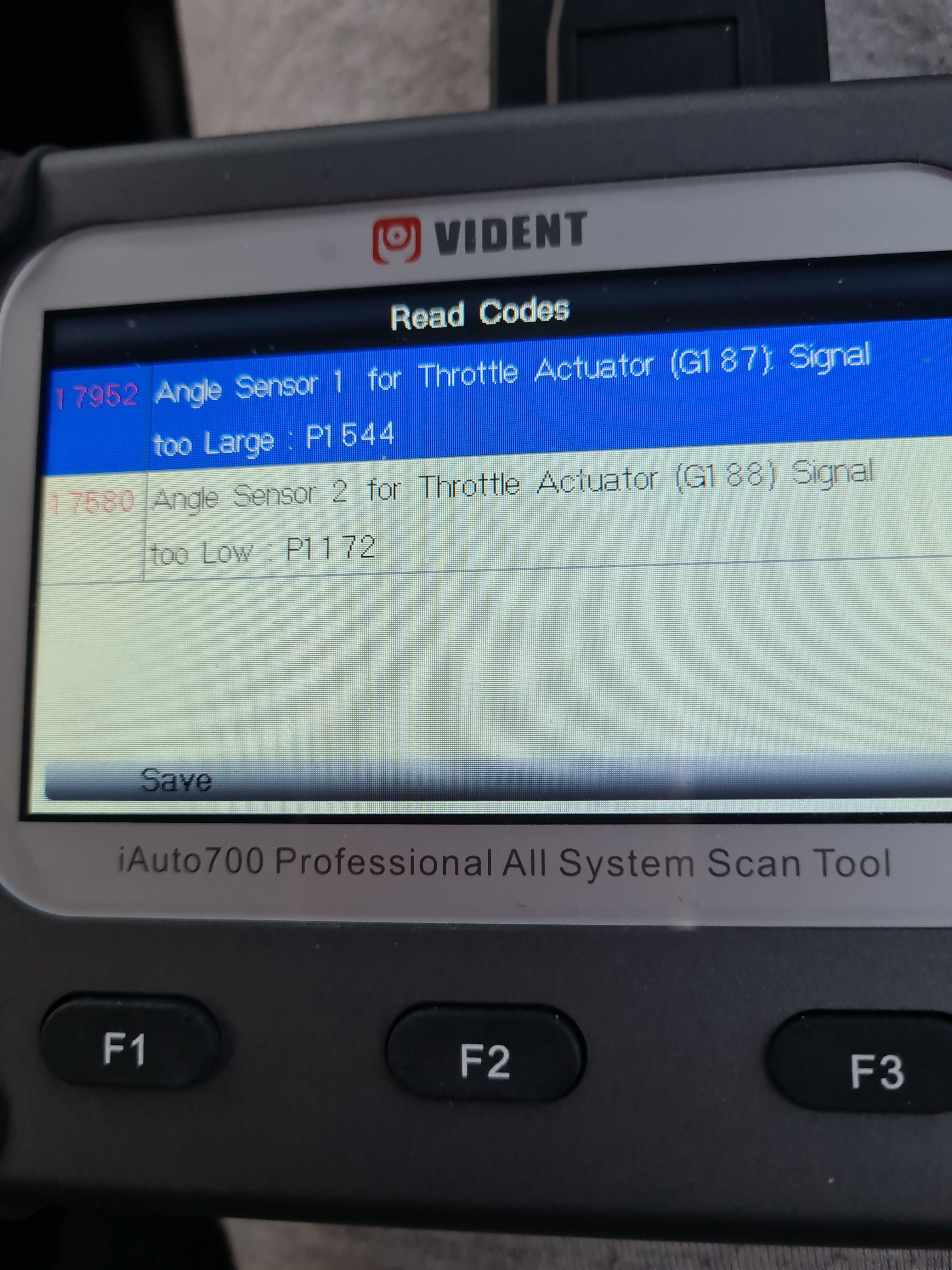
Does the 1.2 petrol fabia have a egr valve car only rev to 500 got these fault codes
-
What am I looking for in throttle body
-
Getting fault code po 107 is this the problem
-
I can see butterfly valve as air box is off
-
I have my father's fabia at mine as it won't idle or rev things ive done to date checked all vacuum hoses,done a compression test got 8 bar on all cylinders,fitted new seals to inlet manifold had diagnostics on it coming up maf sensor fitted timing pins as someone said timing will have jumped so bought a timing chain kit anyone any ideas as its getting me down now
-
I removed the valve and cleaned it
-
Done a compression test 120 psi all three cylinders its the 12 valve engine
-
Starts but won't idle very little vacuum,read someone had same problem and it was a coil pack wouldnt they show up on obd2 reader wouldn't they
-
I have done every test possible on this 2008 1.2 fabia no damage to vacuum pipes new seals on inlet manifold was talking to a skoda technician today he reckons timing has slipped as car wont rev could he be right ordered new timing chain kit just in case
-
Thanks lads I had same fault years ago on a chrysler voyager that was accelerator pedal
-
I have checked all vacuum pipes and all are fine
-
Can you shed any light on the fault its my 85 year old fathers transport have you a contact no
-
would car still run with both these faults would it stop car from revving epc light is on and brake pedal is solid
-
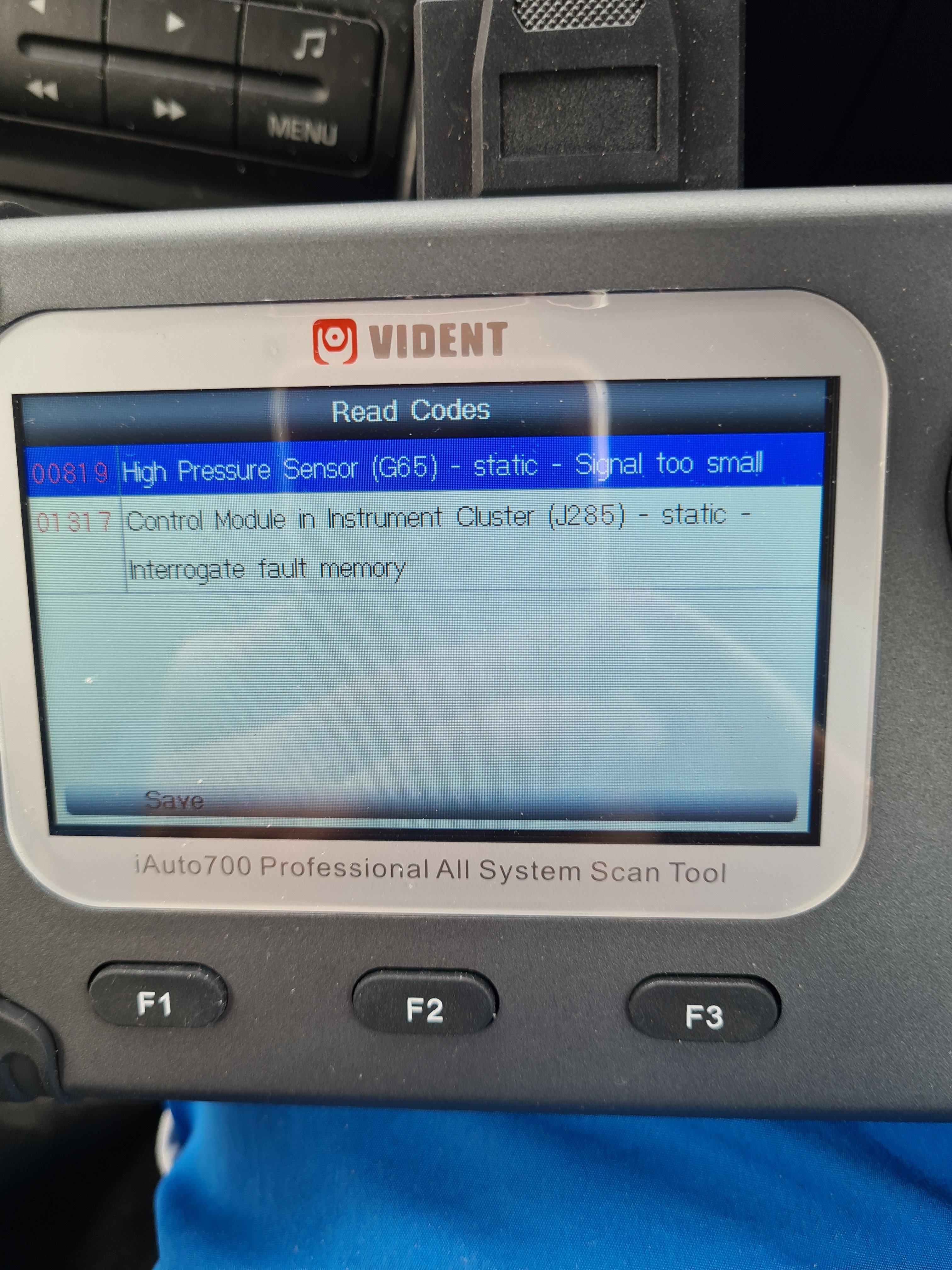
Car broke down yesterday engine won't rev at all could it be the acceleration pedal at fault got codes 01314 and 00819