slafouf
New here
-
Joined
-
Last visited
Everything posted by slafouf
-
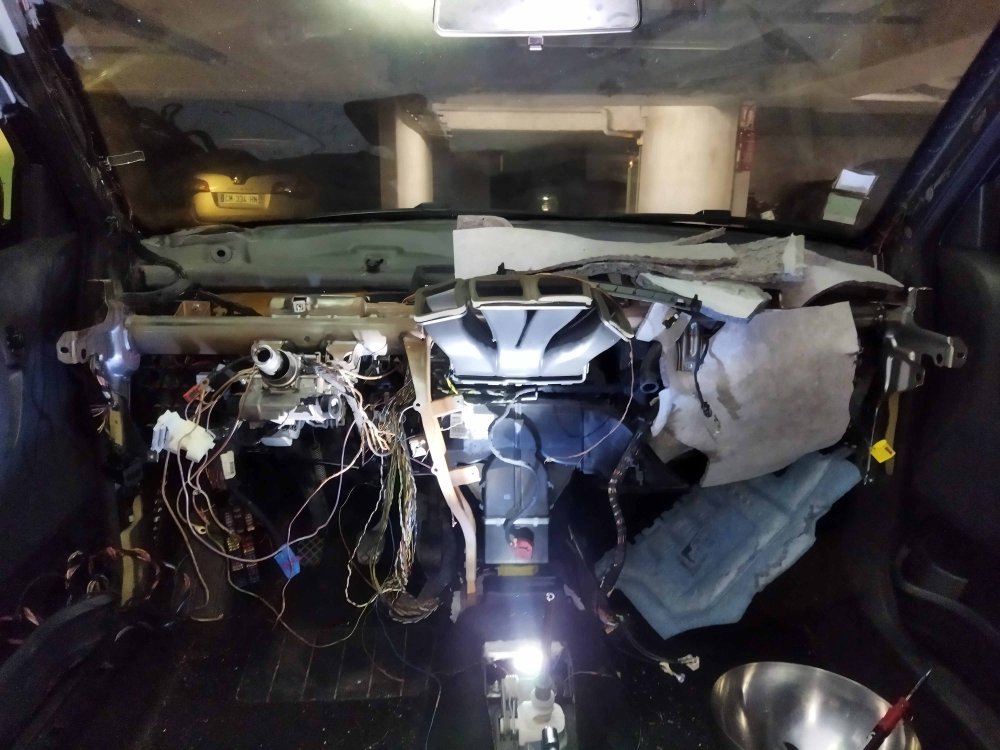
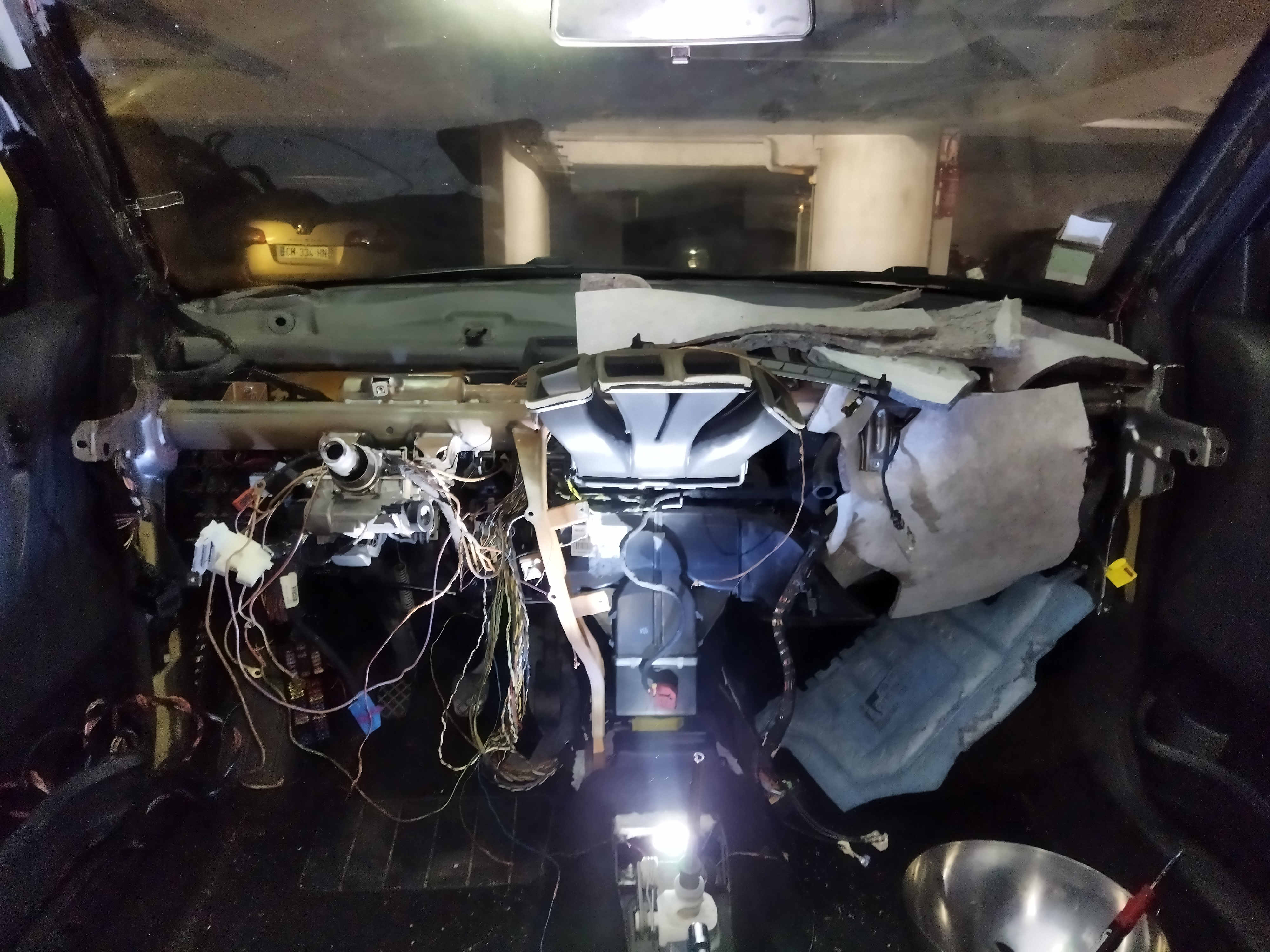
Hello, On my Fabia cbza model / year 2011 vehicle I have an error code switch brake light implausible signal ...scaned from a Delphi ds150e. This is the consequence of a short in the cigarette lighter (defective ...?) And its fuse which has not played its role, so that the beam of the cigarette lighter began to melt. Unable to remove the fuse because it was blowing, I unplugged the battery and could only see the damage. the result is that the car still working but : Items physically contaminated by the start of a fire : handbrake switch and centralized opening button were disconnected (both located on the same section of the cigarette lighter) The cruise control and also the eco-drive suggestion on the maxidot display are KO (like they never exist). The main problem is with the brake lights which remain constantly on when the vehicle is switched on, whether the engine is started or not. So I unplugged the 4-pin connector from the brake light switch located above the brake pedal and it's the same. I even change it for a new one but nothing. This contactor is open by default (pedal at rest), disconnecting it allows me to leave it from the list of the potential culprit (s). So I think it could be the ecu (03F906070AM) or bcm (6R7937087F) the fault. According to the wiring diagram the contactor on pin 4 is connected to the ecu (j623) T94a/19 and for the pin 3 on T94a/24. For information I disassembled all the dashboard to follow the path of the melted beam (but can not reach every part) and did not find any noticeable contamination (?) to others electrical cables .... What is the best (and economical) solution to solve this problem in your opinion? Thank you in advance and sorry for my english