Foofoovalve1964
New here
-
Joined
-
Last visited
-
Ahh now read link also, seems an epic journey to try and solve this noise, not really a serviceable part I see. I Will keep on monitoring the "moo cow noise" as mine tends to come & go, seen a second hand unit on eBay so may purchase that and keep it as a spare but as my motor doesn't seem to go into limp mode on high revs "never push her over 3500 rpm in any gear anyway" then may just keep living with the noise, thank you for all of your advise sir😉
-
Thanks for your reply, have had the problem with over boost and put in Wynn's turbo cleaner as the pipe on turbo had been leaking and so the turbo was dirty. The pipe was then replaced by my local mechanic and he told to use Wynn's and it worked a treat, no limp mode on high revs since September this year. I am now wondering if the solenoid as you say is contaminated and if it is possible to strip down & clean🤔. I have had a good scratch around on this great website & seen one post off another Octavia owner who had the same buzzing noise and he changed the whole solenoid and unit at quite an expense, with some comments on this saying it is just one of those things you get as the car goes in high mileage "mines on 184,000" so will get the Haynes manual out and do a bit more research to see if vacume solenoid can be stripped & cleaned. Apparently by the posts the unit can be disconnected but it will put a log on the fault memory, but it will not affect the overall running of the car. Thanks again for your input fella & if you know this vacuume solenoid can be serviced / cleaned let me know👍
-
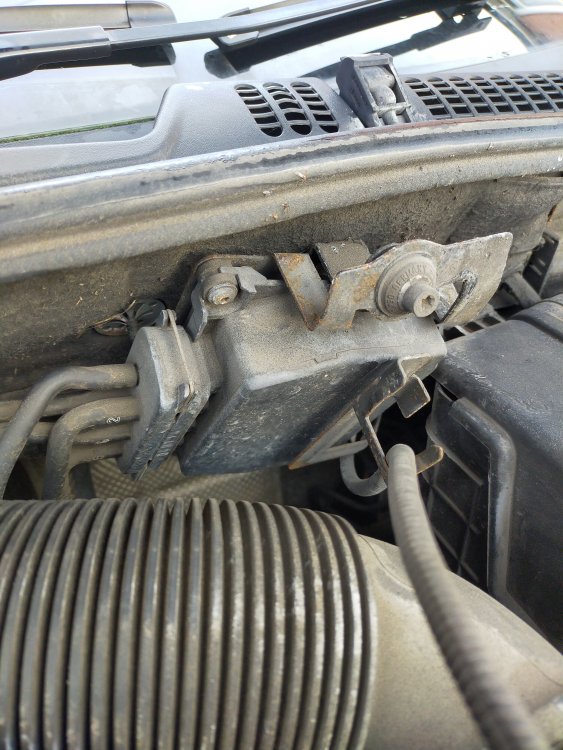
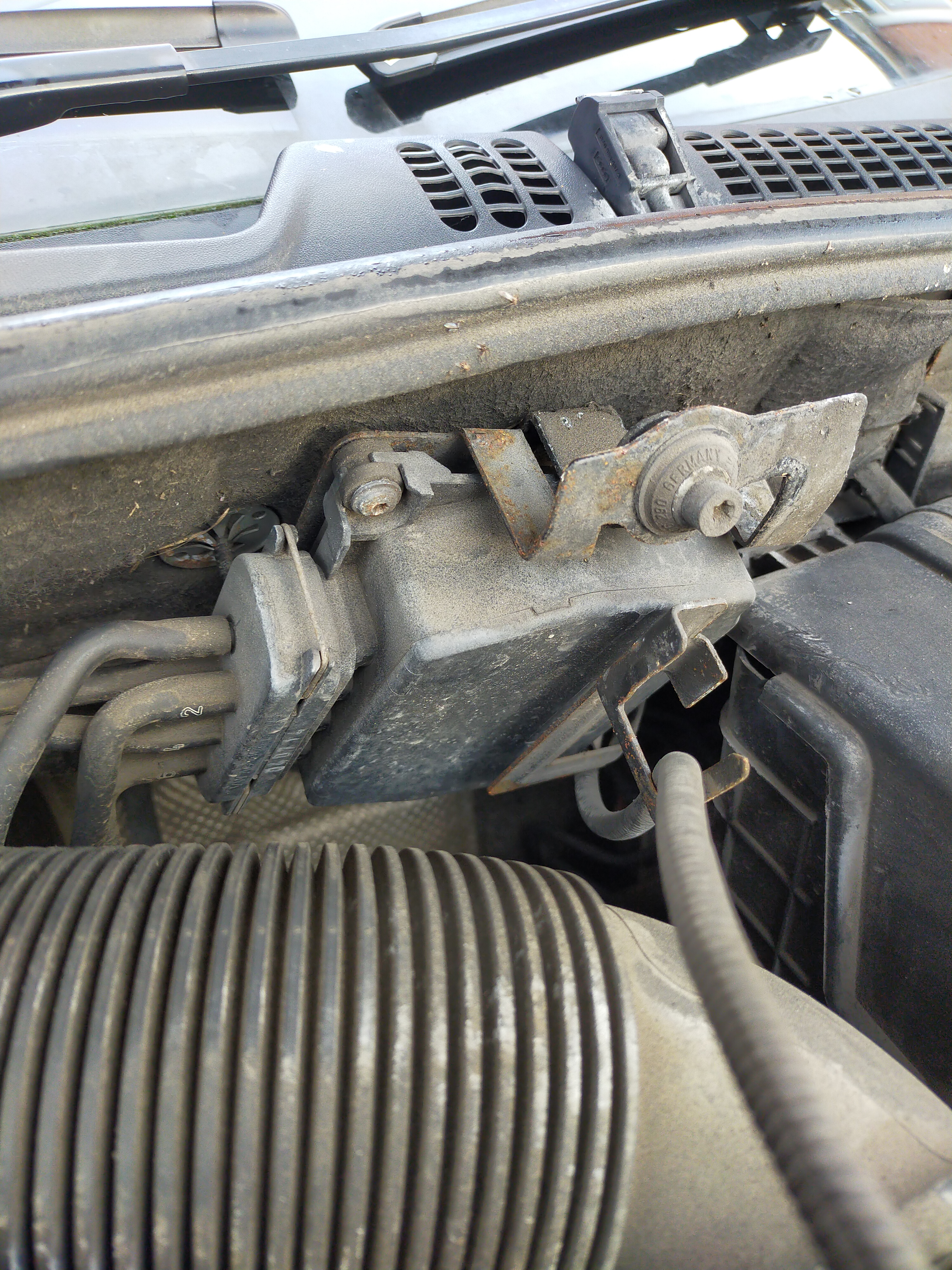
In the past few months my Skoda Octavia 1.9 TDI PD engine on a 2007 reg has developed a buzzing from this unit after turning off the car ignition, what is it? is it on its way out? It tends to buzz for between 1 min & 4 mins, just concerned it will run the battery down, any advice is greatly appreciated.