Jaimeet
Finding my way
-
Joined
-
Last visited
Everything posted by Jaimeet
-
@KaraS3Do I need to remove the rear seat to access the speaker?
-
@BuociusHow did you solve this issue? I am facing the same problem.
-
@payc They are available on Aliexpress but unfortunately I haven't been able to find a seller that would ship to my country.
-
Hello, Can someone mail me the last Update for the following system. Device part number : 5Q0035840A Hardware : H25 Software : 0245 Media Codec: 2101.0.0.10 Model: Skoda Superb Mk III (2016) Thank you for your help.
-
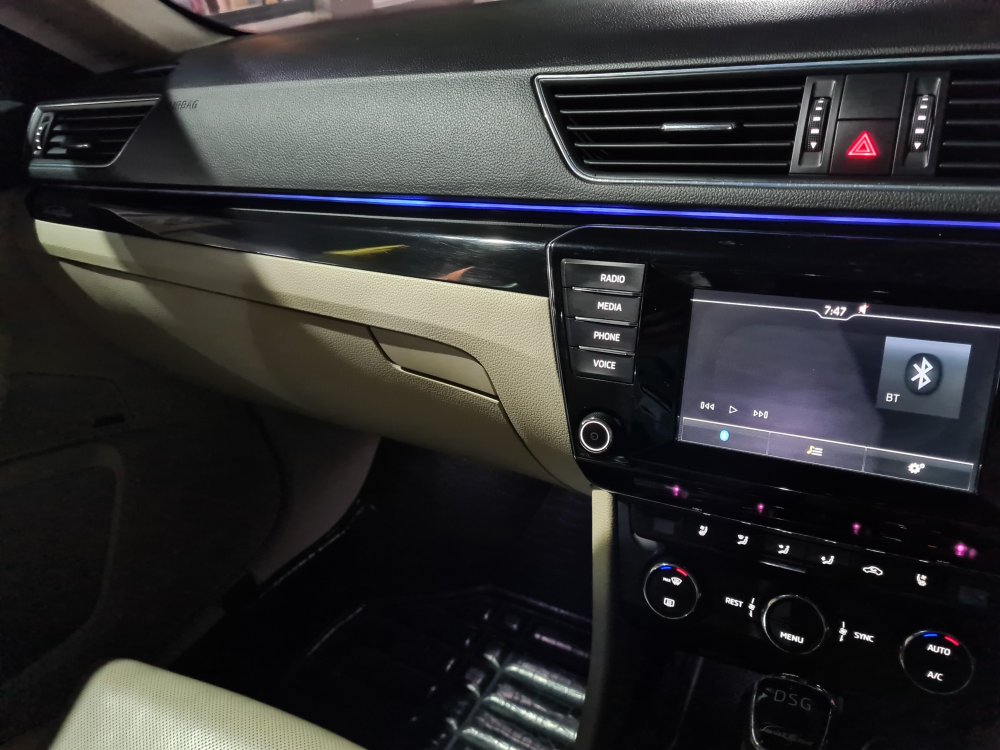
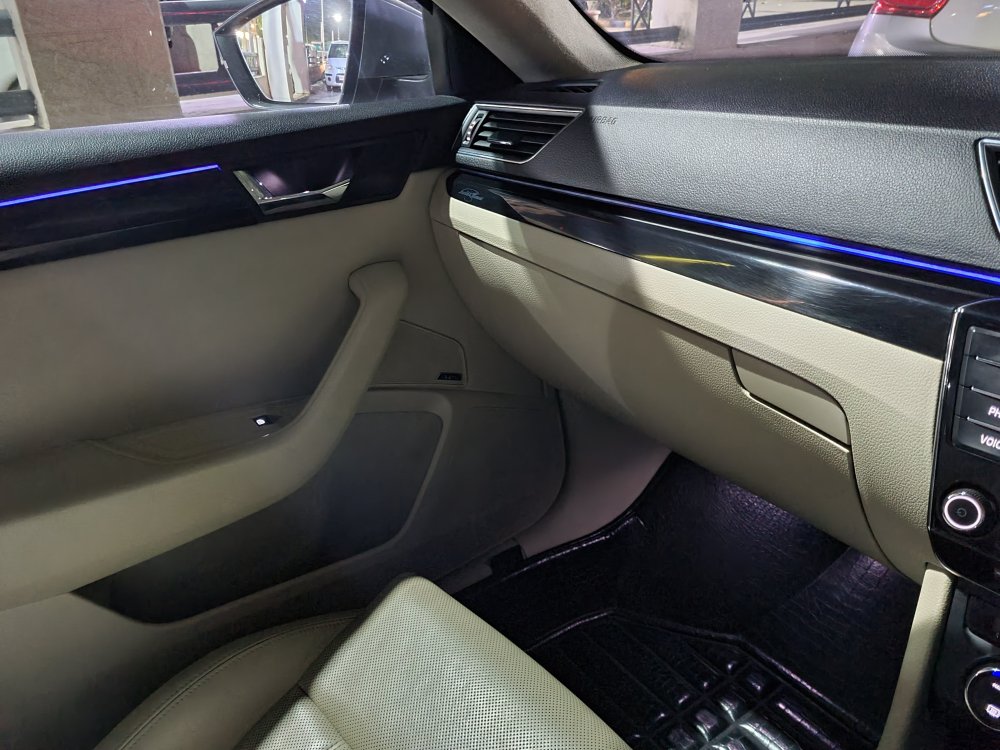
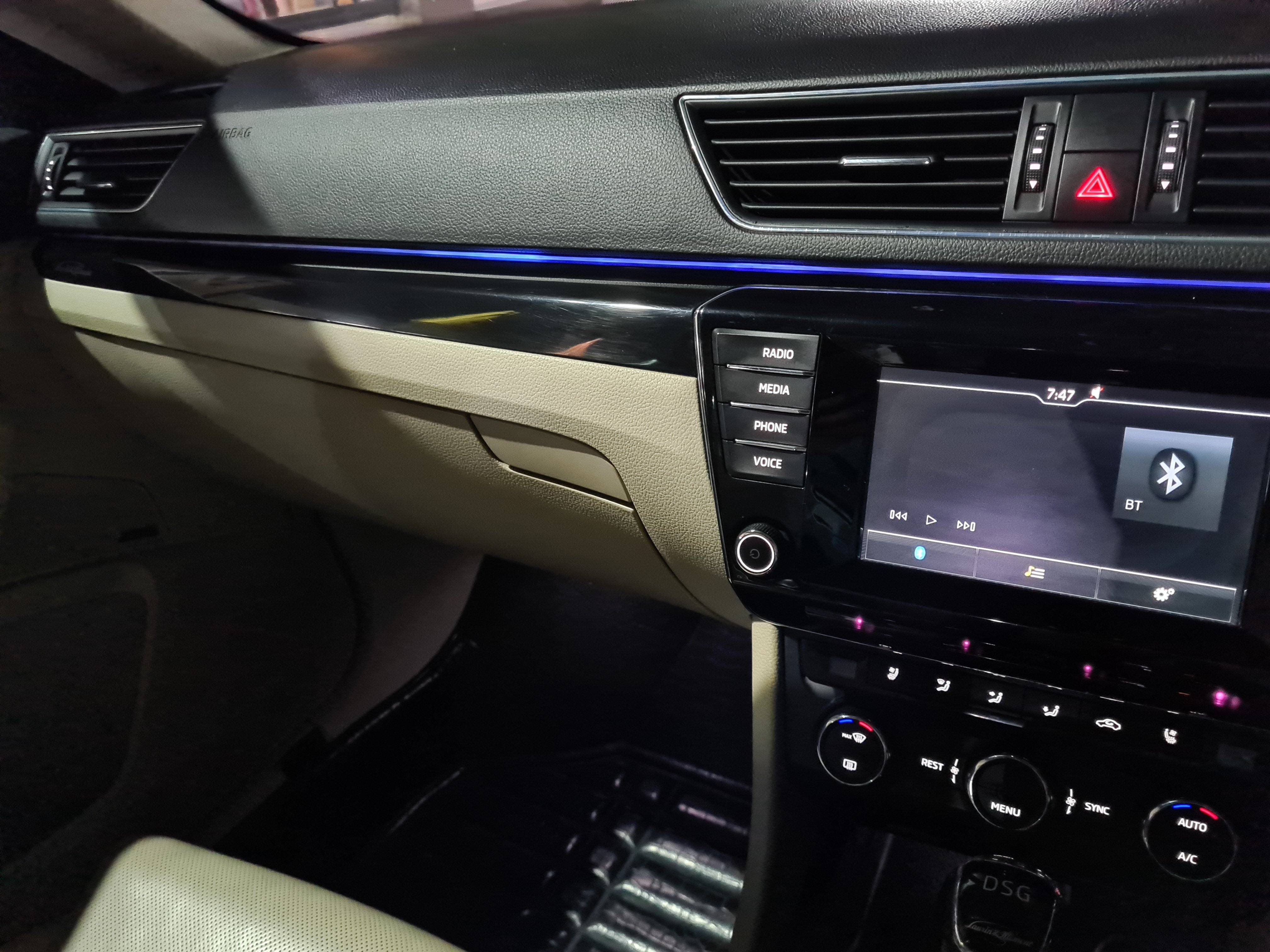
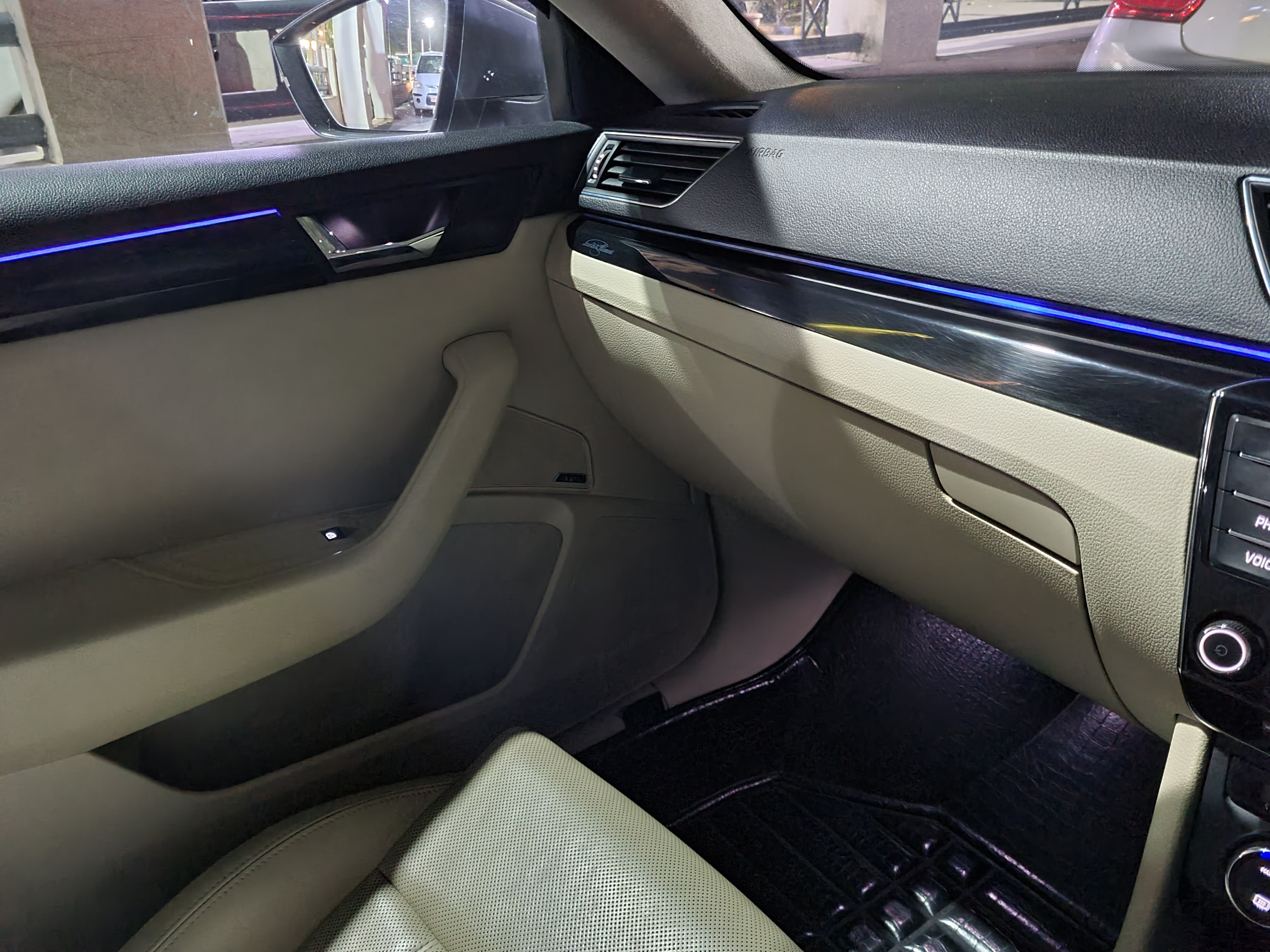
So I was able to take the whole trim apart from the dash board and I found that there are only 2 leds lighting the whole panel with the help of 2 clear acrylic rod of 3mm thickness. The rod on the left side of the dash has developed minor cracks in it which is why the light doesn't travel till the end of the trim. I will try to look for some replacements rods.
-
I am going to try this tomorrow.
-
Around 15cm of the lighting strip, from the passenger side, won't light up in any color. It is kinda unlikely for a wire to be broken there since that trim panel has never been opened.
-
I own a used Superb Mk III 2016, which comes with ambient lighting package, but one issue I have always had is that the ambient lighting doesn't light up on the passenger side. Now, I went to the stealership and they quoted me around $700 for a replacement (for a whole set of 5), which I think is a bit too much for this since other lights are working fine. Is there any workaround? Has anyone gone though something similar?