Maffa
Finding my way
-
Joined
-
Last visited
Everything posted by Maffa
-
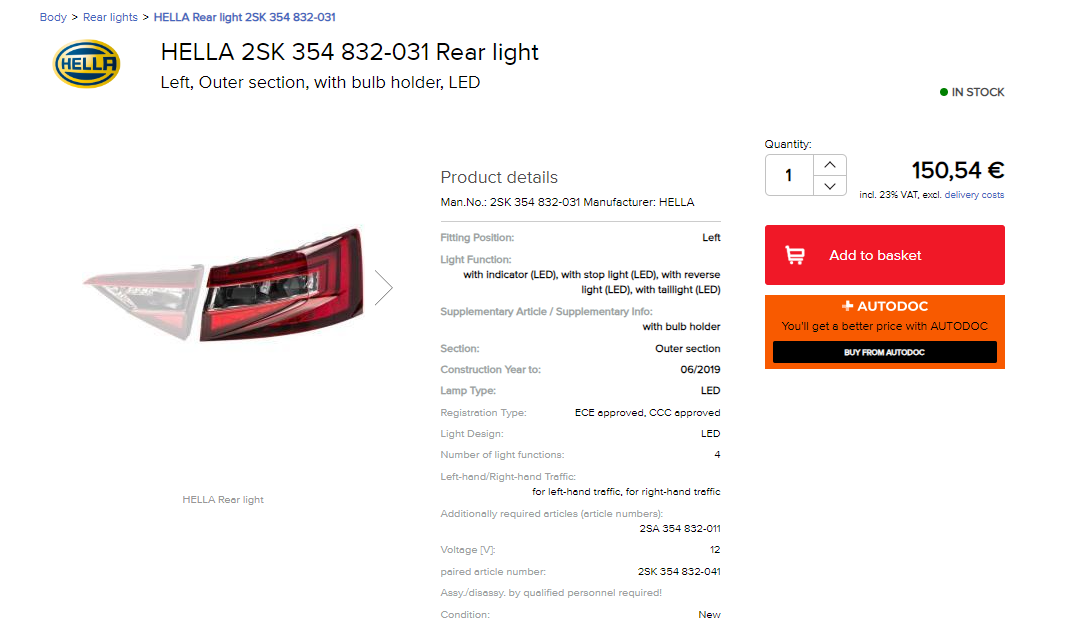
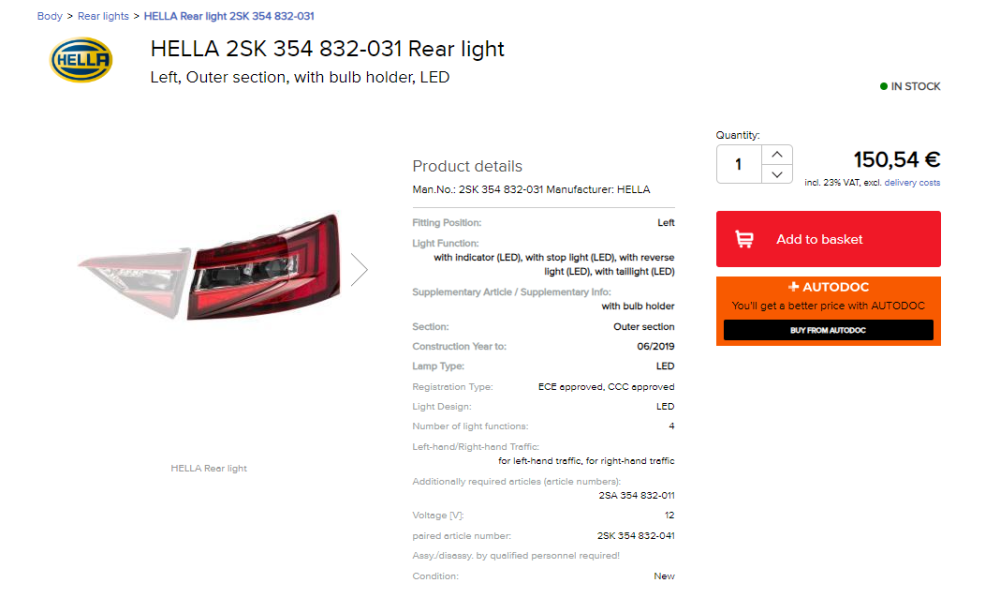
Much appreciated, looks like I need it with Bulb holder 👍

-
Thanks ApertureS Its EO16XNG
-
Had a small accident over Christmas and managed to smash in the left outer rear light cluster. All bulbs still work but need the unit replaced as the outer plastic casing is in pieces. There seems to be 2 options when purchasing a replacement, 1 with bulb holder and one without. Unsure which ones I need tbh, can anyone offer some advice. It seems to be a simple process to replace, uncover the 3 screws, undo and pull towards the rear. Unscrew the bulbs and replace unit. Is this all that is required? Thanks Matt
-
Thanks for the reply Nick, I've disconnected the battery now for a couple of minutes and taken it for a drive. Unfortunately no change in the infotainment. Still no Satnav, or music available from the SD card, and the radio wouldnt turn off again :( Think this might need booking in to Skoda
-
OK Guys, after some advice / technical know how / diagnosis etc Recently I've been having intermittent problems with the main entertainment unit in my 2016 Superb 220hp. Sometimes the Sat nav wont start, i get a message saying Satellite Navigation database is unavailable. I would think this would just be updating etc but at the same time, the music that I have loaded on to the media card is not found , and what is even more strange is that when I remove the keys from the ignition, the radio doesnt always turn off. I have to hold down the volume button for 10 secs to get it hard shut down but even when it reboots the radio sometimes still wont turn off. Yet strangely I can start the car occasionally and everything works fine. This has me flumoxed, all I can think of is disconnecting the battery and reconnecting but was wondering if there is a set way to do this without setting off alarms etc. I think Its the columbus unit with the physical buttons down each side of the screen, with Canton upgrade. All comments/help gratefully recieved