nakti
Finding my way
-
Joined
-
Last visited
Everything posted by nakti
-
Hi, Can you please check if there is a new version for Device Partnumber: 5Q0035864C Hardware: H41 Software: 0475 Thanks.
-
I think I got it if its 191972714
-
Does anyone know the male connector number as the female has harness plug 4D0 972 704
-
Woow thank you sooo much for this. Really thank you
-
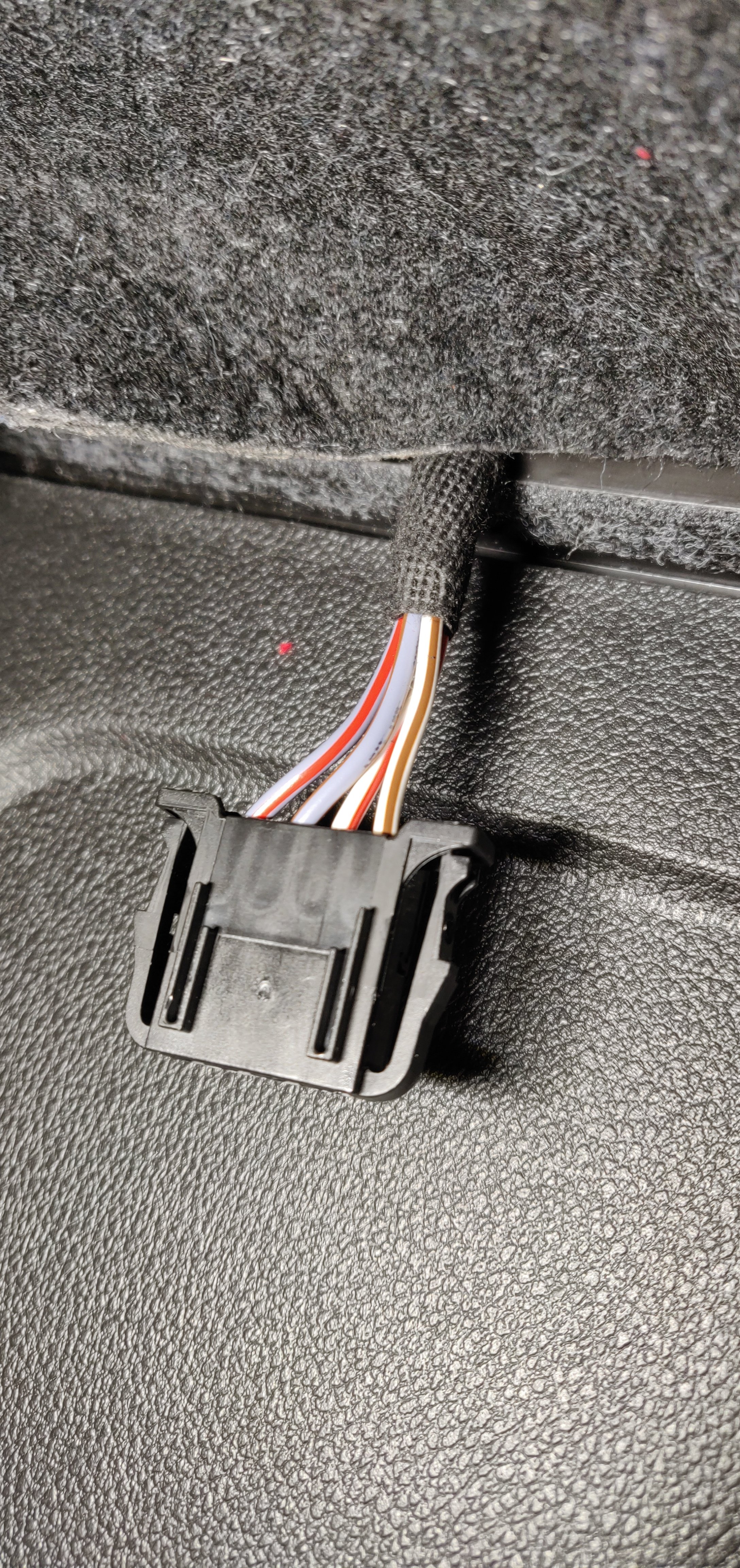
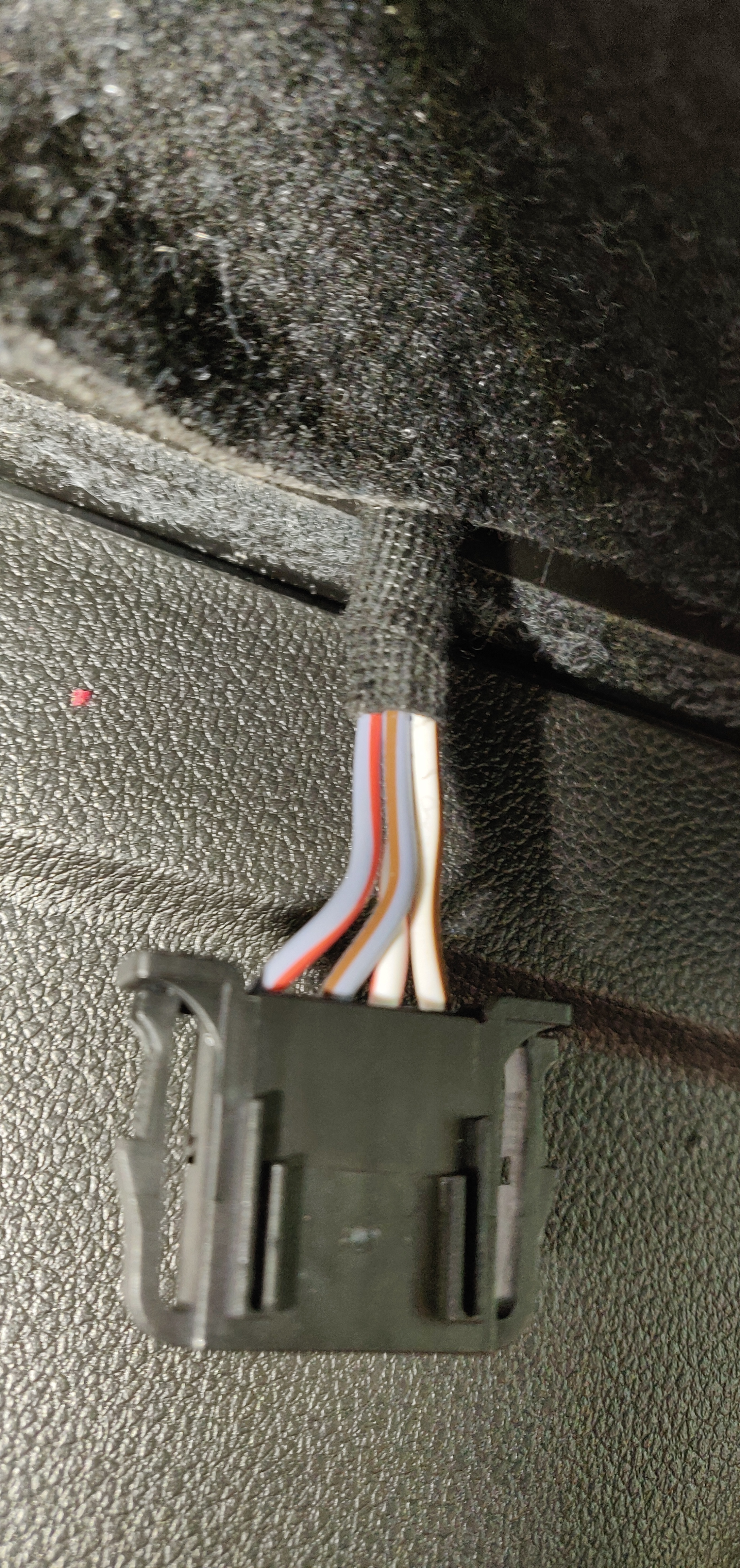
This is for canton sub. How do I know which of the cables are plus or minus? I haven't disconnected the spelar itself so I cant see plus or minus
-
Anyone have any manual on how to remove the side trunk boot or know and have some pictures? Octavia 3 2019
-
Yeah wondered same thing but got answer regarding LC2i Pro with the woofer wires as I answered on my thread.
-
Stuck on how to open the canton subwoofer box from the right side in the trunk. Can anyone help?
-
Got answer from a Audiotech in Sweden and they told that it works perfectly with the stock subwoofers cables to the LC2i or Pro to a aftermarket amp to aftermarket sub
-
Oh, hmm thank you for your answer :) Need to check how it is from the stereo. As I have Stock amplifier. I saw a video on youtube who is showing connection but don't know if it is the same? https://youtu.be/pF0GoD7Sa3Y?t=416
-
If anyone can answer this instead: Can I use LC2i pro with the 4 cables from the current stock woofer in the trunk to a aftermarket amp? and how to connect then?
-
Hi, You have done it so nice! I just wondering if the original canton subwoofer can be replaced by another like GAS sub which are 6.5" with same canton wire ? Or do I need something else to get it work?
-
Or can I just change the woofer in the woofer box?
-
Found the cables to the original woofer. 1. Orange. 2. Yellow 3. Black 4. Green What is what and can I connect another active subwoofer with this cables?
-
Hi, just searched for this but didn't find what im looking for so I try with a new topic if it's okay. I have a Skoda Octavia 3 2019 with original canton system and subwoofer. Just wondering if I can disconnect the original subwoofer and connect another better subwoofer with same connection? Lika an active subwoofer or do I need to do something else?
-
Oh nice thanks for all the great answers
-
Oh thanks, I have tried several batteries now I have GP but will try duracell later after GP is off thanks :)
-
Hi, I'm sorry if this topic has been answered but I didn't find any. I have a Skoda Fabia 3 2019 and start the car with a pushbutton. Just wondering if its normal that the battery in the key working 3-5 month and then need to be replaced? Skoda here said that its normal because of the functions in the car? But I think something is wrong.