octadriver49
New here
-
Joined
-
Last visited
-
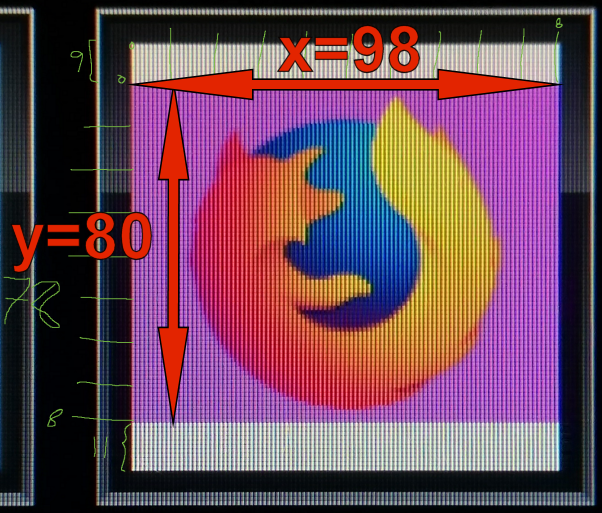
TLDR - For pixel perfect radio logo use png images at 98 x 80 pixels (Skoda Bolero/Amundsen). So I actually had to take a photo and count the actual pixels to make some custom radio logos that actually looked nice. I found that my unit need to have custom images at a resolution of 98 x 80 pixels for them not to be distorted (pixel perfect). I confirmed this with a test pastern 98x80 pixels that looked perfect. At 98x81 pixels the image would immediately be distorted. At 98x98 it is also distorted. You'd think it should work as the white field is actually square and 98x98 pixels. So for pixel perfect radio logos these are my findings: Width: max 98 (all 98 pixels can be used) Height: max 80 (even though it could have been 98 pixels) You can use images of any shape and form, but the screen won't scale these images correctly. In the manual max resolution is 500x500. I've tested with larger ones and they can be used, but will most likely be distorted.