A-G
New here
-
Joined
-
Last visited
-
It is a never-ending story, I really regret that i started with it in the first place... I hope it won't break my rest of 3 years warranty...bow i can't get into the adaptation menu, it is grayed out in vcds and not working with obd11 also... Any tips and tricks guys? I will be grateful for any assistance that will help me nail it and remove the errors... Thank you!! @pab567 @gerstemann
-
Thank you @gerstemann!
-
Thank you @pab567 for the file! I installed it and everything went smooth. I still don't know if it will fix the issues I had before, time will tell. But, there is another issue which apparently related to the update. I have a fault code B201A00 which is new and wasn't there before. I read on the net that there is a formula which I need to use to calculate a value that I need to code, but I can't find any usable information in the net. Do you maybe know the answer? Thank you! A-G
-
Thank you very much!!!
-
Hello @RomanB, could you please kindly share a new link? the mentioned link is broken. Thank you!!
-
Hello @pab567, After searching the web for hours, reading every piece of relevant information and trying enormous amount of URLs, I think that I got to the understanding that maybe you can assist me with a link, and if you can't I will have to drive to the dealer. Could you please kindly take a look and share an opinion, tip, or a file? Thank you very much in advance. A-G
-
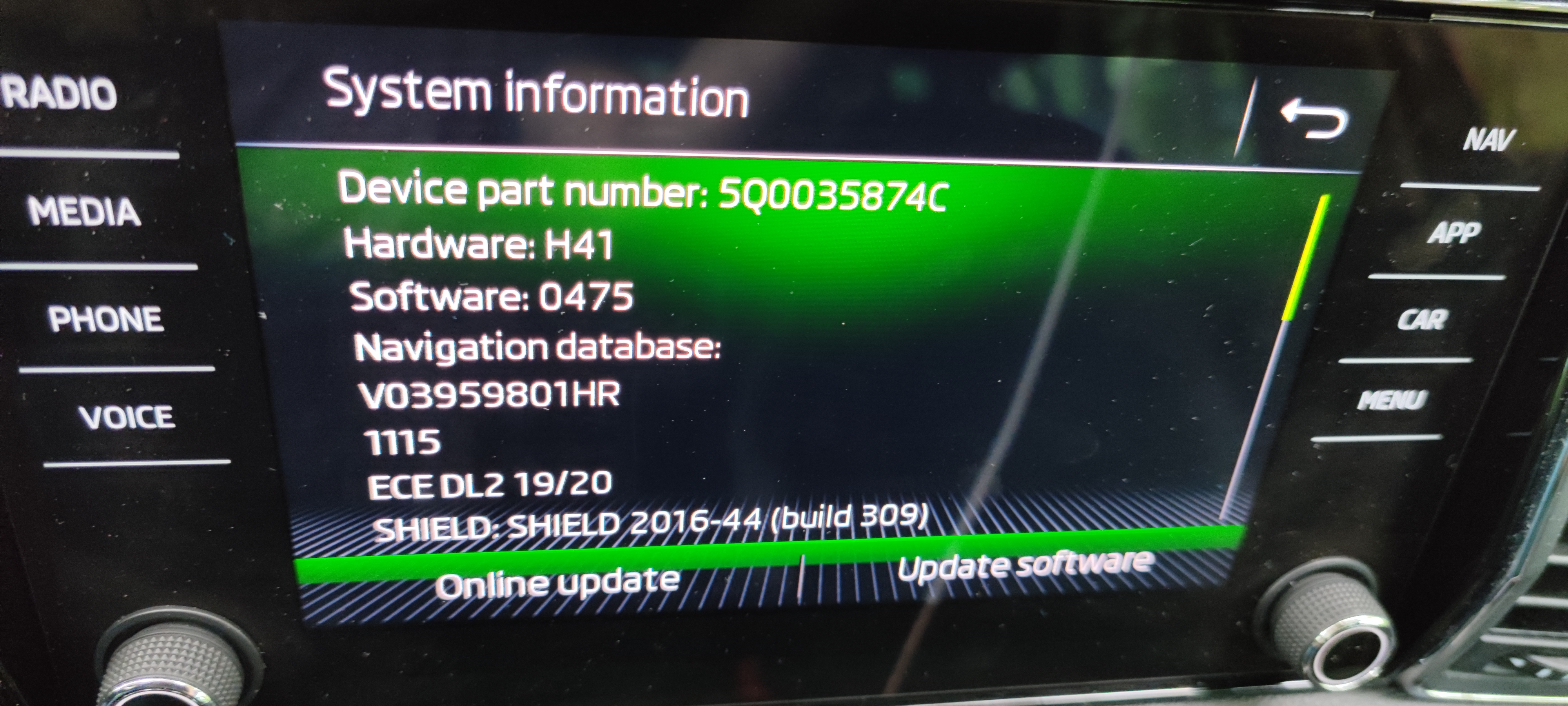
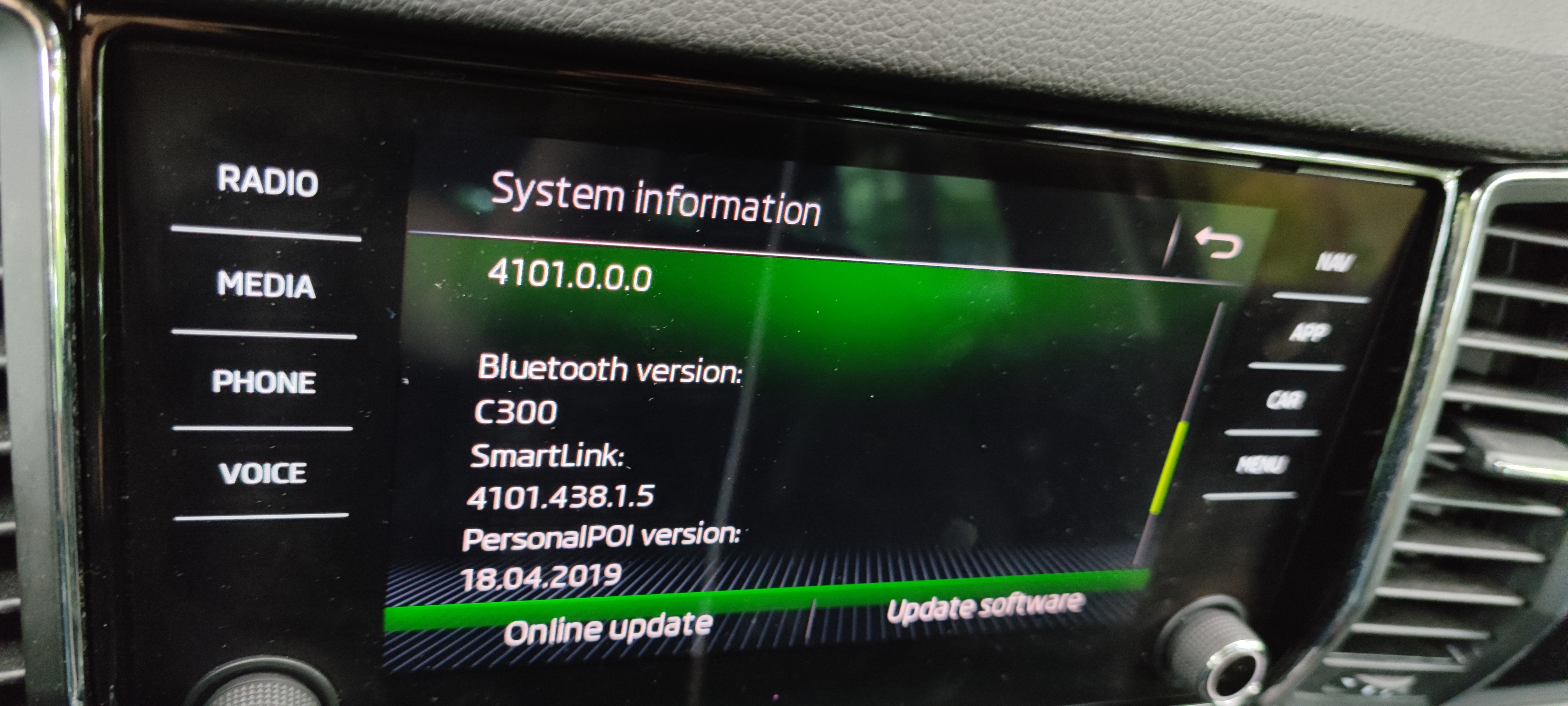
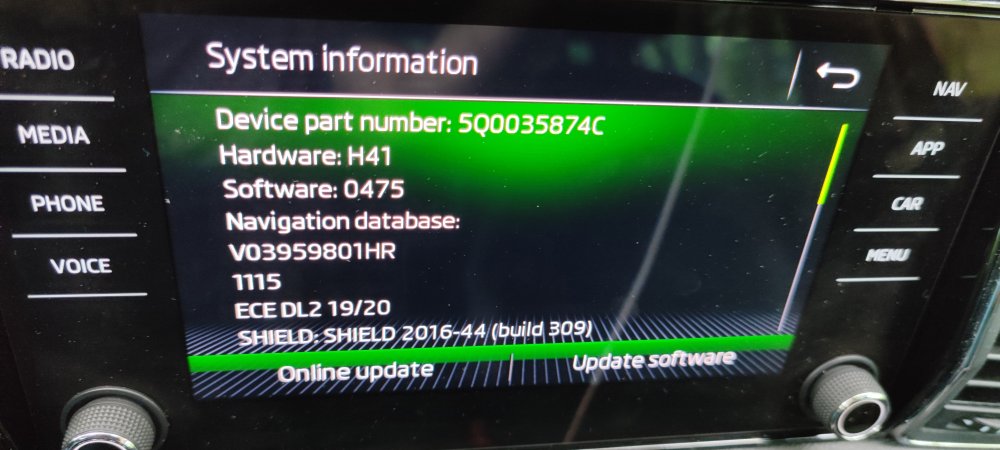
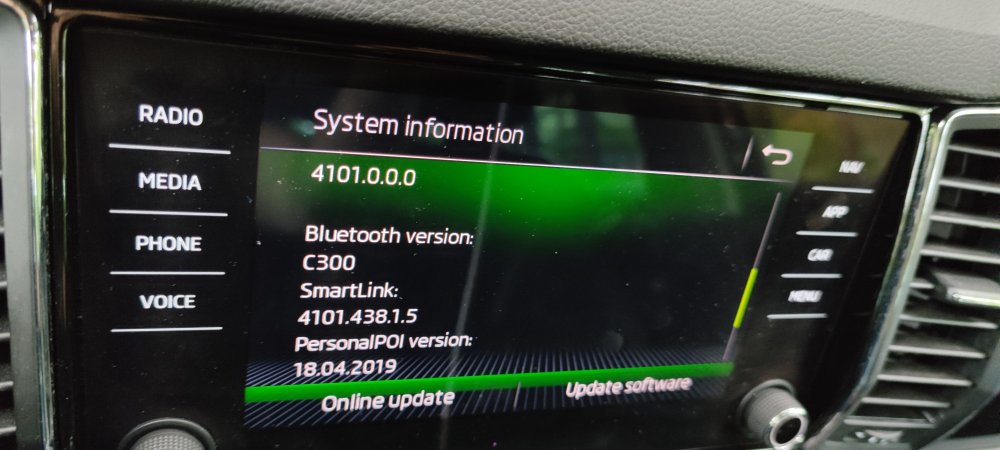
Hello, Good day. I am having problems with my Amundsen system, Bluetooth is not enabled from time to time and the system stucks. Does someone maybe know where I can find a firmware file to update? Thanks!!!