Deijkers
Finding my way
-
Joined
-
Last visited
Everything posted by Deijkers
-
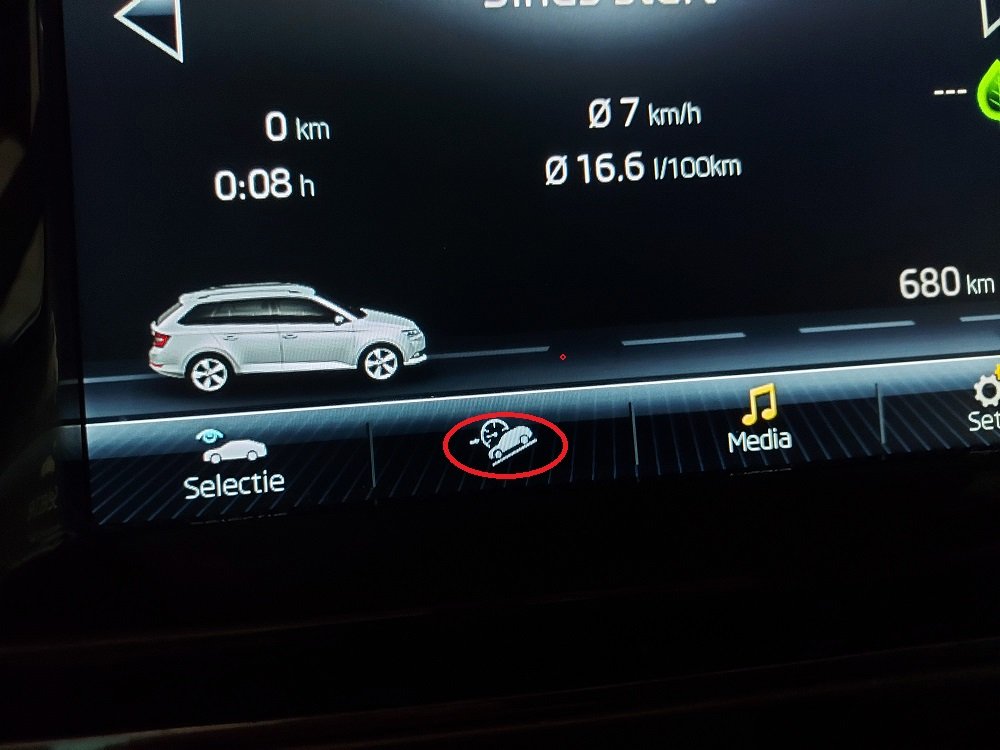
Hello, I have a retrofit Amundsen in my Skoda Fabia 2018. First there was an Amundsen without dab in this car. I changed this unit for an Amundsen with dab. It is working, that is not the problem. This Amundsen was before fitted in Skoda with 4w drive , with HDC function. Now fitted in my Fabia , i want to disable/remove that HDC menu/icon in display from Amundsen. I have made picture from it. It's that menu icon in the red circle. Hope someone can explain me how to disable this. I have vcds and vcp .
-
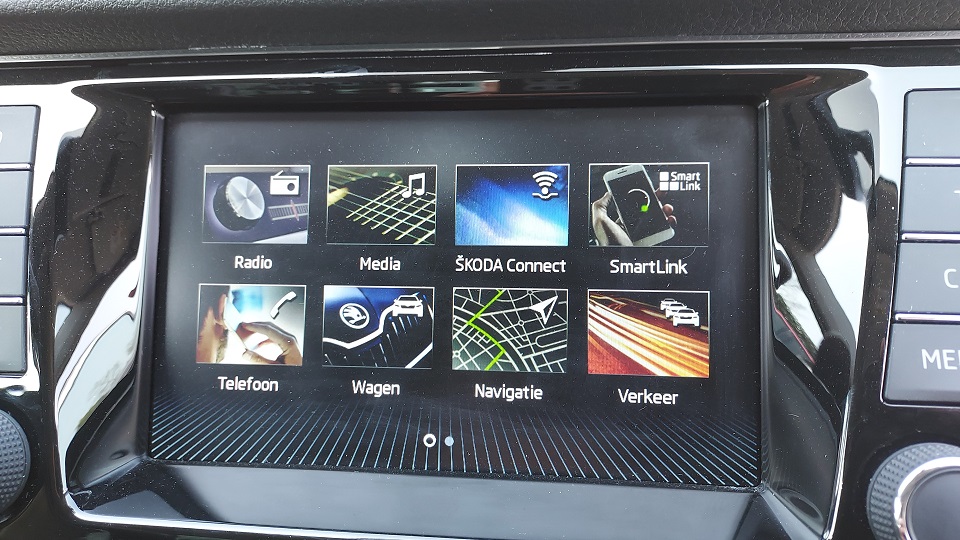
This nice menu is in 0478T now thanks @pab567
-
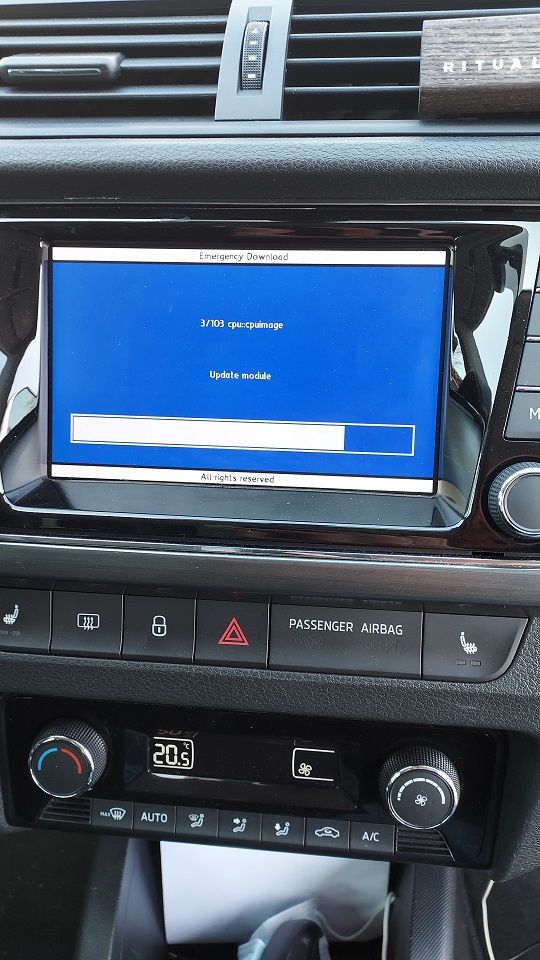
Unit is working again, thanks to @pab567 @FrankNicklin i made a more stable bridge/testpoint connection to board / unit, i soldered 2 wires with a pushbutton. So i got into emergeny-mode. First on my latop it shows that menu treu putty, Next was bleu update screen on display in car . Now it's on 0478T
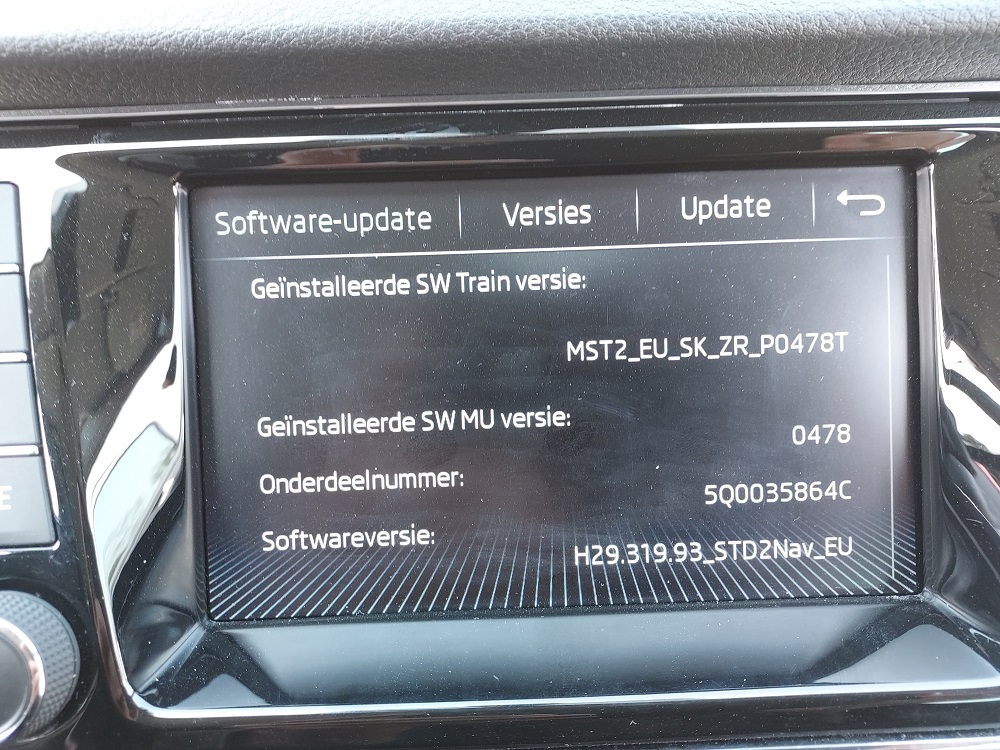
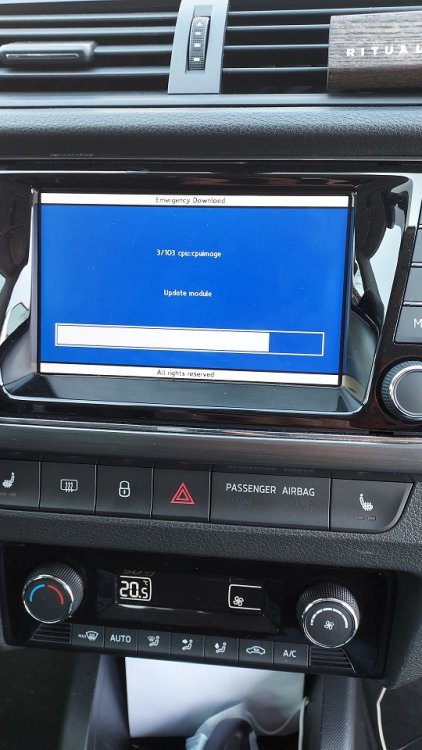
-
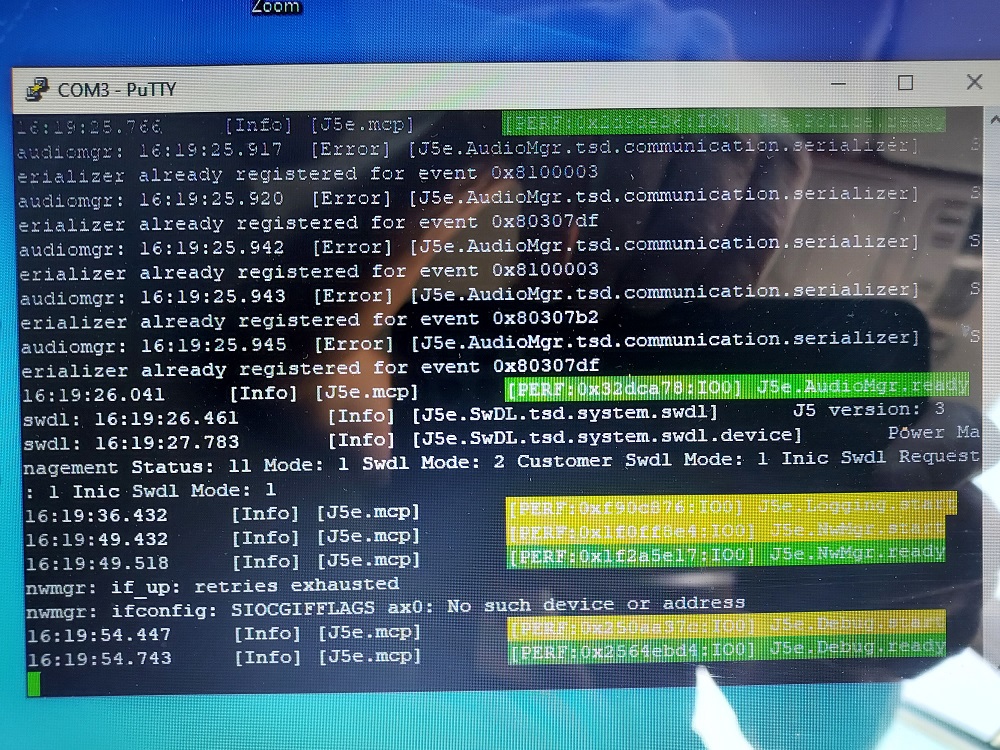
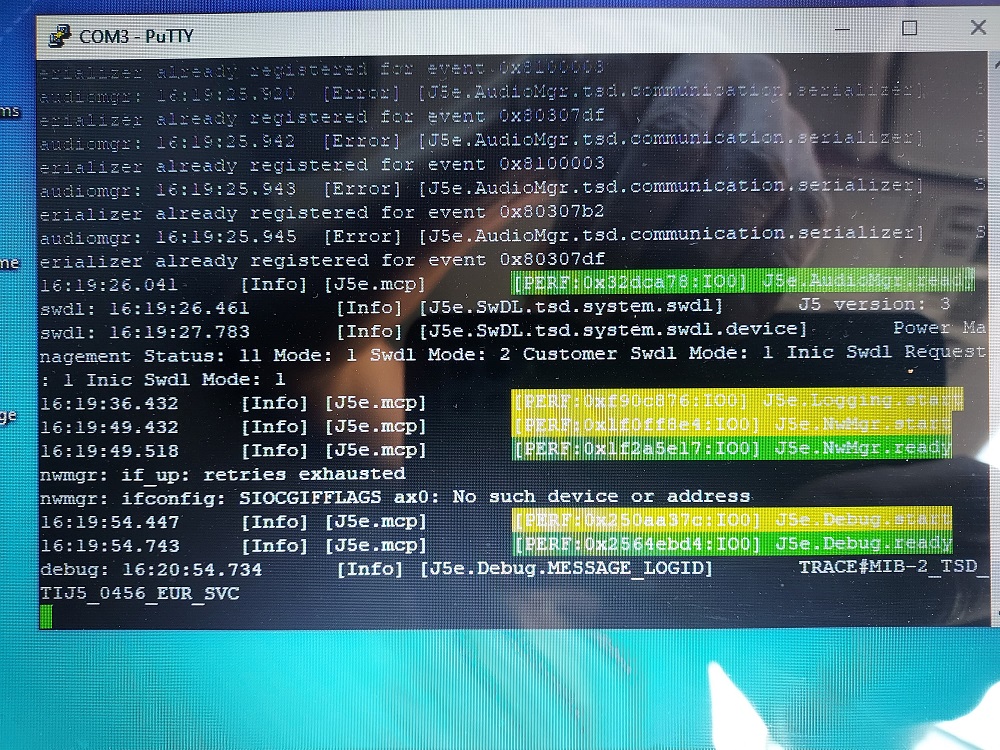
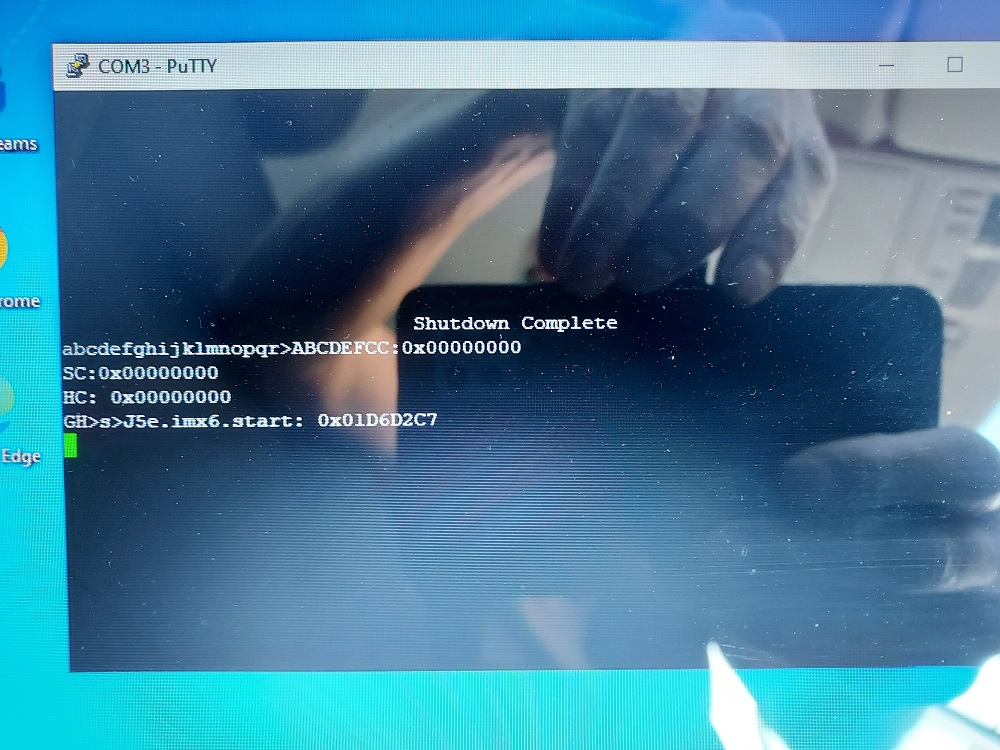
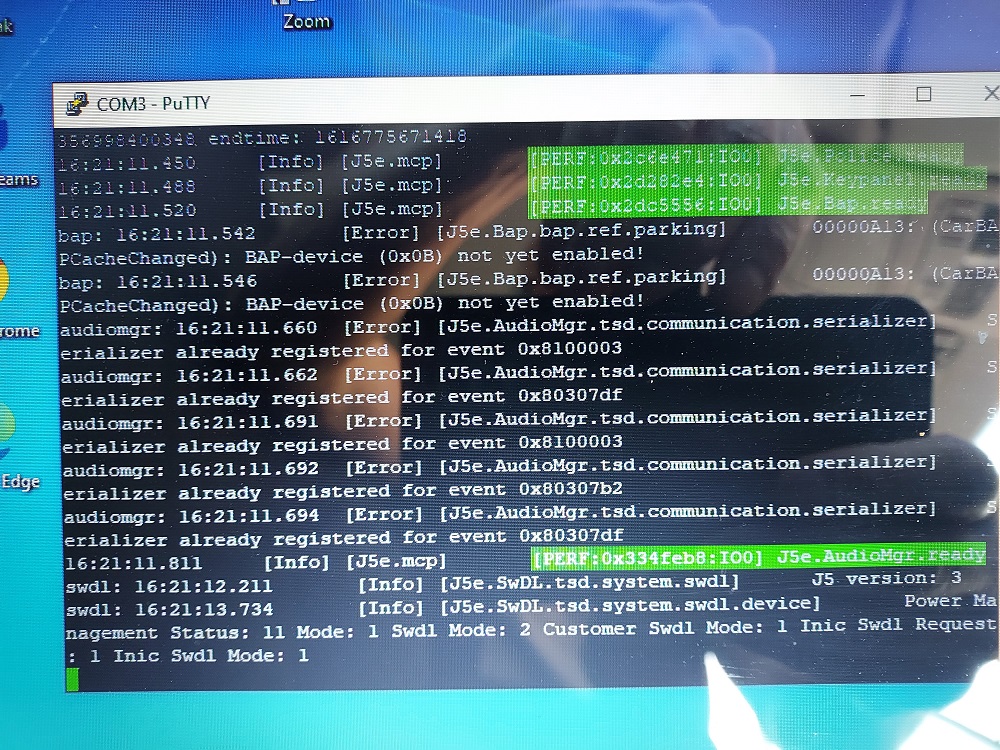
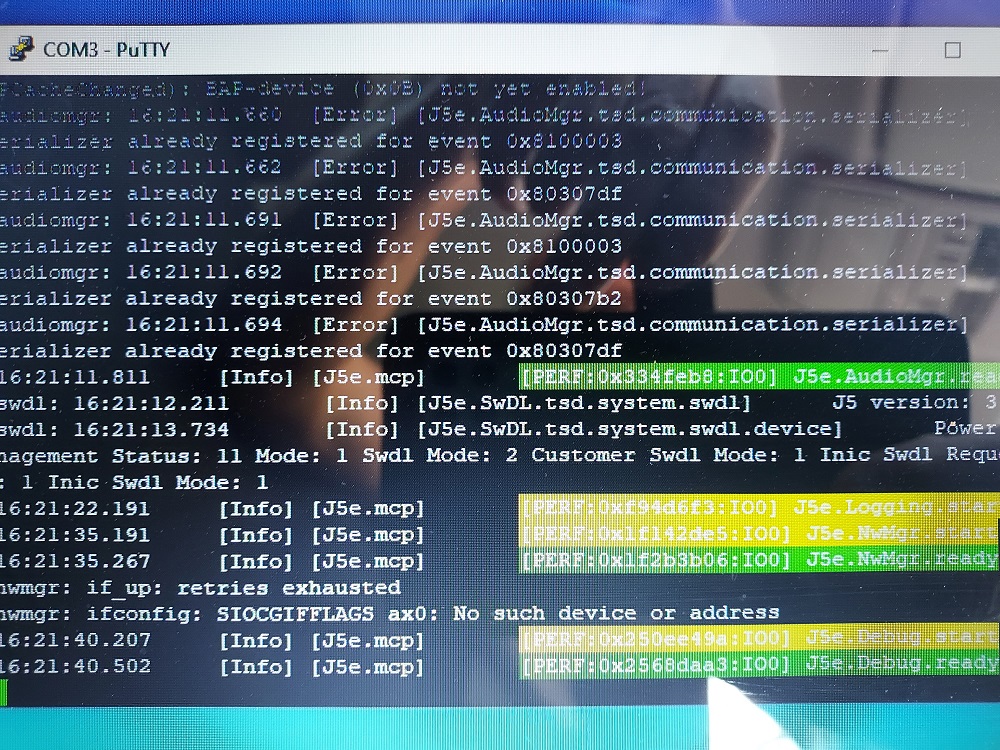
I connect putty uart/usb With tx rx and gnd to unit block D from quadblok pins 11 and 12 tx rx Display in car shows startup logo , "hanging"
-
@pab567 Some screenshots, hope you can see whats happening
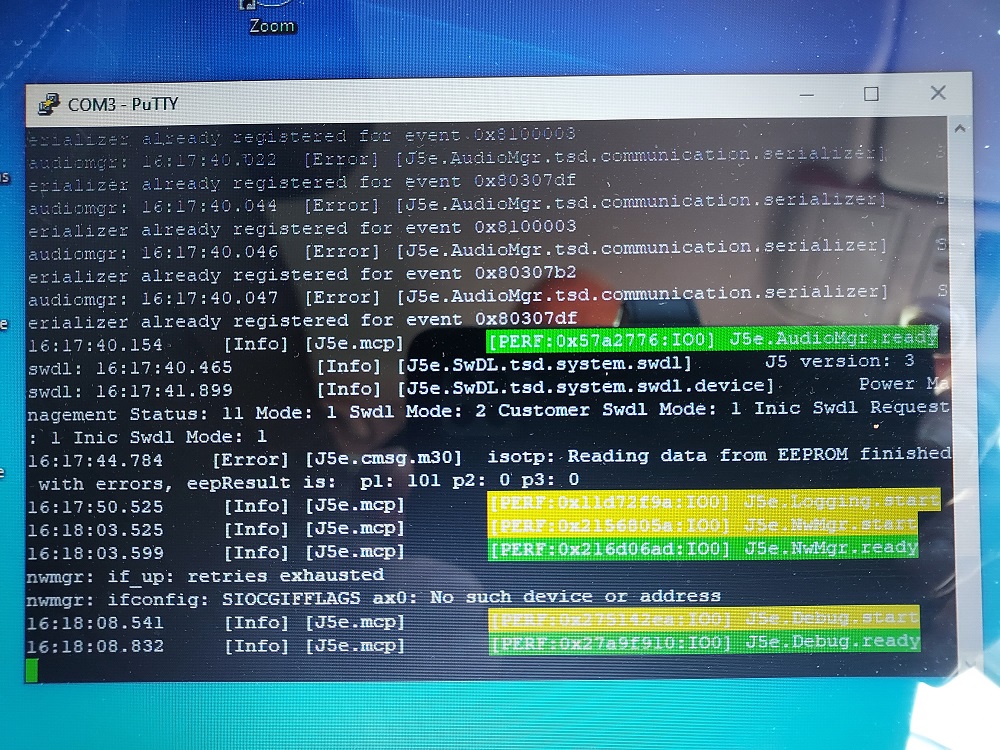
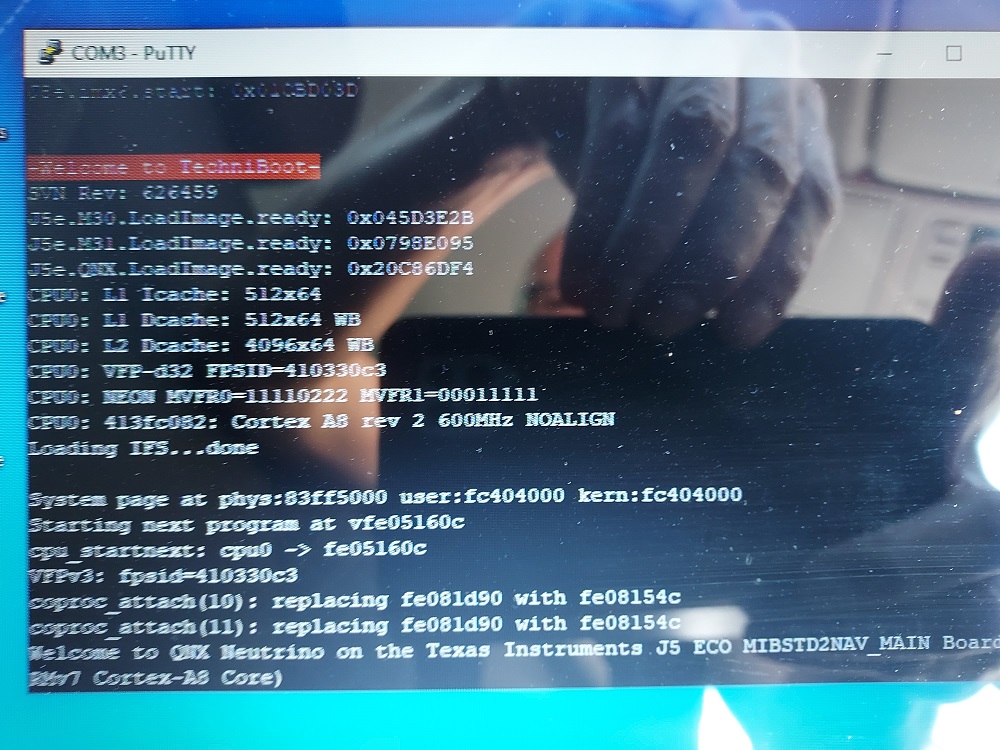
-
goodmorning, i make some screenshots today
-
@pab567 Sir do you have this full version for me, MST_EU_SK-ZR_P0456T we have one unit that is in bootloop , in emergency mode i tried to go to 0478T, that didn't work. thanks in regards, greetings
-
I stay in the Netherlands, Nice Forum. On this moment my car is a Fabia III wagon, from 10-2017. It's 1.0 tsi with DSG-7.
-
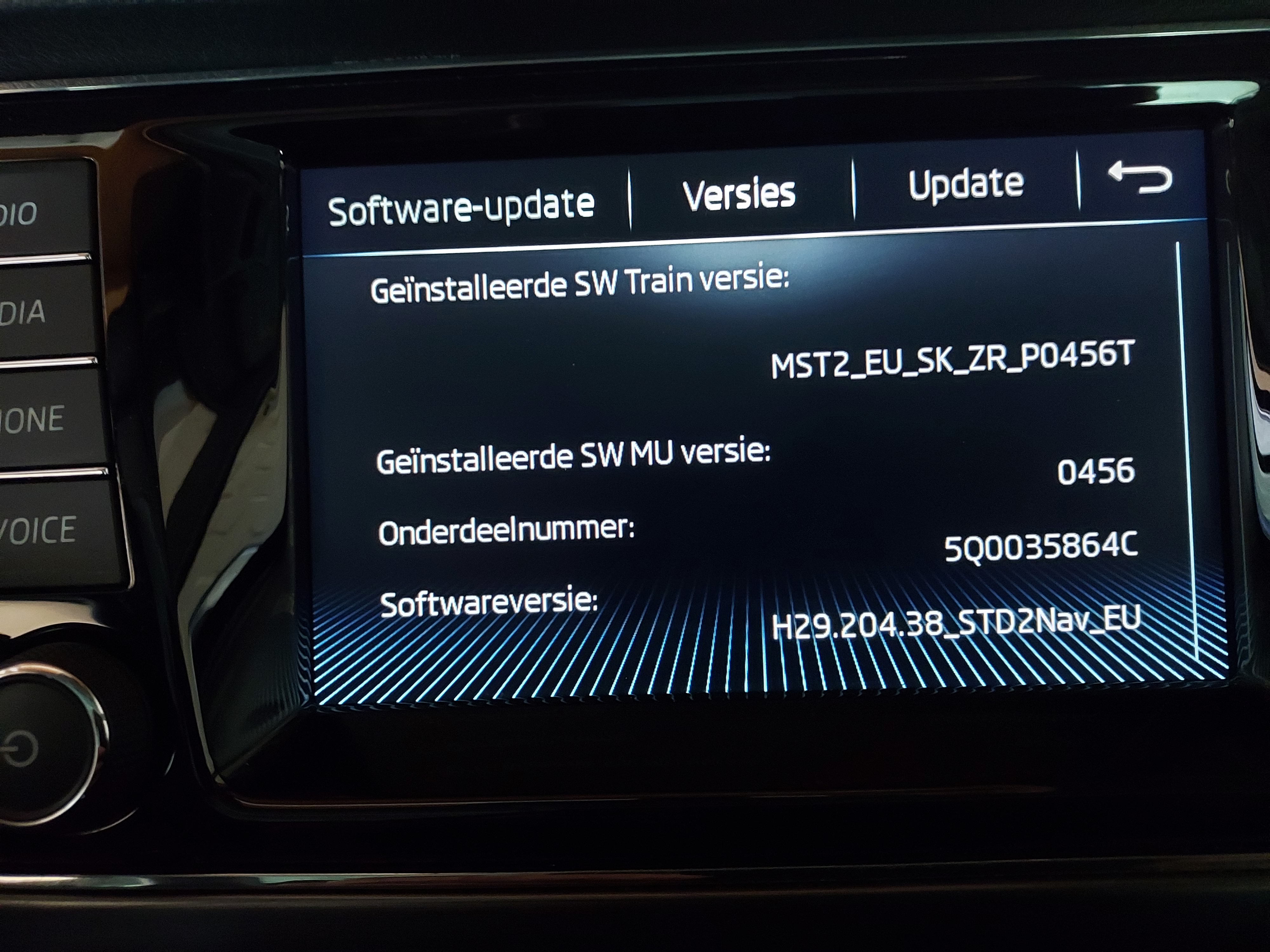
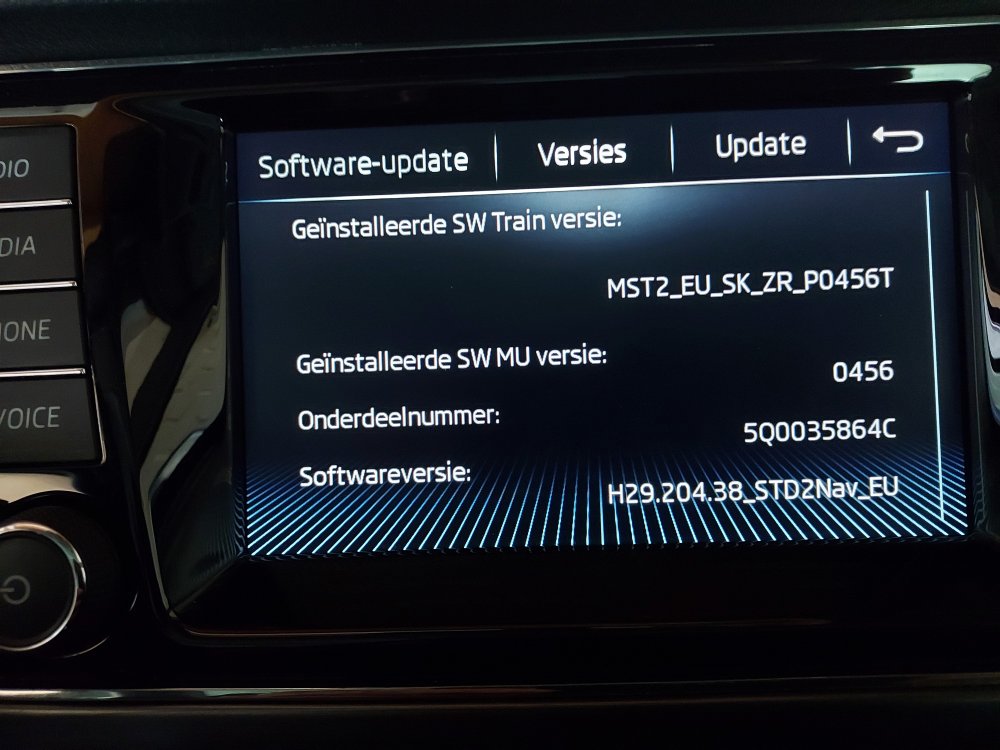
This is picture of menu/version from my Amundsen
-
I am looking for latest sw for Amundsen Technisat Preh 5Q0035864C , i have version MST2_EU_SK-ZR_P0456T H29.204.38_STD2Nav_EU Is version 0478T latest one ? Hope someone can help me with this