Skip to content

Sharki1984

Finding my way
  • Joined

  • Last visited

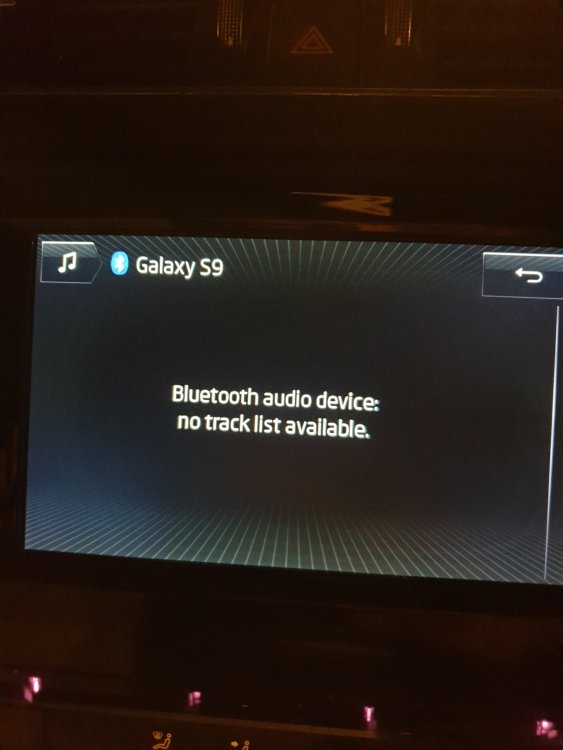
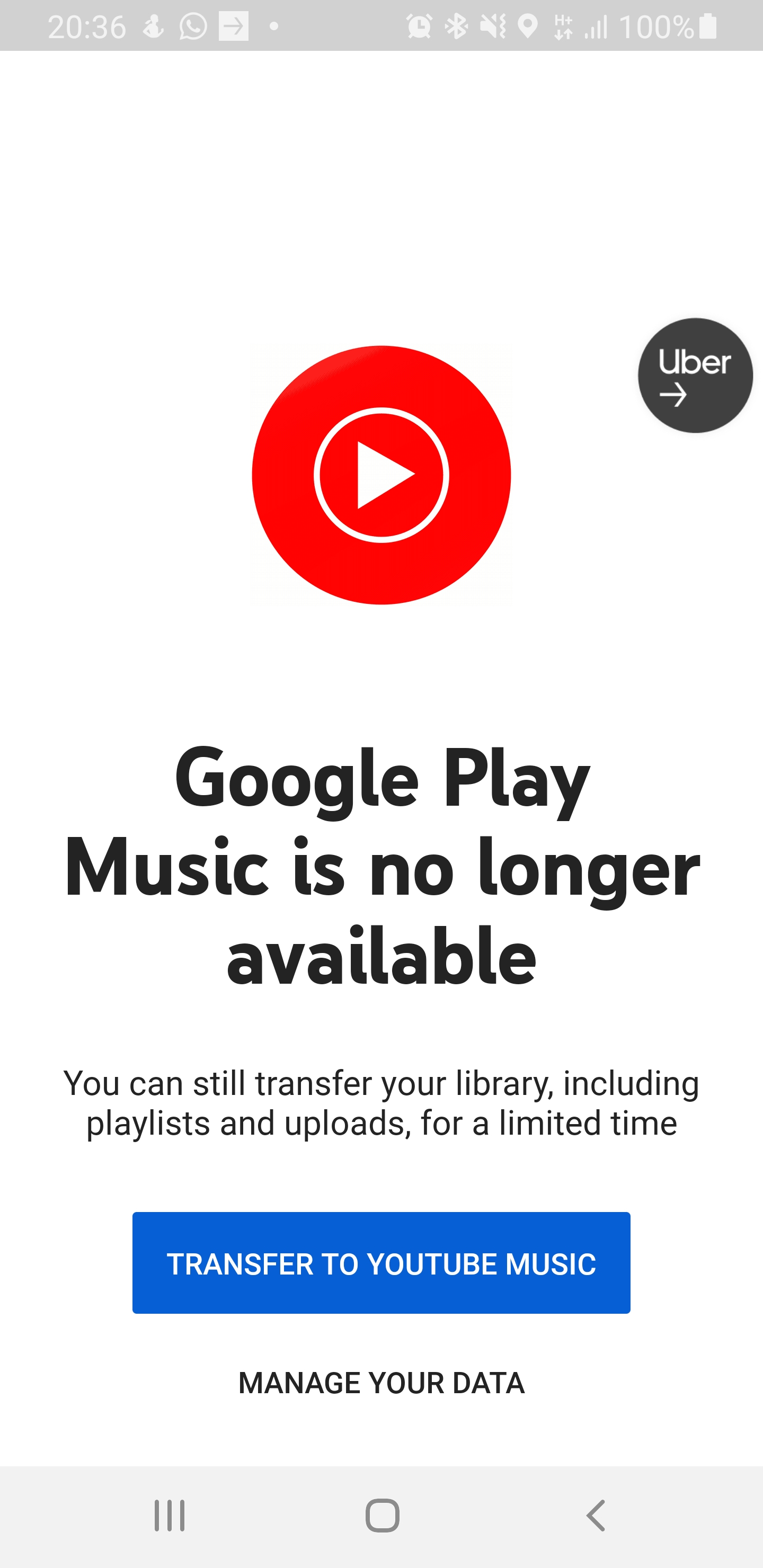
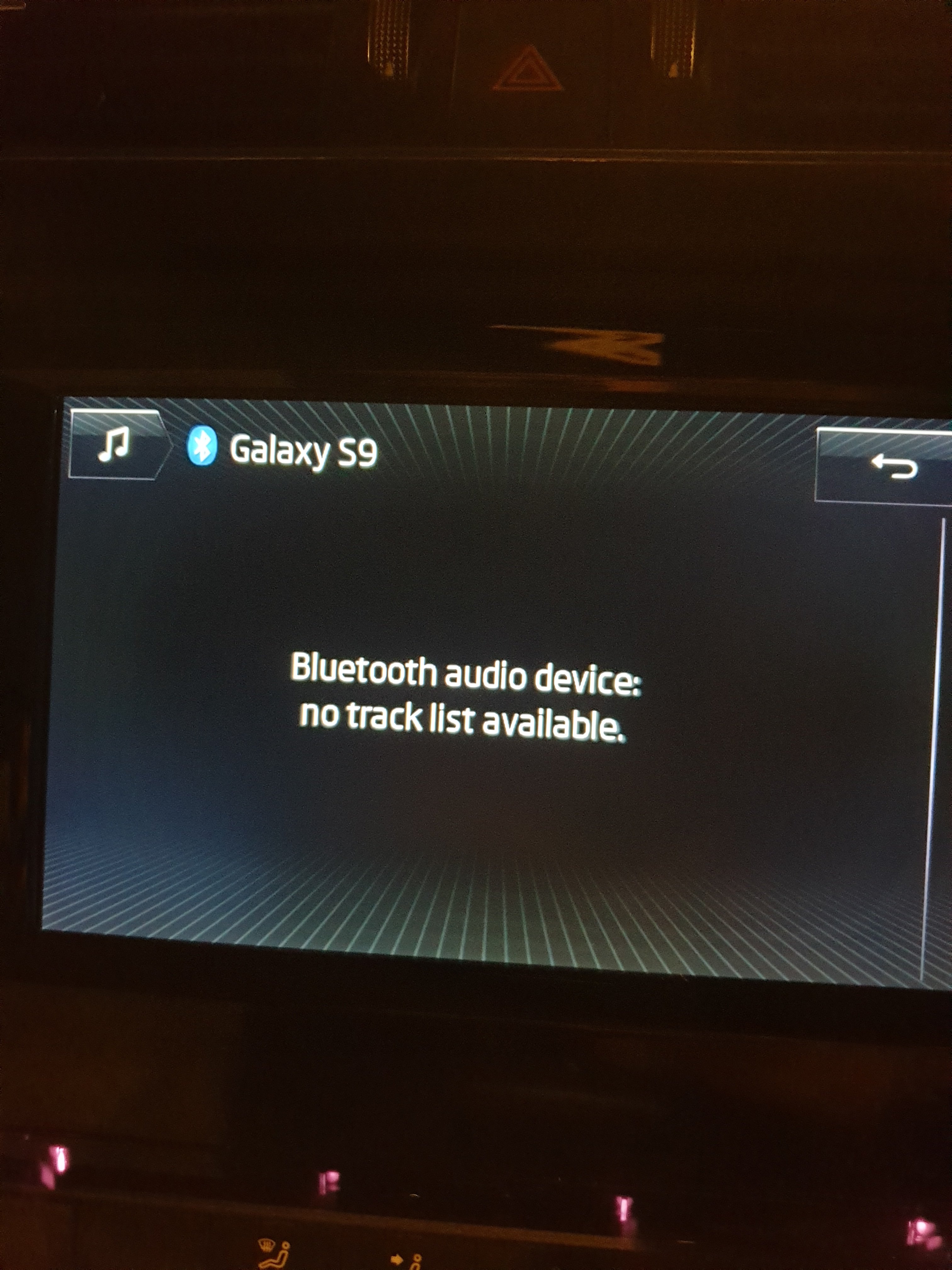
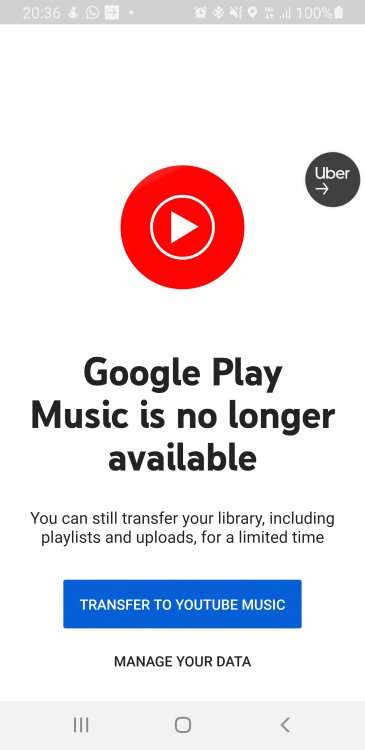
  1. Hi peeps. Need some info about playing music via bluetooth on my octy 2017 amundsen. It used to play fine with my s9 samsung. I had a play list. Well basicaly all the music on my phone would show up on my screen when in bluetooth. Since google got rid of google music play a few days ago, i cant seem to find my play list. The music plays fine when i manualy open the songs on my phone but i no longer see the play list now which means that if i wana change tracks i have to manualy change on my phone. What apps r u gius using since google play has gone?
  2. So just thought id update this post. Well all connected up and coded in. I didnt have to hold the power on my headunit for 30 secs. All works realy good. The camera is sharp but not the best. But i aint complaining. Shame i cant upload any pica as i only have a max of 0.17mb to upload 😔
  3. ye easy as that. With these bulbs i had to cut the connector down and then file the front of the bulb glass down. Tight fit but well worth it
  4. Nice 1 mate just compressed em.
  5. Why is the pic size so small?? It says max total size 2.07mb wen i try to add pics...
  6. Yes maps on sd card. So no vim lol
  7. How can i tell which system i have? Im sure its amundsen
  8. Briliant videos man. Looks easy nuff. The hardest part was feeding the wire through the boot gromet... Thanks man. Sorted all the questions for me. Ima finish it off. I ordered the rvc adaptor https://www.ebay.co.uk/itm/Car-Rear-View-Camera-RVC-Audio-Stereo-Cable-Adapter-for-VW-Golf-VI-Jetta5-AC1331/362990388523?_trkparms=aid%3D111001%26algo%3DREC.SEED%26ao%3D1%26asc%3D225120%26meid%3D2897d9037e1143d4942b4a715d79ab62%26pid%3D100675%26rk%3D3%26rkt%3D15%26mehot%3Dnone%26sd%3D171641862721%26itm%3D362990388523%26pmt%3D1%26noa%3D1%26pg%3D2380057%26brand%3DUnbranded%2FGeneric&_trksid=p2380057.c100675.m4236&_trkparms=pageci%3Aec8333c9-cac9-11ea-a164-74dbd1807353|parentrq%3A6df944431730a16d364e2828fff5ce82|iid%3A1 so plug and play.
  9. No i wouldnt want to watch a video while i drive.... i think theres been a misunderatanding. I think im to blame as it does say VIM. Is there anyway that i can watch a video on my screen? As its a screen and iv seen on youtube a video playing on the screen.
  10. I have posted the link for the interior 501 they are very bright. I have another post about the boot leds too.
  11. hey guys and gals. Iv seen somewere that people have done this. Videos playing on their display unit. How did you do this? I have a 66 plate skoda. I have full access to VCDS. Much appreciated
  12. So the interior was boring and not bright. So i fitted some 501 leds. Mine takes 5x 501 LEDs. This is what i fitted https://www.ebay.co.uk/itm/4x-501-Projector-Led-Cree-Smd-Canbus-Super-Bright-White-Reflection-T10-W5w-Bulbs/382010095554?ssPageName=STRK%3AMEBIDX%3AIT&_trksid=p2060353.m2749.l2649 As normal. Realy bright. No pics yet will add more in later.
  13. so just fitted my LEDs in my boot. These are the complete unit. Well lets just say they WAAAAAYYYY brighter then the 501 bulbs. They came from china ordered on the 9th july and came today 22nd july. https://www.ebay.co.uk/itm/2x-White-LED-Courtesy-Light-Boot-Footwell-fit-for-Skoda-Octavia-MK3-5E-2012-2017/113725665196?ssPageName=STRK%3AMEBIDX%3AIT&_trksid=p2060353.m2749.l2649 Image does NO justice. Will late pics later tonight.
  14. Thanks man. Sorted all the questions for me. Ima finish it off. I ordered the rvc adaptor https://www.ebay.co.uk/itm/Car-Rear-View-Camera-RVC-Audio-Stereo-Cable-Adapter-for-VW-Golf-VI-Jetta5-AC1331/362990388523?_trkparms=aid%3D111001%26algo%3DREC.SEED%26ao%3D1%26asc%3D225120%26meid%3D2897d9037e1143d4942b4a715d79ab62%26pid%3D100675%26rk%3D3%26rkt%3D15%26mehot%3Dnone%26sd%3D171641862721%26itm%3D362990388523%26pmt%3D1%26noa%3D1%26pg%3D2380057%26brand%3DUnbranded%2FGeneric&_trksid=p2380057.c100675.m4236&_trkparms=pageci%3Aec8333c9-cac9-11ea-a164-74dbd1807353|parentrq%3A6df944431730a16d364e2828fff5ce82|iid%3A1 so plug and play.

Important Information

Welcome to BRISKODA. Please note the following important links Terms of Use. We have a comprehensive Privacy Policy. We have placed cookies on your device to help make this website better. You can adjust your cookie settings, otherwise we'll assume you're okay to continue.

Account

Navigation

Configure browser push notifications

Chrome (Android)
  1. Tap the lock icon next to the address bar.
  2. Tap Permissions → Notifications.
  3. Adjust your preference.
Chrome (Desktop)
  1. Click the padlock icon in the address bar.
  2. Select Site settings.
  3. Find Notifications and adjust your preference.