Snowglobe
Finding my way
-
Joined
-
Last visited
-
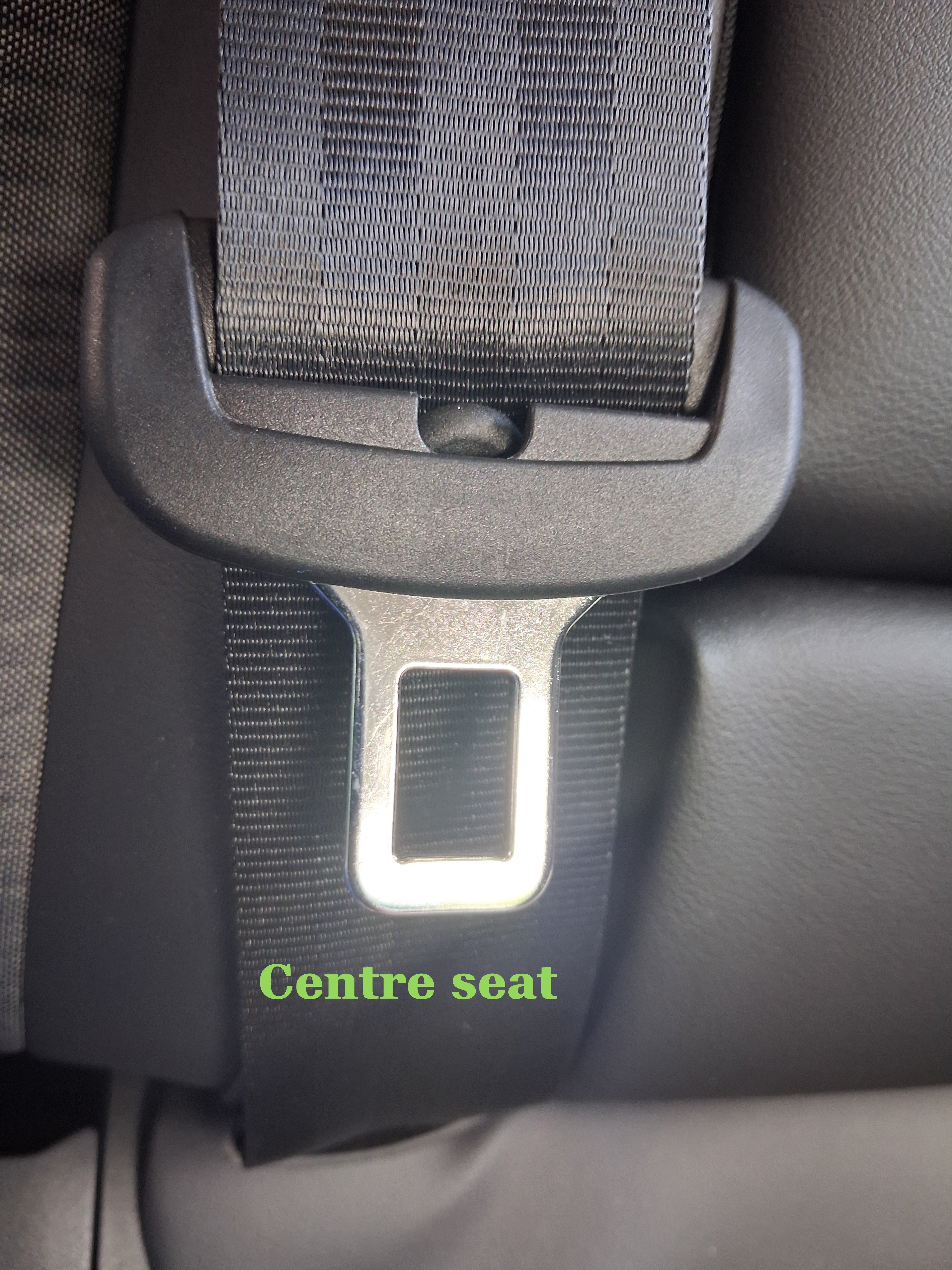
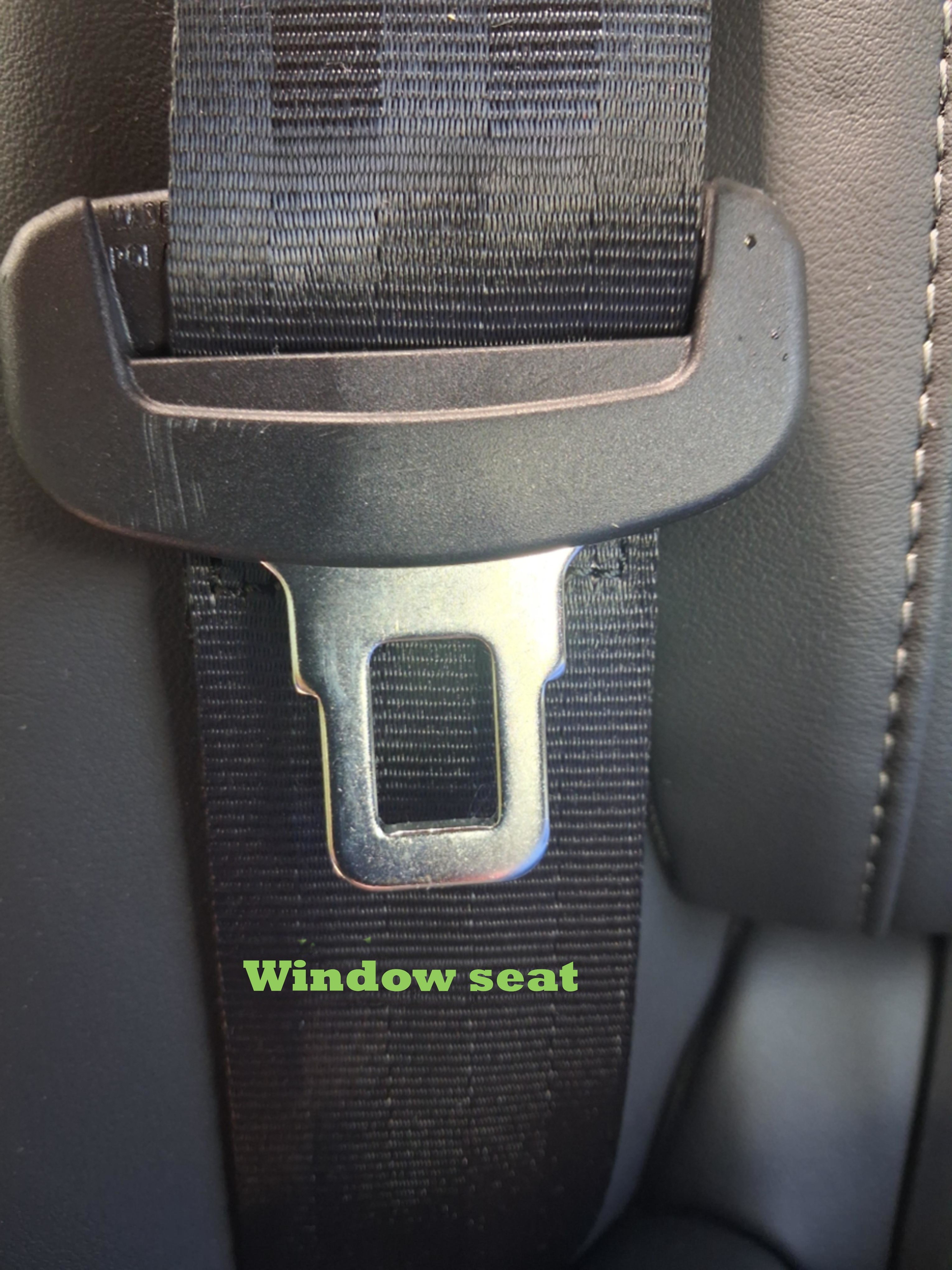
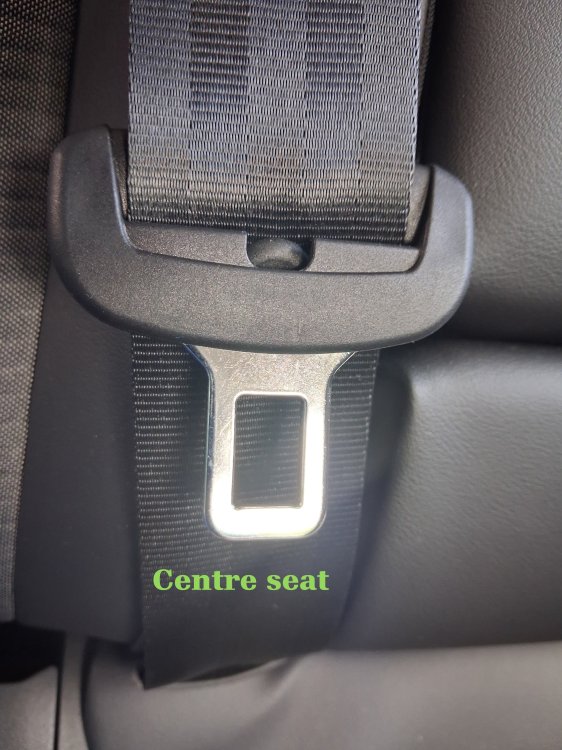
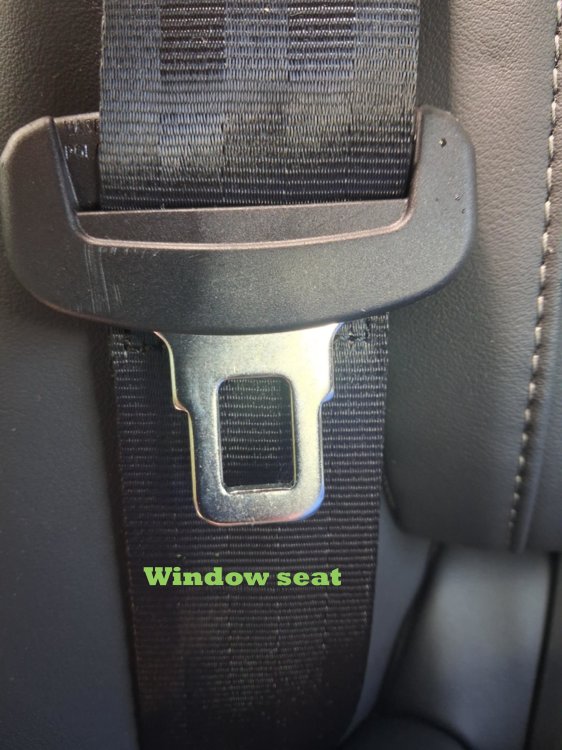
My wife needs an operation. On completion she will have to sit in the back seat with her legs across the seat so she can be comfortable on longer journeys. As she will be sort of the wrong way round she needs a bit of extra length to the seatbelt to get it fastened around her lower body and legs. I've looked for seatbelt extenders and so far All the seatbelt tongues don't seem to match the Skoda ones and just for fun the Skoda Enyaq has different shaped tongues on the window seats to the centre seat. For your enjoyment I have enclosed pictures of the seatbelt tongues in the Enyaq and the one offered me by Universal Seatbelts Has anyone got any other sources that may do VW/Skoda seatbelt extenders?

-
Thanks for the replies. Car still not here. Called dealer about the camera and they confirmed Motability's stance on hard wiring kits. The sales lady did say she thinks there is a USB port at the back of the interior mirror. Does anyone know if this is true?
-
Our Enyaq should arrive soon hopefully. It's our first Motability car. Ideally I'd like to remove the front & rear camera from my Karoq and fit it into the new car. Since the Karoq's accessory socket/Cigar lighter socket does not switch with the ignition, I wired it into the fuse box using a piggy back fuse holder. Looking at the Motability info, it says, I'm not allowed to play with the electrics on the new car, it has to be plug and play. Is there a switch accessory socket in the Enyaq, or must I pay the dealer to do the dirty work? Thanks
-
Bickerton are now known as Rainworth. I'm on my second Karoq and I'm currently waiting for an Enyaq. Communications have seemed to be lacking for some time. If you phone and the department is busy, the receptionist tells you they'll call back. Sometimes this happens in a couple of hours and sometimes it is a couple of days. Had a service done on the Karoq this week and the car wasn't washed. The screen-wash was supposed to be topped up, but when I washed the car, I found the screen-wash still needed refilling. As I had not had to reposition the driver's seat, I then started to think the car had not been serviced. So I checked around the engine bay and the dusty engine bay showed no finger prints and the oil was black even though the car had done less than 30 miles since the service. So, I called them- usual wait for call back 4 hours. Service assured me that the service had been done and that apparently oil goes black quicker than it used to now. Can't say I'm happy but I can't prove anything. Still waiting on new Enyaq- 18 weeks now and no build date
-
it does seem to be an attempt to 'encourage' customers to upgrade to higher specs. I looked at 20205 model year specs and was disappointed that standard items had disappeared. Presently looking at the Kia offering
-
Nearly 2 years in for me, my Phoenix Orange Karoq SEL has been a good servant. I'm very particular about rattles and squeaks and can confirm that there's nothing too persistent. This is my second Karoq, so they can't be that bad. Both have done consistent 44mpg in a city full of hills. Normal Bridgestone Tyres are absolutely disastrous in winter round me, so I have a set of winter wheels and Tyres. Would I buy a 3rd Karoq, so far, yes
-
Sorry, I've not noticed
-
I asked a question a while ago here. What I have found though, is that I turned off the gesture control on my infotainment and it's not skipped any tracks since. Coincidence maybe ?
-
I bought used Seat Atteca alloy wheels for my winter tyres
-
I had a 2020 Karoq which used SD card memory to play music and it worked flawlessly. I changed to a 2023 Karoq with the upgraded radio/virtual dash Amundsen I think. The newer car doesn't have the SD memory slot, it has USB C. I transferred the large catalogue of music onto a USB stick and I experienced it skipping back tracks. So, I changed to a better quality faster USB and transferred the Music again. The system still jumps tracks and after several attempts to resolve issues, I'm still experiencing the jumping backwards of tracks. Funny thing is, it's always 2 tracks back it jumps Any ideas, anyone? Things tried so far USB stick change- faster memory Changed adapter cables several times Edited all tracks to remove track numbers- thinking it was getting confused
-
I don't think you can order a Race Blue Karoq at the moment. When I ordered my new one in February it wasn't available. I've taken delivery of a Phoenix Orange Karoq and it's great.
-
I ordered a Karoq SEL with the exclusive paint and the virtual dashboard on 22nd February. It arrived at the dealer on 15th May and I collected it on 22nd May after DVLA had sorted my cherished number out. That's around 12 weeks start to finish
-
I thought you had to hold the button, pressed for a second.
-
Ordered the Bosch A3331H from Amazon, arrived next day, fitted and works perfectly. Thanks for your help.
-
Hi All, Changed my wiper blades today and Halfords didn't have the Bosch Twin ones in stock for the rear wiper, so I bought Halfords own brand. When I got to the rear to change that, the one they specified with their in store computer was too long. I returned it and asked them to check whether I had picked up the wrong one. Their system specifies a 13" blade for their own brand and they then checked the Bosch replacement and they had that one on the system as a 13". The one fitted is about a 10" and was replaced at the dealer at the service, so I would assume this is correct. Can someone please check to see what's fitted to their Karoq so I can track down a replacement. Thanks