R9DCG
Finding my way
-
Joined
-
Last visited
Everything posted by R9DCG
-
Mechanic fitting them . 308000 miles amd car is well looked after and serviced regularly
-
Any Octavia gurus that can help me please ? Skoda Octavia 1.6tdi New fuel pump and injectors replaced a few months ago . New Fuel Pump in tank also fitted . Over the last few weeks I cannot get the car to start ,initially it would start with jump leads and then it began to struggle. The only way the car will now start is with a small squirt of easy start. Getting lots of black smoke also. New turbo fitted this week and a new Fuel Pressure rail as error code P0087 is constantly showing . Error code and flashing glow plug on dash when I accelerate. Timing was checked also and all ok . Any help please
-
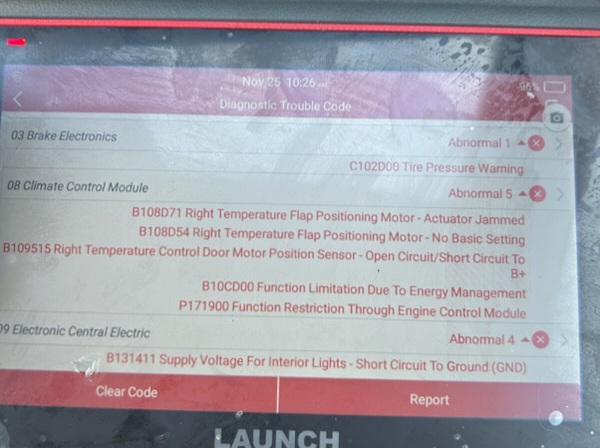
Got cold air blowing in my 1.6 TDI. My mechanic has returned the following fault codes . Any ideas of possible fixes to get some warm air again ? So many different opinions over the Internet.
-
Yes got a locking fuel cap and I'm thw only one when fuels it As a taxi driver it could have been any garage to be honest
-
I use various garages in and around Coatbridge so it's difficult to pin point where it has happened
-
New fuel pump amd possible new injectors required
-
Turns out the fuel pump is gunged up due to bad fuel
-
1/4 full
-
No definitely diesel and done around 100 miles.after £30 of fuel
-
Refuelled in the morning and as the day went on itvstatted feeling a little ropy . Its going into the garage this monring hopefully for them to drain the fuel and flush it out No error codes showing
-
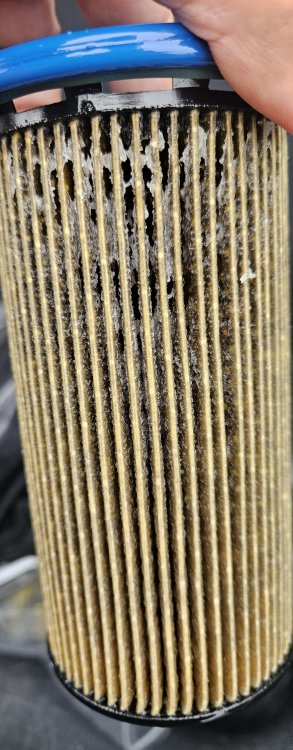
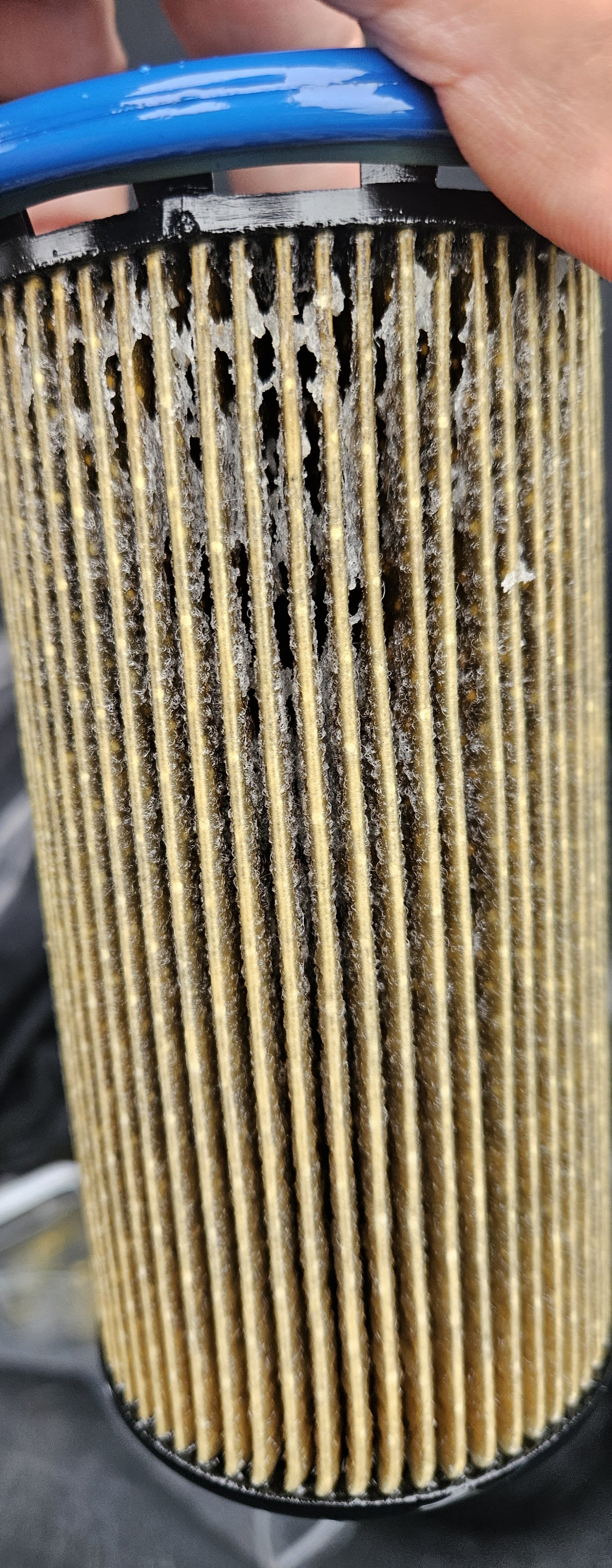
Got a 1.6tdi mk3 , driving the other night and glow plug comes on and after a few minutes I loose all power amd engine switches off Now it won't start at all . My mechanic briefly had a look and thinks it could be bad fuel , changed the fuel filter, and still no luck at all .Here is my old fuel filter. Amy suggestions welcome