Skinner123
New here
-
Joined
-
Last visited
Everything posted by Skinner123
-
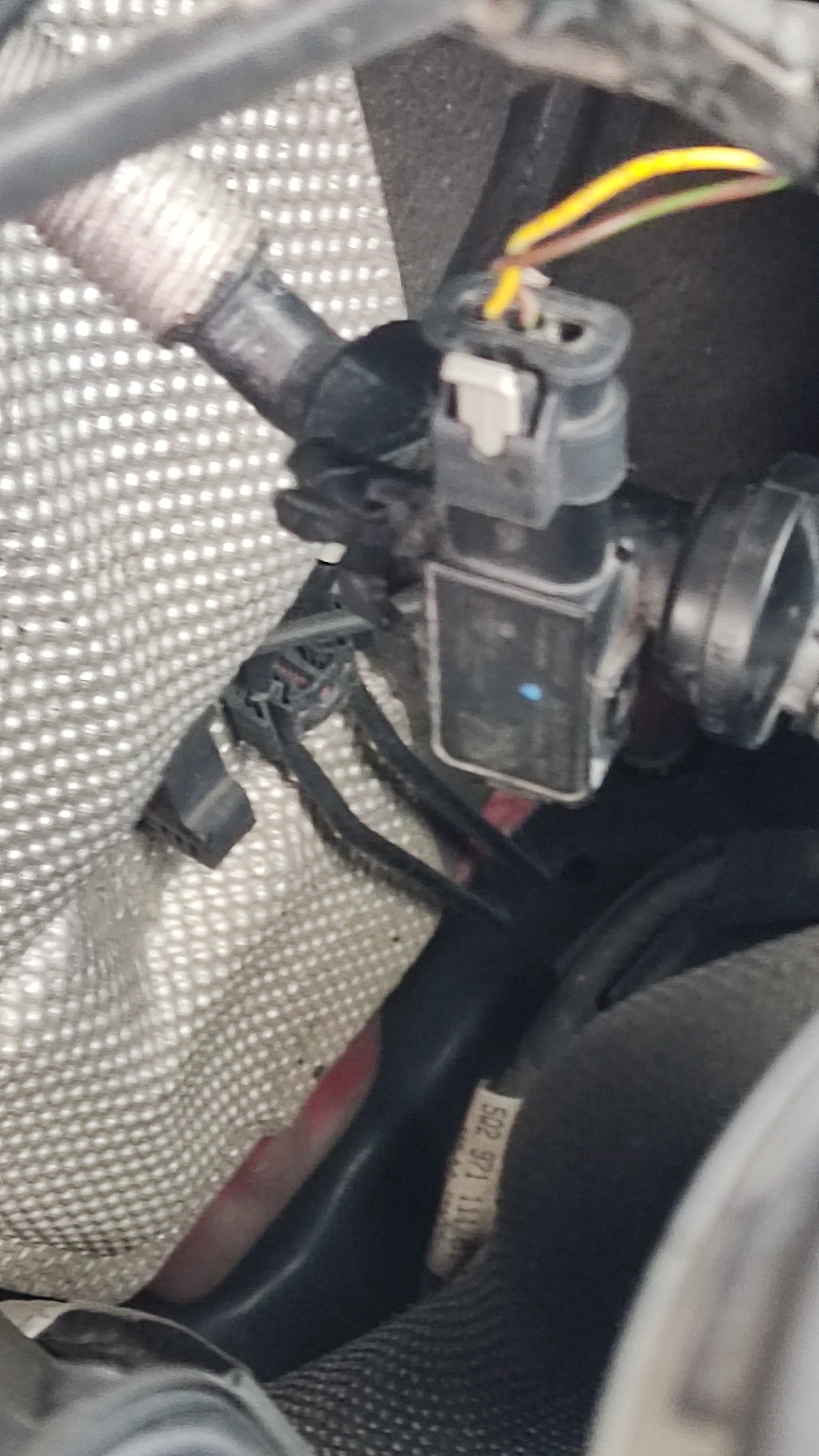
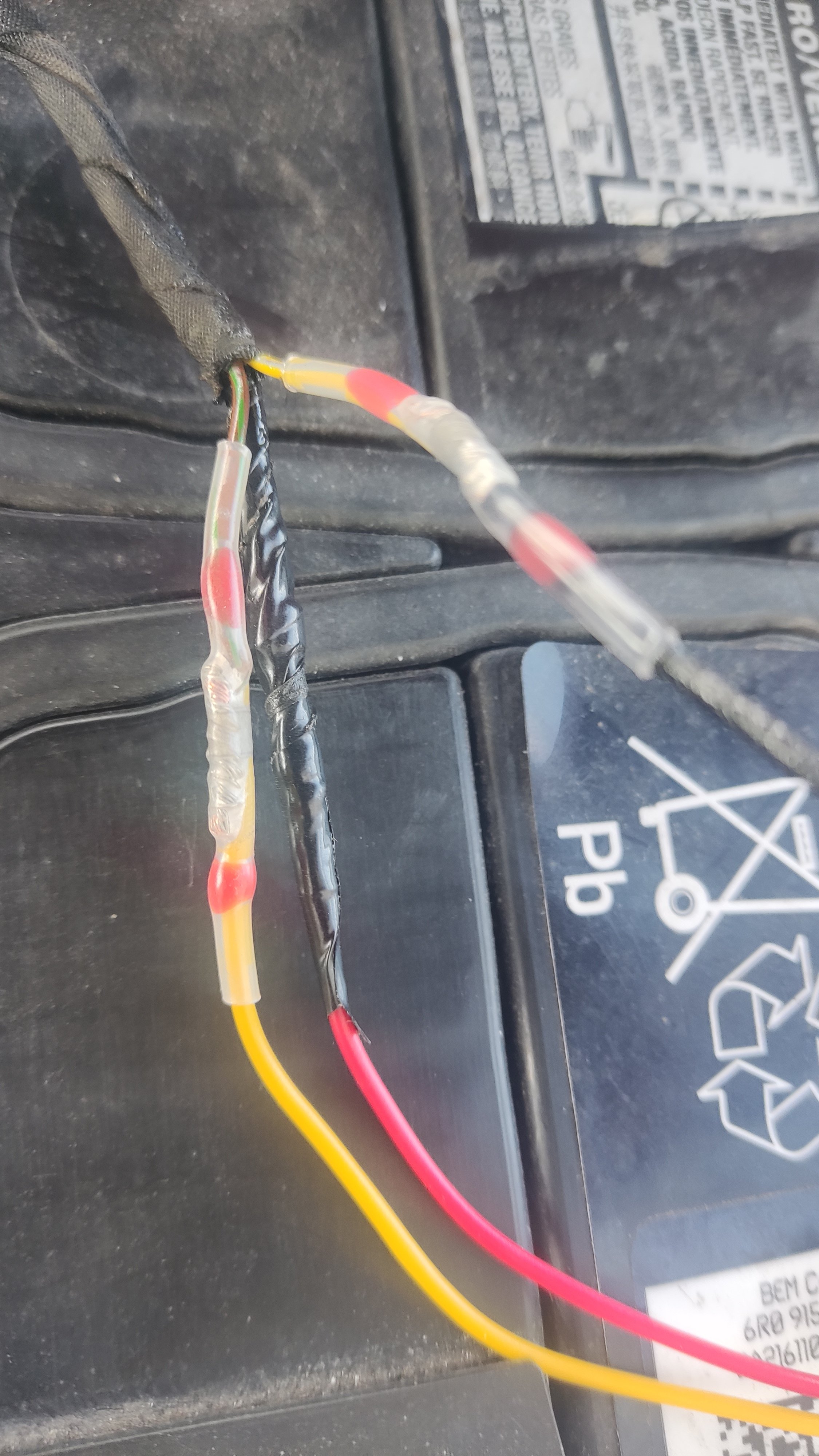
For anyone coming across this post. I had brake servo restricted come on with the orange triangle warning light on dash. Did a search and found about the Audi but not much on Octavia however what I found out was it was supposed to be the brake servo pressure sensor faulty or failed but in my case the part that attached to the sensor had a cracked wire which was causing the problem. I was quoted 250 to 300 to replace both. I decided to try sort it myself and I bought the part with broken wire for 6 online delivered then I use a solder joiners to connect wires. Hey presto problem solved the warning light gone and brakes working perfectly.
-
Hi All Recently had my Octavia MK3 in for service and was told on collecting the rear pump was gone and would need replacing 50 euro plus, Having read up about the wiper/pumps on this site and in particular this post, I decided to take a look for myself 1st i could hear the pump in front working away and pumping water, then tried rear wiper/ and could hear the same but no water so i assumed it was a blockage and Not the pump, Did what a few suggested here removed the small little black squitter thing and put into vinegar and hot water with some liquid soap and let it soak. Also used a very fine needle and i was amazed at amount of dirt /grim that came out. while it was soaking i tried the wiper/pump again and after few seconds washer water started to pop out. reassembled squitter bit and all working fine now only took few Miuites to remove and same to replace, saved me few pounds , So Big Thank You to All here very helpful stuff and some satisfaction in knowing that you have helped others on here,,, Thanks Again to all