Mattblack000
Finding my way
-
Joined
-
Last visited
Everything posted by Mattblack000
-
No worries. My fix was for iPhone users. Should have said. lol. 🤦♂️
-
-
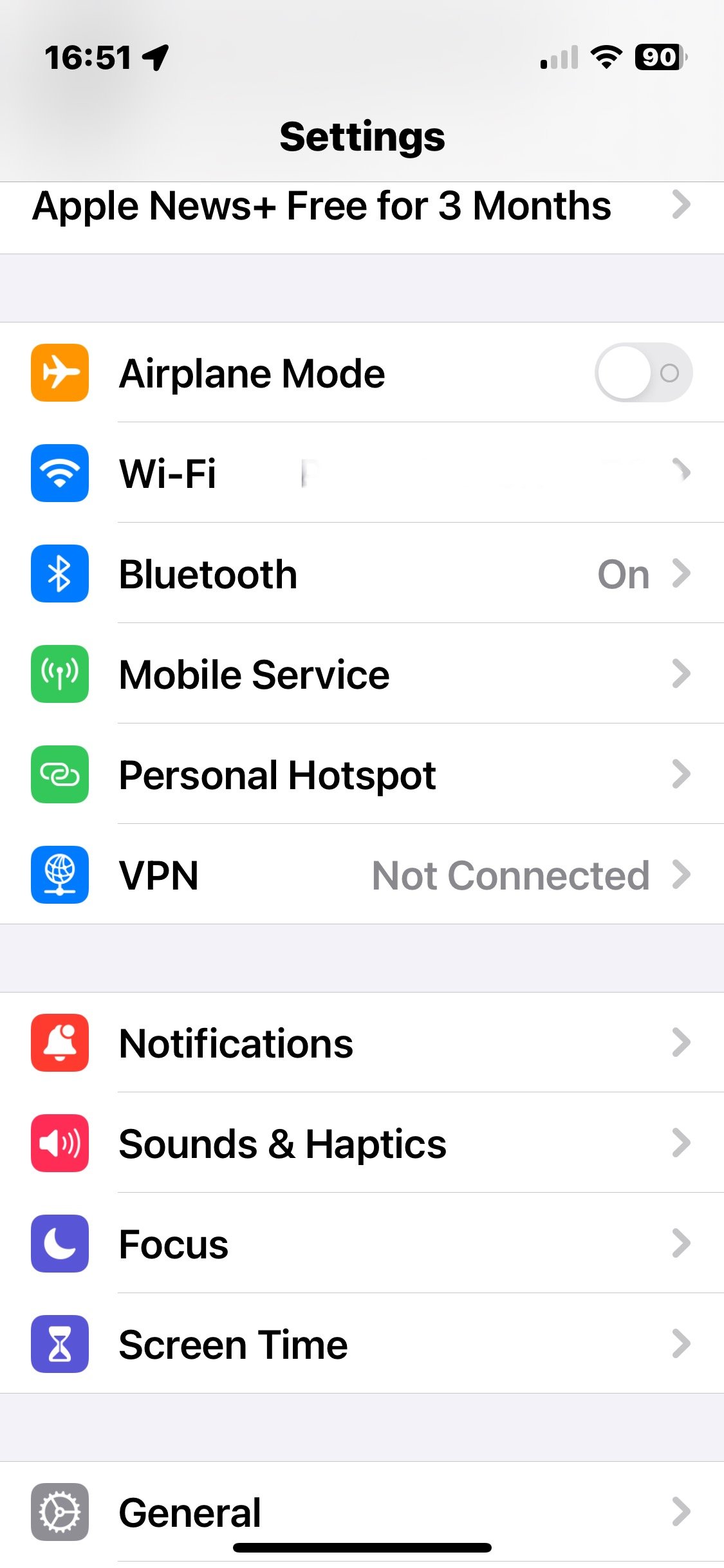
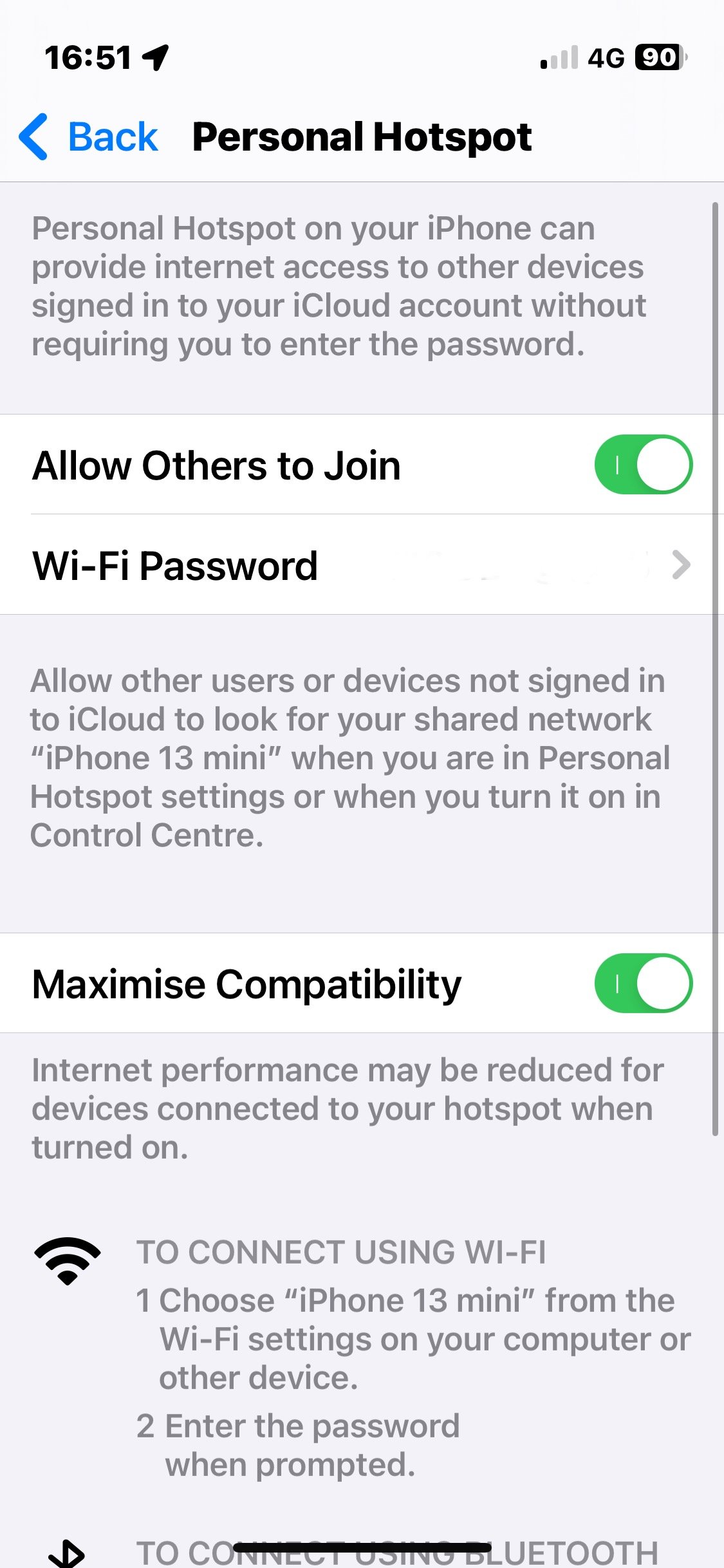
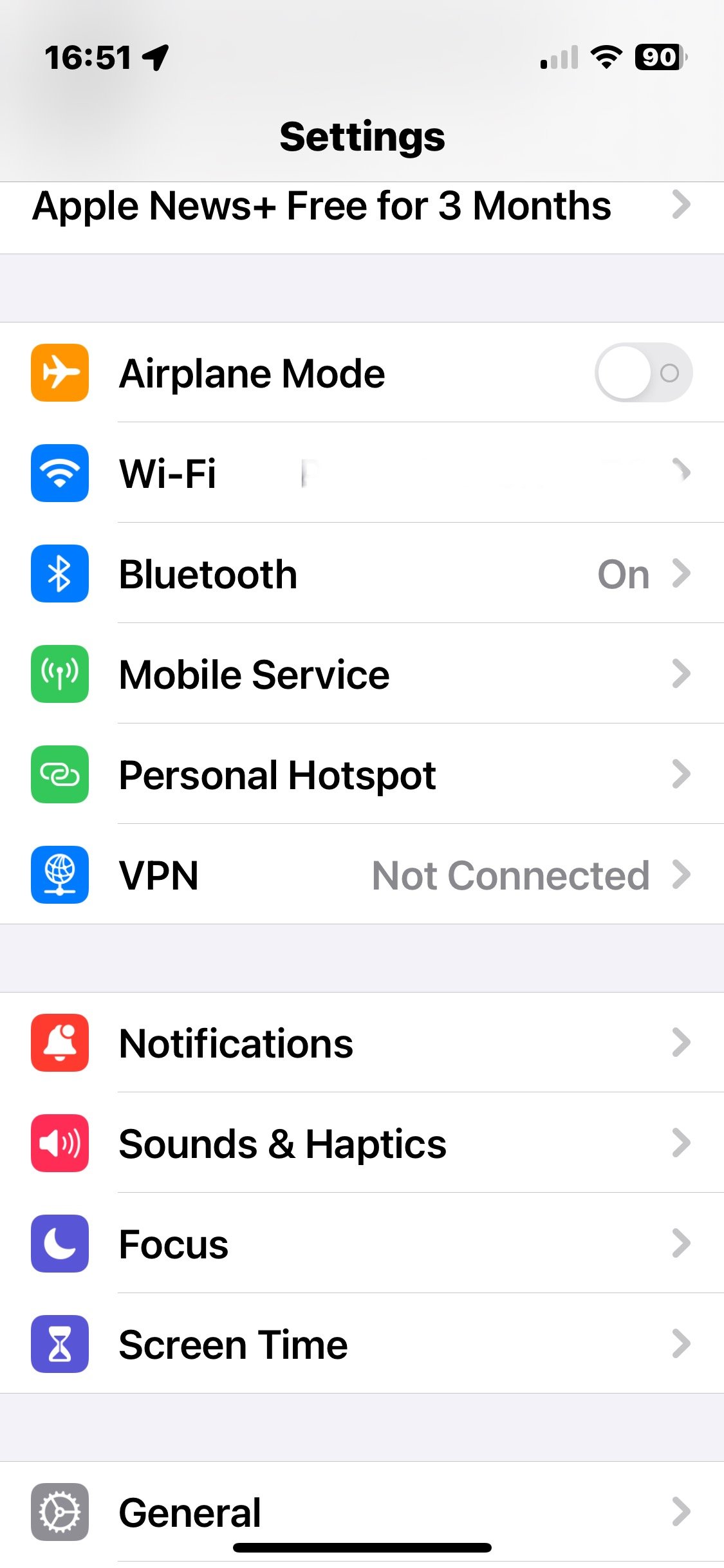
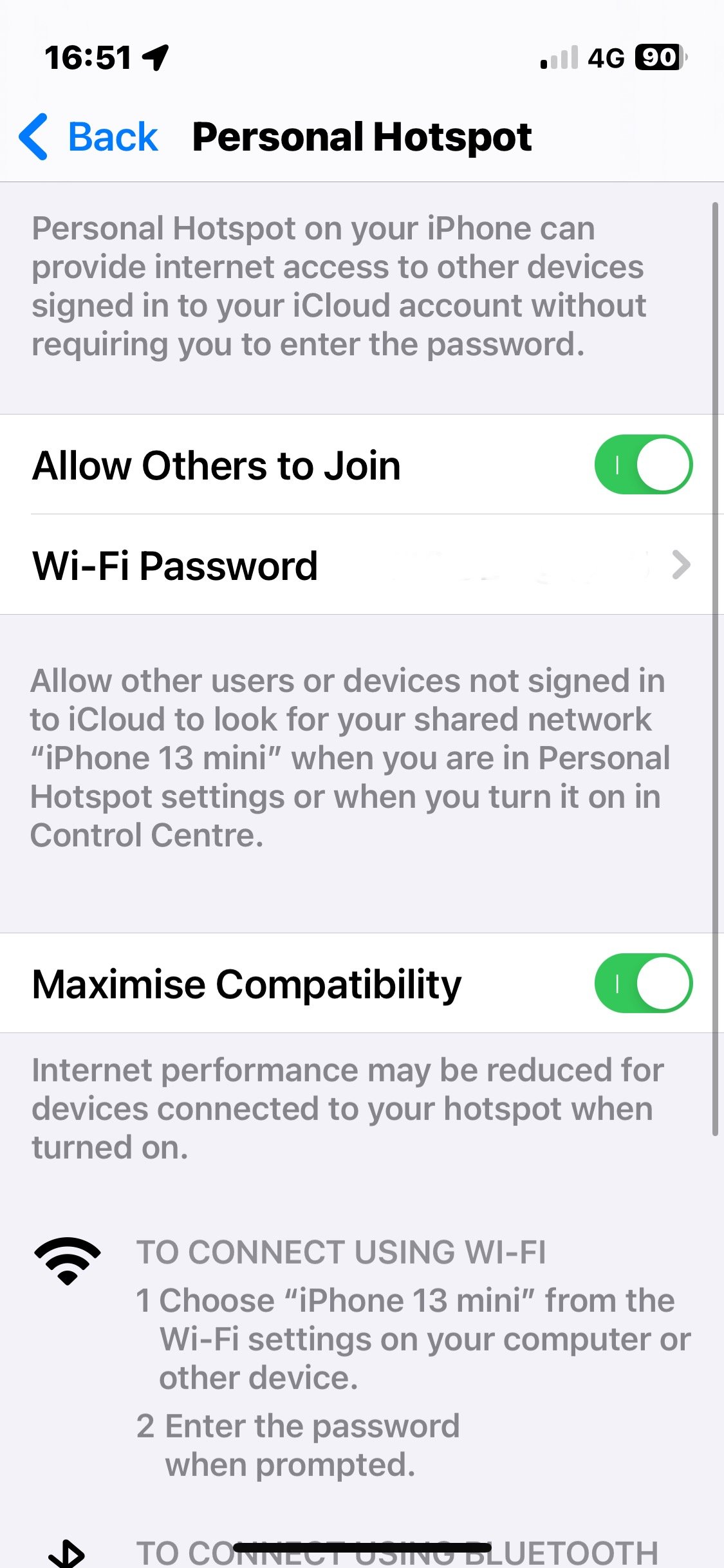
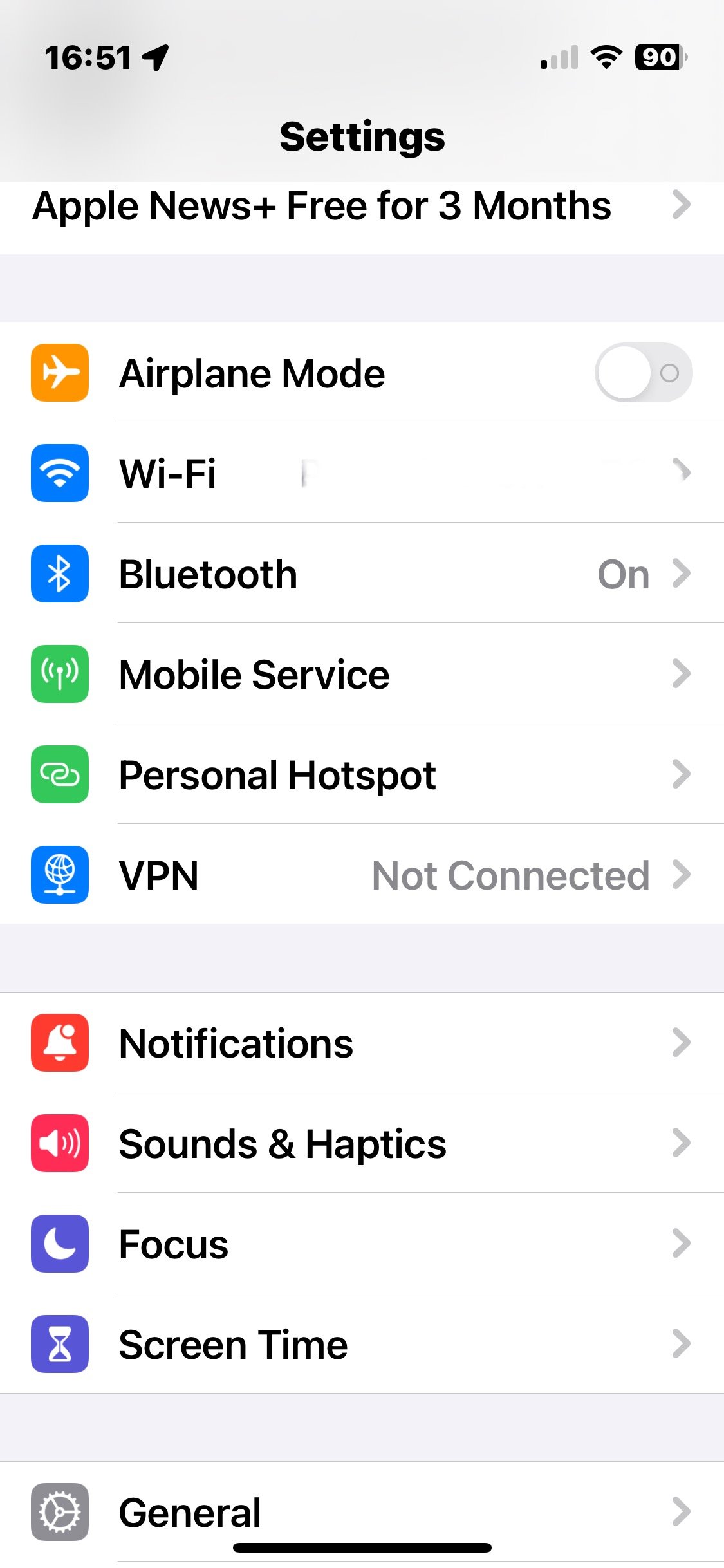
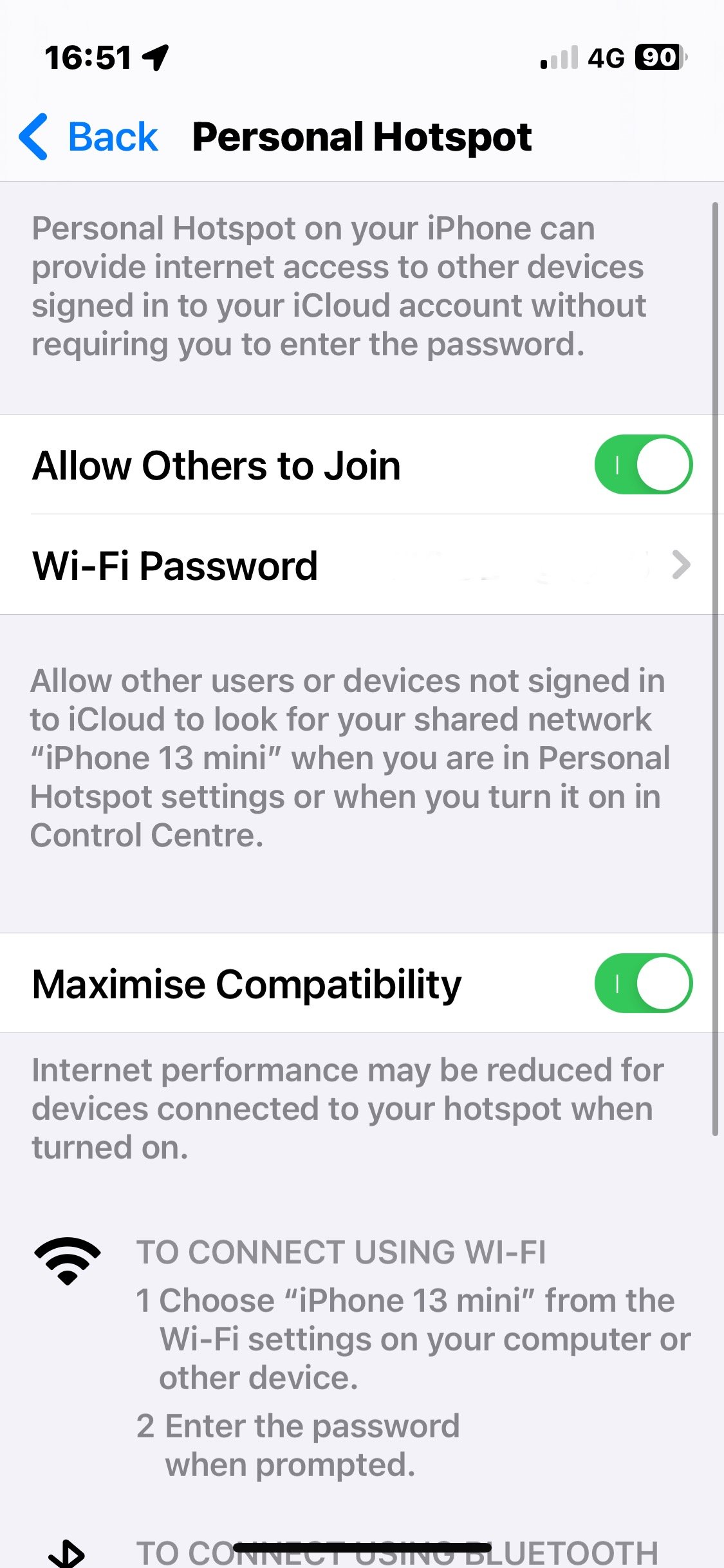
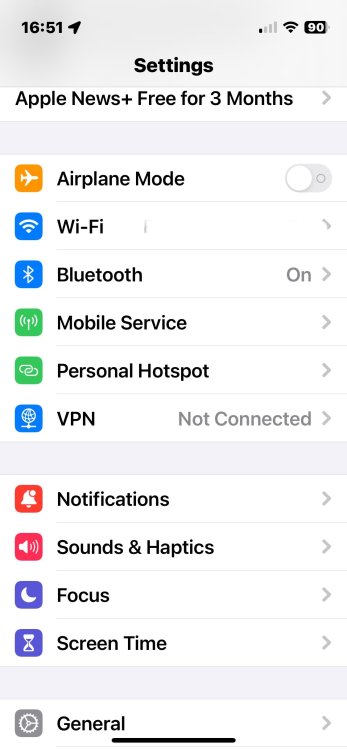
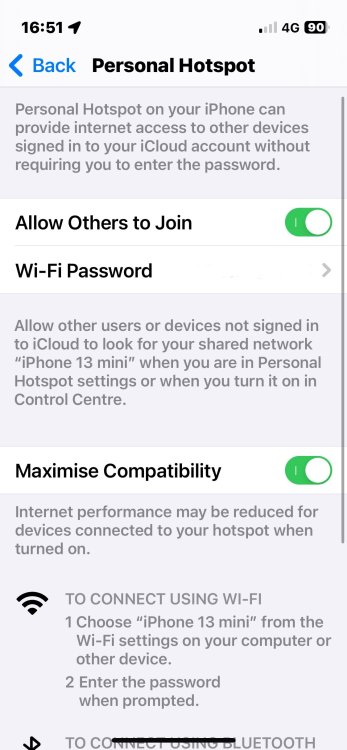
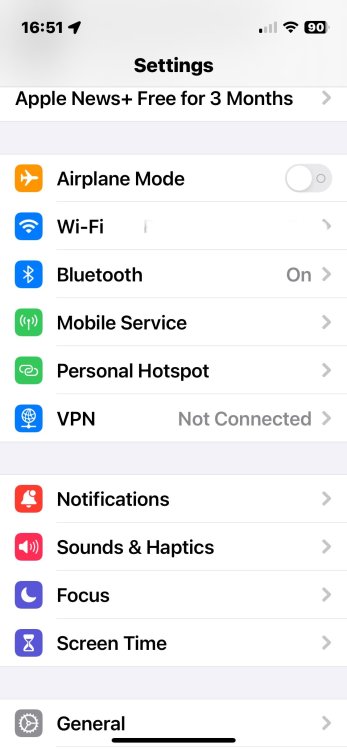
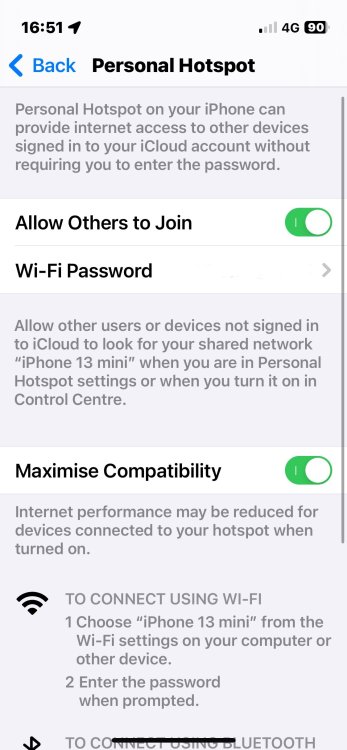
Hi - an old topic, I know but I appear to have solved the WLAN not connecting to Mk3 Octavias and such like using your smart phone as a data connection. Set up your infotainment system and smartphone to use CarPlay (plugged in using USB cable). on your iPhone (adapt following if you’re an android user) go to settings, click on “personal hotspot” on your infotainment system - menu, settings, WLAN, set up WLAN manually to match your personal hotspot settings (I.e. name of your phone (found in settings / general / about) and your phone’s Wi-Fi password (see photo) On your phone leave the personal hotspot page open. plug your usb to phone cable. On infotainment system / WLAN settings click connect (ensuring your phones hotspot settings page is still open and it should connect. To connect in future - Open hotspot options on your phone again, plug in phone (as though you’re going to use CarPlay) and it should connect. My 6 year old Octavia Scout still has full internet connected functionality via Skoda Connect through my phone including current traffic on satnav, weather, parking, POIs, etc. you may have to fiddle with settings for android phone as I’m not familiar but the set up should be similar. it seems the trick is to open the personal hotspot page on your phone first, then plug phone in to activate CarPlay and it connects. Just driven from one end of the country to the other with full traffic info, weather, petrol station list, etc. for the first time since I’ve had the car. Very happy!!!
-
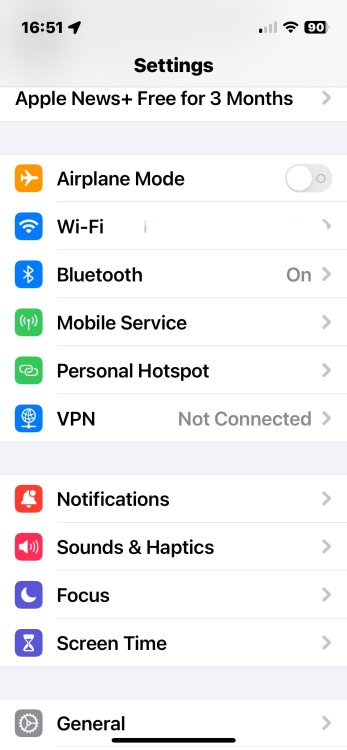
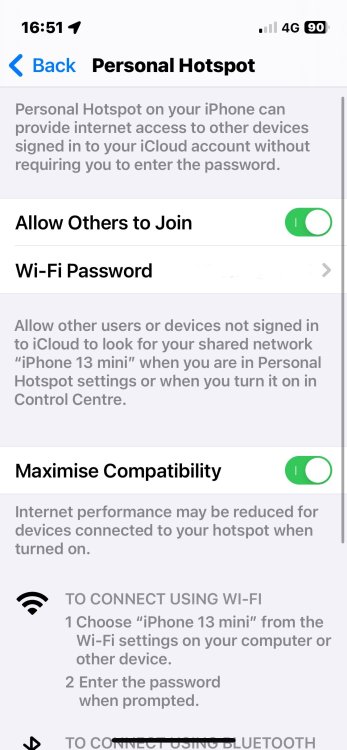
Hi - an old topic, I know but I appear to have solved the WLAN not connecting to Mk3 Octavias and such like using your smart phone as a data connection. Set up your infotainment system and smartphone to use CarPlay (plugged in using USB cable). on your iPhone (adapt following if you’re an android user) go to settings, click on “personal hotspot” on your infotainment system - menu, settings, WLAN, set up WLAN manually to match your personal hotspot settings (I.e. name of your phone (found in settings / general / about) and your phone’s Wi-Fi password (see photo) On your phone leave the personal hotspot page open. plug your usb to phone cable. On infotainment system / WLAN settings click connect (ensuring your phones hotspot settings page is still open and it should connect. To connect in future - Open hotspot options on your phone again, plug in phone (as though you’re going to use CarPlay) and it should connect. My 6 year old Octavia Scout still has full internet connected functionality via Skoda Connect through my phone including current traffic on satnav, weather, parking, POIs, etc. you may have to fiddle with settings for android phone as I’m not familiar but the set up should be similar. Could also work for other Škoda models so worth a try.
-
Hi - an old topic, I know but I appear to have solved the WLAN not connecting to Mk3 Octavias and such like using your smart phone as a data connection. Set up your infotainment system and smartphone to use CarPlay (plugged in using USB cable). on your iPhone (adapt following if you’re an android user) go to settings, click on “personal hotspot” on your infotainment system - menu, settings, WLAN, set up WLAN manually to match your personal hotspot settings (I.e. name of your phone (found in settings / general / about) and your phone’s Wi-Fi password (see photo) On your phone leave the personal hotspot page open. plug your usb to phone cable. On infotainment system / WLAN settings click connect (ensuring your phones hotspot settings page is still open and it should connect. To connect in future - Open hotspot options on your phone again, plug in phone (as though you’re going to use CarPlay) and it should connect. My 6 year old Octavia Scout still has full internet connected functionality via Skoda Connect through my phone including current traffic on satnav, weather, parking, POIs, etc. you may have to fiddle with settings for android phone as I’m not familiar but the set up should be similar.
-
Hi all. Got a 2019 Octavia Scout with 23k on the clock. Just had front and rear tyres rotated (and tracking checked) to even out wear. Now noticed a slightly audible whine when decelerating (coasting) from 70-75mph. Disappears at 65mph. No other issues experienced with handling or traction. Any ideas??