



Skip to content

GazzR

Finding my way
  • Joined

  • Last visited

Everything posted by GazzR

  1. Nice one, thanks i will have a look at that, just been out in mine and the standard halogen ones look so dim and out of place with the bright led taillights.
  2. Ah right so they do, how did you do this im totally brand new to all the coding things ha ha
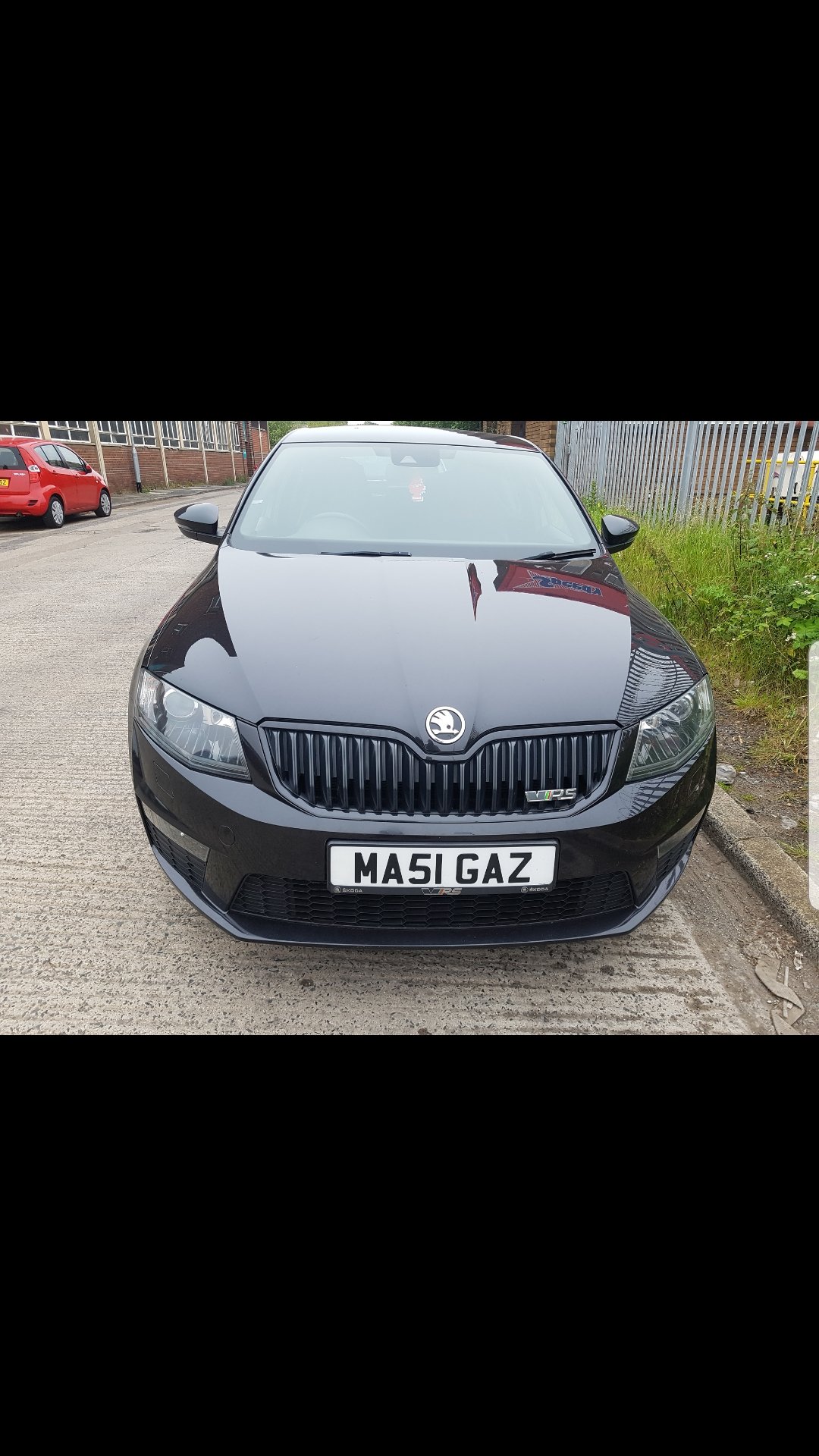
  3. I know this has been asked a billion times probably but my 2015 vrs had led rear lights which i have swapped out for facelift rear led lights which did not need coding, if i get led numberplate lights to replace the standard ones do i need these coding or is it a straight swap as the tailights. Thanks
  4. I enjoyed reading through your thread, looking very nice, my favorite colour in a mk1 this
  5. Ha ha i know exactly what you mean you really get nothing for pxing a car, strange how when your about to walk away from a deal they suddenly get some extra from somewhere but still you never get near what its worth.
  6. Nice just bought an octavia vrs coming from a bmw 330d, love em both, please please peel that awful yellow arnold clark sticker off the rear window, i see loads of cars knocking about with them on and drives me crazy ha ha
  7. Been looking at some of their bits, quite fancy a rear diffuser and front splitter, anybody got any of their stuff fitted? Is it a good fit and quality? Pics would be awesome. Been looking at this diffuser but unsure how it will fit, seems to be a full length replacement valance/diffuser for the estate but this just seems an add on for the hatch. https://www.ebay.de/itm/201662801706
  8. Thanks, looks quite nice, still undecided on changing it at the mo as theres not 1 im 100% keen on. Yeah i will do although ive been using it the last 2 days without any issues at all, just feels how it should in my opinion
  9. So my tts short shift arrived this morning, just fitted it and took it for a drive, all i can say is the gearchange is how it should be from factory in a vrs, i found the oem vrs shift sloppy and far to long between gears, feels perfect to me now, so glad i went for the tts one and not the adjustable ones as for me this is just right.
  10. I have been looking at gearknobs also as im not that fussed on the oem vrs one, i was looking for something that felt and looked similar to my old b6 a4 sline one, the momo air i think its called looked quite nice, have you any pics of youra installed?
  11. Thanks, im not looking for it to be absolutley rock solid ride just to tighten the feel up a bit.
  12. Cool yeah keep us updated on that please sacha, i will have a look at them. Thanks
  13. So are they worth getting? I have seen one from russia on ebay but not really any others. Anybody using one and does it make a worthwhile improvement? Thanks Garry
  14. Just ordered it and got free postage with code freeshipuk just incase anybody else is ordering anything
  15. Ah right i will get one ordered then, thanks for the help guys.
  16. Darkside replied, they said they havent fitted one to an octavia and suggest laying it against the vrs one, im gunna say they will probs fit if wolands fitted a gti one, do you need different arb links or do standard octavia ones work with them? Thanks
  17. Ah nice one, ive emailed darkside, did you notice much difference to the standard octy one?
  18. https://www.darksidedevelopments.co.uk/products/genuine-21-7mm-x-3-6mm-vw-mk7-golf-clubsport-s-rear-anti-roll-bar-upgrade.html Anybody know if this fits the mk3 octy? Would look a more oem part and cheaper than a whiteline or eibach.
  19. Just found another thread on this which answers my question, ordered the 8J0711051E darkside 😀
  20. Hi i recently bought a 2015 octy vrs tdi and find the gearshift throw quite long, after looking into short shifters i see forge do one, some no brand ebay ones and the one i want to know if it will fit the mk3 is the 8J0711046E one i beleive is a audi tts oem one. Sorry if this has been talked about lots before i just want to be sure this will fit before ordering from darkside. Thanks

Important Information

Welcome to BRISKODA. Please note the following important links Terms of Use. We have a comprehensive Privacy Policy. We have placed cookies on your device to help make this website better. You can adjust your cookie settings, otherwise we'll assume you're okay to continue.

Account

Navigation

Configure browser push notifications

Chrome (Android)
  1. Tap the lock icon next to the address bar.
  2. Tap Permissions → Notifications.
  3. Adjust your preference.
Chrome (Desktop)
  1. Click the padlock icon in the address bar.
  2. Select Site settings.
  3. Find Notifications and adjust your preference.