



Skip to content

KieranD

New here
  • Joined

  • Last visited

  1. Lombard is what most main dealers use to find they're used vehicles so this is absoloutely normal and will have no impact on you as a consumer. This is because who would want to fully pay for quarter of million £££'s worth of stock to just have it sitting on the forecourt until someone buys it. Like in any shop, you don't want an excess of stock as this is money that could be in the bank. It's a main dealer so don't worry about it I will say. If it's some small independent then maybe but when dealing with a main dealer don't forget that they have to do certain things whether they want to or not as it's dictated by the brand. We have had that type of request before and unfortunately we have just had to say no to that and in the meantime of going backwards and forwards someone else always comes in and buys! If you like the car and it's what you want just go for it! The level of aftercare you will receive is well worth it as any issues you have you just pop to your nearest Skoda and it's sorted! Hope this helps!
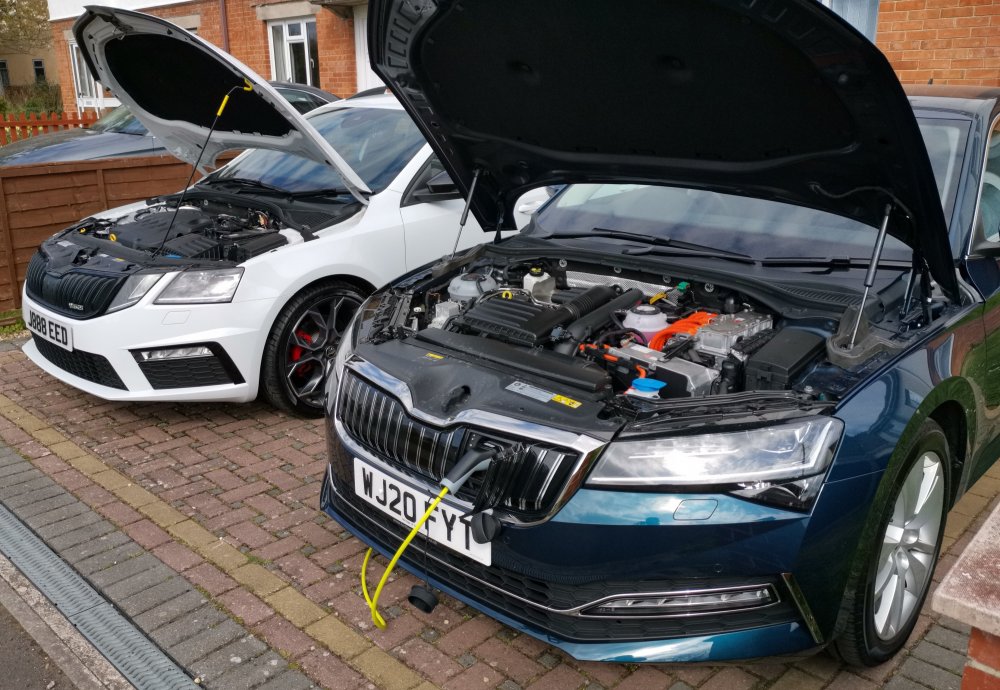
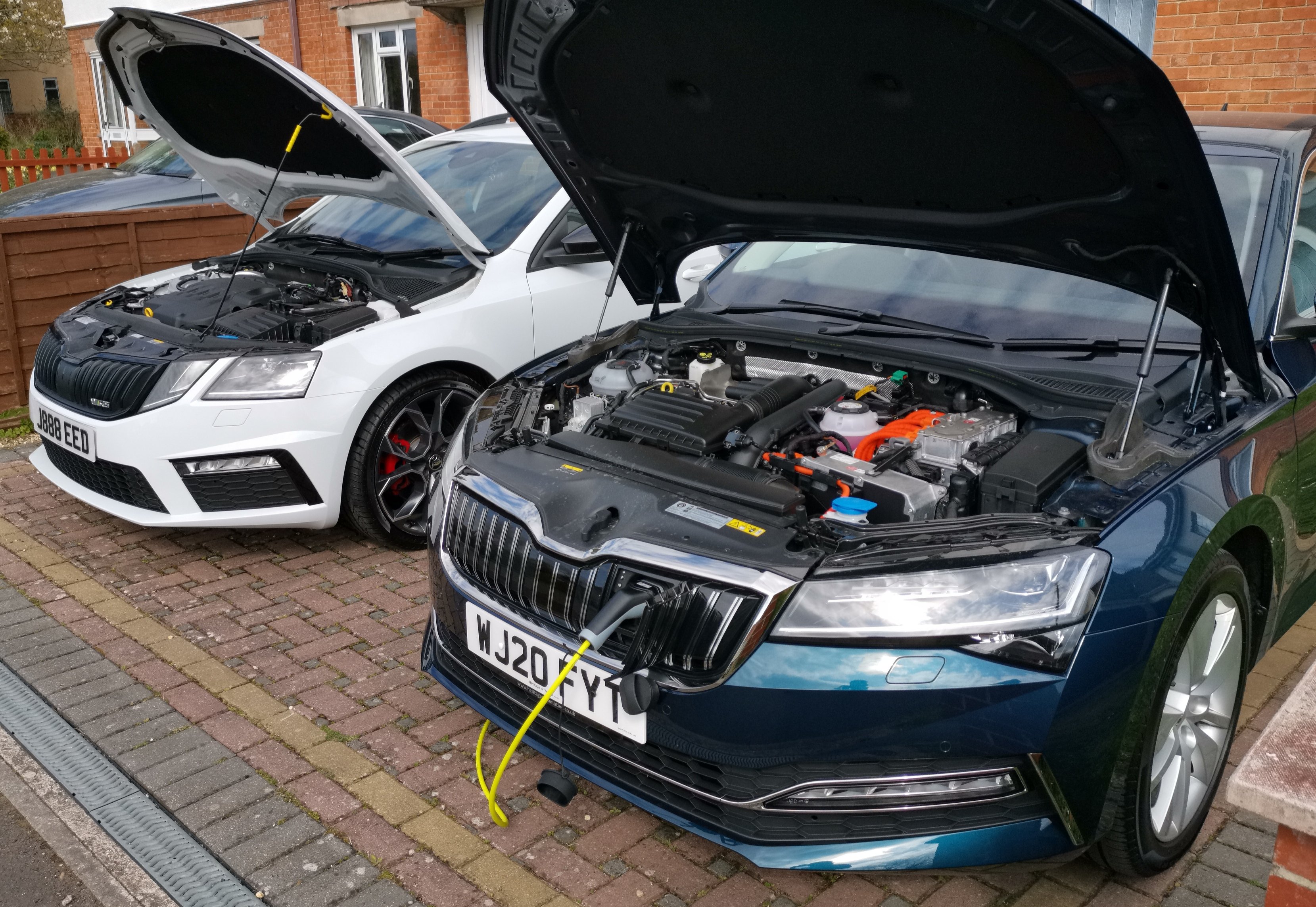
  2. Hi all, I have owned nearly all Skoda models/derivatives over the last few years and am really passionate about the cars and the brand. My current (and I'm sure longer term) cars are a 69 Plate Octavia vRS Estate 4x4 in Moon White with 19" Extreme Alloys, Heated Seats/Windscreen/Washer Nozzles, Tow Bar and a 20 plate Superb Hatch SEL iV in Petrol Blue. Visited this site many times over the years so decided it was finally time to register as there is plenty of time to spare during this lockdown! I look forward to talking with you!
Important Information

Welcome to BRISKODA. Please note the following important links Terms of Use. We have a comprehensive Privacy Policy. We have placed cookies on your device to help make this website better. You can adjust your cookie settings, otherwise we'll assume you're okay to continue.

Account

Navigation

Configure browser push notifications

Chrome (Android)
  1. Tap the lock icon next to the address bar.
  2. Tap Permissions → Notifications.
  3. Adjust your preference.
Chrome (Desktop)
  1. Click the padlock icon in the address bar.
  2. Select Site settings.
  3. Find Notifications and adjust your preference.
