Skip to content

Fahy

Finding my way
  • Joined

  • Last visited

Everything posted by Fahy

  1. I was chatting to the supplier and he has said to return them, get a refund and I’ll reorder the correct ones then. All good. I’m just a pure ejit is all. Thanks for the info though.
  2. Cool beans. Not a bother. I’ve also realised I might have made a boo boo 🤦‍♂️ I got the part 28833-3, I thought that fits all vrs estates but when I was looking up about the components in the box it says that part is for the 4WD models and I think now I should have bought the 28833-1 or 28833-2 parts. Can’t the -3 parts not be used on my 2WD vrs? What is the difference in them do ye know? Feck it anyway 🤦‍♂️
  3. Hi lads and ladies, quick question. I got my H&R 40mm springs the other day and there’s the 4 springs in the box (obviously) and these two yellow rubber bungs. Is that all that should be in the box or am I missing anything? What are these rubber bungs for? Just wondering. I bought them off eBay from a crowd called TunerShop (a German company). My buddy from work is fitting them and he’s just curious as he has never fitted these springs before (he is a mechanic though).
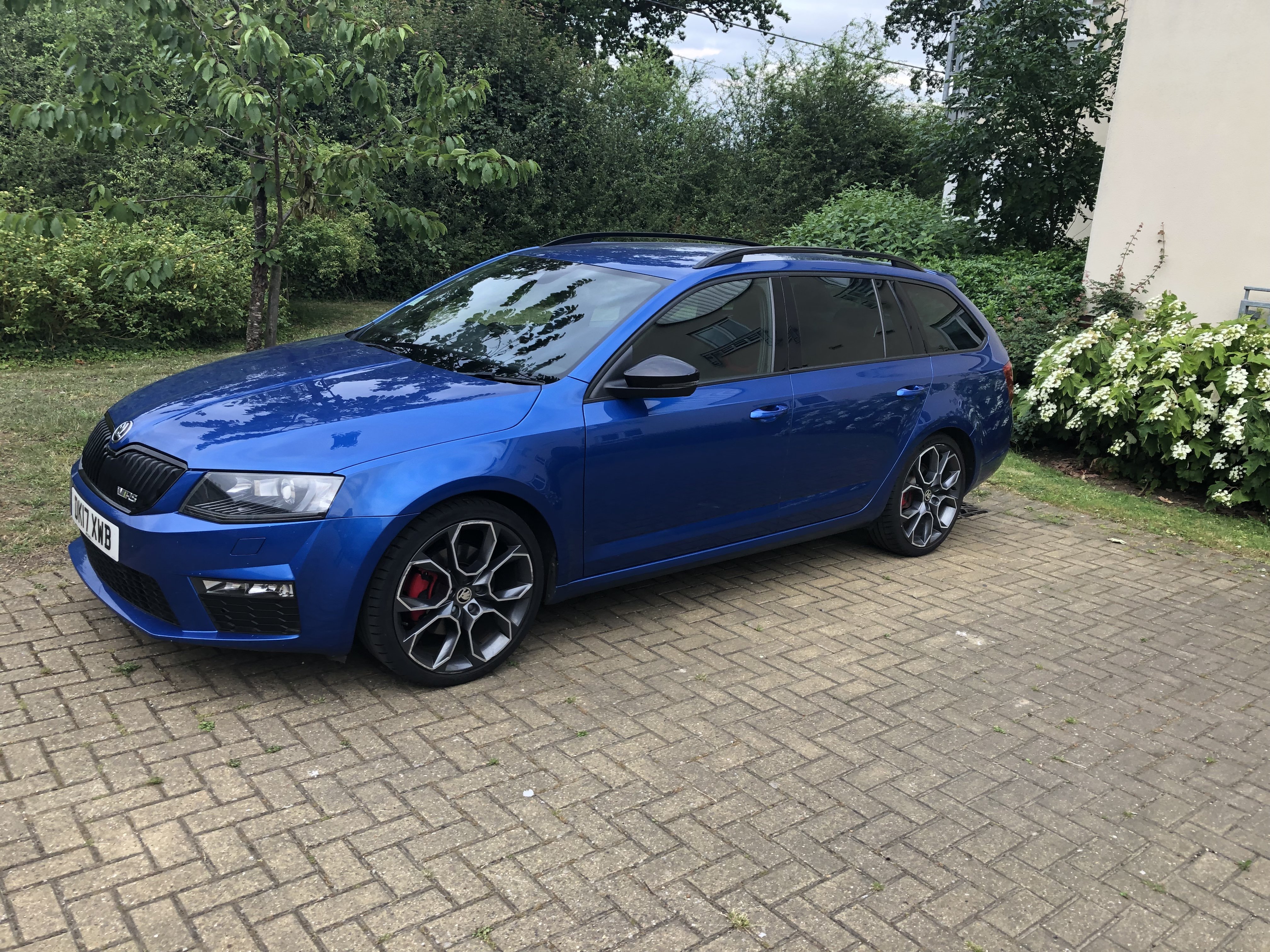
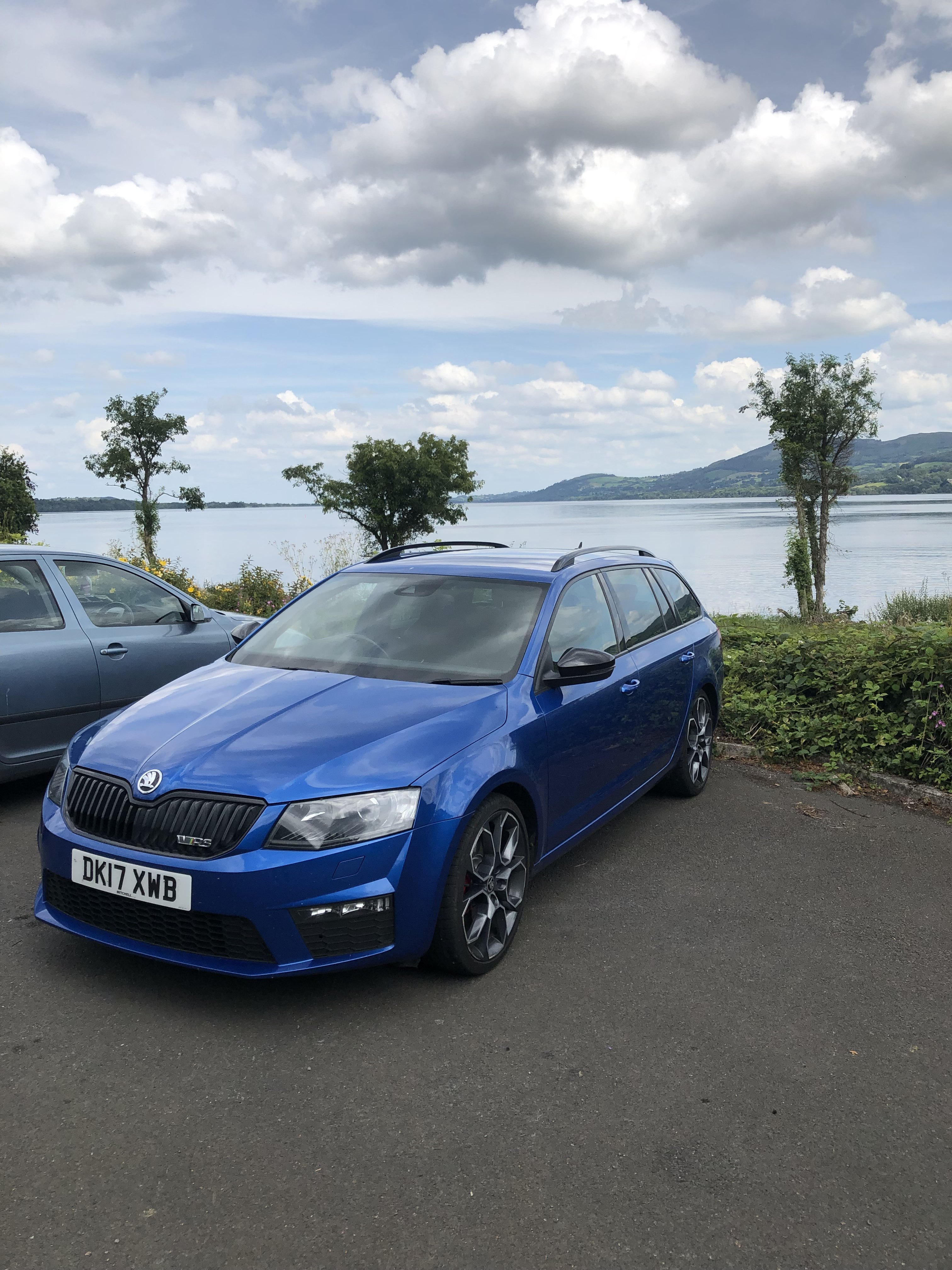
  4. Hi guys/girls, I hope you’re all well. I’m new to here so nice to meet you all. I’m thinking of lowering my mk3 Octavia Vrs estate. I feel it stands a bit too high and would like it a bit lower but not silly low either. My car is a 2017 reg and it has the Driver Chasis Control set up. My query is have you any advice on lowering springs and will they negatively affect the drive experience? Will they mess up the DCC function and can wheel spacers be used once lowered? The last thing I want is a poor drive experience and rubbing. Any advice would be great. I look forward to hearing from you all 👍
Important Information

Welcome to BRISKODA. Please note the following important links Terms of Use. We have a comprehensive Privacy Policy. We have placed cookies on your device to help make this website better. You can adjust your cookie settings, otherwise we'll assume you're okay to continue.

Account

Navigation

Configure browser push notifications

Chrome (Android)
  1. Tap the lock icon next to the address bar.
  2. Tap Permissions → Notifications.
  3. Adjust your preference.
Chrome (Desktop)
  1. Click the padlock icon in the address bar.
  2. Select Site settings.
  3. Find Notifications and adjust your preference.