Roulstone
New here
-
Joined
-
Last visited
-
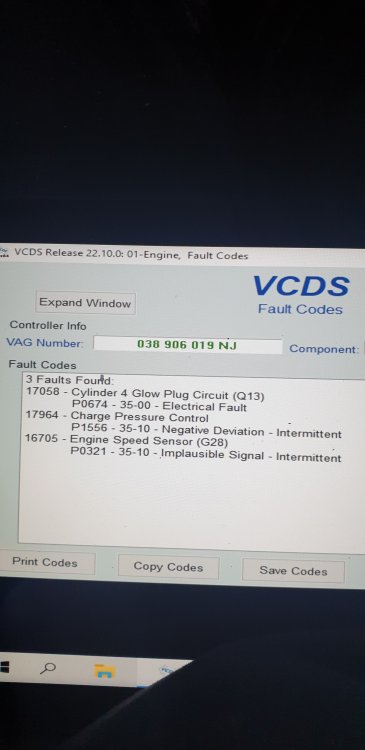
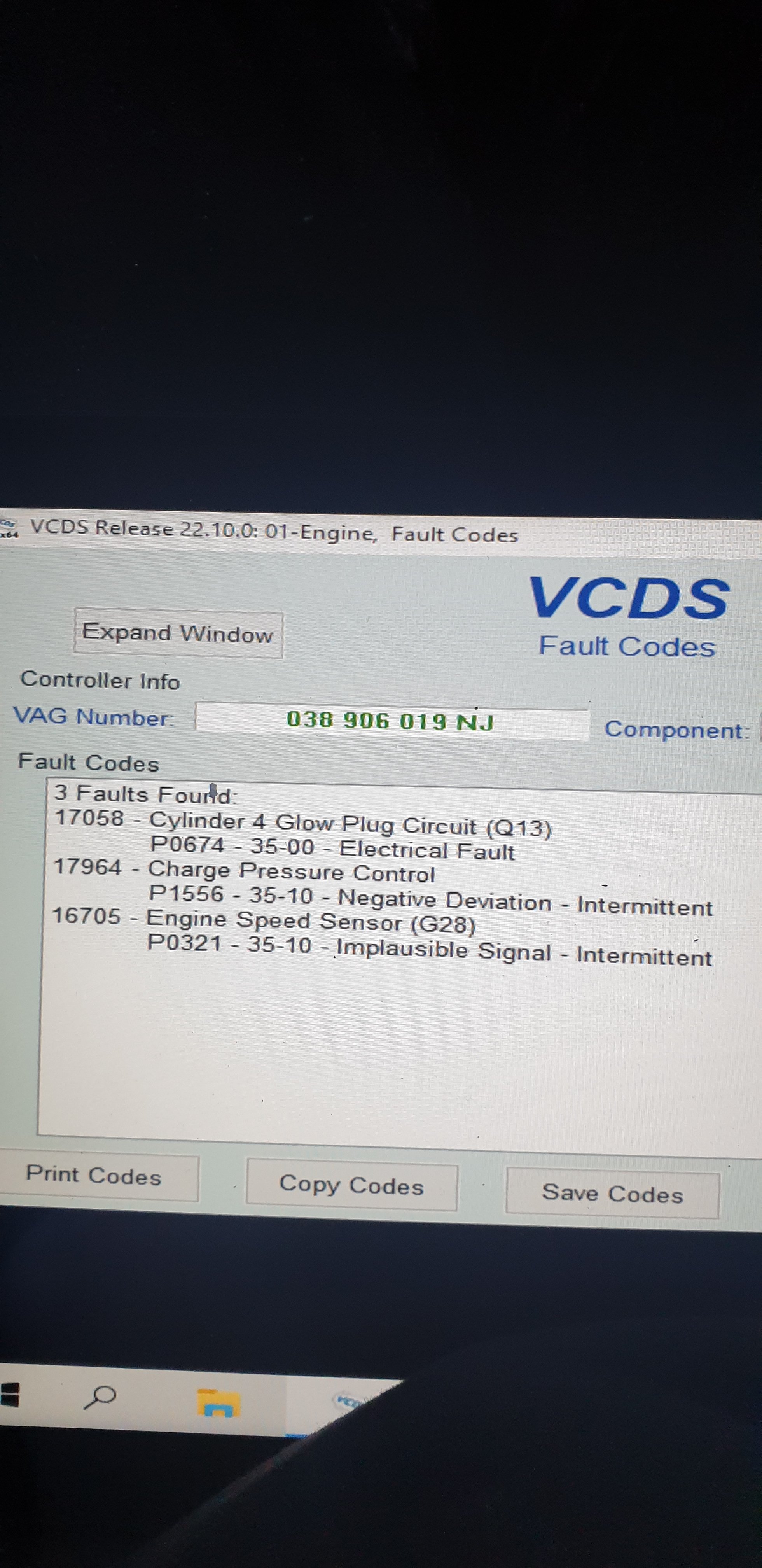
Hi, have a problem with my vrs and wondering if anyone has had similar issue or can point me in the right direction of what to check, I was leaving work and when I put my foot down in second gear there was a "squelch" noise and loss of power I've had boost pipes come off before and never made this sort of noise, heavy black smoke then clears up at round 3k and boost is normal but before and up to 3k it smokes a lot and barely builds boost, every now and then after this happened I would get a P1556 fault code for Charge pressure control (negative deviation) then around a week after that happened the crank sensor went faulty so I changed it to a new genuine one and car now starts fine again but still have the boost issue I have had all pipes and sillicone joins off and also went round all joins and welds on intercooler pipes and the intercooler itself with soapy water while engine was running but there doesn't seem to be any leaks, have also checked all vacuum lines and can't find any leaks, the engine sounds normal with no boost leak noise or any other abnormal noises while running, the car has a PD150 turbo, Front mount intercooler and n75 simplification, any help is appreciated.