Regulation12
New here
-
Joined
-
Last visited
Everything posted by Regulation12
-
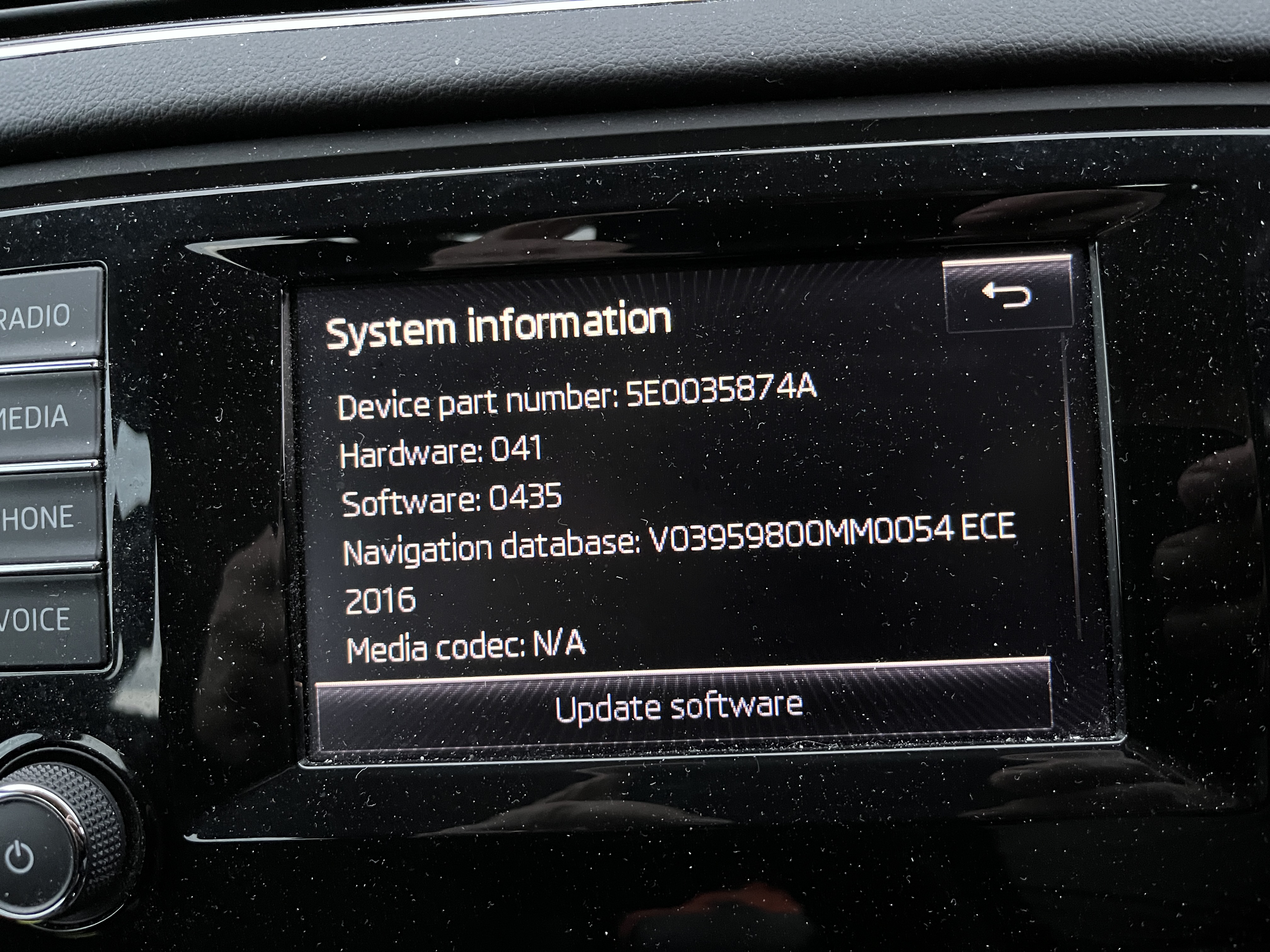
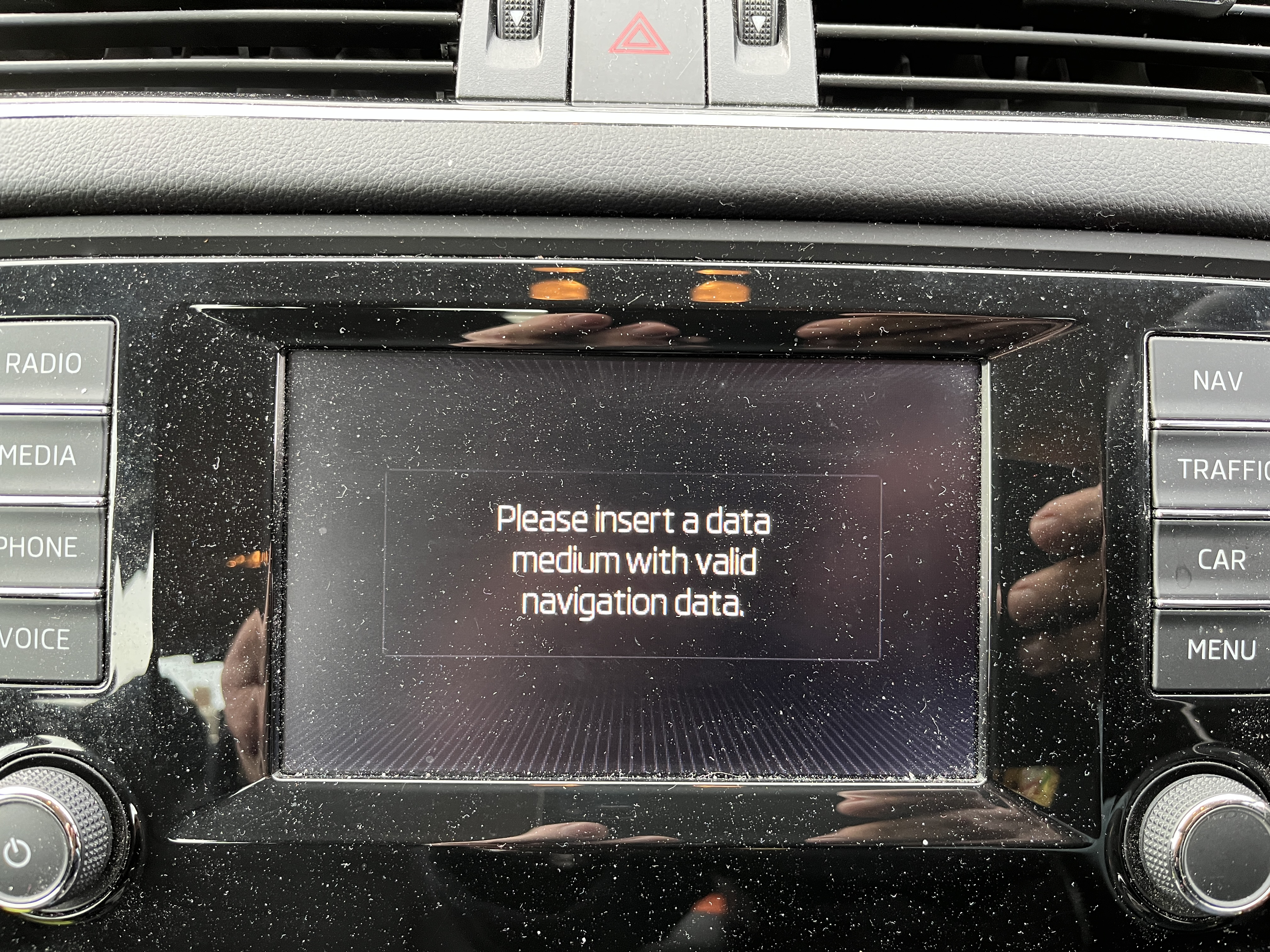
Help needed! I needed to update the map data for my Amundsen unit, having got lost in Cambridgeshire as lots of new roads (stopped off in a service area and bought a new map book to get me on correct route). Went to Skoda website, entered my VIN number and downloaded file it gave me. Unzipped file and followed closely the instructions on formatting as FAT32 and then copied files to the original card. Didn't seem to work. Attached photos are first, from before I tried the update and second, is what I now see. If anyone can offer a solution, I would be grateful. Local dealers are not helpful. Adrian
-
Feb 2020 I bought this model. Battery wouldn't hold charge so dealer replaced battery with a Varta 000 915 105 CC (68Ah), so all was well. Since then I have not managed any decent runs and battery doesn't get enough charge - sluggish start and certainly not enough to allow stop/start. I did have a good charger but lent it in mid-December to my son, living 45 miles away. Lockdown followed and he is shielding, so no way I can collect it legally. All I have is a trickle charger with max output of 1.5 A, so by time I have opened car and connected charger have probably drawn enough current to pull battery down a bit. Bit like pushing stones up hill, only for them to roll down again! Being something of a dinosaur and grown up with batteries that usually lasted about two years and needed topping up regularly, I need advice on what sort of charger to but at a reasonable price. Confused by all the ads which say 'Not suitable for stop/start'. Having read car manual, only connect via + and ground on body, to avoid upsetting electronics. Quite surprised by battery rating, as my 2001 Citroen C5 Diesel had a 110 Ah battery! Any advice appreciated. Ade