papatsonis
Finding my way
-
Joined
-
Last visited
-
@nickytheshaft it seems there is such a cable for the units that dont get the reverse signal through the canbus . I just had ignored/not noticed, was based more on what i saw on the video.. In the end also to me he offered a free reverse cam, as i needed also 2-3 meters of cabling to bring the reverse voltage, to the infotainment area...
-
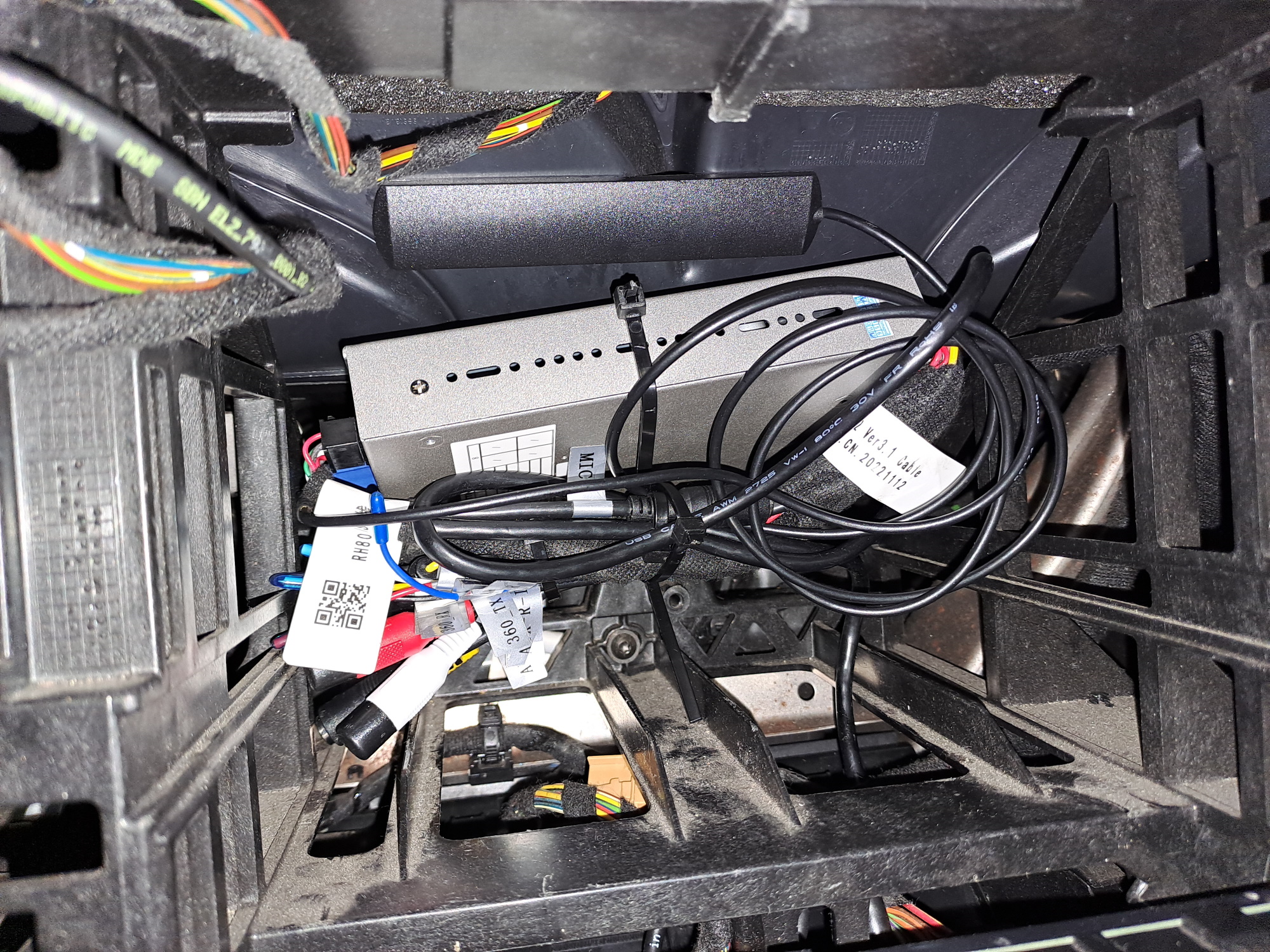
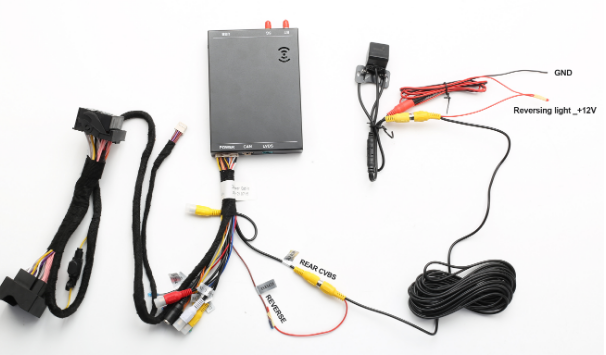
Hi, I just contacted the aliexpress based on adib1977 post, and the Chinese guy replied me the following... "For manual transmission, it need to connect a line to the rear light of the car, and connect it to the brown reversing control wired of the carplay box, so that the rear view can be triggered,friend" The problem is that it's needed to pass the cable like doing installation for reverse camera...
-
Update, maybe i found some info in a ..porsche forum... https://rennlist.com/forums/991/1262130-carplay-install-report.html "3. The distance display from the ultrasonic sensors does not appear, either going forward, or when the backup camera is up. They said this is because my car is manual and the “signals are not put onto the Canbus like they are in the automatic cars”. All I know is that it used to appear, and now it doesn’t. The audio signal is still present, you just don’t know where it is coming from. I don’t know if this is a limitation just with the ZZ2 system or if the NM would have the same problem." and later.. Most of the Porsche vehicles from 2012-2016, equipped with manual transmission, don't have the reverse information in the CAN BUS line in the vehicle. CAN bus is a set of 2 electrical wires (CAN_Low & CAN_High) in the car network where information can be sent to and from ECUs. So if this information is not available in the CAN BUS line our unit can't read the reverse data, not allowing the module to provide the Dynamic Lines in reverse or to display the little Parking Sensor diagram on the screen. So basically 99% of the manual transmission vehicles, if you add a rear camera, you will see an image with the static lines provided by the camera and that is pretty much it. You still can hear the beep from the sensors, but the diagram is not going to be available, because the image of the camera takes priority on the screen. "case closed" as seems suspiciously exactly the same case
-
Manual
-
Today i moved properly the car, and i can confirm on my case, doesnt exit the module interface for the parking sensors. Also could you check if it exits the module interface, when you press the ECO/NORMAL/SPORT, etc button?
-
Maybe you can use the OEM camera connected to the android auto module of course ;), but will need to mess a bit with the pins of the connector. (Actually the opposite of what demonstrates on this video ;))
-
@Cactusjack So when you engage reverse automatically exits to the stock interface??
-
https://github.com/AndreyPavlenko/Fermata/releases
-
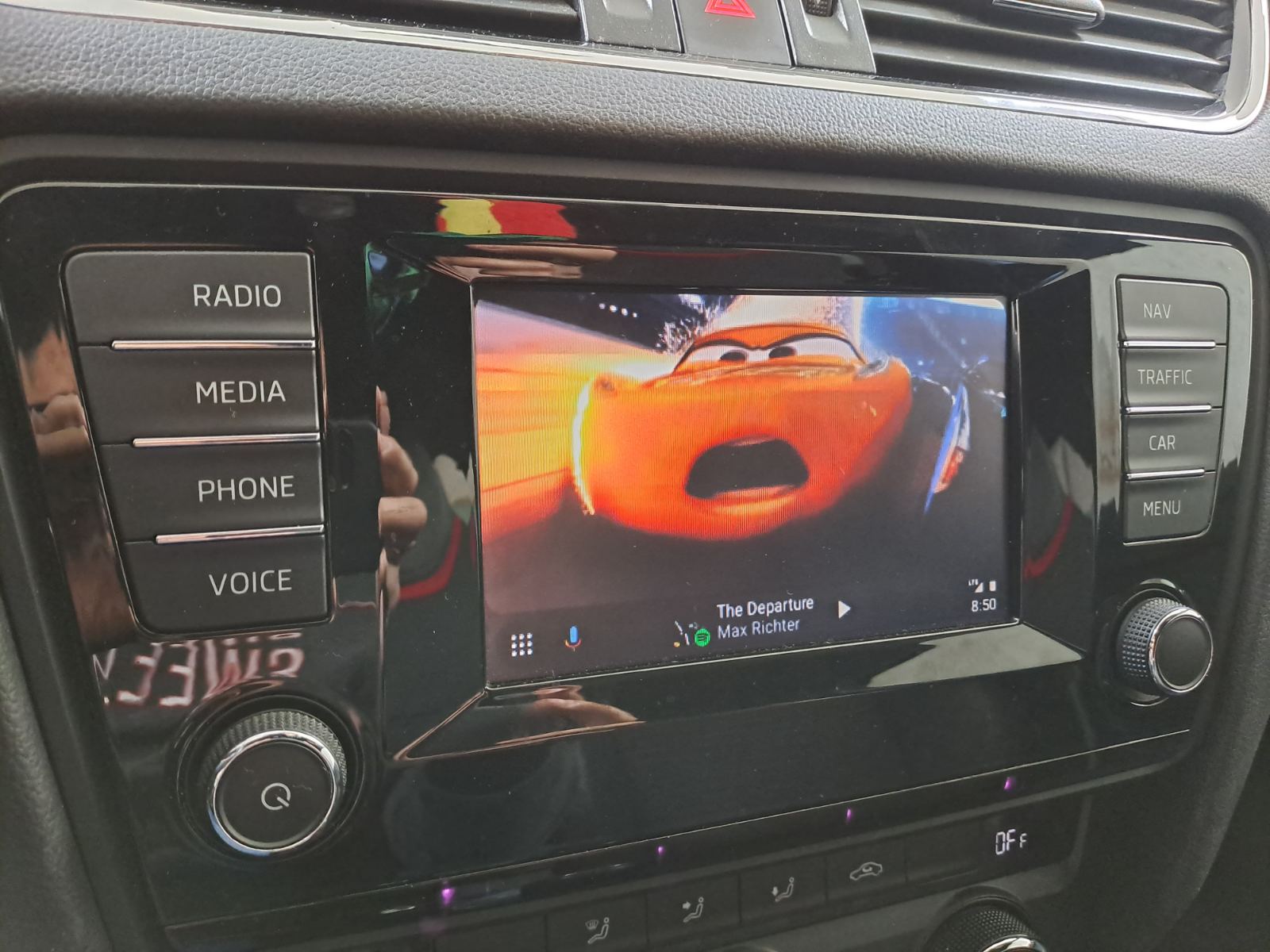
With fermata seems no.. But maybe there is a way. Another issue i noticed/checked today, it's the proximity sensora for the parking... Simply don't overlay in the Android Auto module. You have sound but if you want to have image, you need to exit to the original infotainment
-
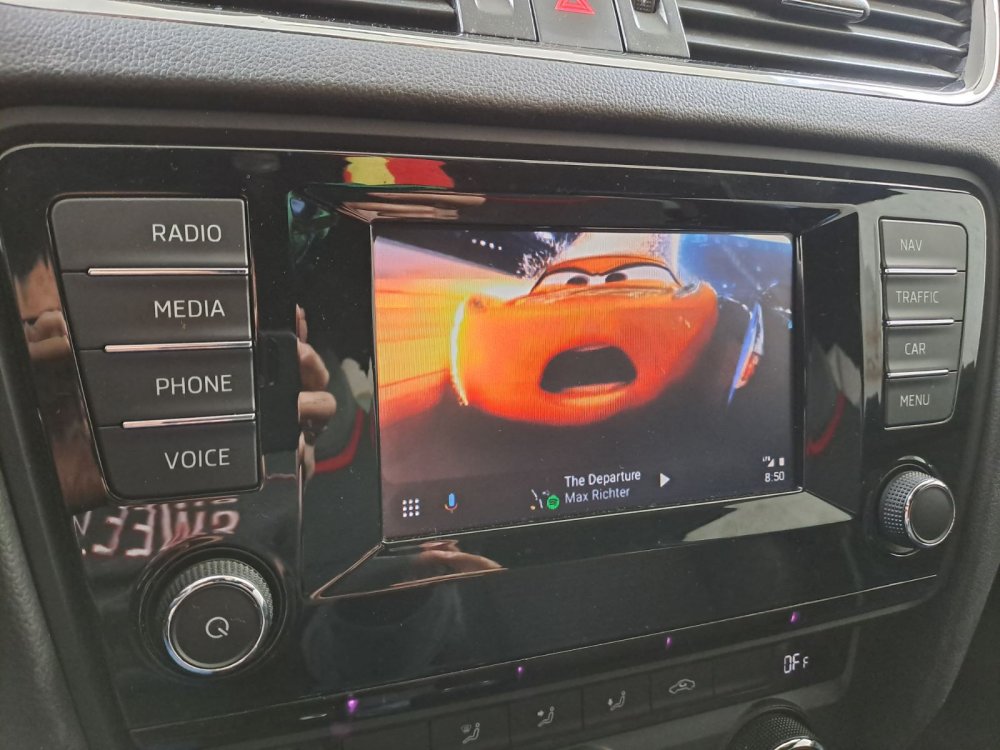
I don't have camera (too lazy to pass the cabling across the car...), the menu i think without an actuall camera, doesnt show something usefull i think ps.> the resolution is really low on our screen.. but still can playback videos for the kids behind (with Fermata Auto)
-
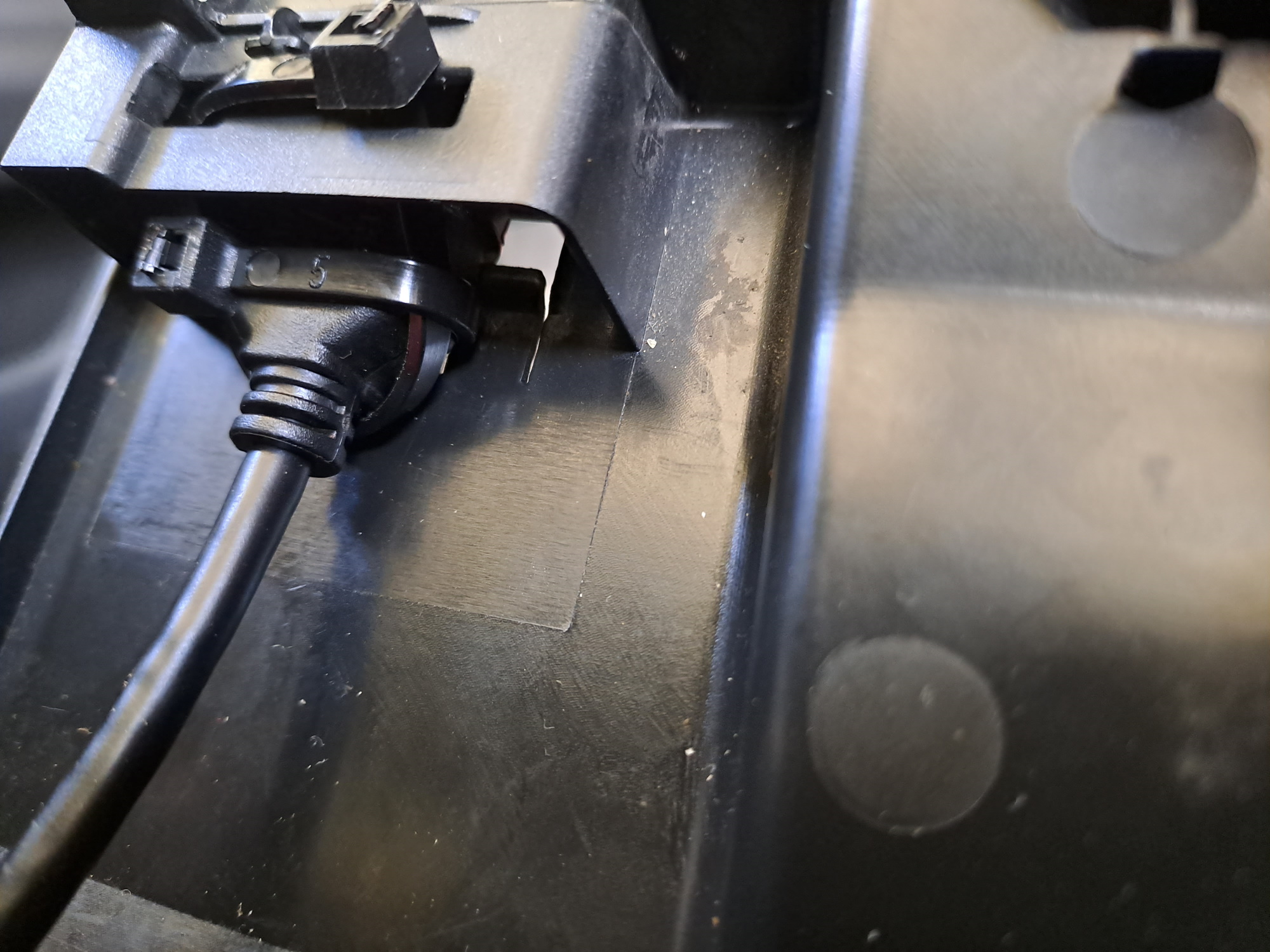
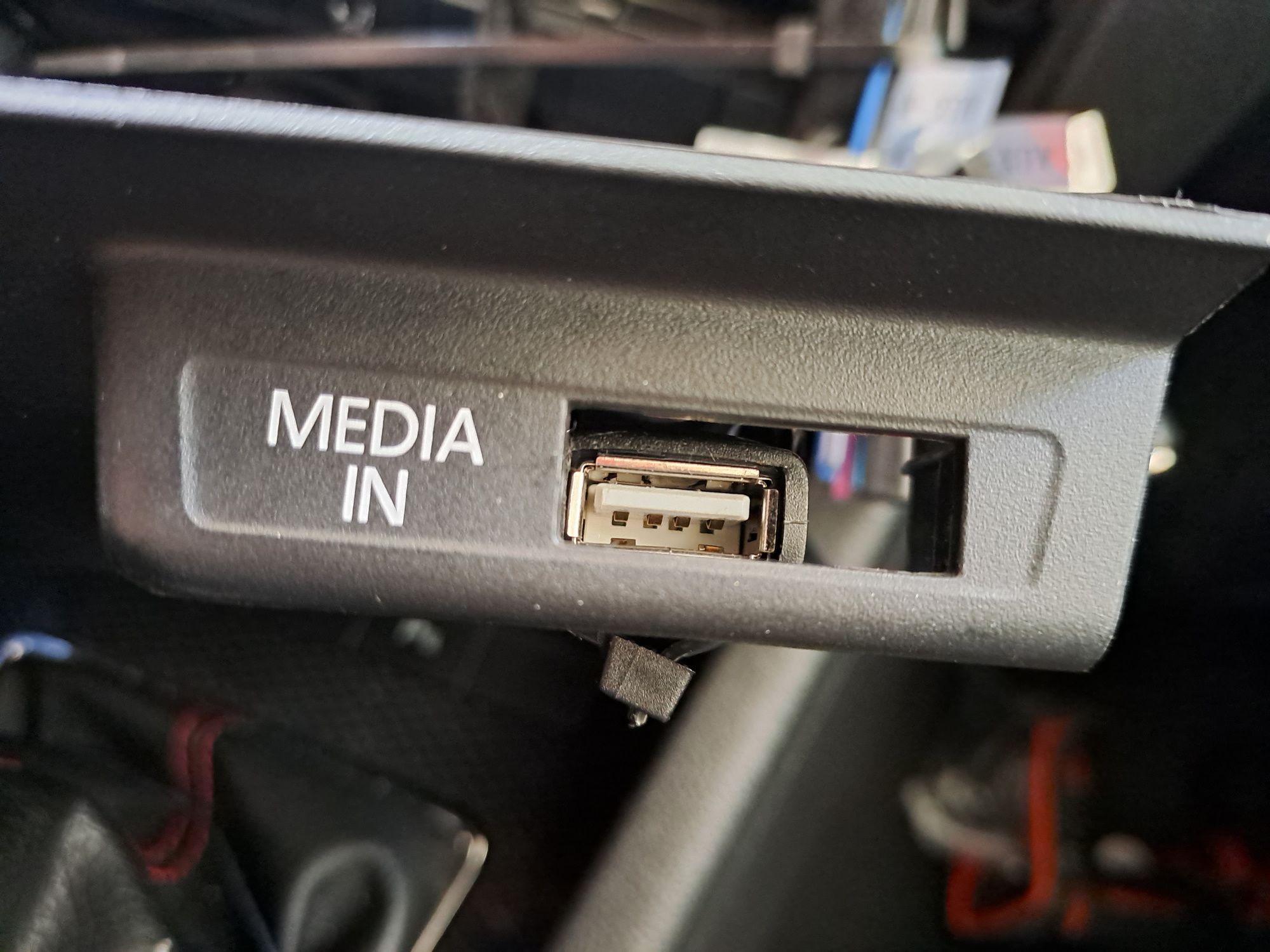
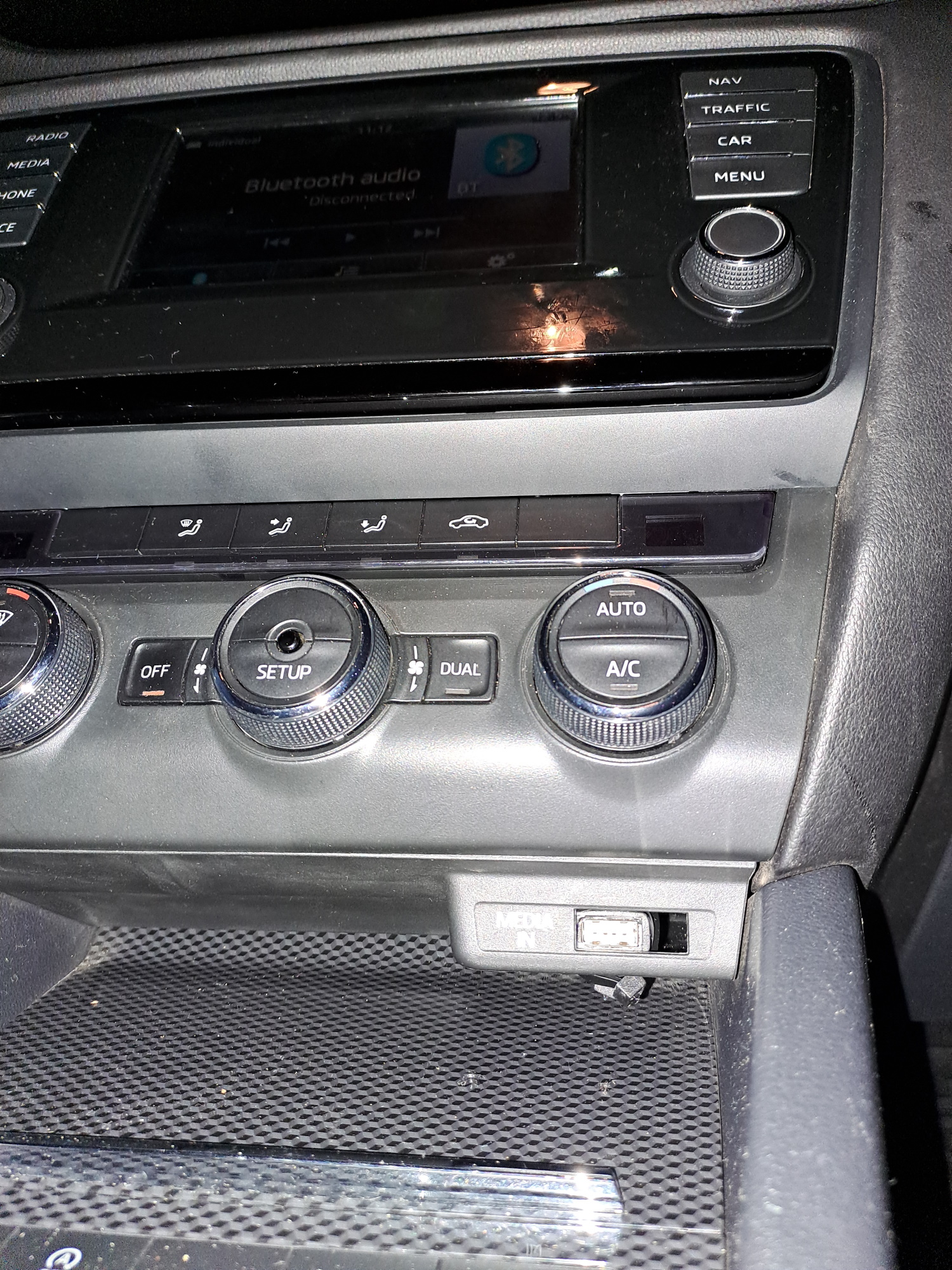
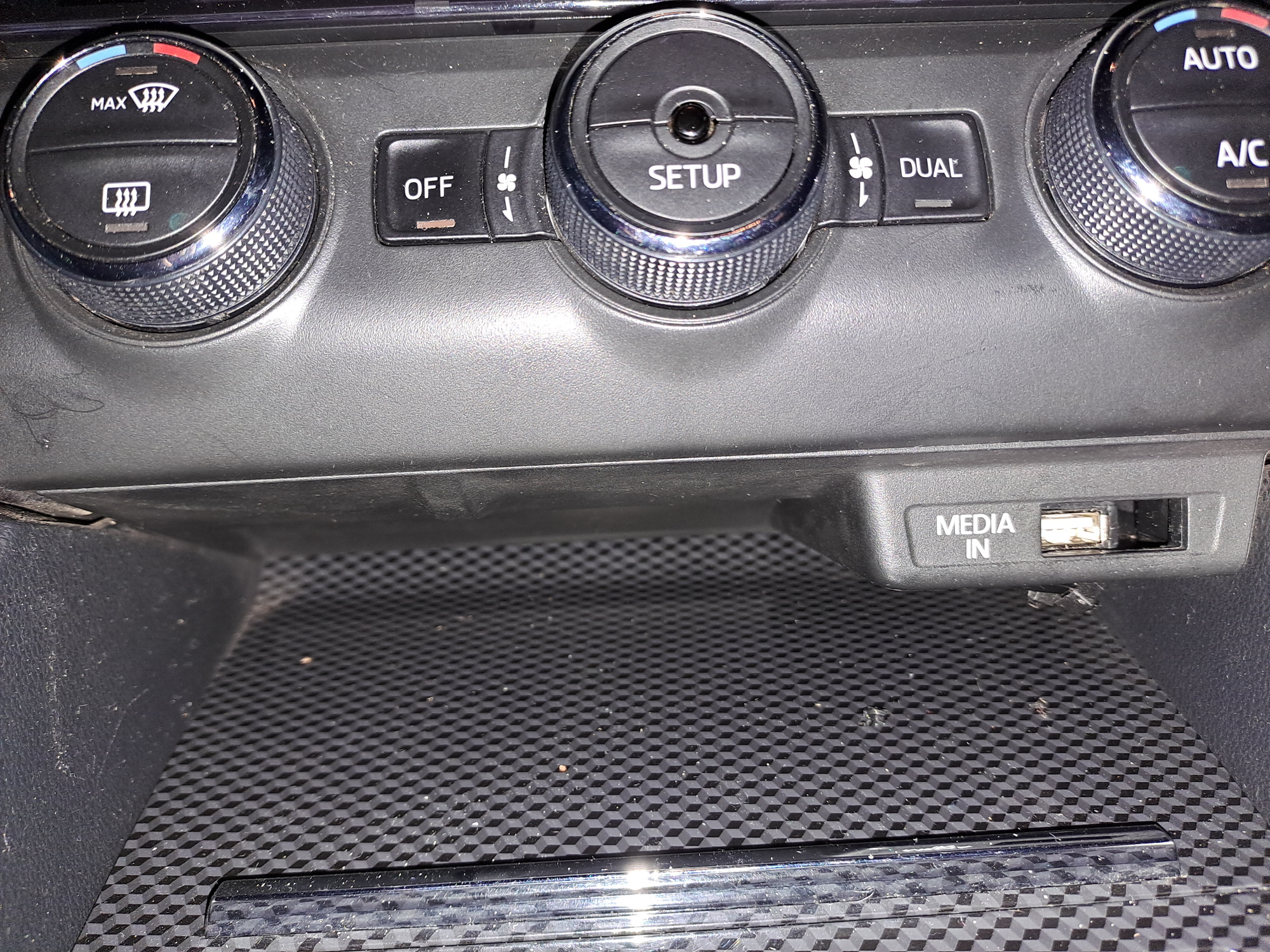
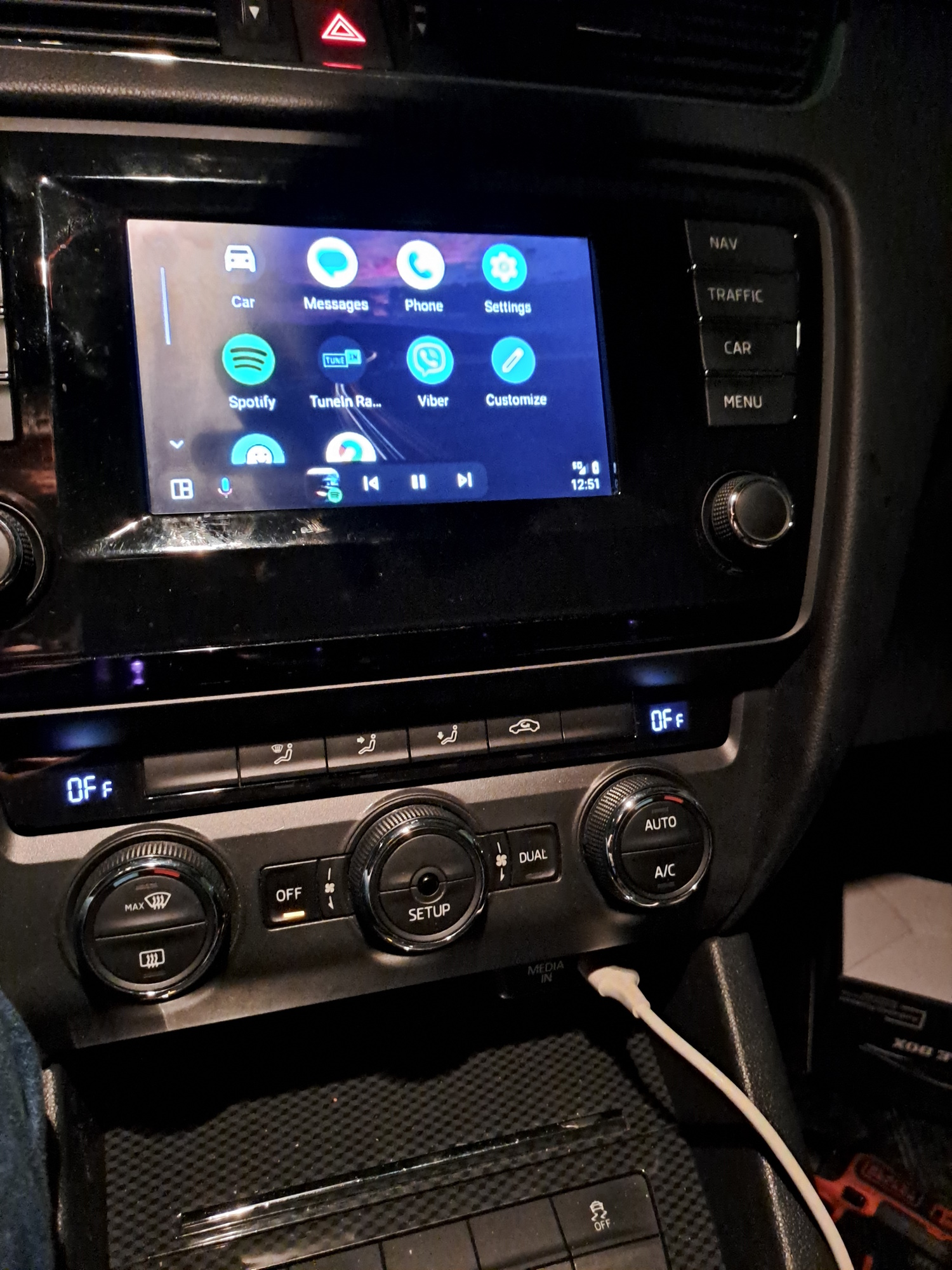
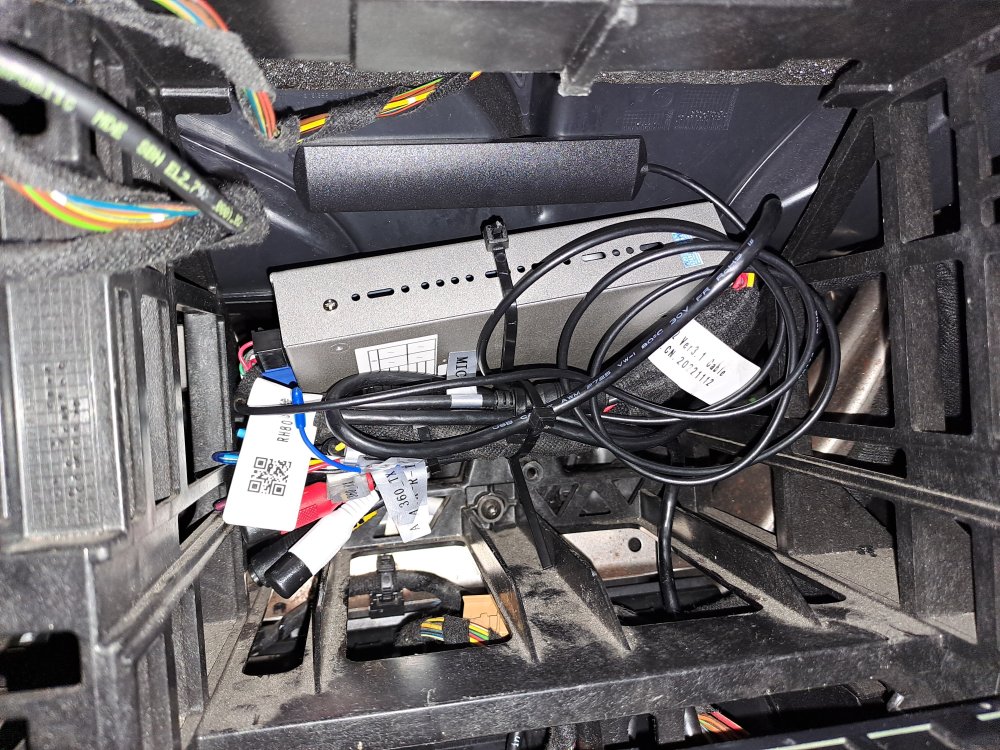
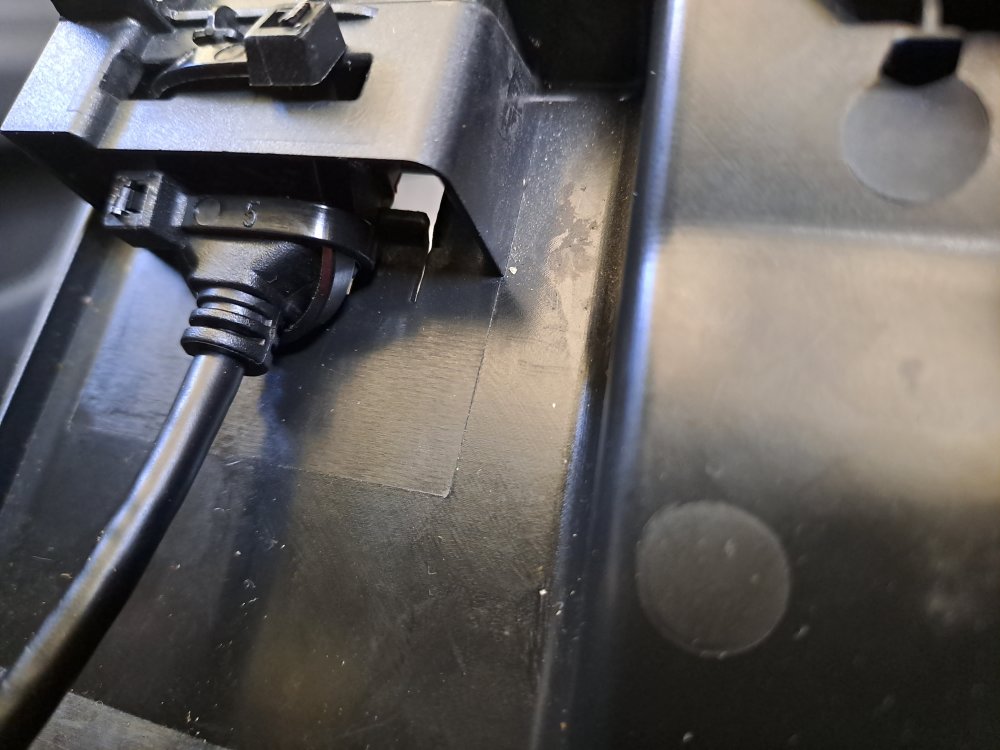
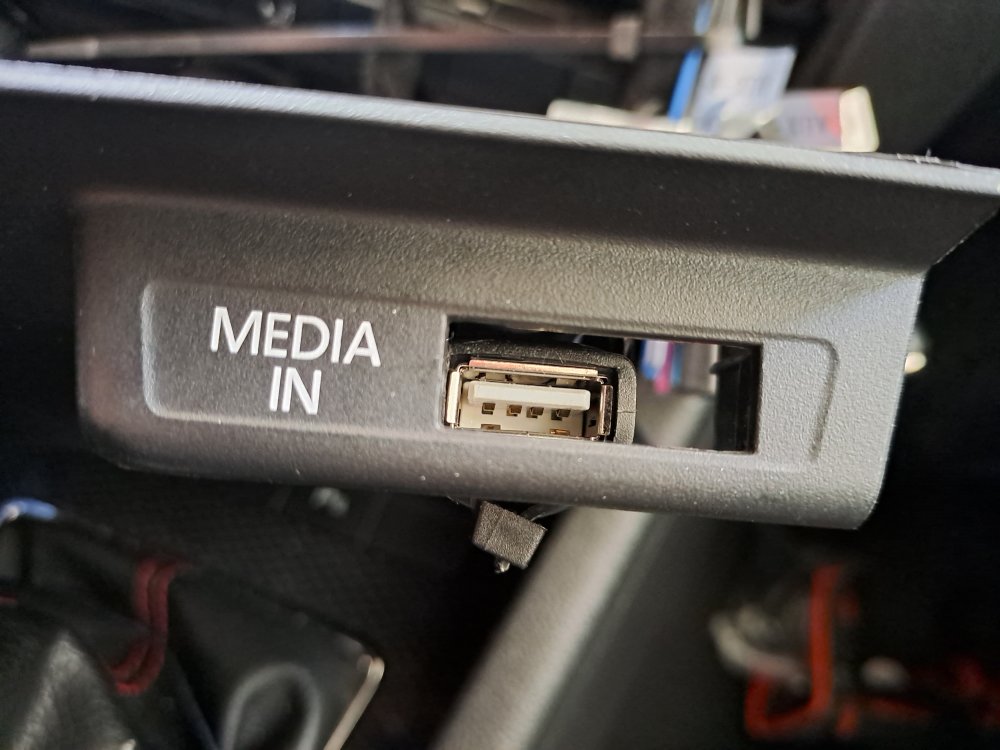
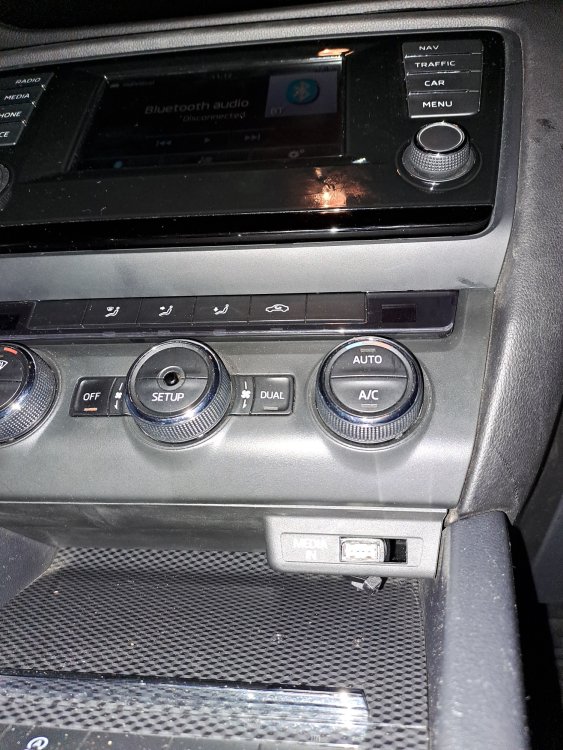
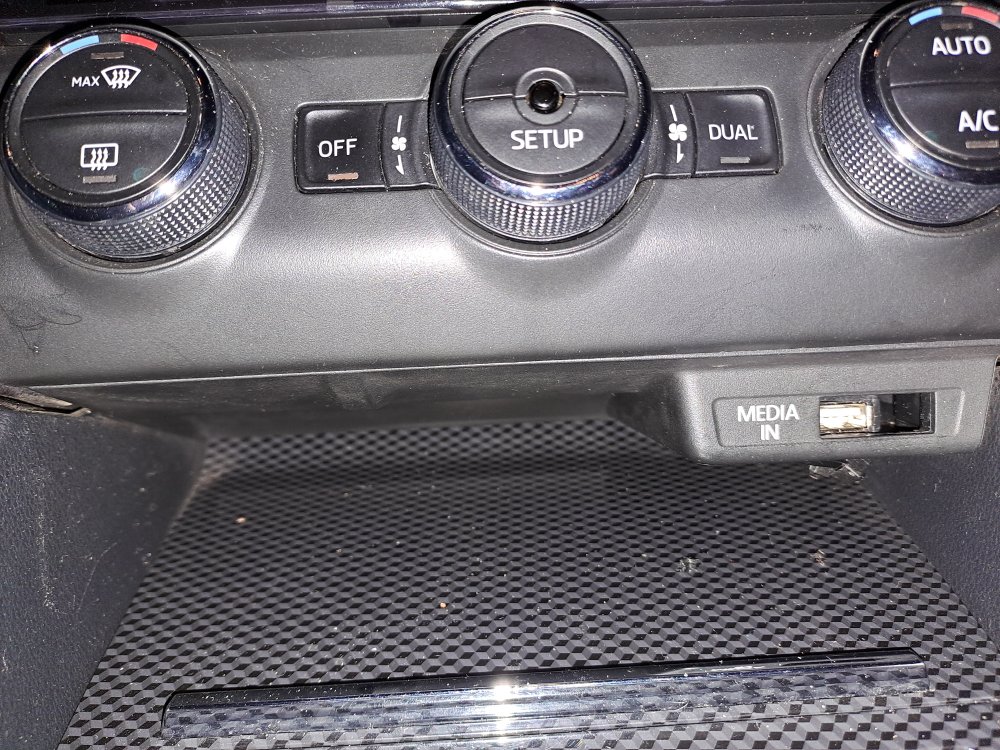
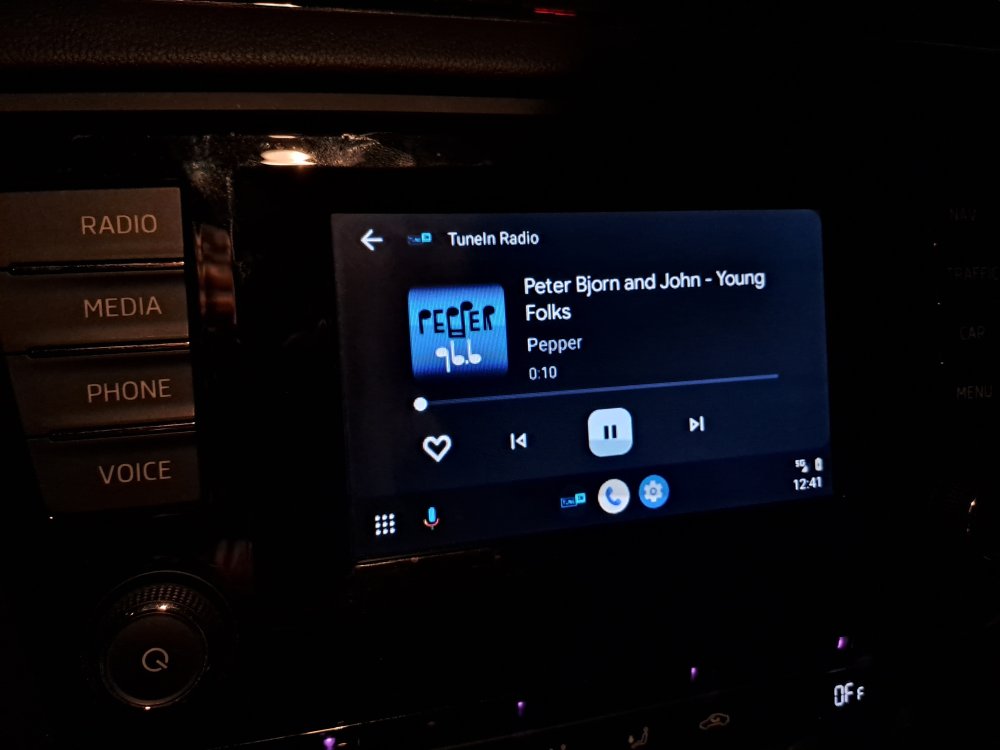
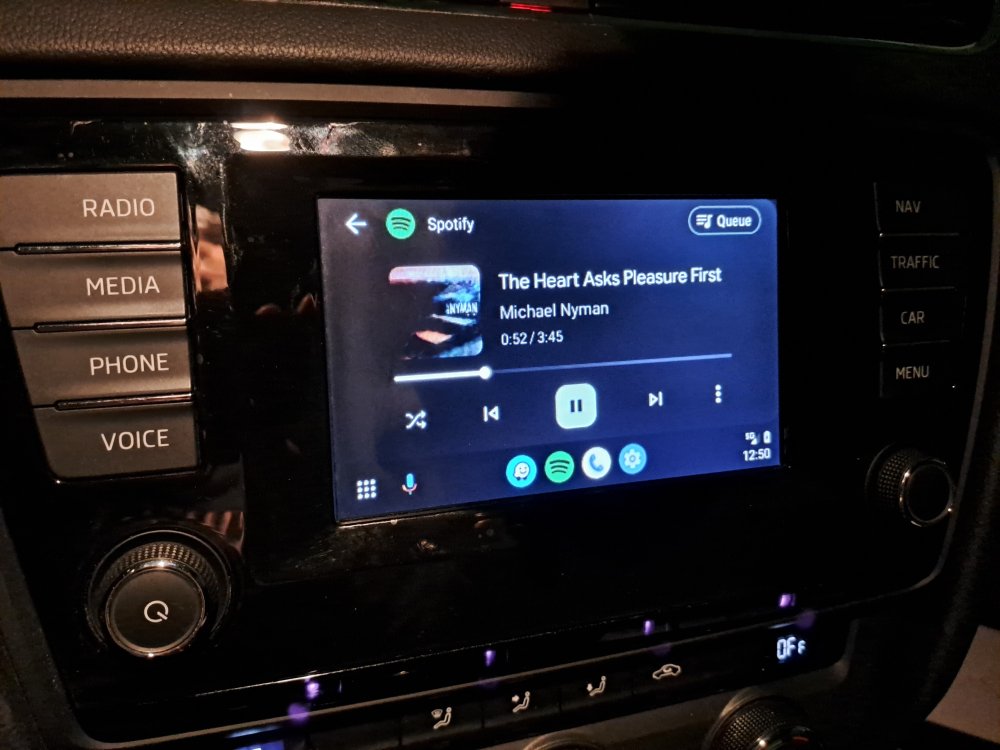
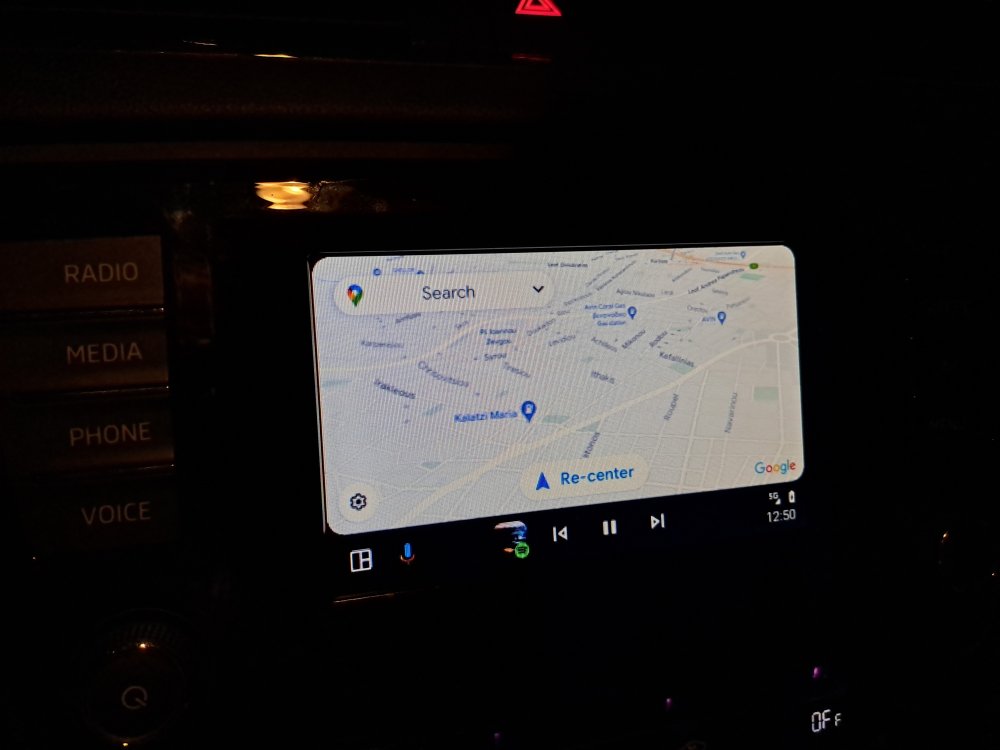
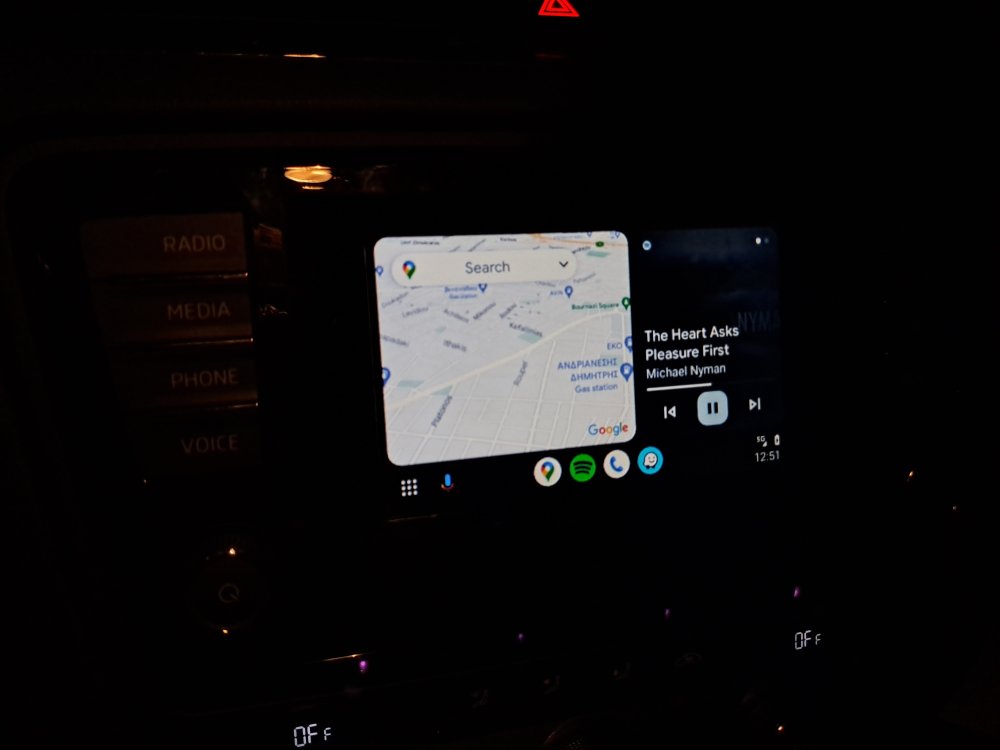
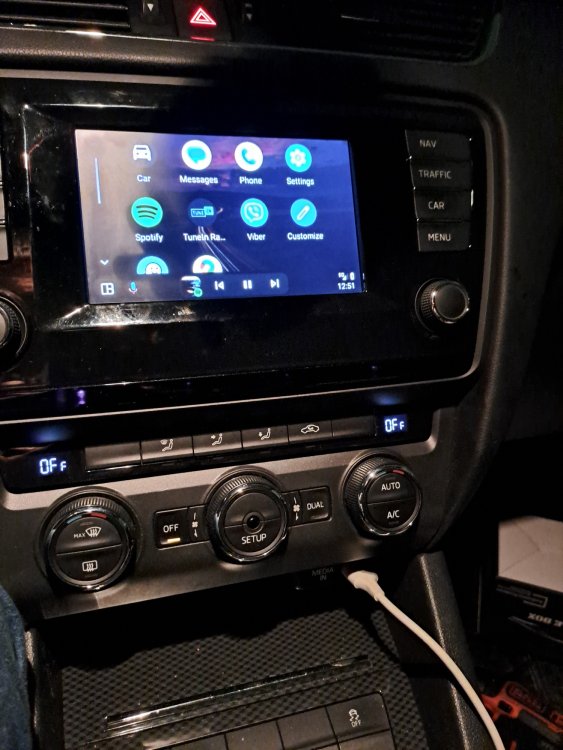
Managed to finish* . As i wrote above i hated the idea of the usb in the passenger box, so i removed the MMI port and until to arrive* the correct usb port (5E1857367B 9B9) that cost only 18€ from the official VW distributor) i attached the USB cable to the MMI port. For quite some time i was frustrated cause everything was working except the Audio... could make calls though), In the end i realised that i had to disable the MMI port and enable the AUX-IN from obd11. The scroll between the menus was never the strong point of my MIB1 (even in stock..), i can say that it's totaly acceptable the performance Only issue /for now/ i have noticed, that the left scroller, that adjust the volume on the steering wheel, when you press, functions like mute, i'd prefer to pause the song, like the stock operation
-
yes, on the instance above, i had connected wireless. Regarding your question, i cant answer now, i have left a mess in the car, cause i want to find a solution to bring the USB cable in the position of the Multimedia connector (i dont like the idea to hide somewere in the passenger box
-
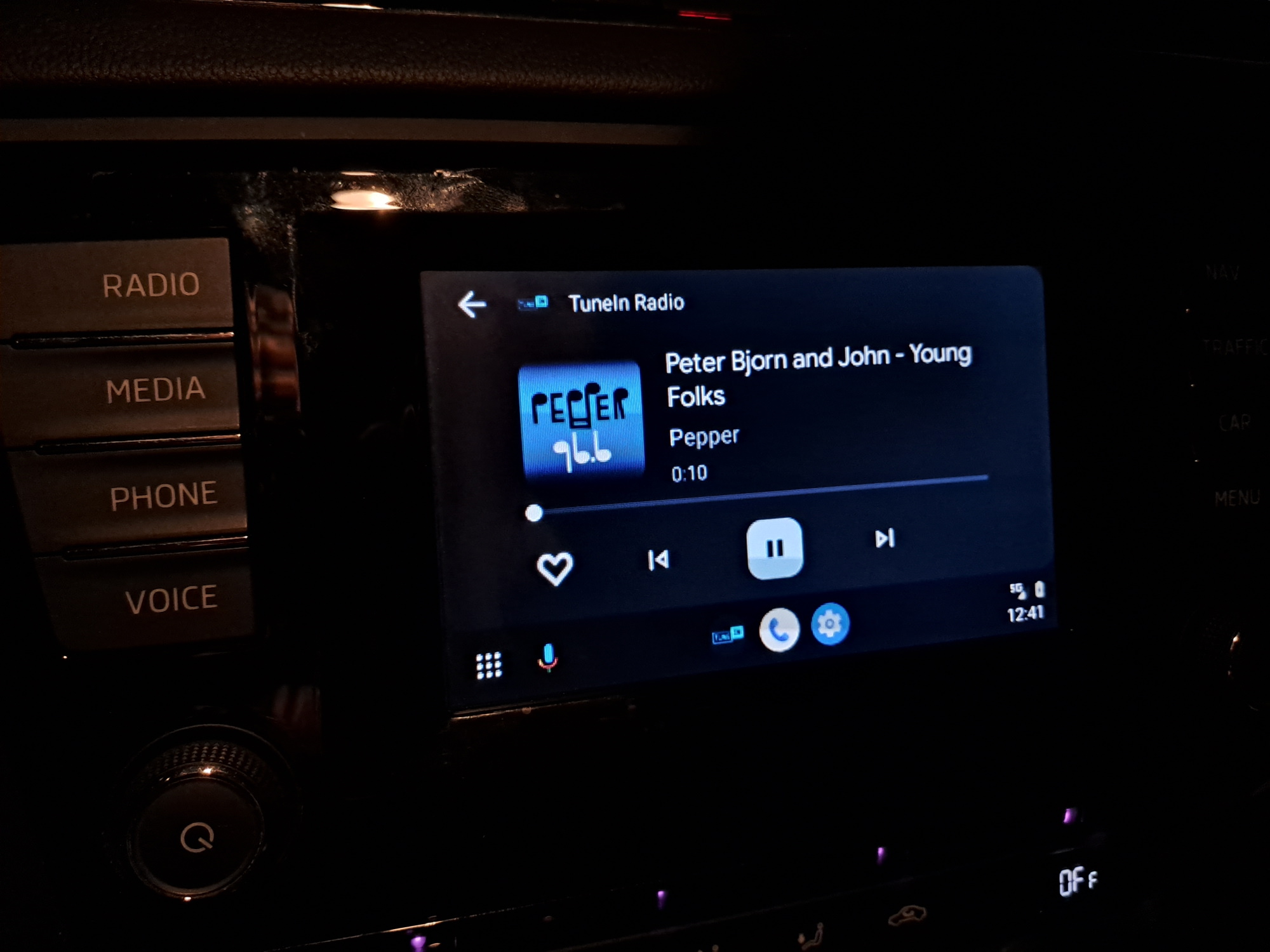
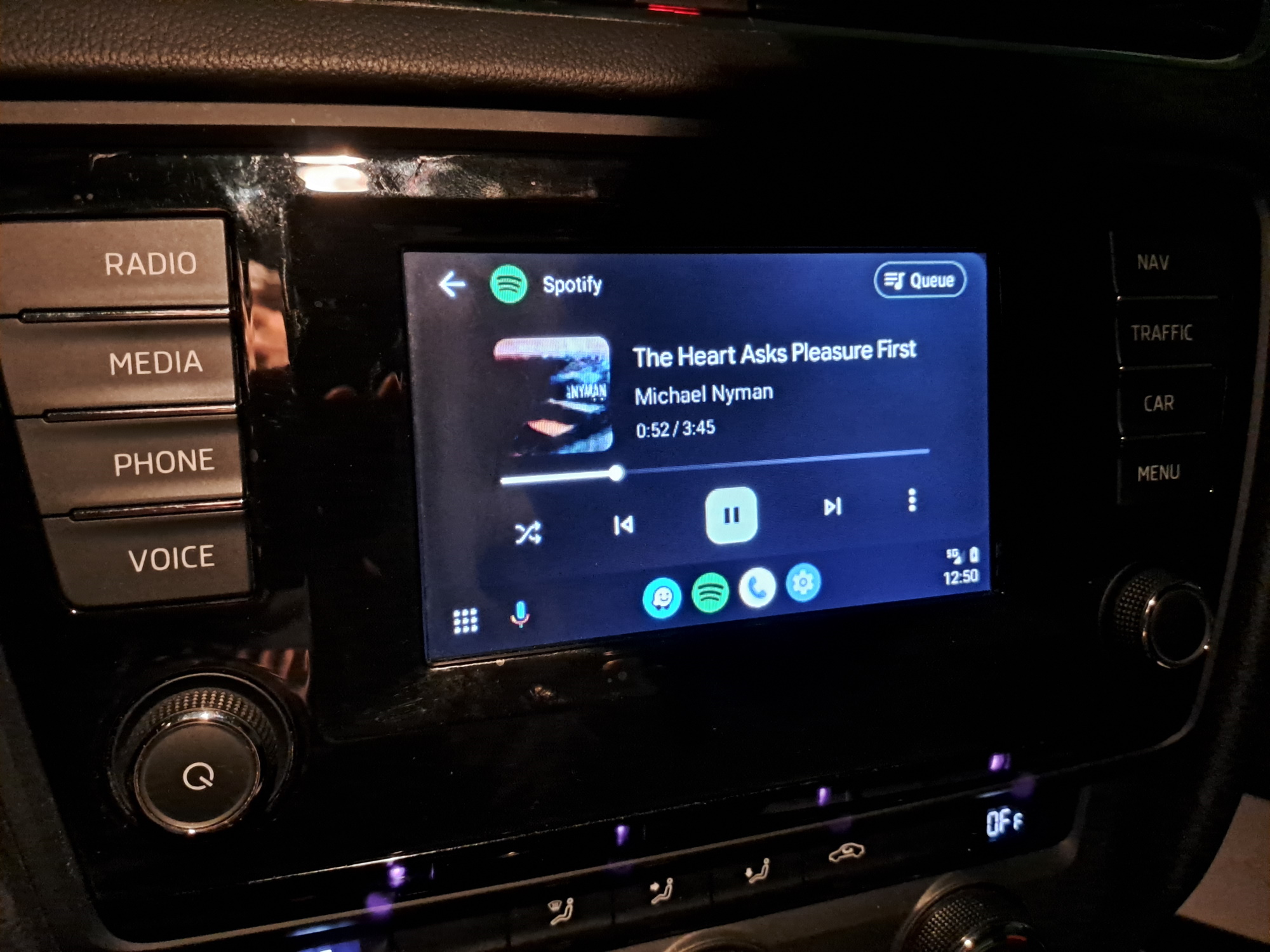
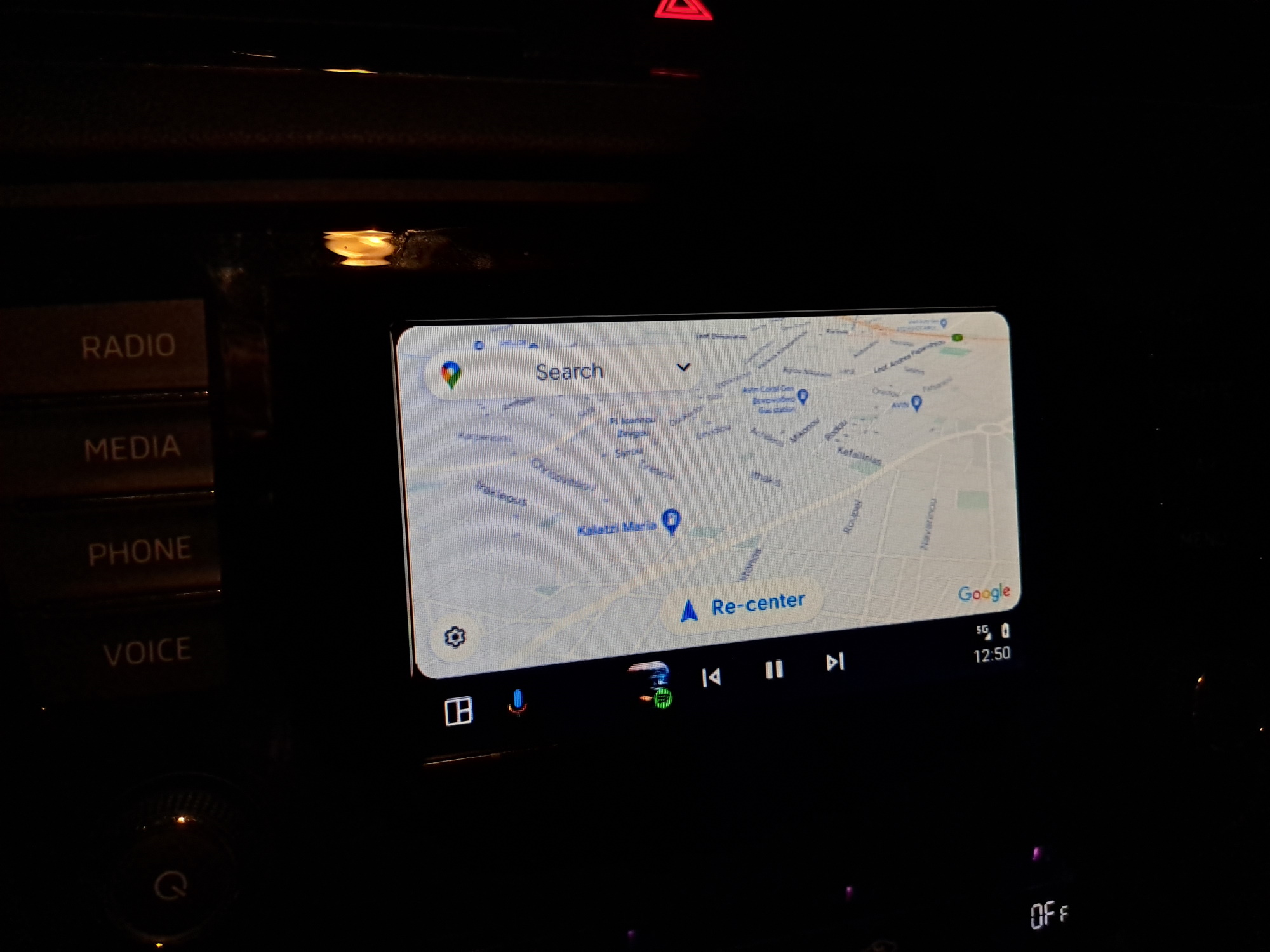
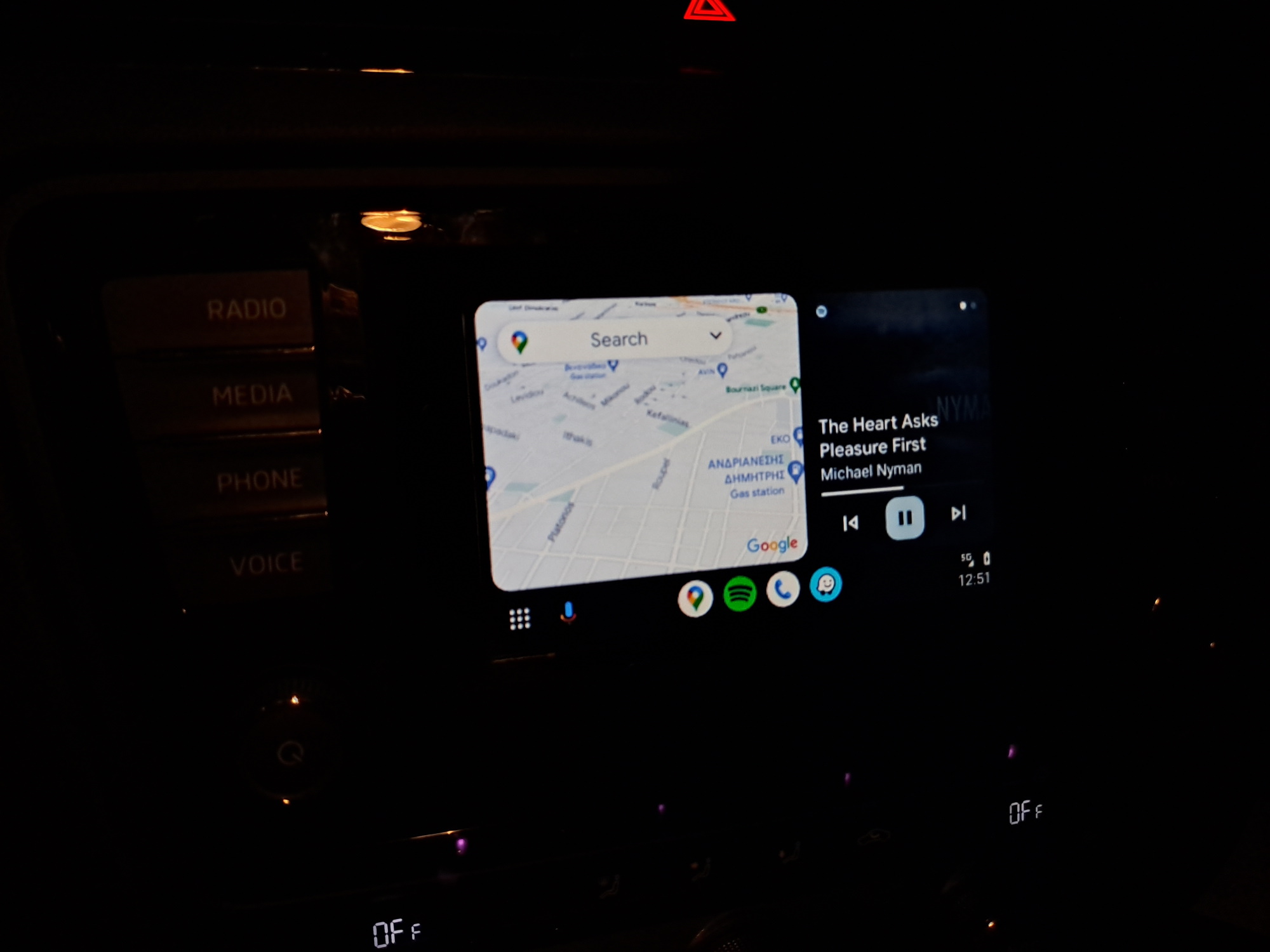
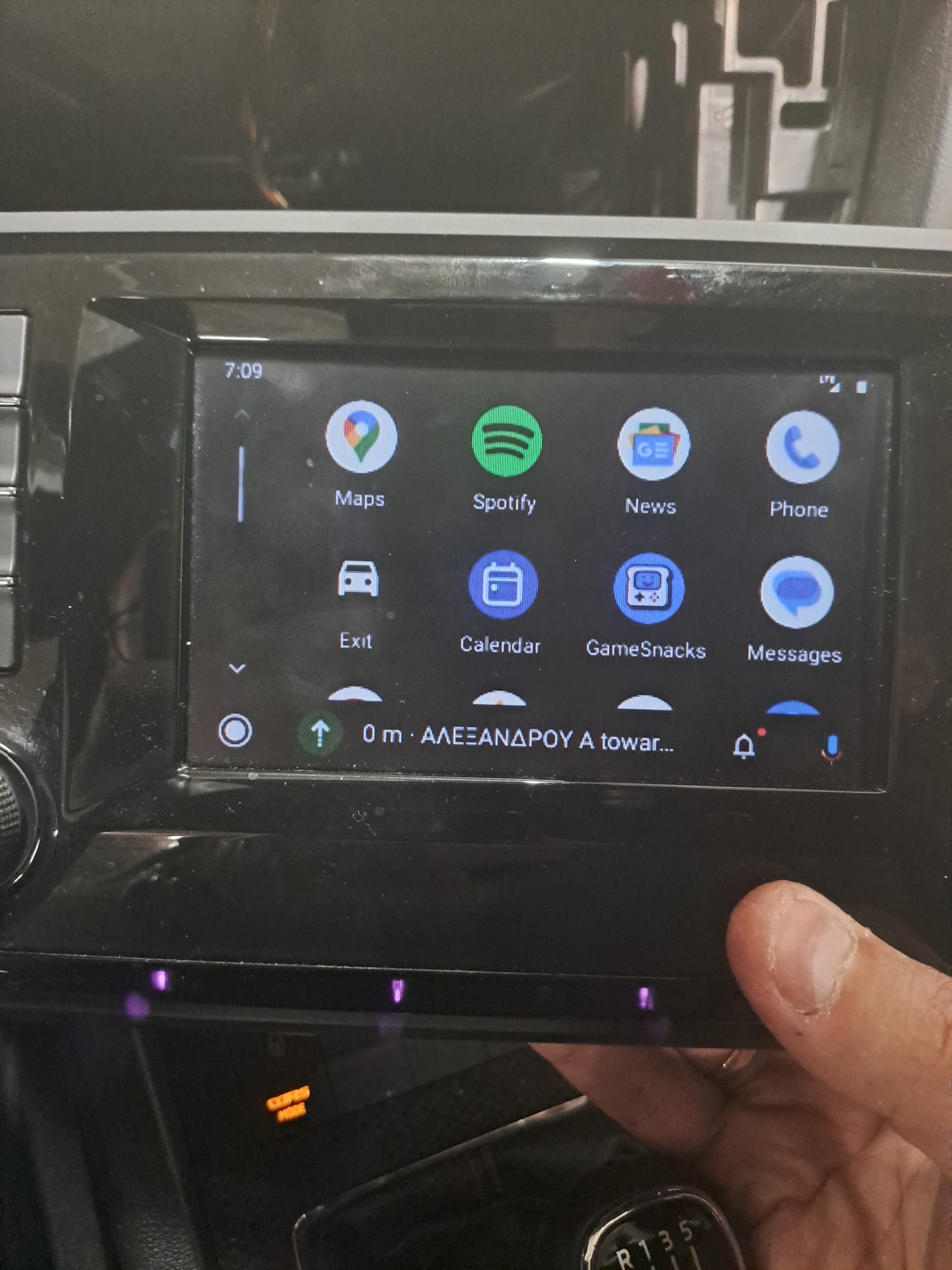
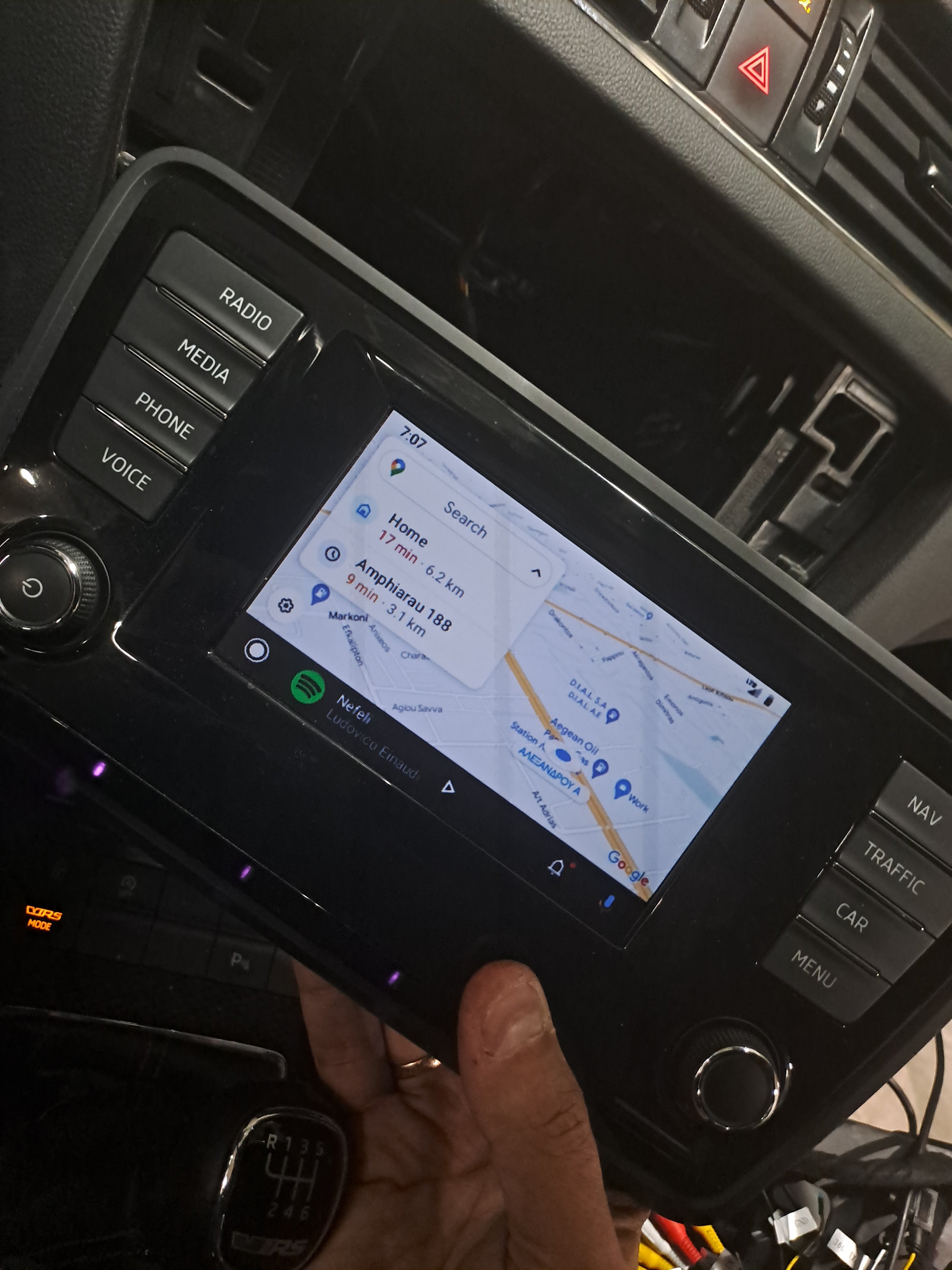
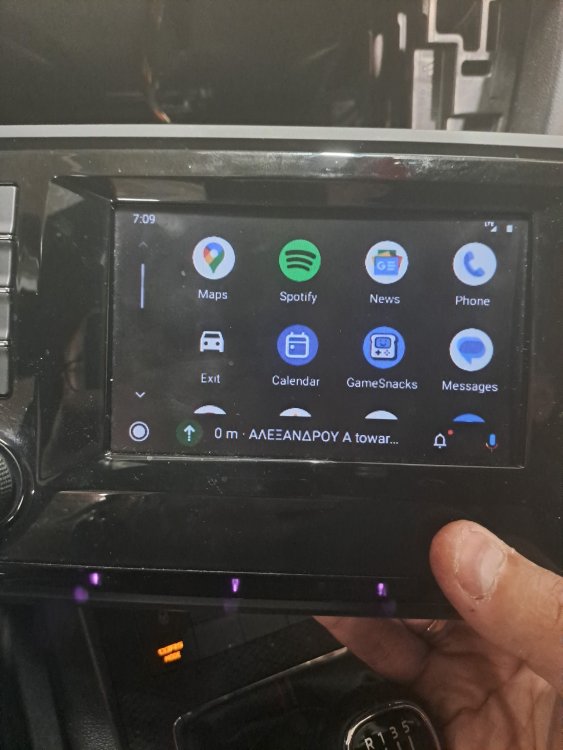
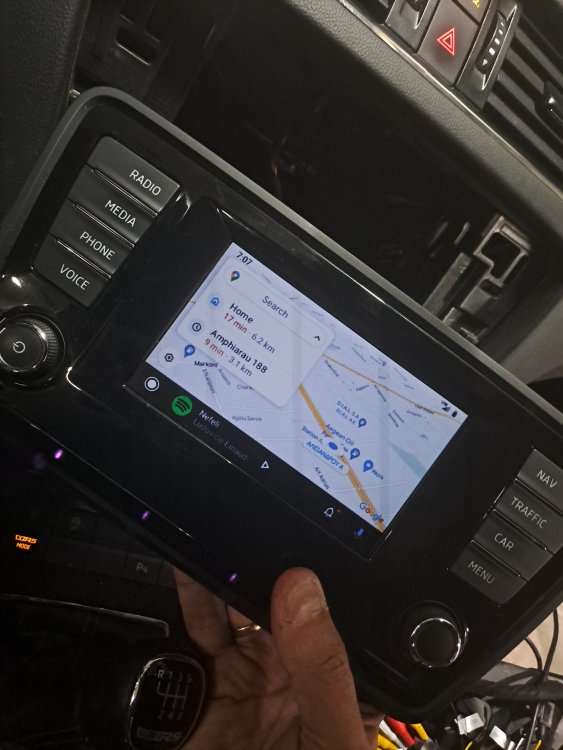
Just powered it... Ok the 5.8" 400x240 resolution sucks a bit, but "it works.." and will suffice my need to have Google Maps with traffic..
-
€ 246,48 20%OFF | EBILAEN Wireless Carplay Android Auto Module Box For VW Volkswagen Skoda Octavia A5 Golf 7 Polo Passat B8 Mirror Link MIB MIB2 https://a.aliexpress.com/_mPzVYBs
-
I've ordered few days ago, (MIB1 Amundsen user here..) and when arrive, after installation, i'll keep the thread notified