



Skip to content

FreelancerGamer

Finding my way
  • Joined

  • Last visited

Everything posted by FreelancerGamer

  1. What is the maximum weight that the marked trunk hooks can handle? Skoda Superb 2020
  2. Thanks for the answer I want to wire exactly like "JohnnyType2" did it. From the multimedia in the glove box to DSP with 18 gauge 9 conductor Audio cable -> from DSP to the amp with RCA cables -> then to the speakers (here I have 2 options) 1) go to the original wires in the glove box back to the speakers 2) wire to the speakers directly Thanks again
  3. Are you sure? I just looked at my amp spec "Prime 400 Watt Full-Range Class-D 4-Channel Amplifier" They advice Speaker Wire Gauge12 AWG and the Average Current Draw (13.8V Music) 25 A So can I use the wire that he used in this thread STINGER 18 AWG to send the output from the amp to the speakers or better upgrade to 12 AWG and send directly to the speakers through the molex connectors? Thanks
  4. How much watt rms the original speaker wires can handle? I have Rockford Fosgate T2652-S 100 Watts RMS Do I need to drill the molex connectors and put new wires? Thanks!!!
  5. Hi, So if we have on the original system: FR +- FL +- RL +- RR +- How we connect the subwoofer? Thanks
  6. In Seat's with VC you can display waze on VC From what i understand from the dealer in Czech Republic its not allowed by law to display waze on the VC.... We need to find a way to do it
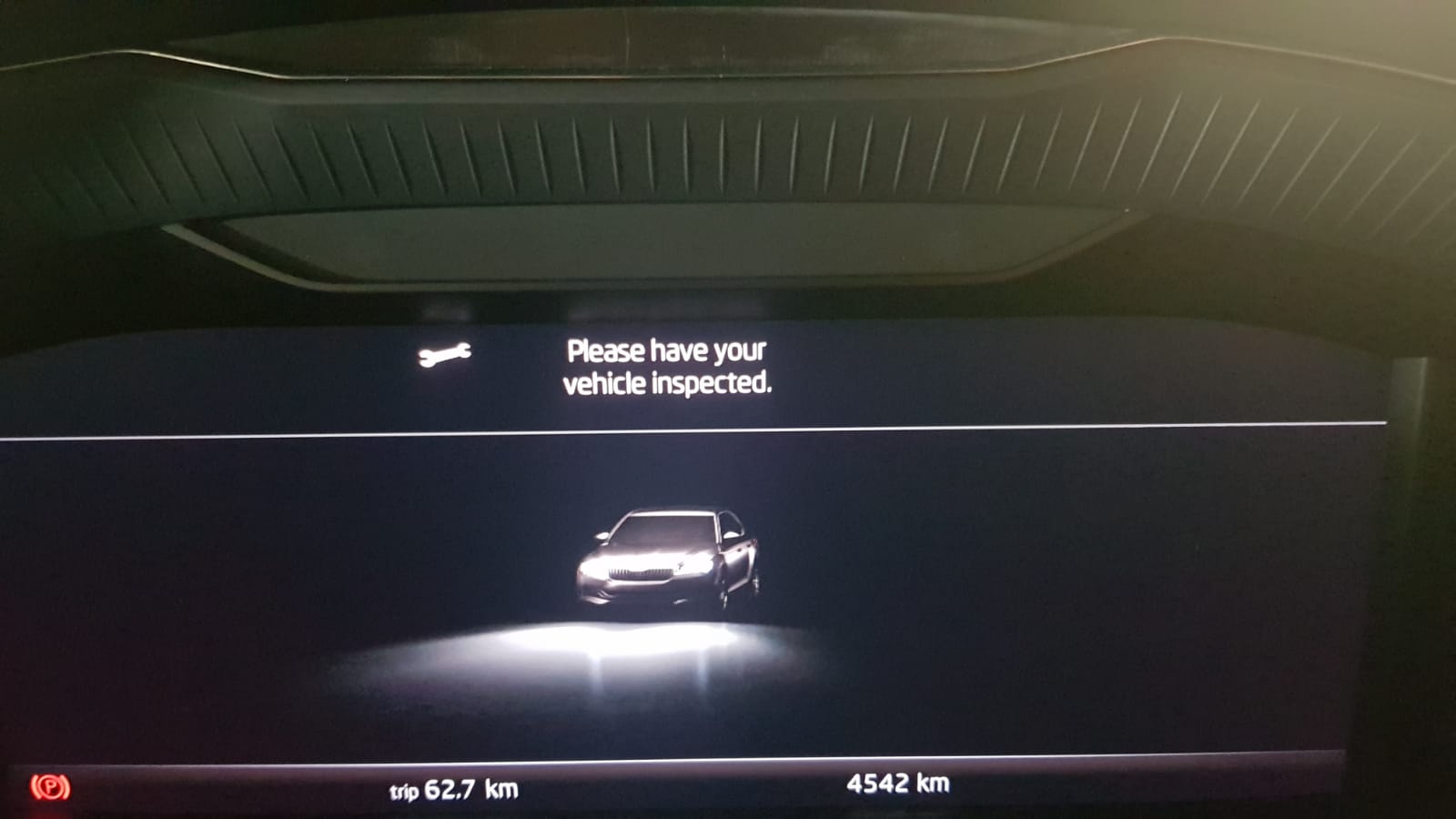
  7. I just got the new 2020 Superb and I want to upgrade the audio system. I need some help to figure out few things: 1) Where I can find the Bolero audio system wiring? 2) What type of ISO T-Harness do I need? 3) There are 8 speakers so I need to buy a 8 channels DSP? (I don't want to change the head unit just want to connect new speakers and subwoofer to the multimedia in the glove box with DSP) 4) Do I need to buy load generating device to connect the speakers? 5) How to remove front and rear doors? Attached the car pic and the audio system pic Thanks

Important Information

Welcome to BRISKODA. Please note the following important links Terms of Use. We have a comprehensive Privacy Policy. We have placed cookies on your device to help make this website better. You can adjust your cookie settings, otherwise we'll assume you're okay to continue.
Account

Navigation

Configure browser push notifications

Chrome (Android)
  1. Tap the lock icon next to the address bar.
  2. Tap Permissions → Notifications.
  3. Adjust your preference.
Chrome (Desktop)
  1. Click the padlock icon in the address bar.
  2. Select Site settings.
  3. Find Notifications and adjust your preference.