Matt_90
Finding my way
-
Joined
-
Last visited
-
Great news. So just to clarify. These fit the Octavia MK4 vrs seats? Thanks
-
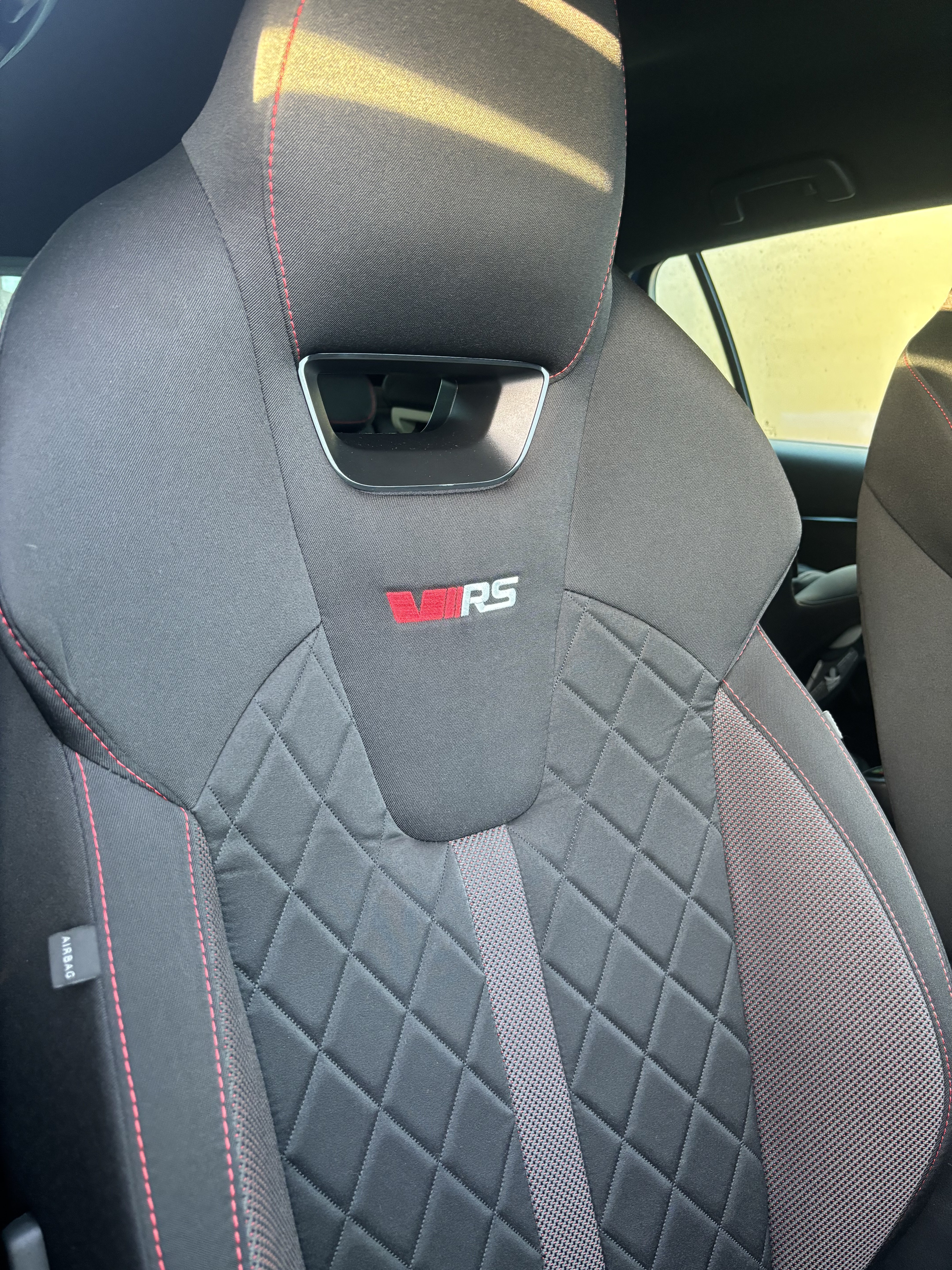
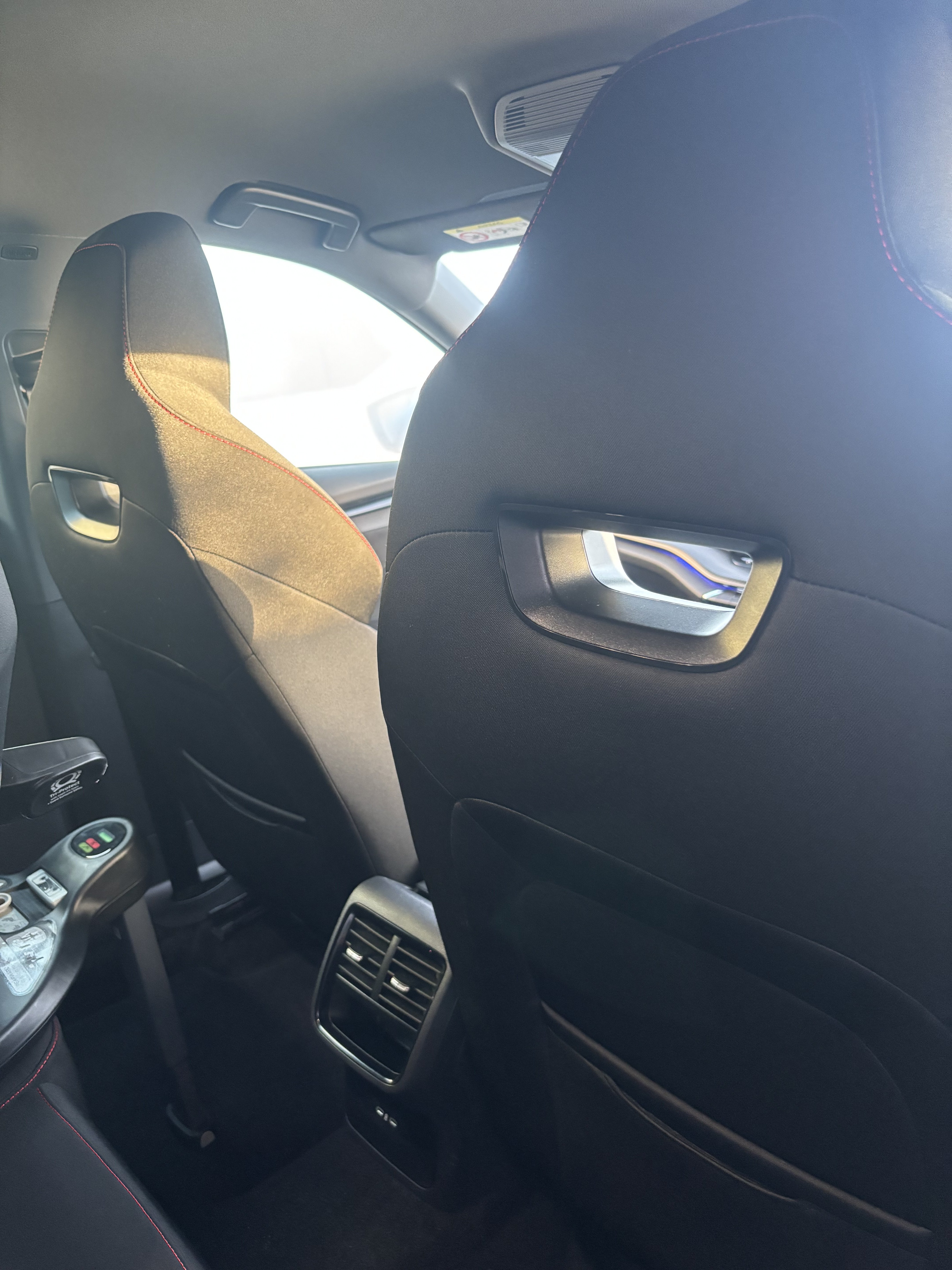
@aaaaplay well I got the impatient and ended up ordering one. Only had chance to try it out tonight. You’re right it definitely doesn’t fit the Octavia VRS mk4 seats…..so back to the drawing board. So far I’ve tried 3 different devices. All with no luck. 1. Velcro straps (it did work but annoying having to put the tablet into a Velcro case everytime I wanted to use it) 2. A window sucker that went on the side window. Just fell off 😭. 3. The official Skoda Sports seat device which officially does not fit the sports seats 😂 Anyone else got any ideas? Or someone with a 3D printer want to make me something. I’d be greatly appreciated 😁
-
Just thought I’d take a picture of the actual seats to make life easier 🤣
-
@aaaaplay don’t mean to sound stupid but what does that mean 😂 would this sports seat adaptor fit in my Octavia vrs 2020> seats? thank you guys so much for your help.
-
@aaaaplay any idea when this will be launched or anything please?
-
Which product you suggesting Wanderer? I’ve checked out that link and none look like they would fit in the vrs seat gap to hold a tablet?
-
I’ve recently just bought a VRS estate 23 plate. Love it. Superb car however I’m struggling to find a tablet holder for the seats? So apologies if this topic already has a thread but can anyone point me in the best direction to get a decent, well tested sturdy one. Thanks.