
Anton13579
Finding my way
-
Joined
-
Last visited
-
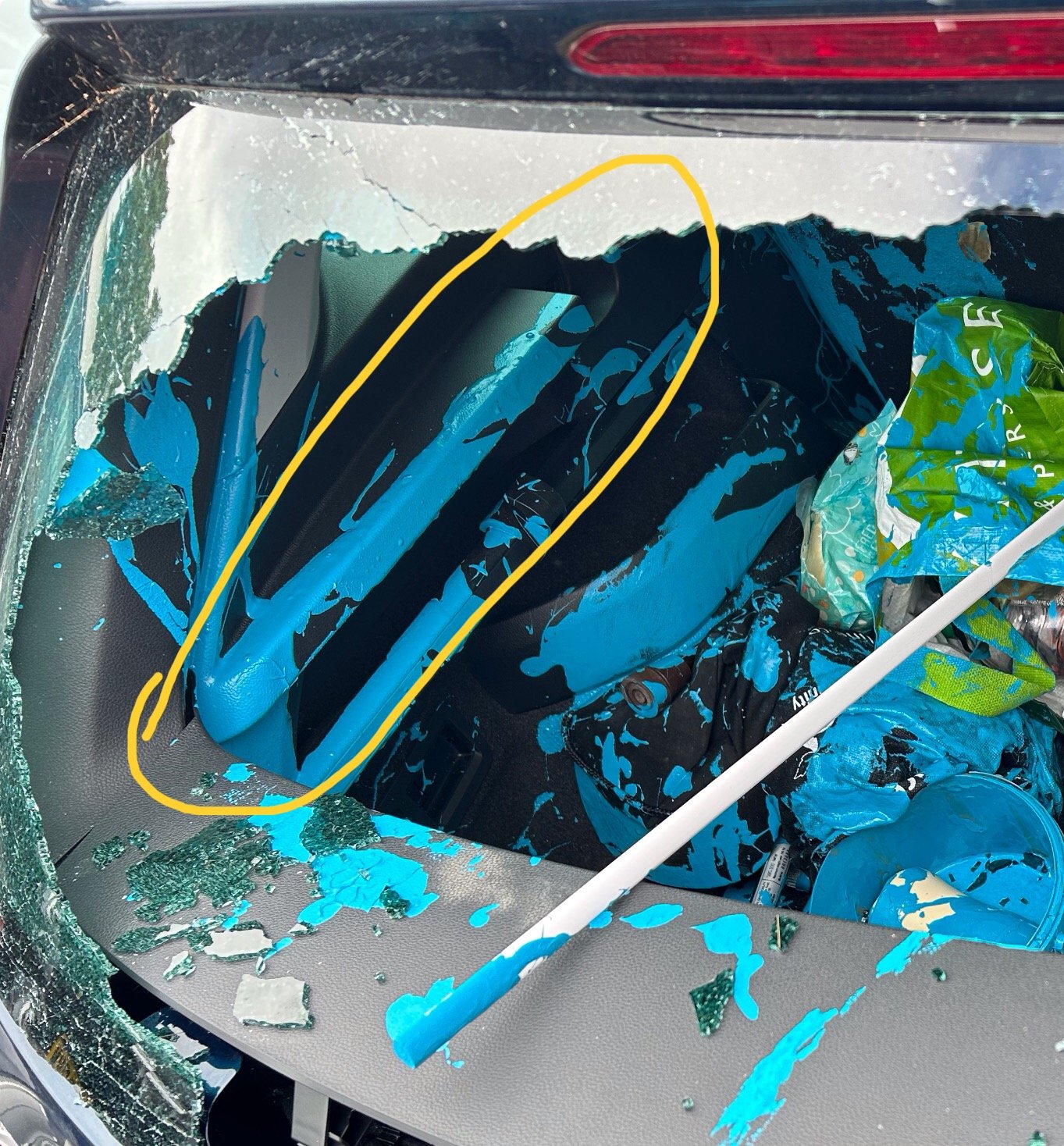
No, you need the correct sides for the roller and holes for the roller to attach into the boot. the screen lifts as you lift the boot up… I had a tin of paint in the boot when I was hit, I’m not sure if it shows in the pic 😉
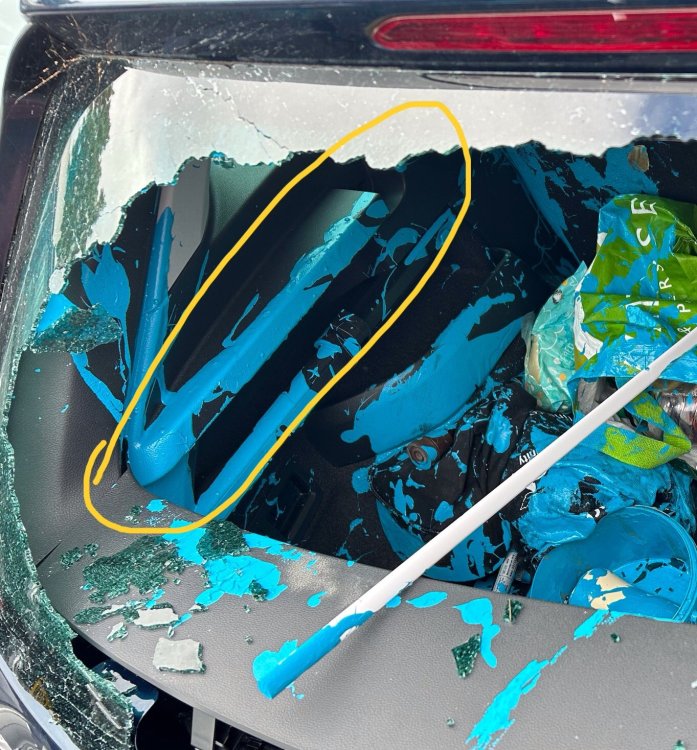
-
After my 2020 Karoq SE L got written off , the boot roller blind was safely stored in the spare room if any one was missing this it’s in excelent condition, offers I have replaced it with a sport line which had a parcel shelf ( I prefer the roller) location Hampshire but I’m happy to post.
-
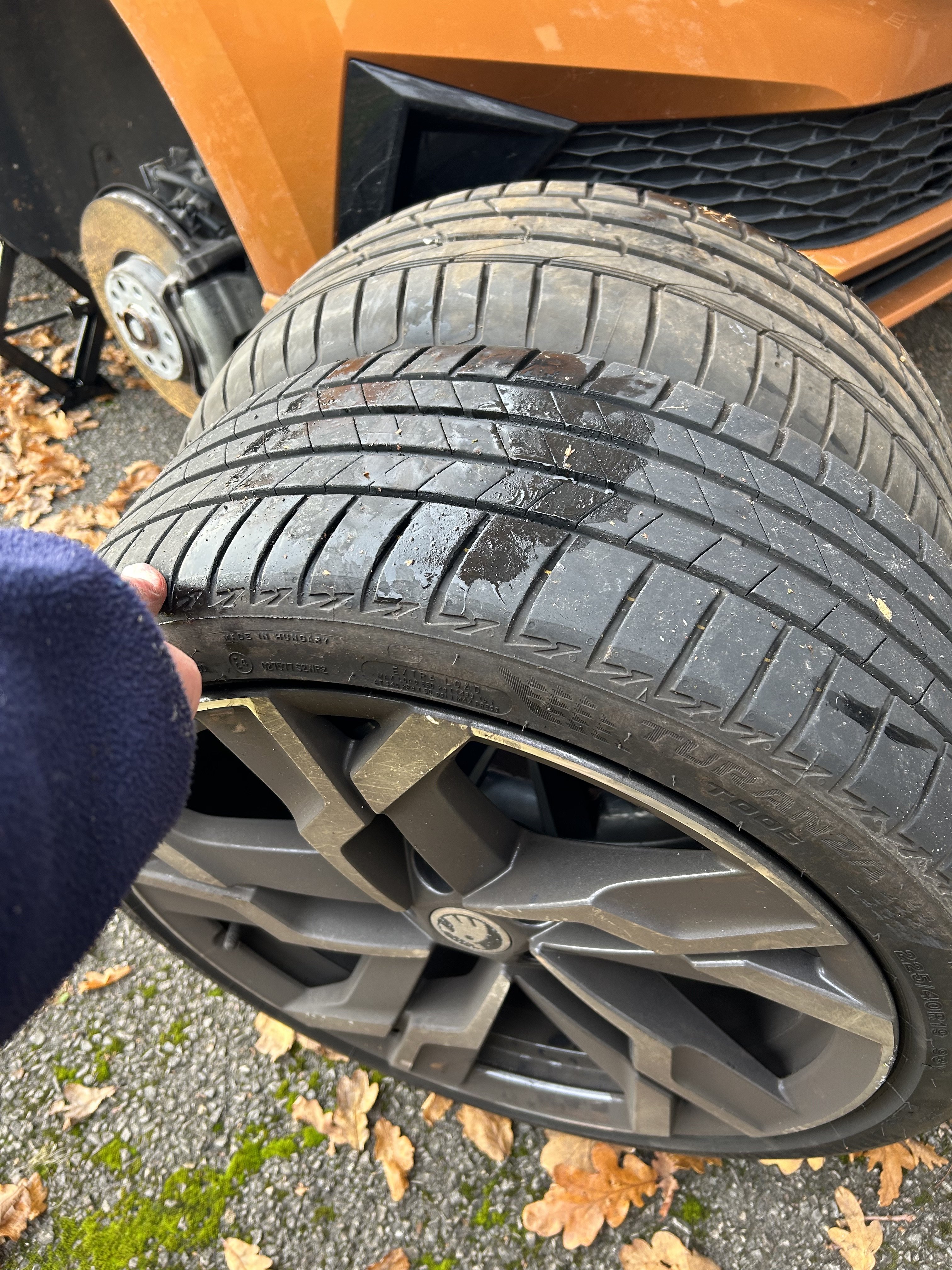
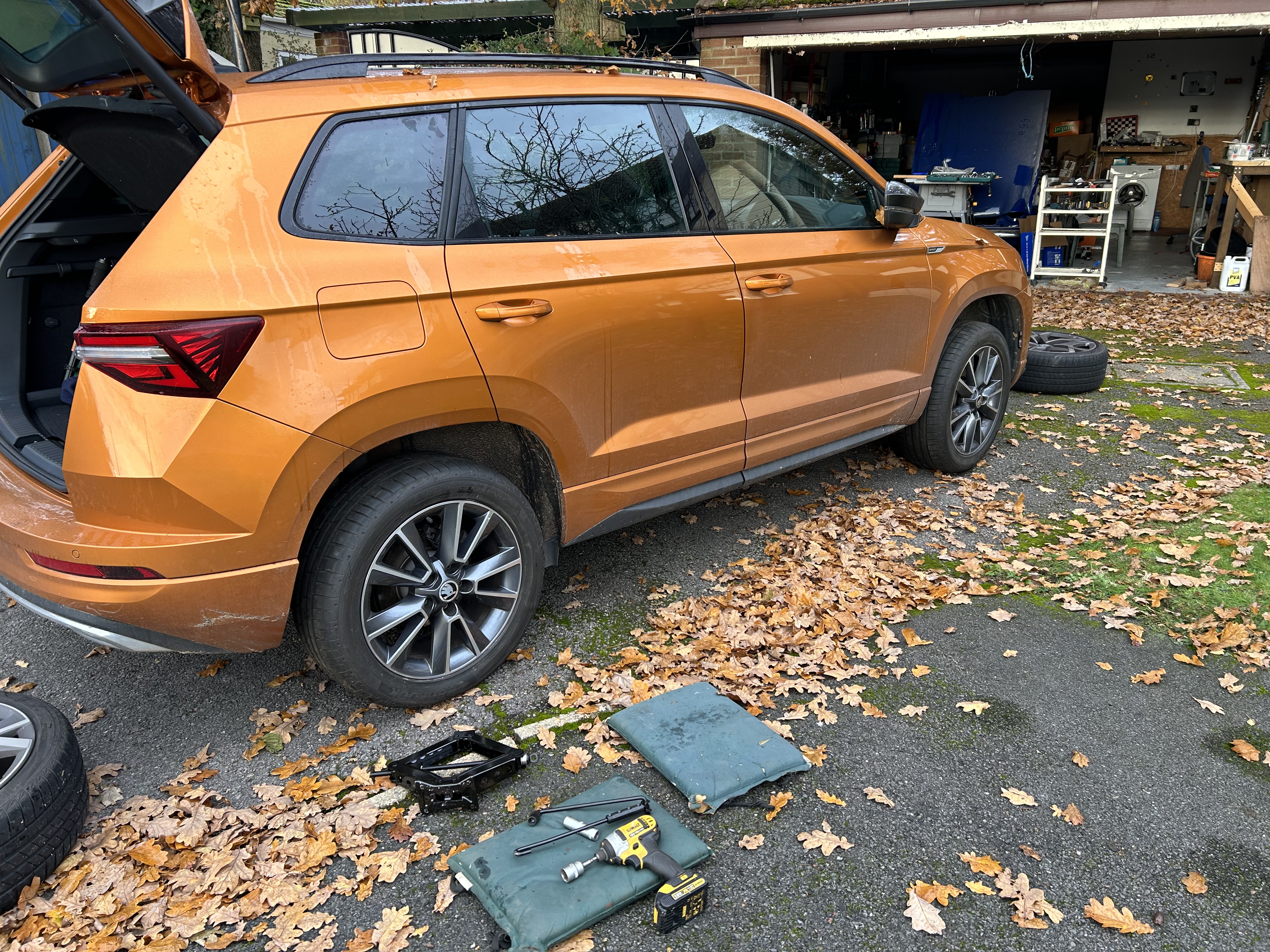
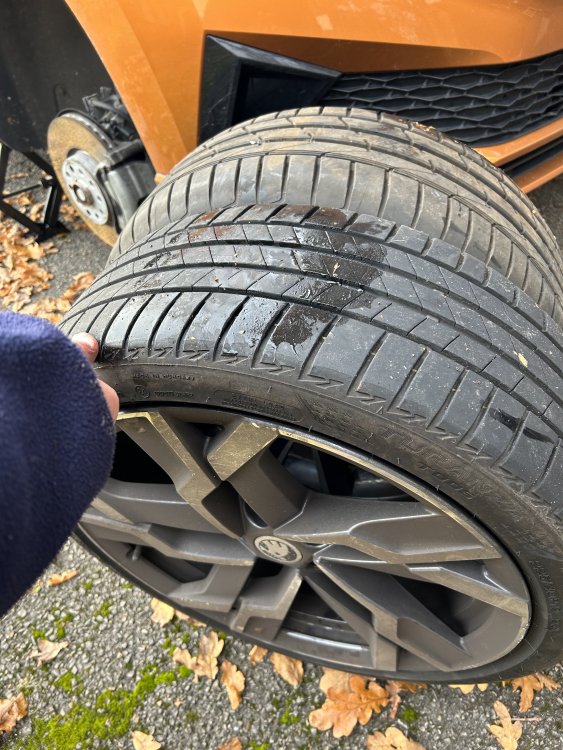
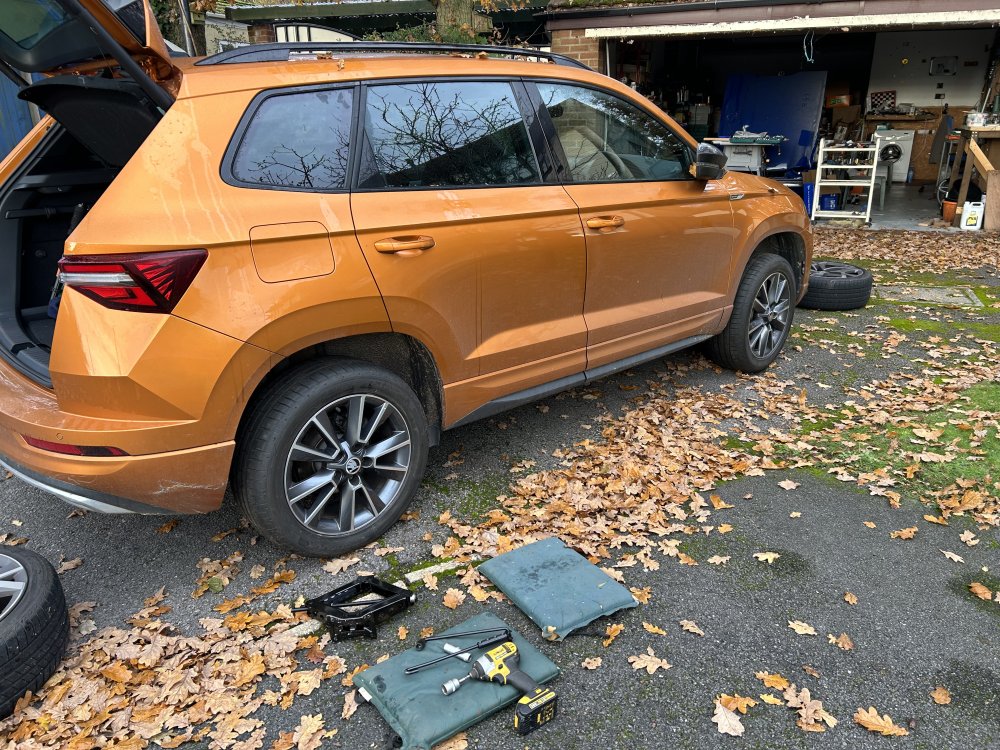
I just downgraded my 19” wheels to 17” yeti wheels .. for more suitable to the New Forest single track roads The replacement tyres touch the kerbs , not the rims The outside circumference is less than 1% difference so I have a spare set of 19” rims and tyres with just 5000 miles on them 225/40/19= 2082 As supplied 225/50/17 =2063 0.92% less ( yeti )
-
I just downgraded my 19” wheels to 17” yeti wheels .. for more suitable to the New Forest single track roads The replacement tyres touch the kerbs , not the rims The outside circumference is less than 1% difference so I have a spare set of 19” rims and tyres with just 5000 miles on them (also… 21mm socket seams to fit over the jack winder up if you have an impact driver, so I hear) 225/40/19= 2082 As supplied 225/50/17 =2063 0.92% less ( yeti )
-
After owning my Karoq 6 months I had another surprise ! thereversing camera has a washer jet if you use the wiper whilst in reverse gear.... IMG_7951.MOV