simmybear
New here
-
Joined
-
Last visited
-
I drove a BMW that had it a few years ago but not my car so I know UK vehicles are not legally prohibited from using it and I suppose it would legitimately come with 'no modifications from Manufacturers original specifications' on the insurance declaration but its a very good point. I would have found it excellent in a multi storey about 10 years ago with 2 VERY close parkers on either side and I had to get in through the hatchback on my Mondeo!
-
I see that the owners manual for the 24/11 production lists remote parking assist (stood outside the car). Does anyone know if (as I presume it's a software function) this will work on a 24/7 production vehicle as the hardware sensors should be the same in both batches. The model I'm looking at is the L&K 2.0 TDI 4x4 DSG Thanks in advance for any thoughts. SIMON
-
I've seen some reports that the DXNB in the Superb Gen 4 4x4 TDI can be produced with a Timing chain or a belt anyone know if this is true and how to check? My new vehicle is a 2024/7 production cycle. Thanks in advance.
-
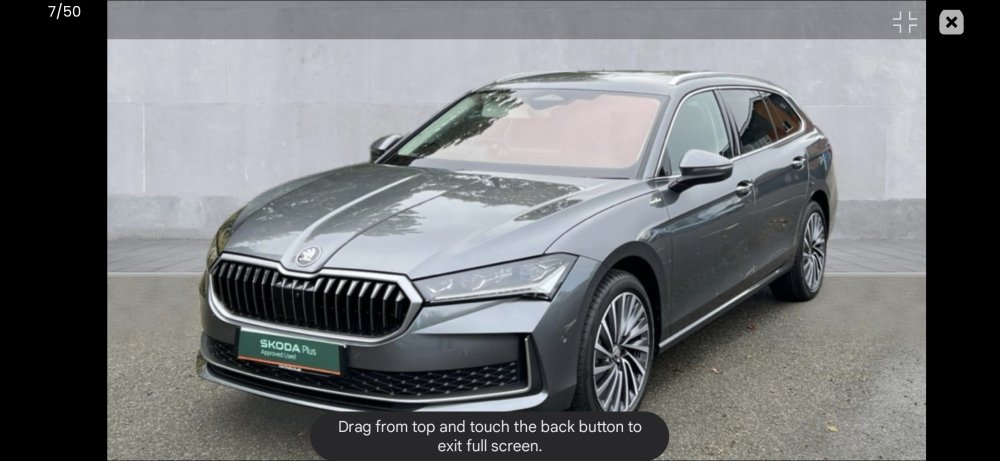
Just buying my second Superb Estate L&K 4x4. Moving from a Volvo V90 because I want diesel and AWD. Can't believe how well equiped it is - as a laugh priced a BMW 5 series to same spec and it was £20k more (or £30k as I'm getting a 6 month old Superb at almist £12k off). My only niggle is no raised boot floor (easier for my dogs but rarely specced as an option it seems) but I've sourced a floor base from a car breaker and a bit of diy framing will soon sort that out.