Saptarshi
Finding my way
-
Joined
-
Last visited
-
I have same problem. I stay in Mumbai. Please send me mechanic number
-
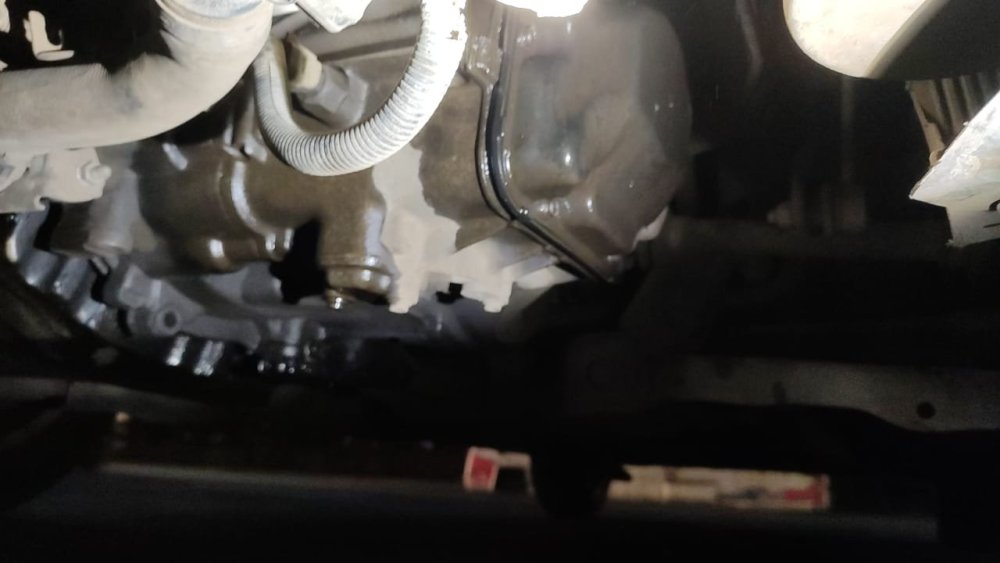
Hi Guys, My fabias gear oil is leaking can anyone suggest me what could be problem? I tried to crank my car multiple times as a changed tandem pump. Got some burning smell and gea oil leaked but car started and running fine. Leaked is still present
-
I appreciate your time and effort. Many many thanks for your suggestions.
-
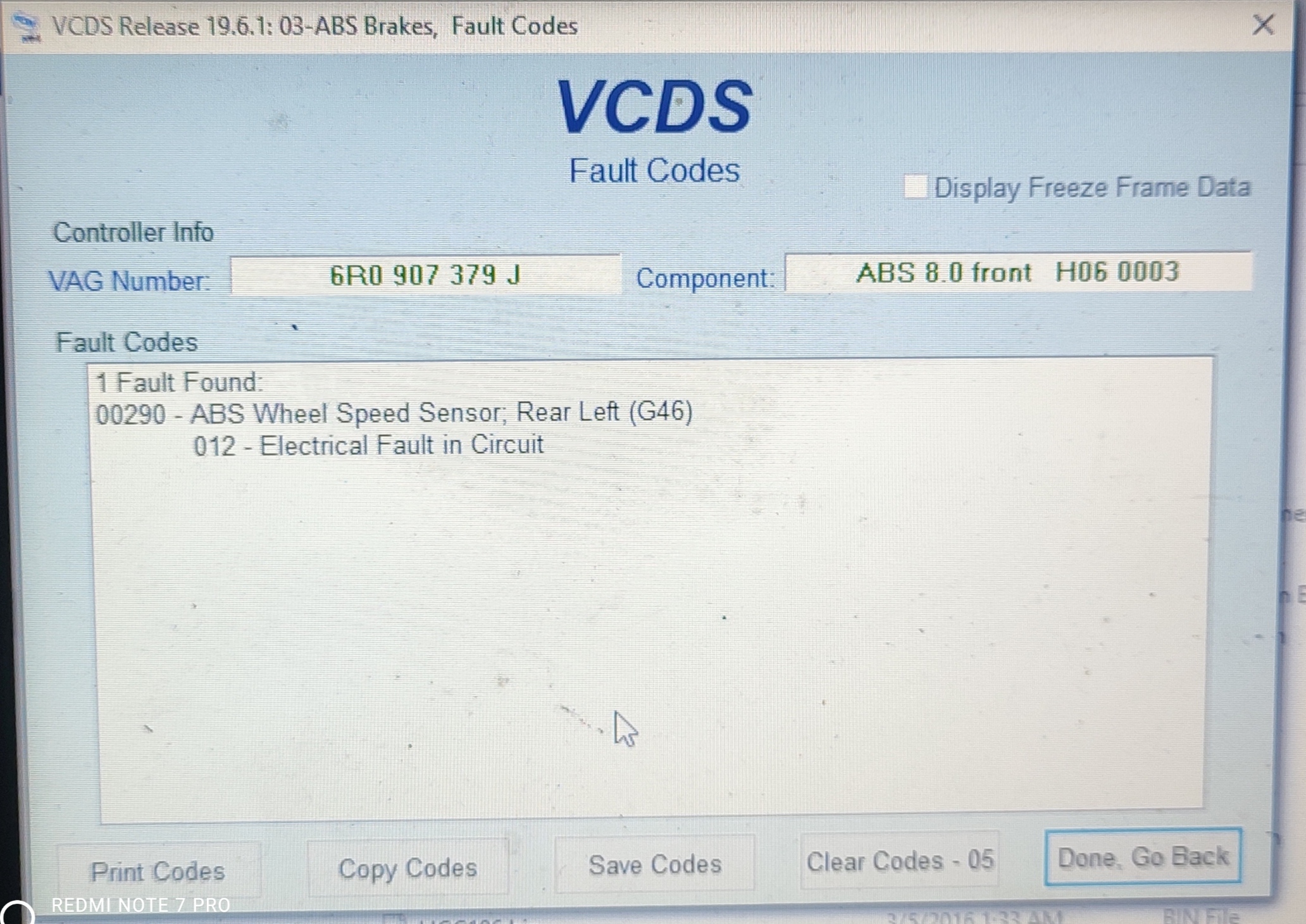
I need to change my Crankshaft Sensor. But can't find it on web. All result showing camshaft Postion sensor. My problem is sometimes RPM gauge not working and sometimes it's working. After check on VCDS it's confirmed that crankshaft sensor needs to be replaced. Can you please refere me any image or part number and where is the location of that sensor?
-
Can anyone give me an idea where is Camshaft Postion sensor? And Does Camshaft Postion sensors and CrankShaft sensor is same? Where is RPM sensor location?
-
-
The car check engine light is on. No problem I starting or running. But in idile vibration increased.
-
In idle has vibration
-
Hi Guys, Skoda fabia 1.4 tdi got an error code PD Unit injector P1261 - 35 - 10 regulation range exceed cylinder 1. Do i need to change the injectors. As I know It's expensive. Or any other issue.
-
-
-
-
-
-