almar
Finding my way
-
Joined
-
Last visited
-
Including soldering the wiring the whole job took an hour, and no dismantling😊😊🚗
-
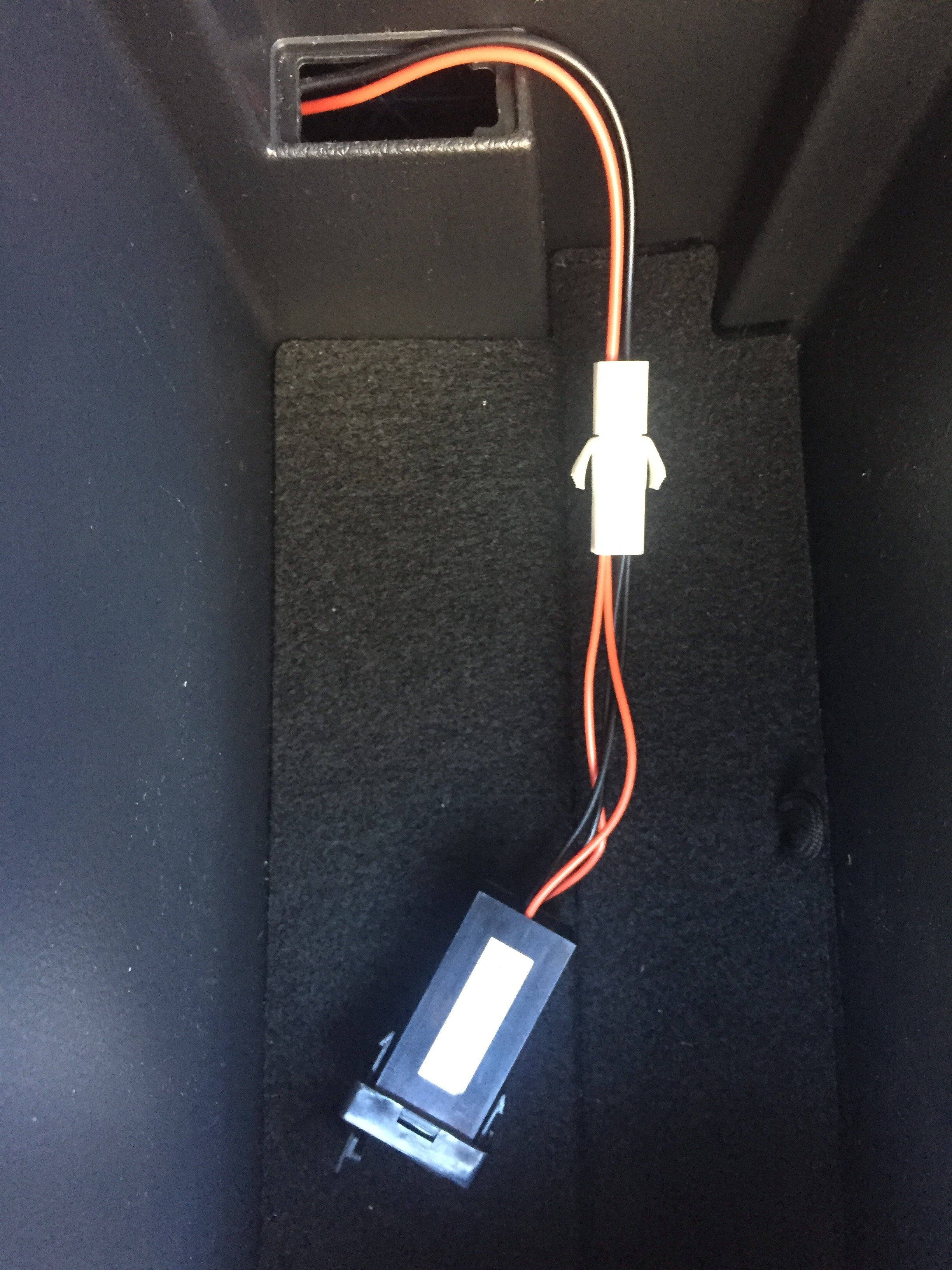
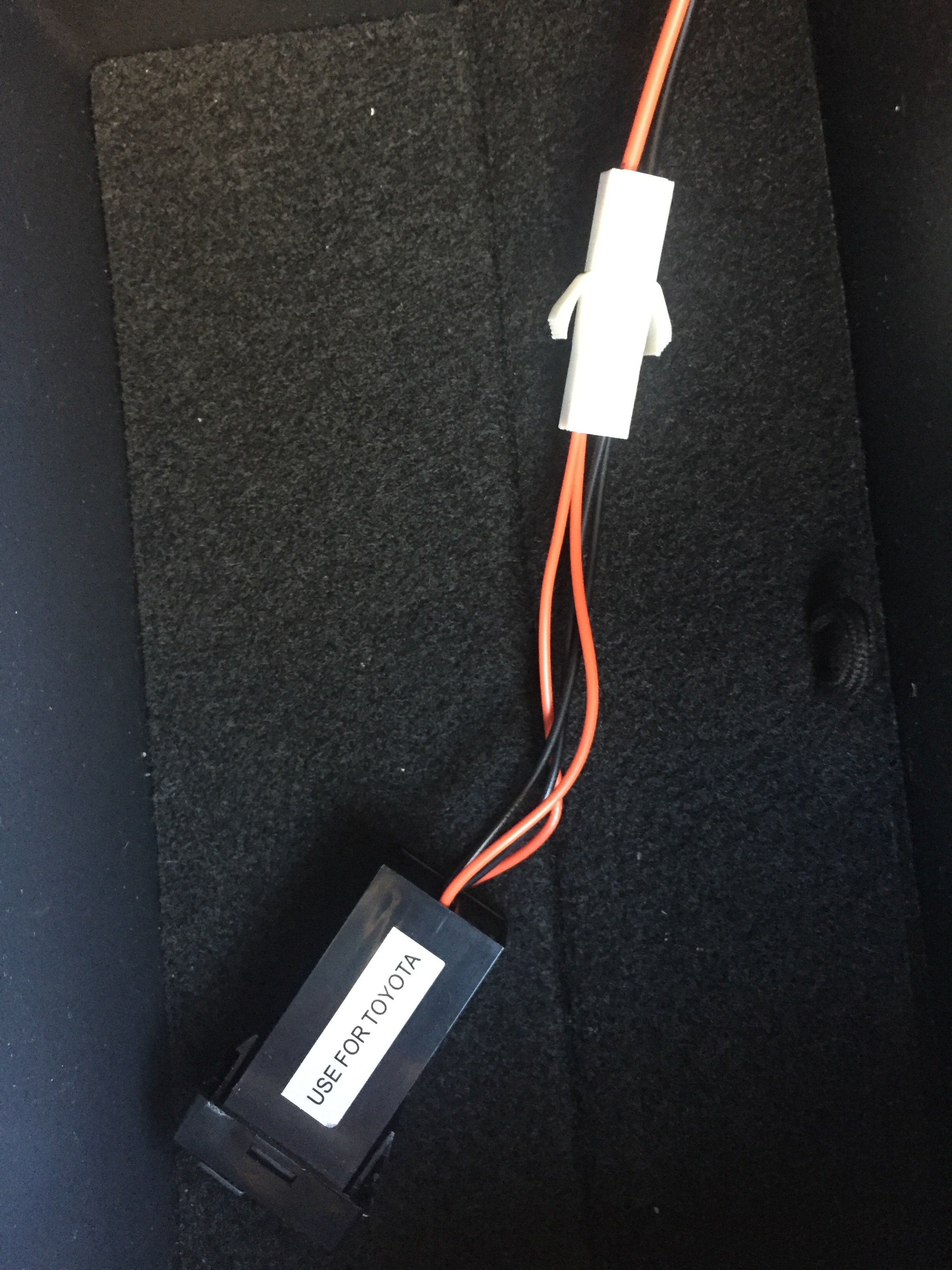
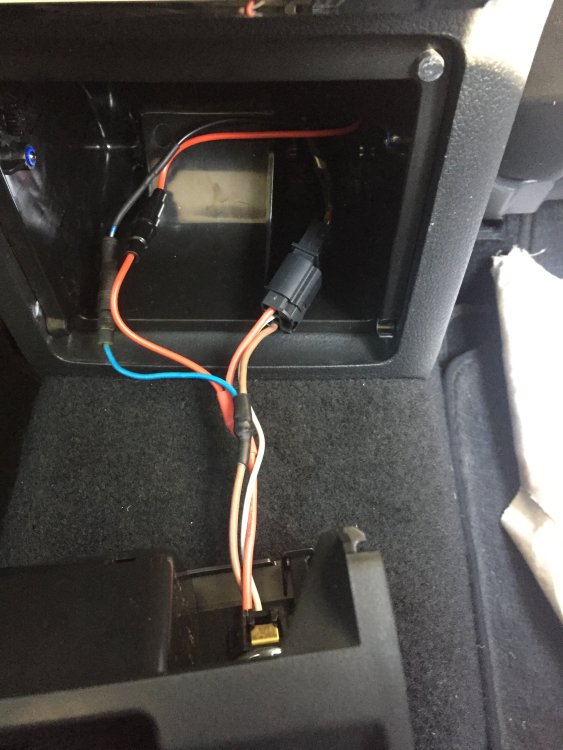
I fed the wire down thru the blanking panel hole and curved the wire towards the back so that it emerged at the hole where the wiring loom for the power outlet comes out. Easy.
-
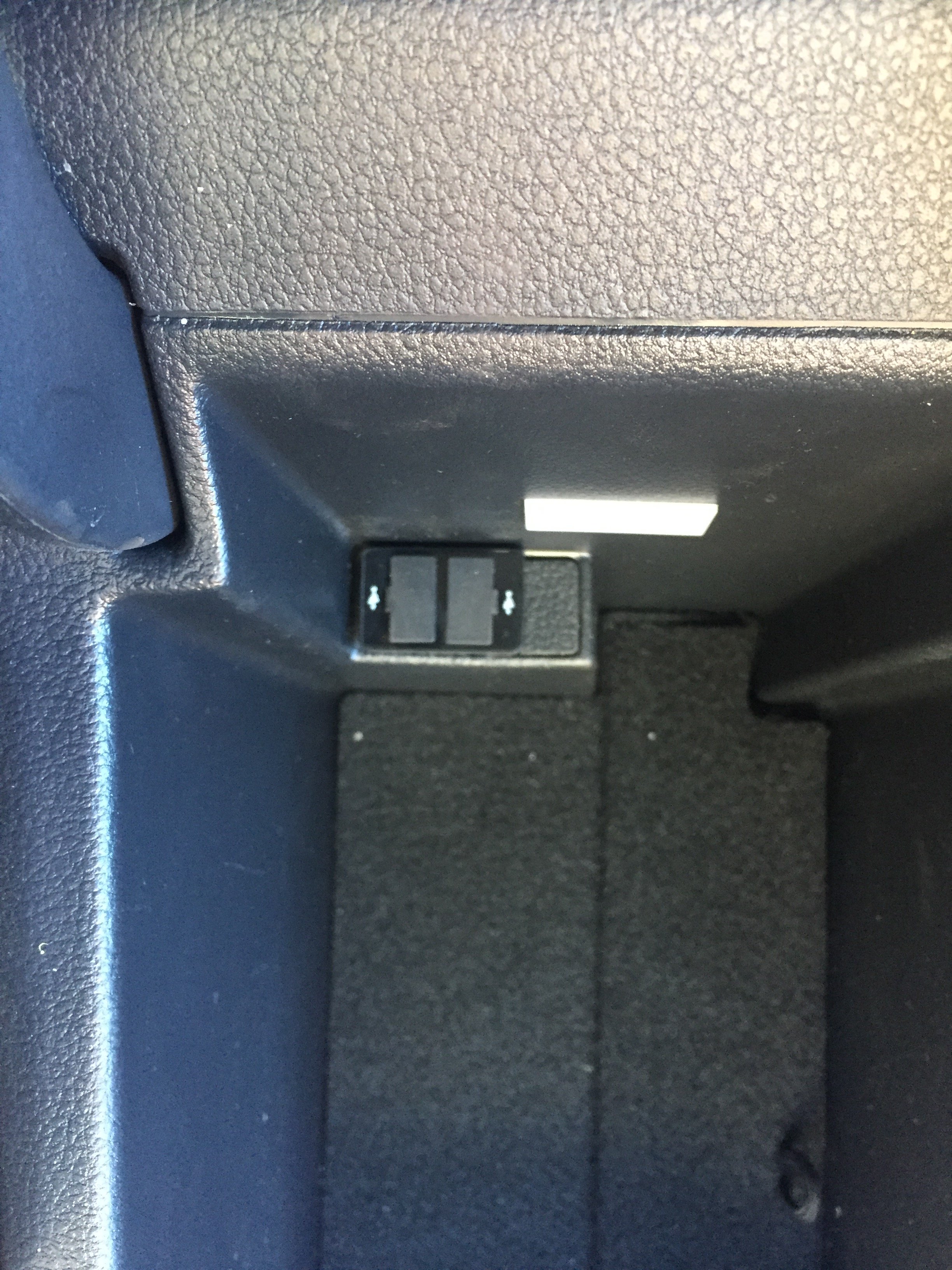
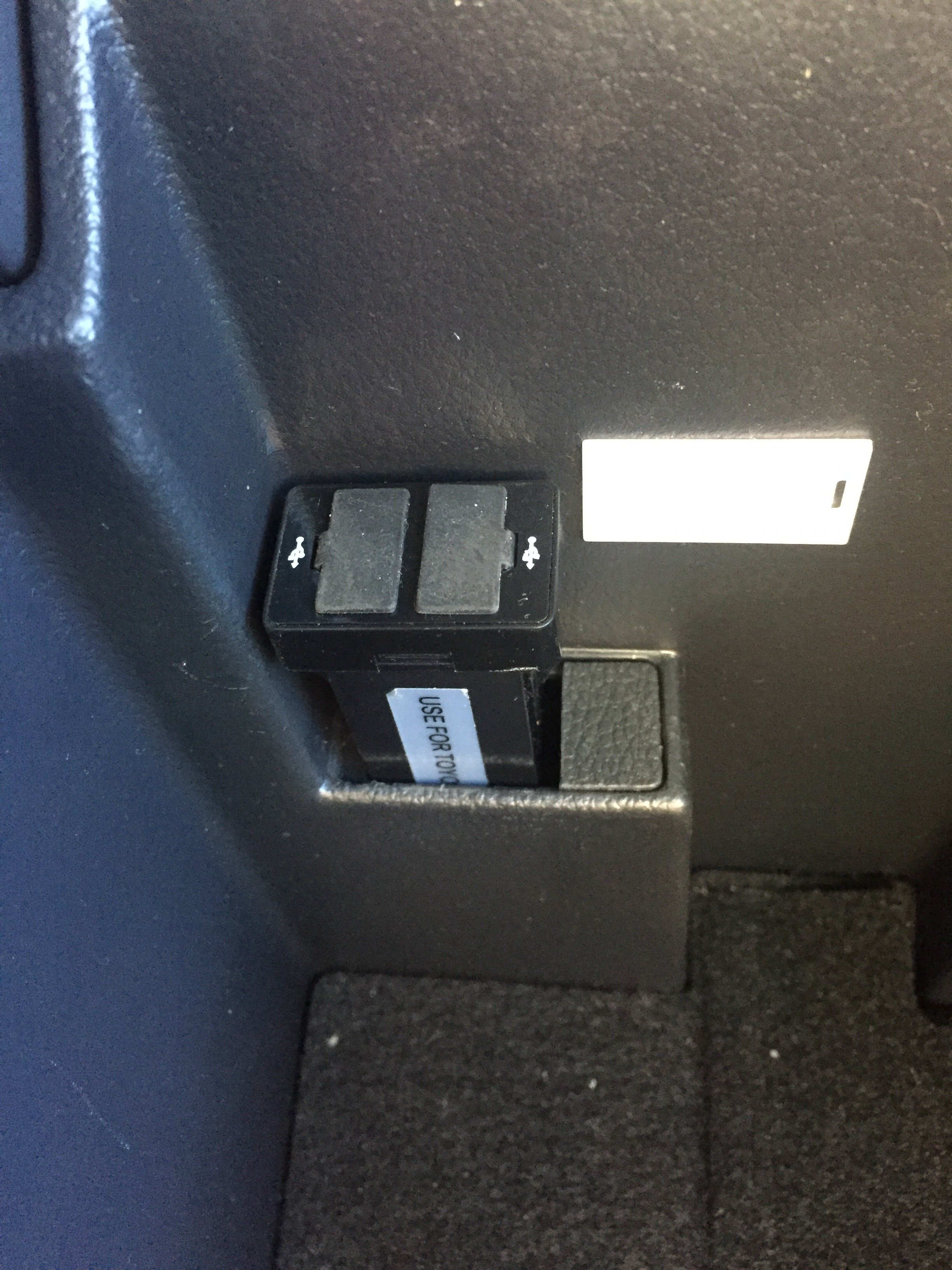
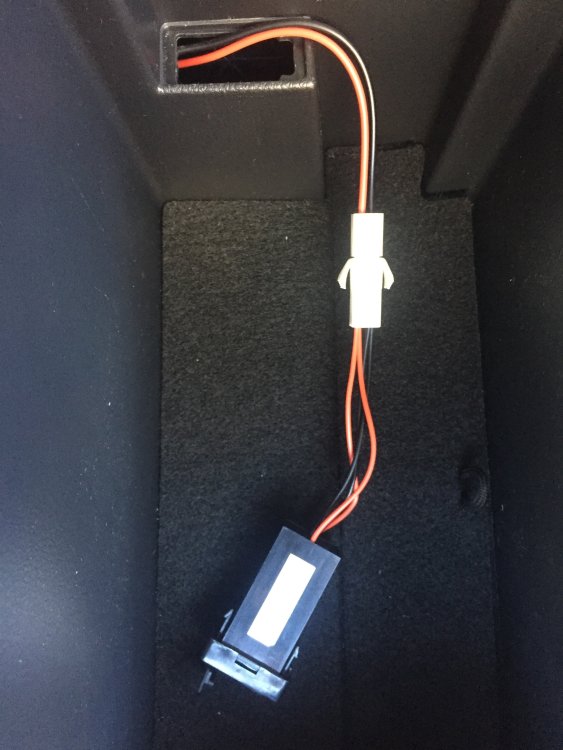
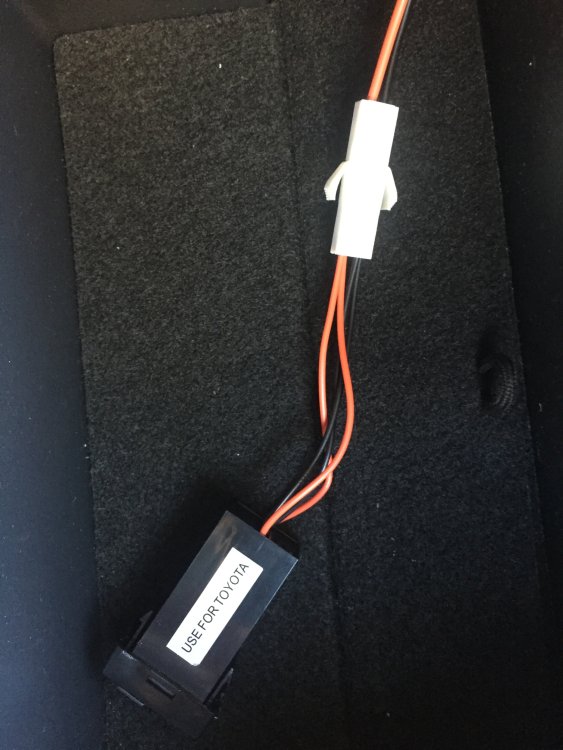
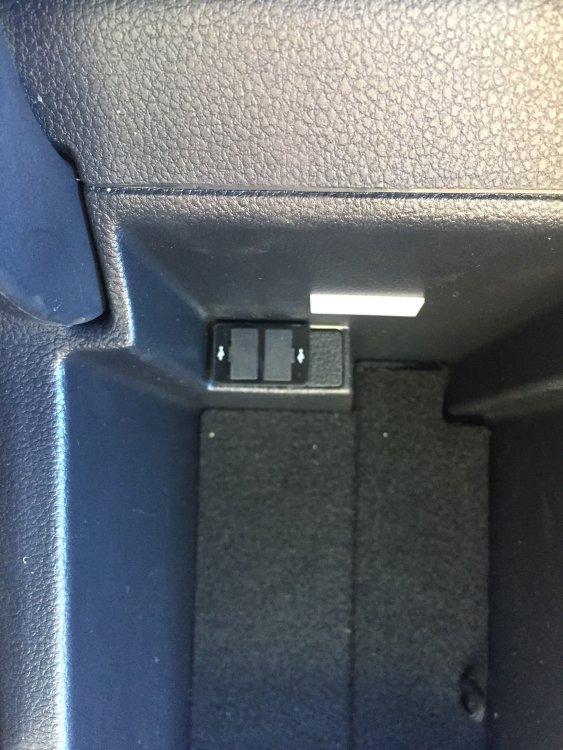
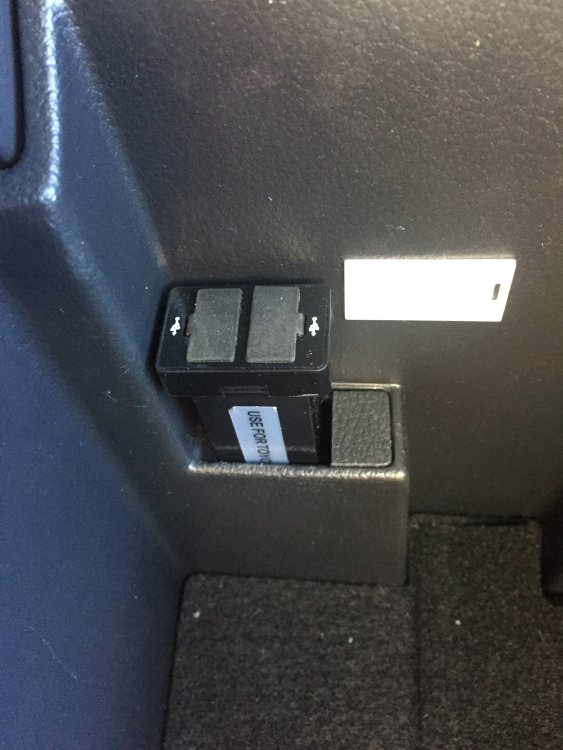
this shows the install in the Superb under the armrest, and the power connection at the rear power outlet.
-
It`s always annoyed me that in my 2018 Superb under the centre front armrest there is a blank plate for a usb but that it is not fitted. There`s only one in the whole car. So I`ve added a double usb outlet. Power only. Bought one to suit a Toyota from Aliexpress - fits in the hole perfectly. $2.18 delivered!! Removed the rear ashtray. Pulled the wires thru to the rear power outlet. Soldered in an extra plug to the existing wiring loom. Done! 😊😊
-
thanks, but I do like the `sexy` look☺️
-
In my 2017 superb with columbus I have all my music cd`s on a usb stick. When I select `media/source/usb` it starts to play the last album I was playing and shows the wonderful album cover. To listen to a different album I touch the sreeen picture of the current playing album and it then displays the album covers of all of my albums - it`s a great look. But it displays them alphabetically according to album name. So e.g. even though I name them as `Beatles - album name aaa`, and then another `Beatles - album name zzz`, one is at the beginning while the other is at the end, with all other artists spread around also. Is it possible to have them displayed according to artist name, not album name??? That way it would show all the Beatles together, then followed by artist name C etc I have tried choosing `selection/artist name`, but it didn`t become the default setup. Hope someone can help.