Skip to content

zhaotielin

Finding my way
  • Joined

  • Last visited

Everything posted by zhaotielin

  1. Thank you for your reply. Kodiaq is a good car.I want to make him better.
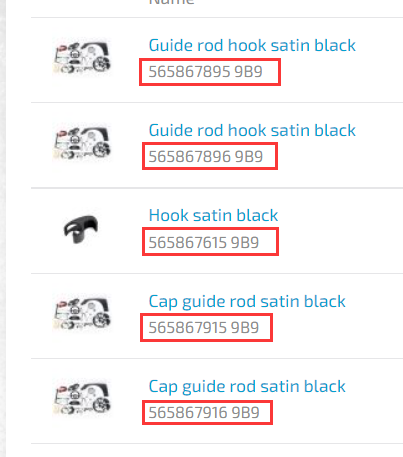
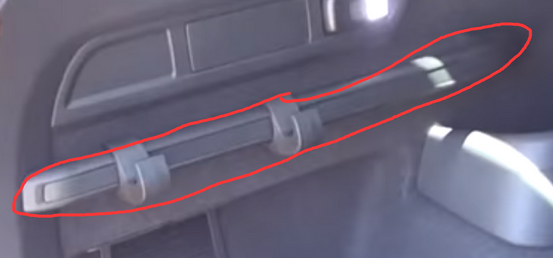
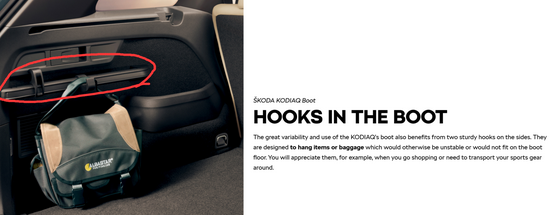
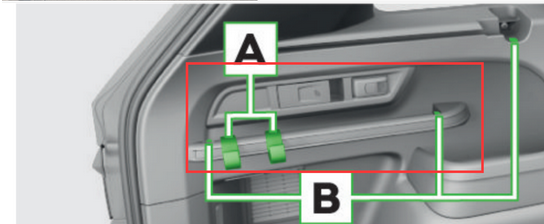
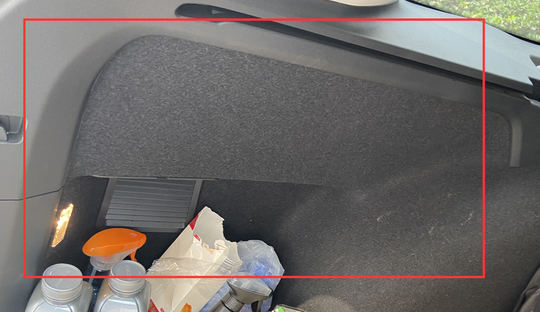
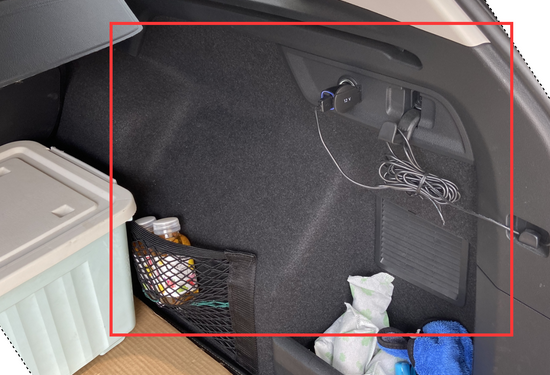
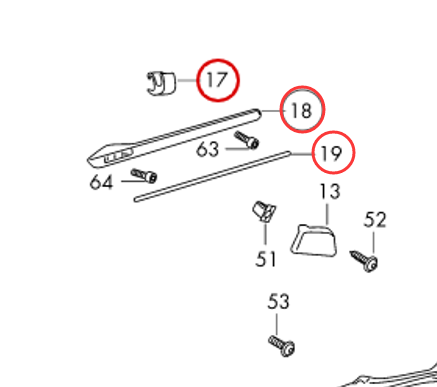
  2. You think too much. There is no such accessory sold in my area (China). ebay,amazon.........No sales. I want clear picture because I don't know where it's fixed. Then there is the way the hooks slide and stay. I'm in game development.Great respect for copyright. Kodiaq sells badly in our market.There is no place on the sales charts. Am I stupid to sell Kodiaq counterfeit parts? A car is a big toy for many men. The fun of diy is endless.That's why I went to forums and asked for help. China, Czech republic, France, Germany, Russia...None of the customer service staff provided a clear picture. So in my spare time I've started to design a practical hook of my own.
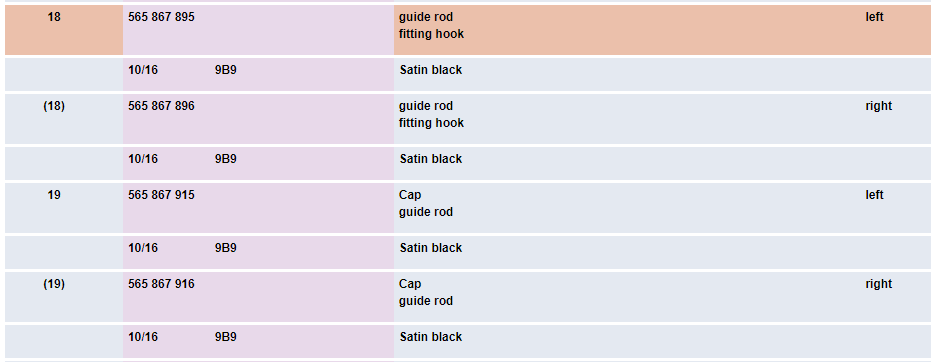
  3. Thank you for your reply. I have checked each manual.No relevant content was queried.The accessory number was not found. 🙏
  4. Greetings, Short question:I need pictures or drawings of the trunk hook for the rear car. KODIAQ is a very good car.Some practical functions in the cars sold in my area have been reduced.Among them, the trunk hook is very useful in daily use.Inquiry from many parties did not find the purchase channel of the accessories.I want to make one myself, such as 3D printing. But I haven't found any detailed information. There is no vehicle reference in my area.In the hope of getting some help.thank you. When not busy. I hope some friends can help me take some pictures or provide some detailed information. Thank you~
  5. 问候, 简短的问题:我需要后车后备箱挂钩的图片或图纸。 KODIAQ是一款非常好的汽车,在我所在地区出售的汽车中,一些实用功能有所减少,其中,后备箱挂钩在日常使用中非常有用,很多方面的询问都没有找到配件的购买渠道。使自己成为自己,例如3D打印。但是我还没有找到任何详细信息。我所在的地区没有车辆参考。希望能获得帮助。谢谢。 不忙的时候。 希望一些朋友可以帮我拍些照片或提供一些详细的信息。 谢谢〜 我的车 :

Important Information

Welcome to BRISKODA. Please note the following important links Terms of Use. We have a comprehensive Privacy Policy. We have placed cookies on your device to help make this website better. You can adjust your cookie settings, otherwise we'll assume you're okay to continue.
Account

Navigation

Configure browser push notifications

Chrome (Android)
  1. Tap the lock icon next to the address bar.
  2. Tap Permissions → Notifications.
  3. Adjust your preference.
Chrome (Desktop)
  1. Click the padlock icon in the address bar.
  2. Select Site settings.
  3. Find Notifications and adjust your preference.