




RomanB
Members
-
Joined
-
Last visited
Everything posted by RomanB
-
so do you want to add DAB radio? as i know it is hardware and you can't just solder some extra stuff, so best way use any online radio from your Phone.
-
Definitely problem not in your MIB, you need to find good service. There are numbers of people who already change FW for MIB no issue at all. Do diagnostic.
-
You didn't read my answer fully, i mentioned that it is impossible to switch from one series to another without some tricks, as i mentioned full instruction could be found in MEGa link was provided before you need to modify some files, some post you can see, here and here and here articles how change SW or region. I don't have MIB stn i can't provide you detailes, i did only for mine MIB 2.5 high.
-
So for STN solution also exist. All patches could be found here as well as instruction. Patches for activation all function and removing CP
-
MST2_EU_SK_ZR_P0253T_V0020171002.7z This is last availiable one that you can install without any tricks, but with some tricks you can upgrade up to MST2_EU_SK_ZR_P0478T.7. All instruction and FW you can find here
-
In my particular case it only unlock Performance Display, rest were factory unlocked. Picture could be found here
-
It was explained in the another post, references were provided check Here
-
Please check here Link and Here
-
There is an post how exactly MIB2 check software and how you can install any versions
-
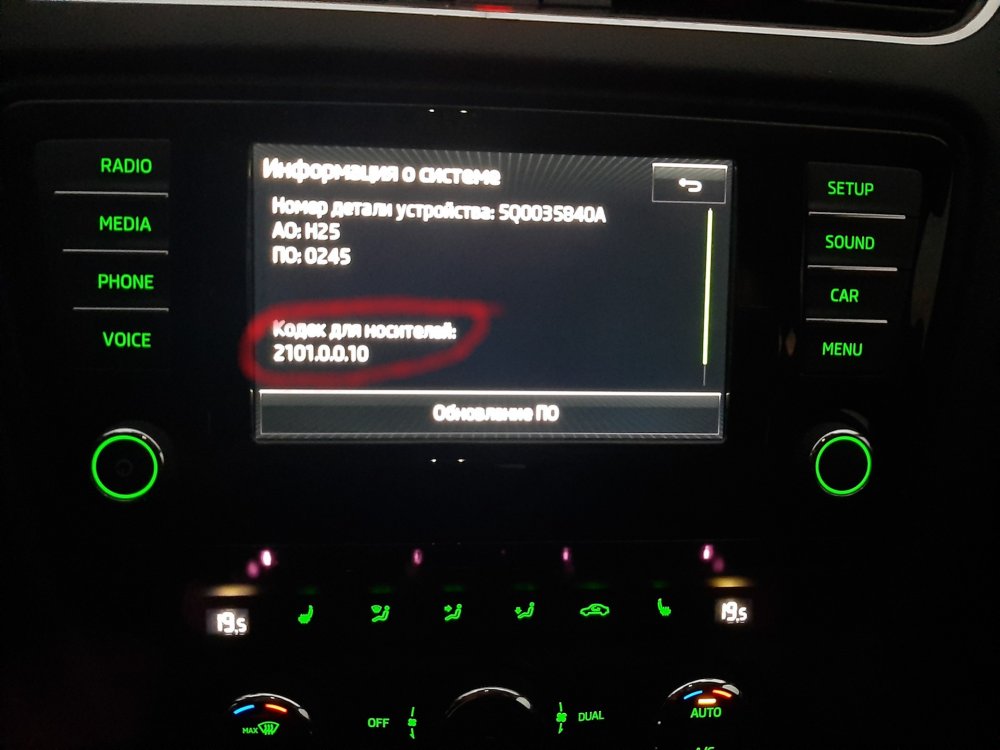
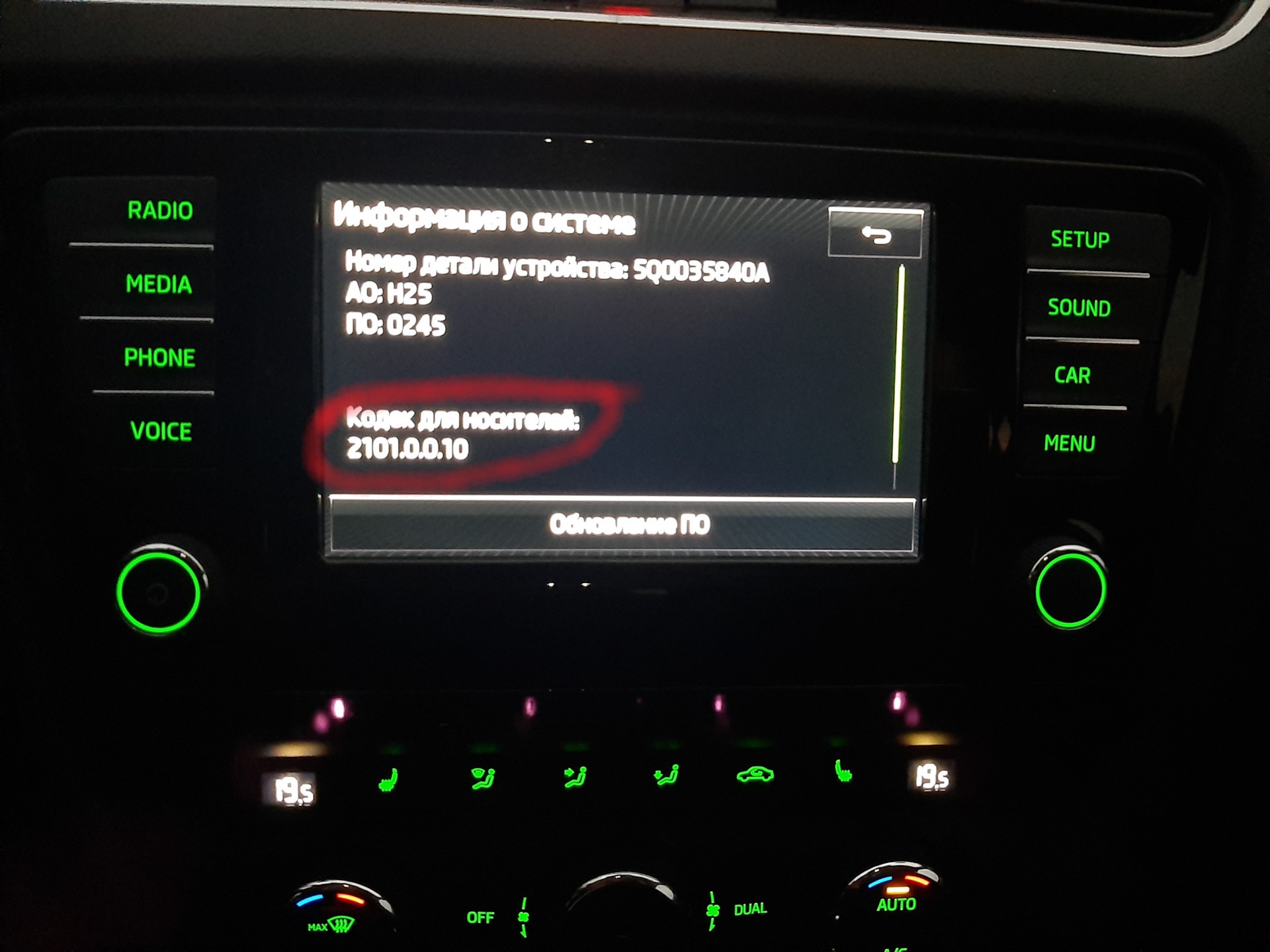
So as i understand about MIB2 you can't update your version between sets as you mentioned like 2xxxx 3xxx 4xxx so you have to be inside one of these group. Because if you check metainfo file it sais what is required version like "RequiredVersion = "2101.231" for "MST2_EU_SK_ZR_P0253T" so you can't instal Release = "MST2_EU_SK_ZR_P0367T" because it is required "RequiredVersion = "3101.236" and for 4xxx looks the same, your current version not belong these sets. May be it is possible to overwrite eeprom and change version but result could be unpredictable. This is just my opinion
-
Unfortunately for all sellers both of them are the same, and the could not understand why you need this particular one.... the good one has a paper box
-
So then go ahead 😉, sorry forget to mention in this way error 1555 will appear, need to use some adapter to overwrite new code
-
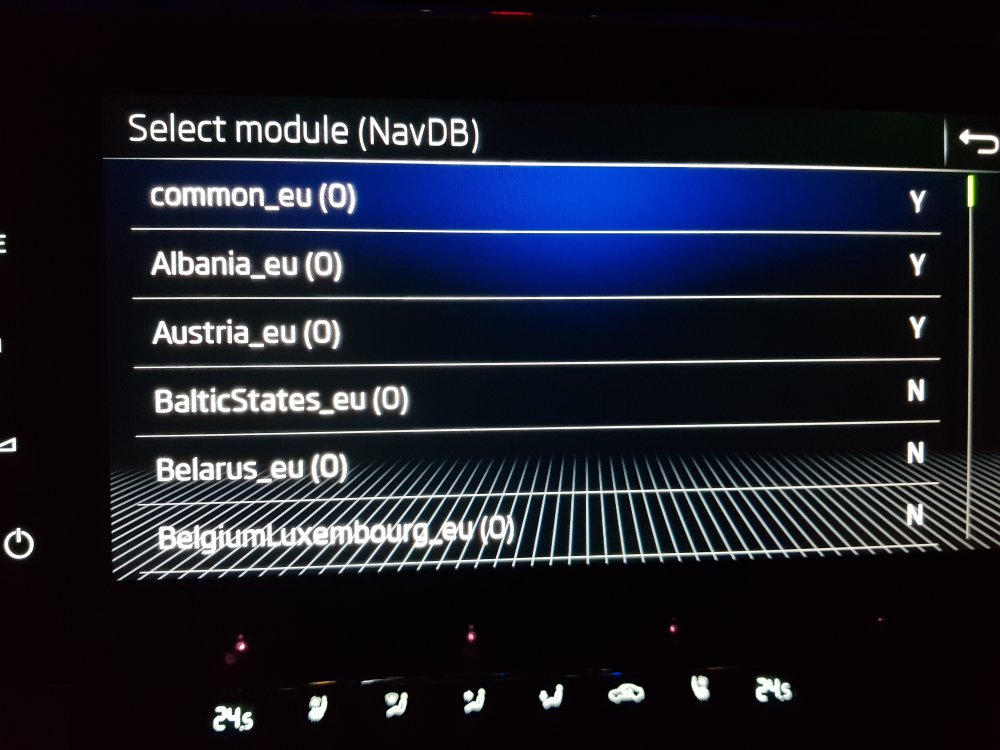
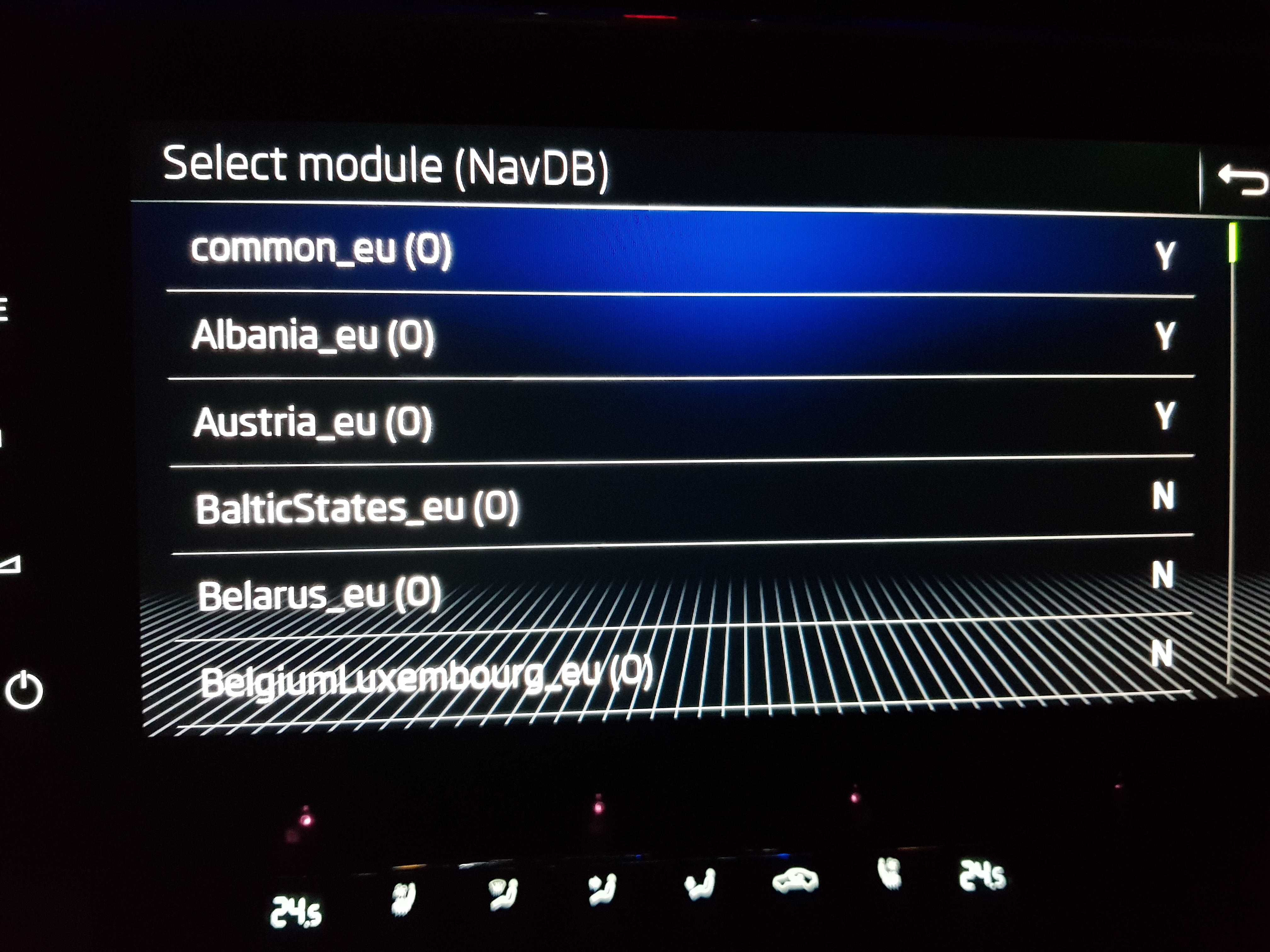
You can if developer mode is activated then use swdl update and choose countries that you want to update for instance. May I ask for what do you need it?
-
The problem is, you will use USB port on your car (in the midle console) to connect D-LINk so you need another port like SD or may be CD from where you could grab the files (i am not sure with CD but is easy to check) but with CD you will not have a chance to copy your original files from MIB.
-
http://infotainment-cdn.skoda-auto.com/base/maps/HIGH12_P189_EU_202045.zip just updated navi maps
-
Absolutely it will not give you a right to use skoda connect and another online features because your vin not signed on the database, it will enable only offline features like navi, carplay, tmc, performance monitor and so on
-
To activate all features on you Columbus you can follow steps from Here but it will not activate skoda connect app as mentioned above only OD can do it or can't....
-
Please check it looks like what you are looking for....
-
Sorry, I don't know,i don't have MIB 2 STD, try to ask here. There are also some Information hope it helps.
-
Here you are
-
This thead looks very strange why anybody didn't provide the direct link for SW almost all of them curently availiable online here amundsen and for Columbus also you can find a way how to activate Carplay Android Auto and so on here
-
What exactly do yo want to see on the video copy paste of files and commands?
-
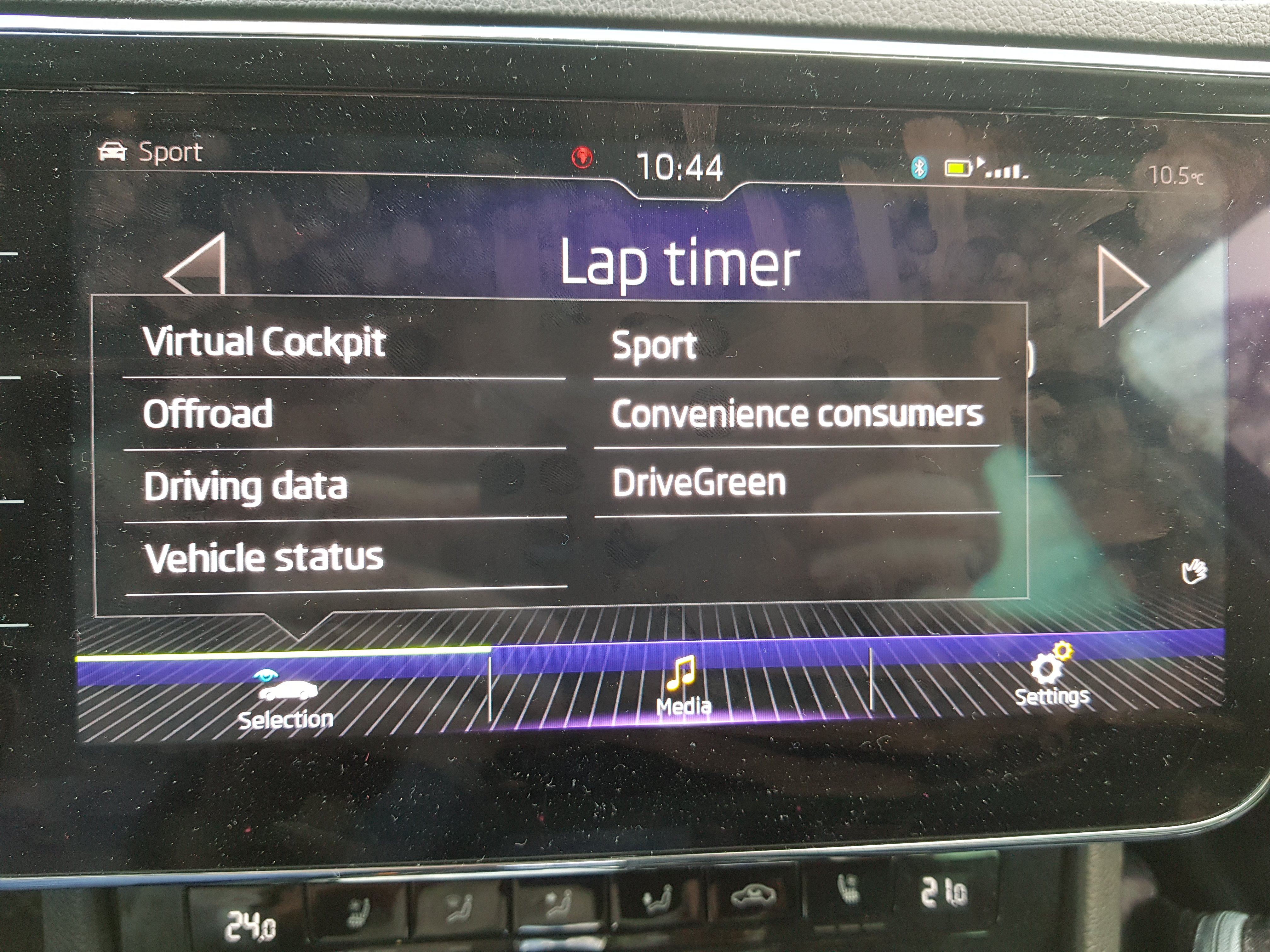
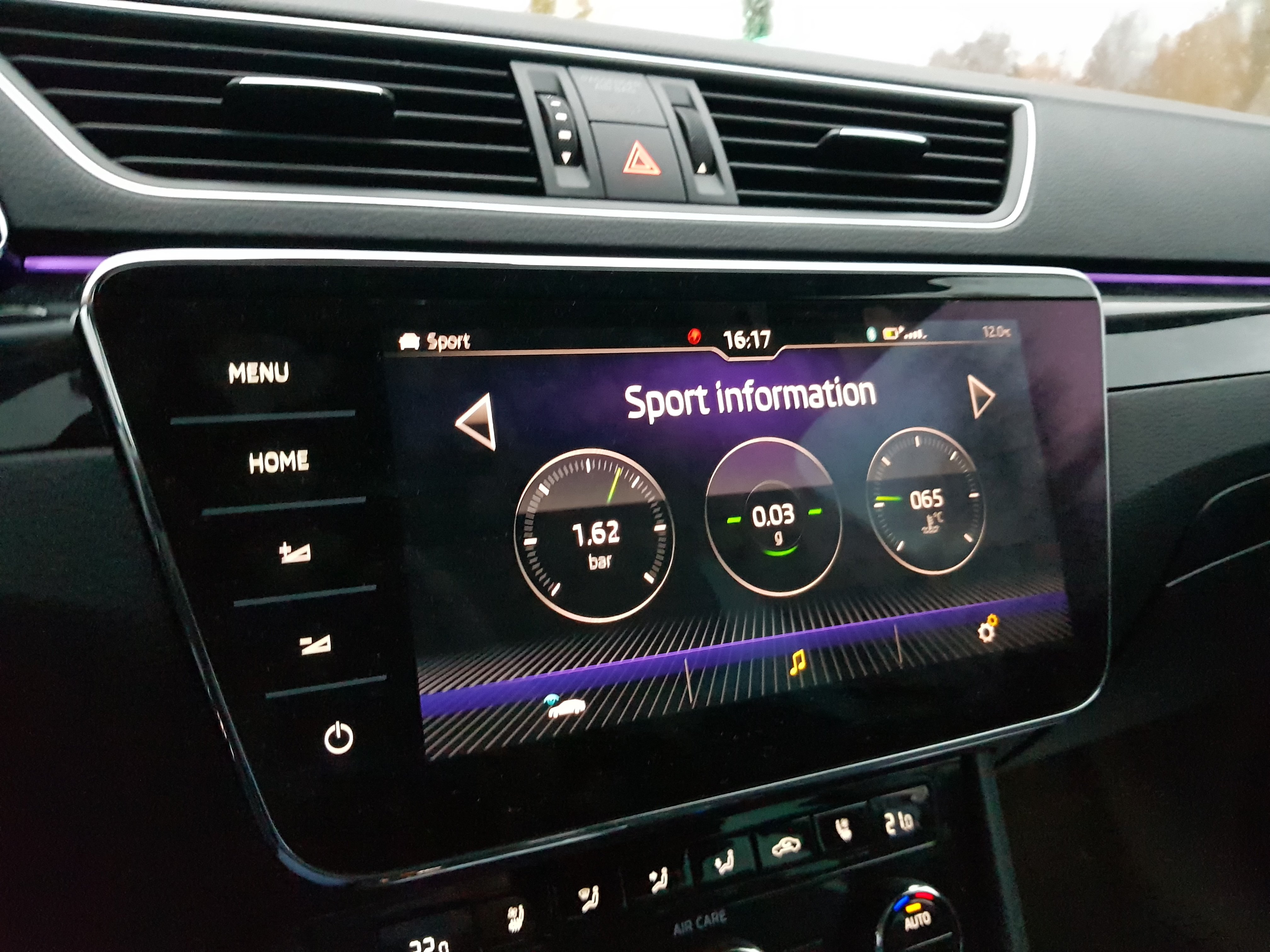
NO, it is another menu appear after MIB was patched if you swap left or right you will see lap counter as a part of this sport monitor, will make a photo tomorrow



Important Information
Welcome to BRISKODA. Please note the following important links Terms of Use. We have a comprehensive Privacy Policy. We have placed cookies on your device to help make this website better. You can adjust your cookie settings, otherwise we'll assume you're okay to continue.