
RomanB
Members
-
Joined
-
Last visited
-
Sure mibsolution.one login and pass guest
-
https://mibsolution.one/#/1/1/MST2 here you are
-
It isn't so easy to guide you go through his articles https://www.drive2.ru/l/582864309097344755/ and you will find all that you need to do
-
Here you are http://vw-maps-cdn.lighthouselabs.eu/vw-maps/P192_N60S5MIBH3_EU_NT.7z
-
May because I checked first and there is no update on skoda website.... for sure soon or late it will be there and you can grab it. but for some who wants it now link above. if you can share alternative links, go ahead.
-
http://bit.do/WWW_AUDIMIB_RU-mib2map2021_2022 new maps 192 for Columbus
-
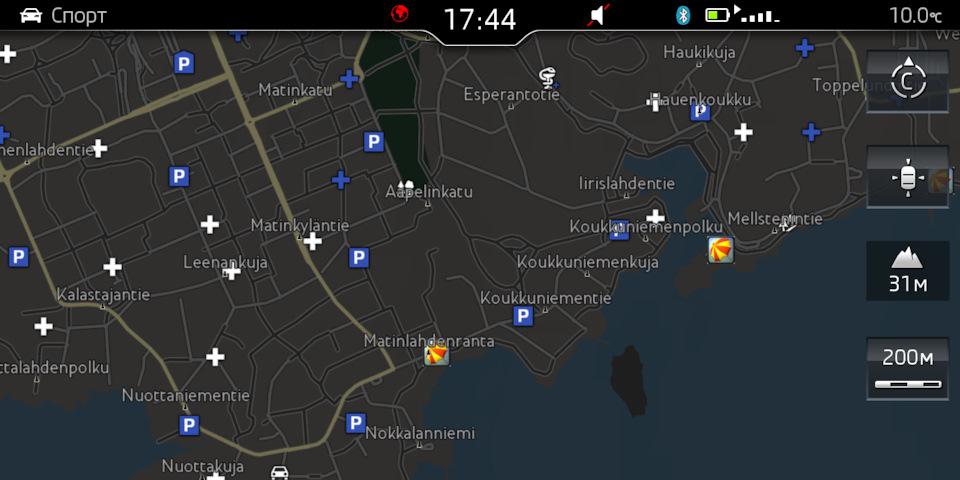
Did try map style from Porsche VW Audi Seat Bentley on mine Columbus. Decided to use Porsche one.
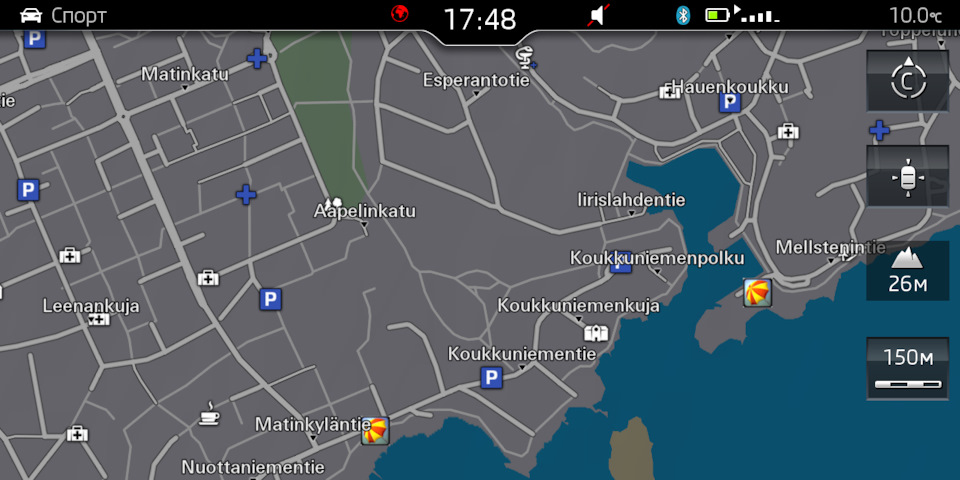
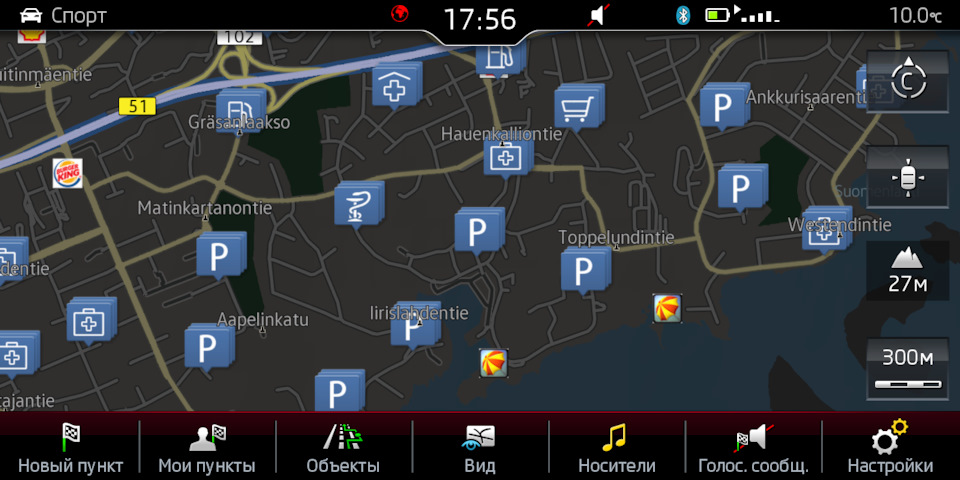
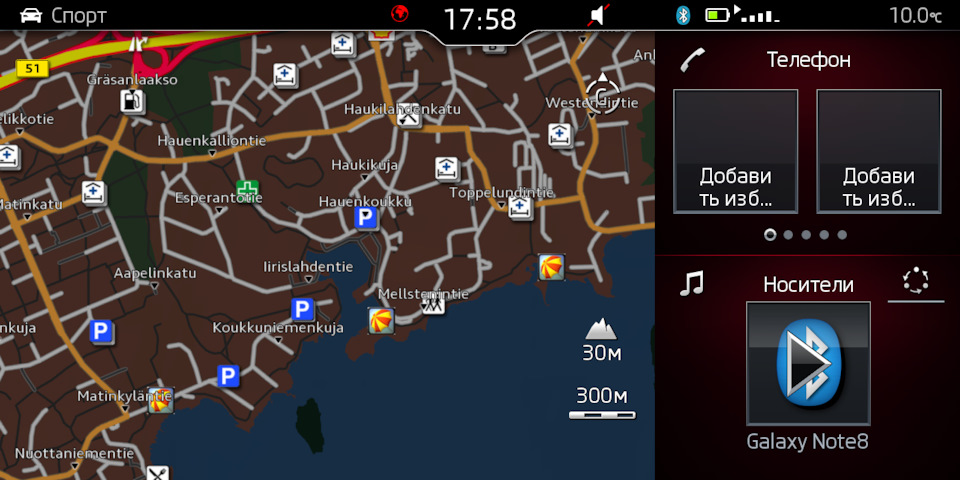
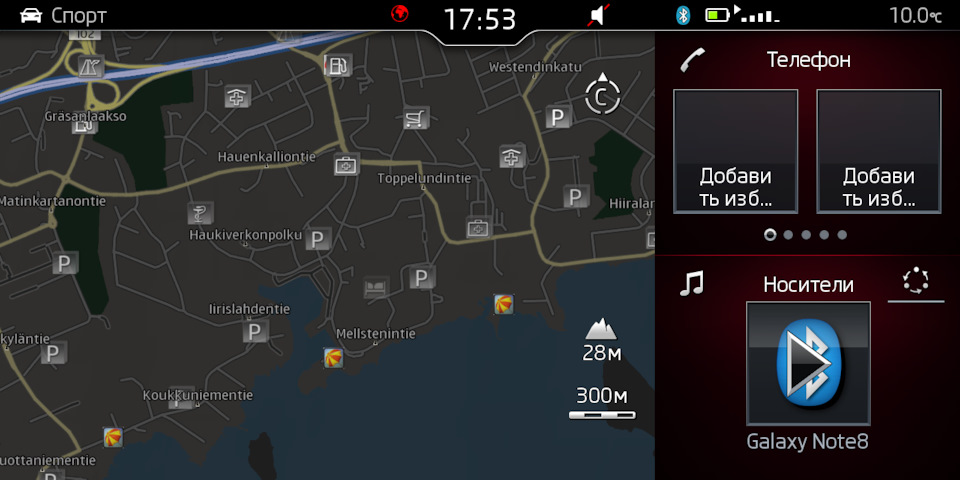
-
No reasons for patch, fw update up to you
-
No one has tpi with changes log. Nothing hidden. Slightly changed design and facelift icon of car. By the say all features related with fec and some people wants to activate sport menu, it can't be achieved by OD so for this purpose easiest way to update fw and do patch hy mib bash
-
Version is right
-
Wireless will not work due to it isn't support 5ghz frequency. MHI2_ER_SKG11_K3343_MU1433 from here http://uploaded.net/f/5yrq0j
-
Update will not start automatically, You need to press menu for 10 sec>update FW> from SD card> OK. But screen is dead......
-
Here you are https://mibsolution.eu/#/1/1/MST2 guest guest
-
Adaper is worng it should be 2 female 1 male.
-
List of features that could be unlock of cource most of them you already have SupportedFSC] fsc = "00030000" # AMI fsc2 = "00030001" # Gracenote fsc3 = "00040100" # Navigation fsc4 = "00050000" # Bluetooth fsc5 = "00060100" # Vehicle Data Interface fsc6 = "00060200" # Skoda/Audi Connect, VW CarNet fsc7 = "00060300" # Mirror Link fsc8 = "00060400" # Sport HMI fsc9 = "00060500" # Sport Chrono fsc10 = "00060600" # LogBook fsc11 = "00060700" # Online Services fsc12 = "00060800" # Apple CarPlay fsc13 = "00060900" # Google Android Auto fsc14 = "00070100" # SDS fsc15 = "00070200" # SDS for Nav fsc16 = "00070400" # Digital Voice Enhancement # Skoda MIB2 NavDB LifeTime fsc17 = "083000FF" # EU fsc18 = "083D00FF" # ROW