elibert
New here
-
Joined
-
Last visited
-
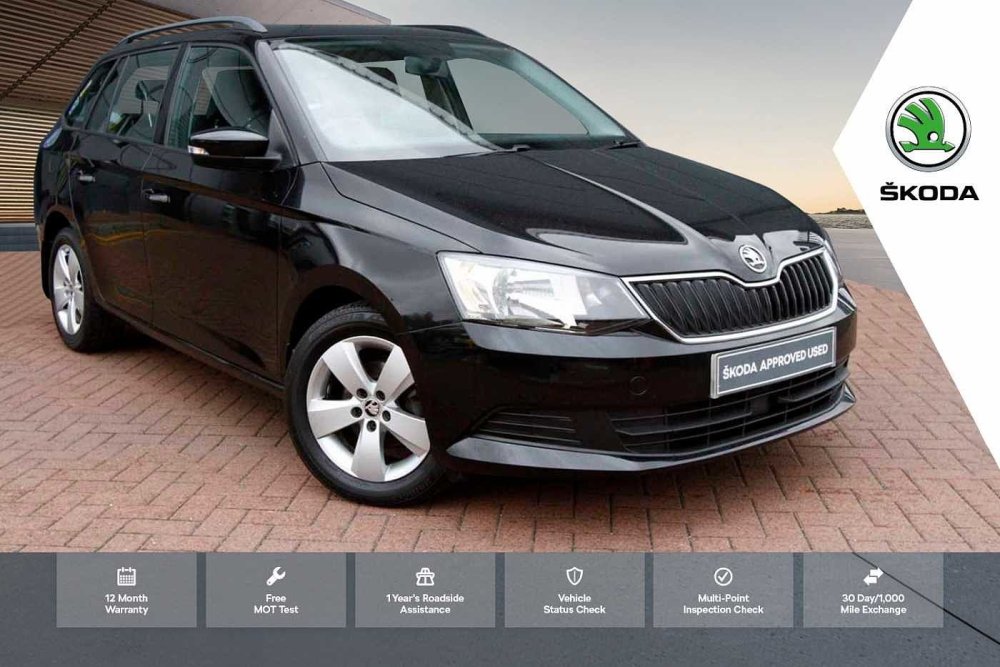
Thanks RT. Yes, that looks like the sales pitch I received but the errors are clear to see in the cold light of day. The MOT Cover says "Up to 24 months" months yet the smaller print states 12 months. Same with the lead of "24 months Skoda Warranty" which instantly transforms to 12 months in the smaller print. The "Free MOT in the advert (below) didn't materialise either as I was told that "We don't do MOTs, we send them out", so the bit about "conducted by Skoda technicians" is cobblers too. And I never saw any 'Terms and Conditions" Foolishly I trusted the salesman.
-
I have this plan also. I am currently wondering just what is this "MOT Cover" that is included. The salesman who sold it explained that I would have nothing at all to pay for two years, free MOT, free services etc. It was lies, apparently, but can anybody explain just what is actually covered under the MOT Cover?. At the moment it seems that I was conned. All I am apparently getting for £79 is two oil changes and lots of "recommendations" regarding things that will cost lots of cash.