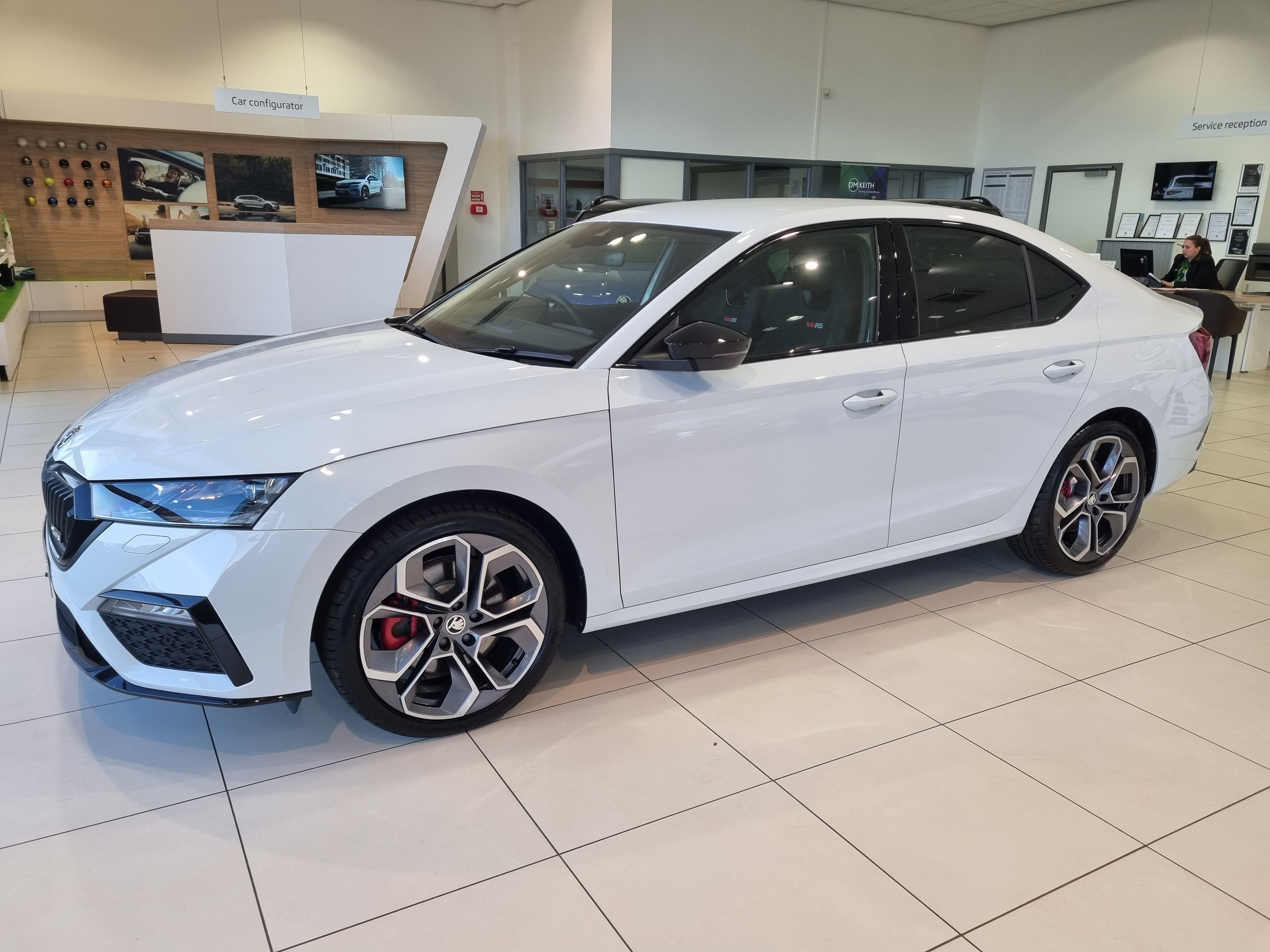
vRS245MG
Finding my way
-
Joined
-
Last visited
-
I had to re-align front and backs on my old one. Took bloody ages and got soaked in the process. You think you move the nozzle 0.5mm then it shoots over the back the car!
-
I tried it, made no difference. when the weather improves I'll be applying gtechniq to my windows, best product I've used over the years. Gives me around 12 months protection, don't need wipers when travelling over 40mph!
-
Damn, thats typical! It was new but a stock car!
-
I don't think the aero helps with the new design, water dosent budge😔👍
-
Thanks TheUltraRunner, it may look sleeker without but I'd rather have it. I've no idea if it's standard or not in the UK!
-
Cheers Octymaan!
-
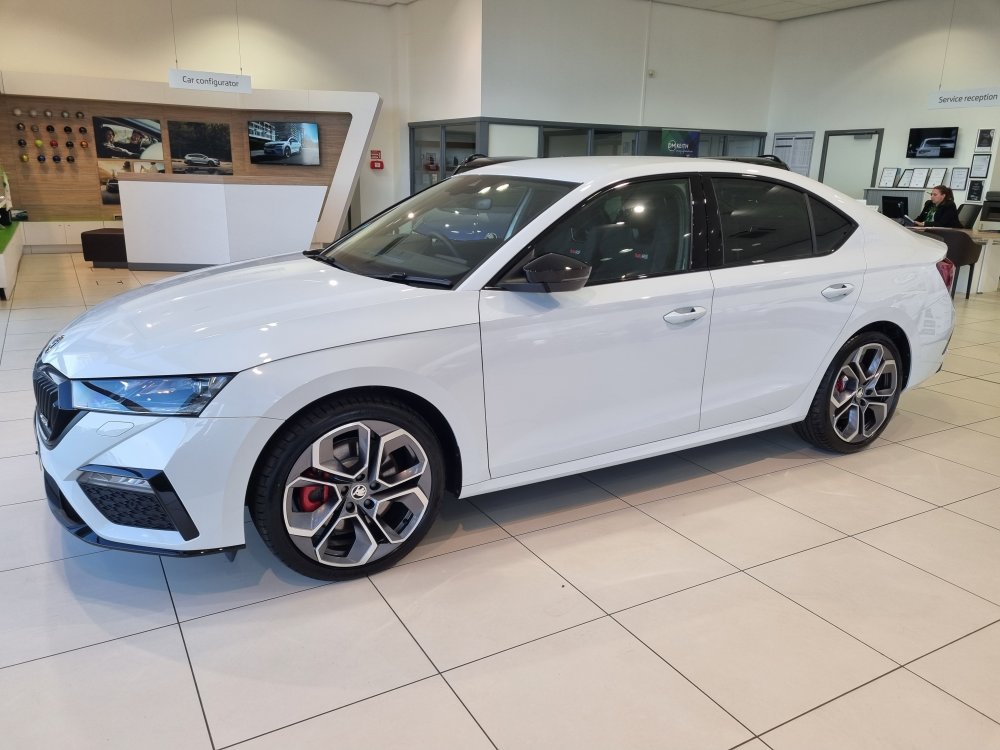
Picked this beauty up just before Christmas, replacing my MkIII Meteor Grey VRs. Really wanted a manual this time rather than the DSG, manuals are like rocking horses 💩! A new one became available out of the blue so I snapped it up! Standard spec car, which is more than enough especially with the few additions over the outgoing model. This feels much better built, with a lift in material quality. However, I can't believe they removed the rear wiper, you can see nothing out of the back when it's raining! I'm not convinced with the electronics, had a few infotainment issues, very minor so far and an intermittently working foot boot release. Regularly upon start up it will tell me somethings not working such as hill start or start/stop. Would much prefer they kept the electronics simple so they have a better chance of working correctly!
-
I'd like to use the clock you see on start up or when you turn the info system off, whilst listening to music through Android Auto, is this possible?
-
Has anyone yet found a FULLY manual option on the VRS autobox? Love the car but hate the fact the car in any setting will always change gear if it thinks it needs to.
-
It had 3000ish miles on, now 15000ish, it was ex-management. I've booked it in and both services cover oil change, filter and inspection. That should cover my next two services before plugs etc are required.
-
Thanks guys, bit of a weird one it's a Skoda offer not a local branch, details are very sketchy to non existant, whilst in discussions the sales guy did confirm there's no exclusion such as minor service only. I haven't been able to find out what service schedule the car is on, I've only had it confirmed that the computer will tell me when it's required, amazing that the dealer can't confirm this. The car was 6 months old when I got it and its now about 17months. The only message I get is "oil change in xx days" I think for simplicity I'll just get it serviced by them.
-
I'm due a 1st oil change and I'd like advice on the following. I purchased the car with a service pack, £78 for 2 services. Now I don't want to waste one on an oil change and I was thinking of undertaking this through a 3rd party garage. Can anyone forsee any potential issues? Cheers Mike
-
Awesome, cheers Max 👍 Awesome, cheers Max👍
-
I've been onto my local Pullman Skoda for probably 5 weeks trying yo get my Skoda Connect app activated so I can lock and unlock my car using my phone, no idea why but every time I call, service manager is always unavailable and reception send an e-mail reminder. Probably why main dealers are treat with such contempt. Any suggestions on how I can get this activated? Anyone with a contact at Skoda UK? I have submitted my licence so it's not that. Also, does anyone know if you have to select a service partner to get all functionality? Cheers all.