nawatts
New here
-
Joined
-
Last visited
-
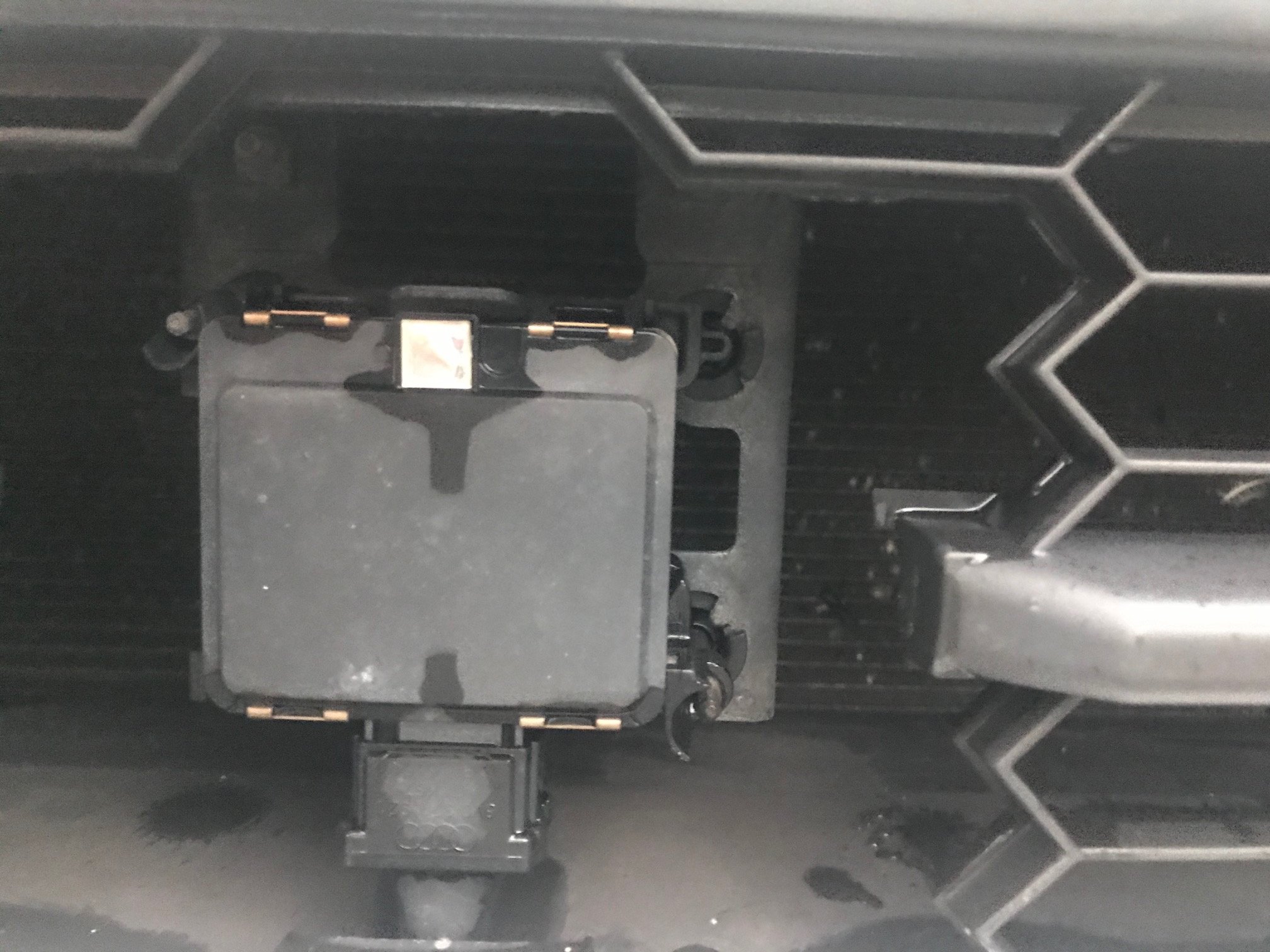
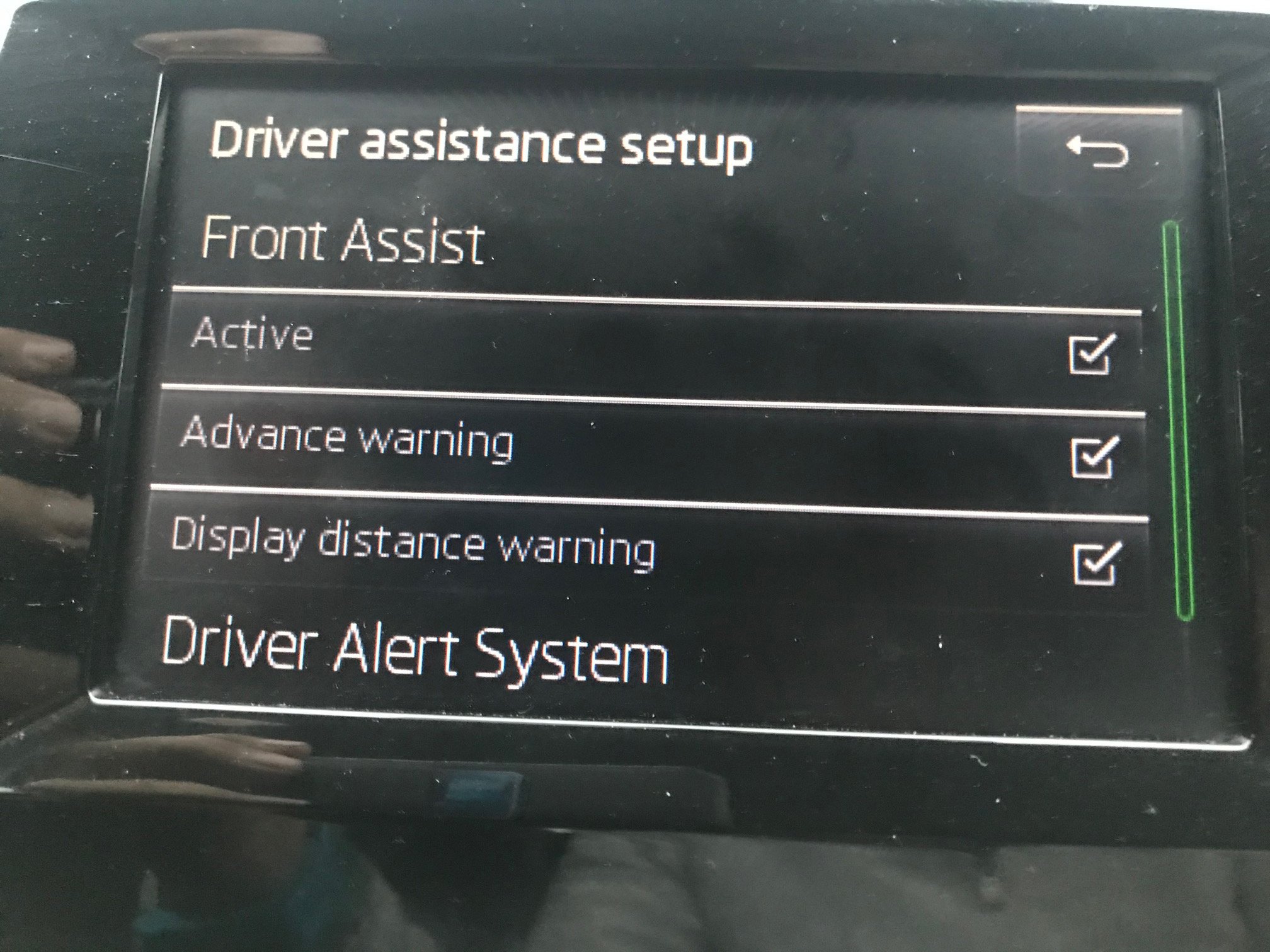
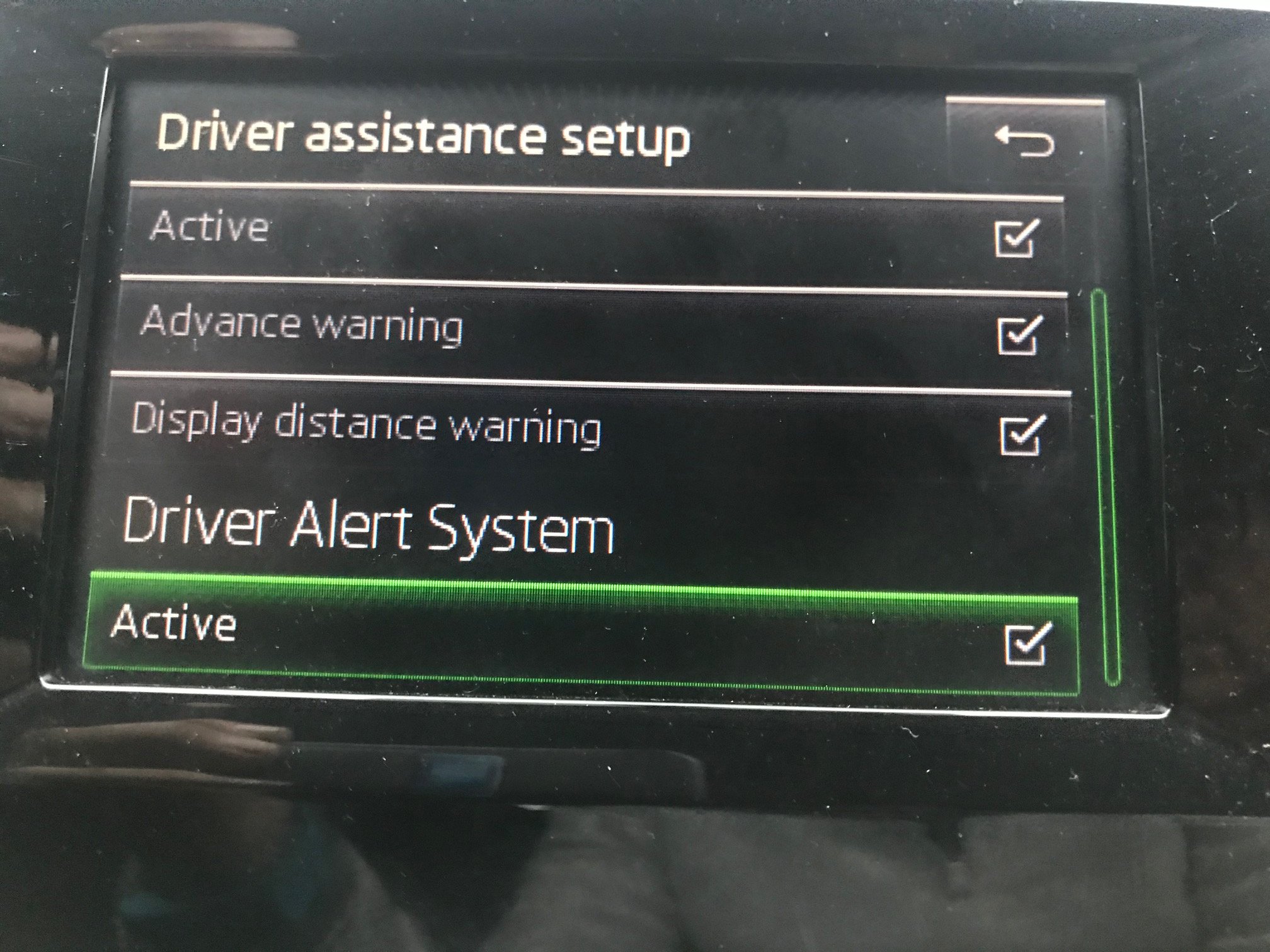
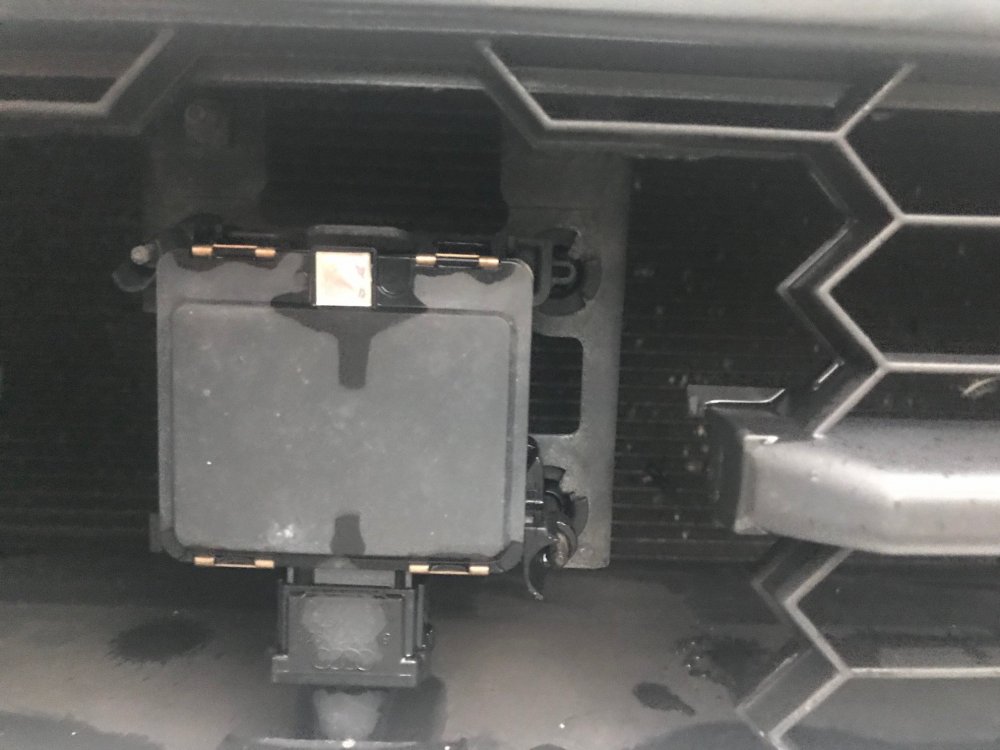
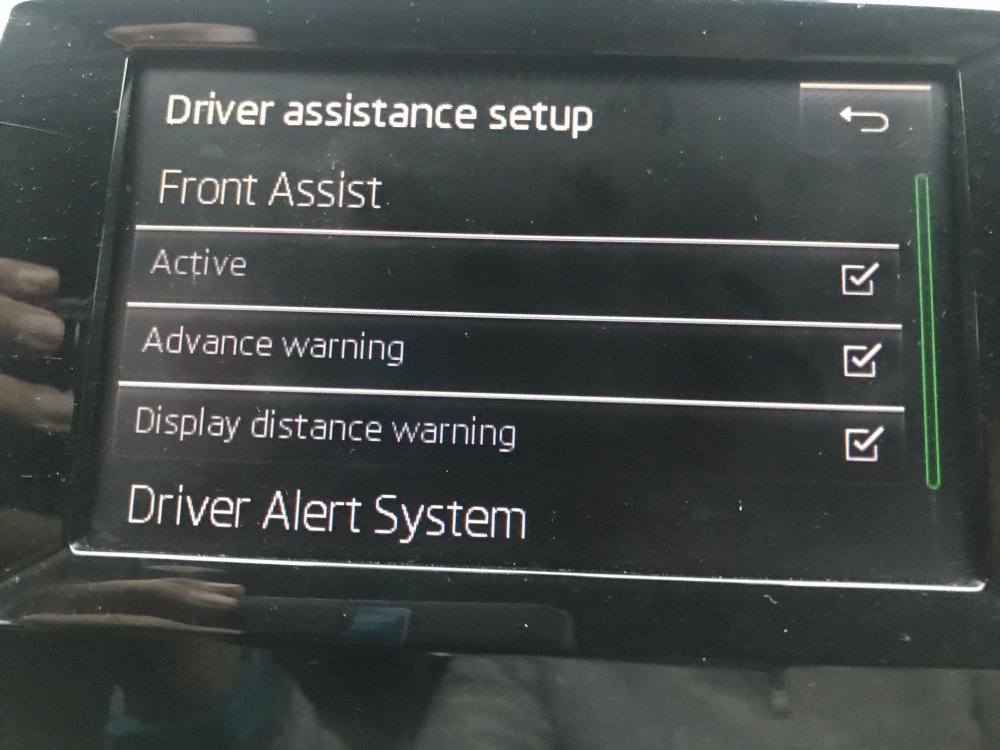
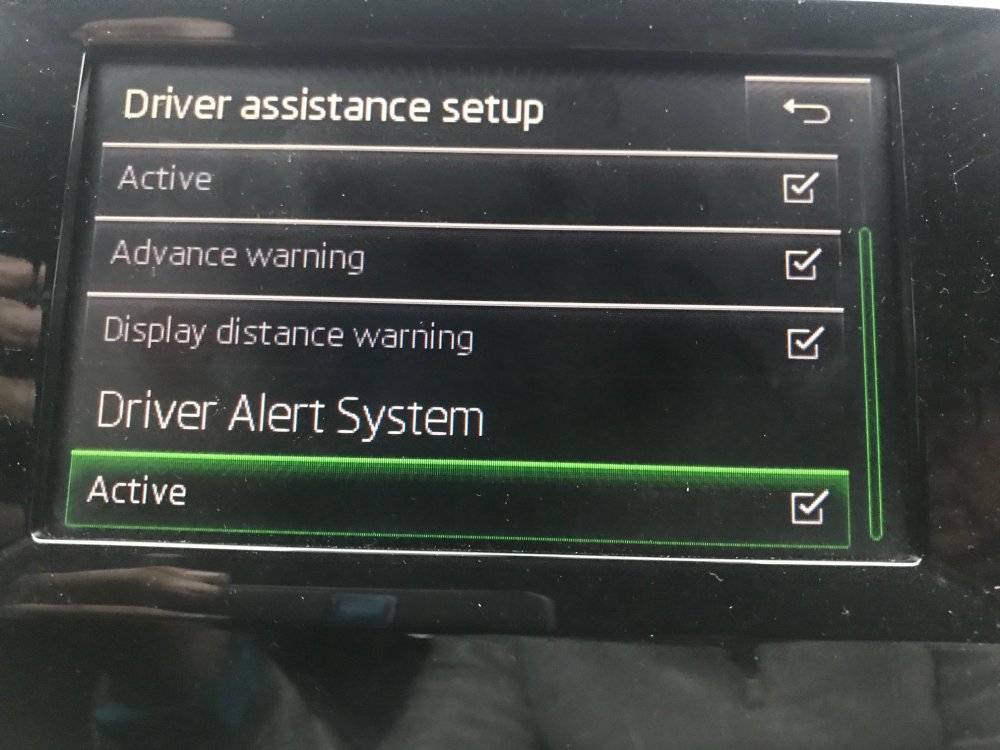
Hi all Thank you very much for all of the replies they have been most informative. Thank you in particular for the photo Paulski. This is identical to mine therefore it looks as if my car does not have lane assist. I am however interested in what it does have and how it works if anyone could help me on that matter please. I have attached three photos to show the sensor at the front of the car and two of the display. What does the front assist advance warning and display distance warning mean? I have seen a diagram of two cars come up with an exclamation mark in between them on the dash but it seems dangerously close when this comes on. I would have thought I should be braking at that point which I assume the car does not do by itself? Can this be adjusted? Also what is the Driver Alert system? Is that the thing I have been talking about on the dash. Any help explaining this would be good as the handbook seems to deal with all generic models. Thanks again Norman
-
Hi, can anyone tell me if Lane Assist is standard on all Mk 3 Octavias? I have just bought a 2015 Octavia estate and it seems to be available but does not seem to work. I have used it before on others cars so think i know how it works and believe it does not on my car. Can I get it fixed without going to the main dealer? I am sure they can tell me that its not working but fixing it seems to be a problem according to other posts on this forum. Thanks in anticipation of your help.