Jamessinovi
New here
-
Joined
-
Last visited
Everything posted by Jamessinovi
-
Thanks for the replies. Guess I won't bother with the new cap then 🙂
-
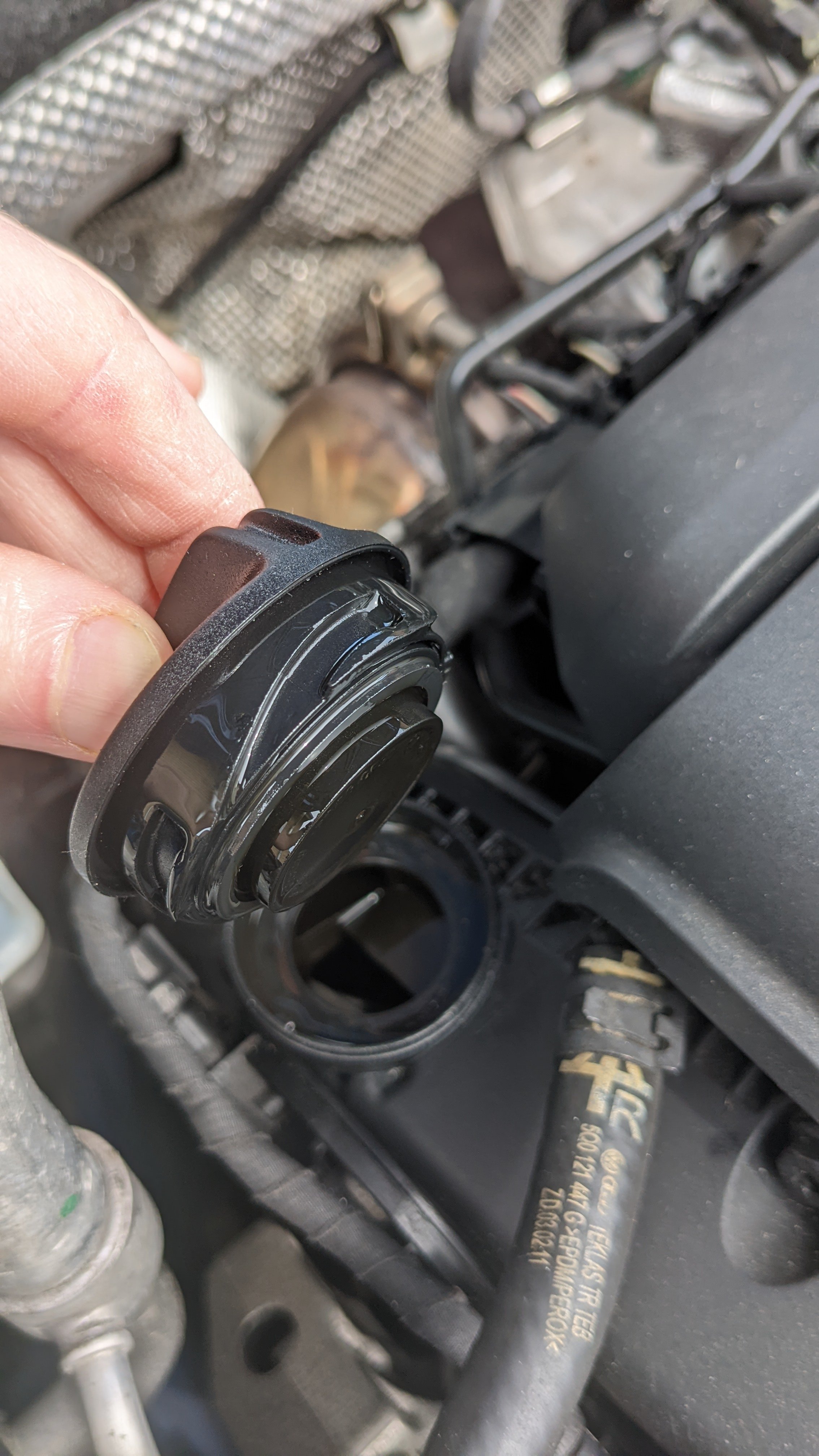
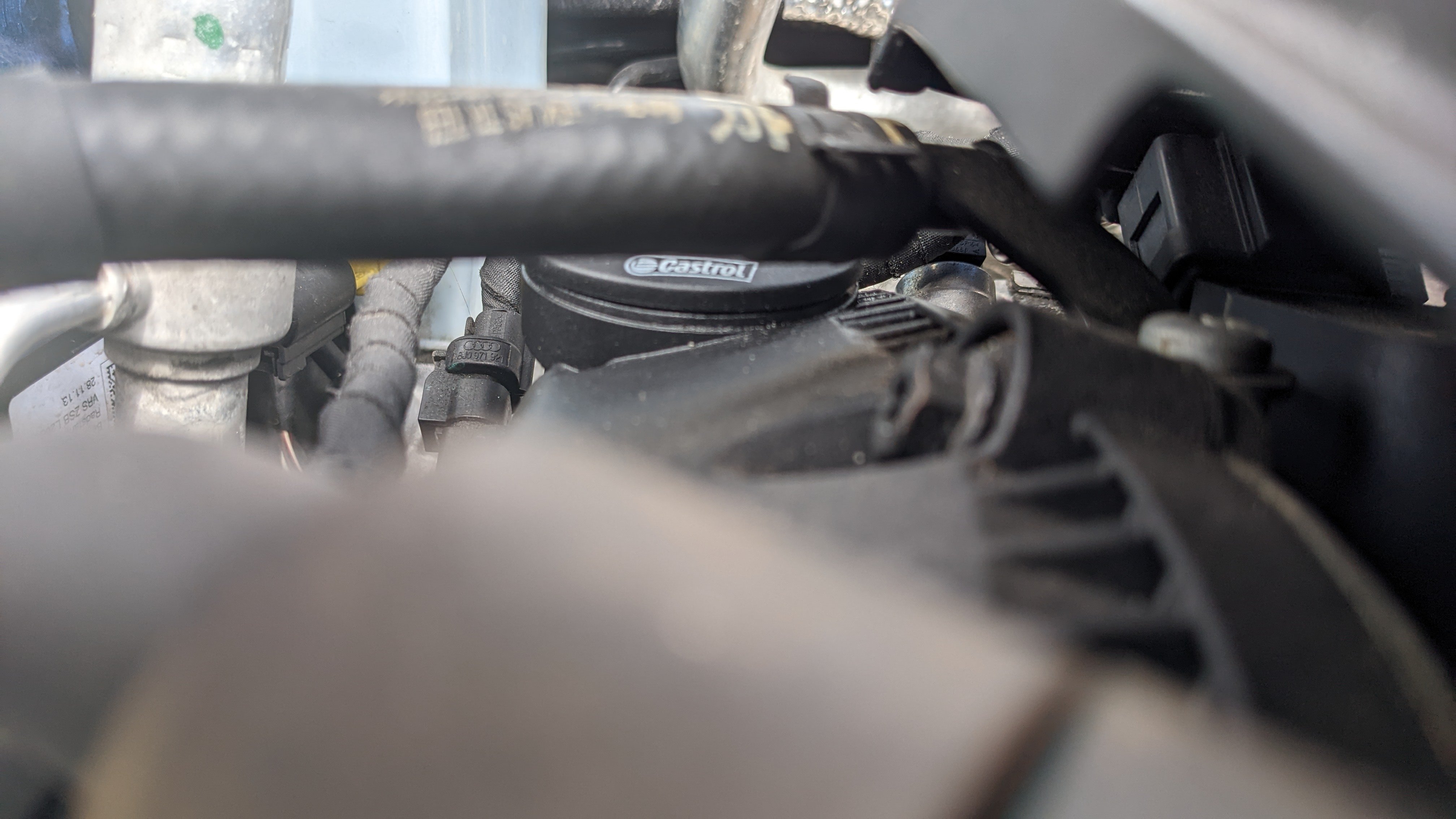
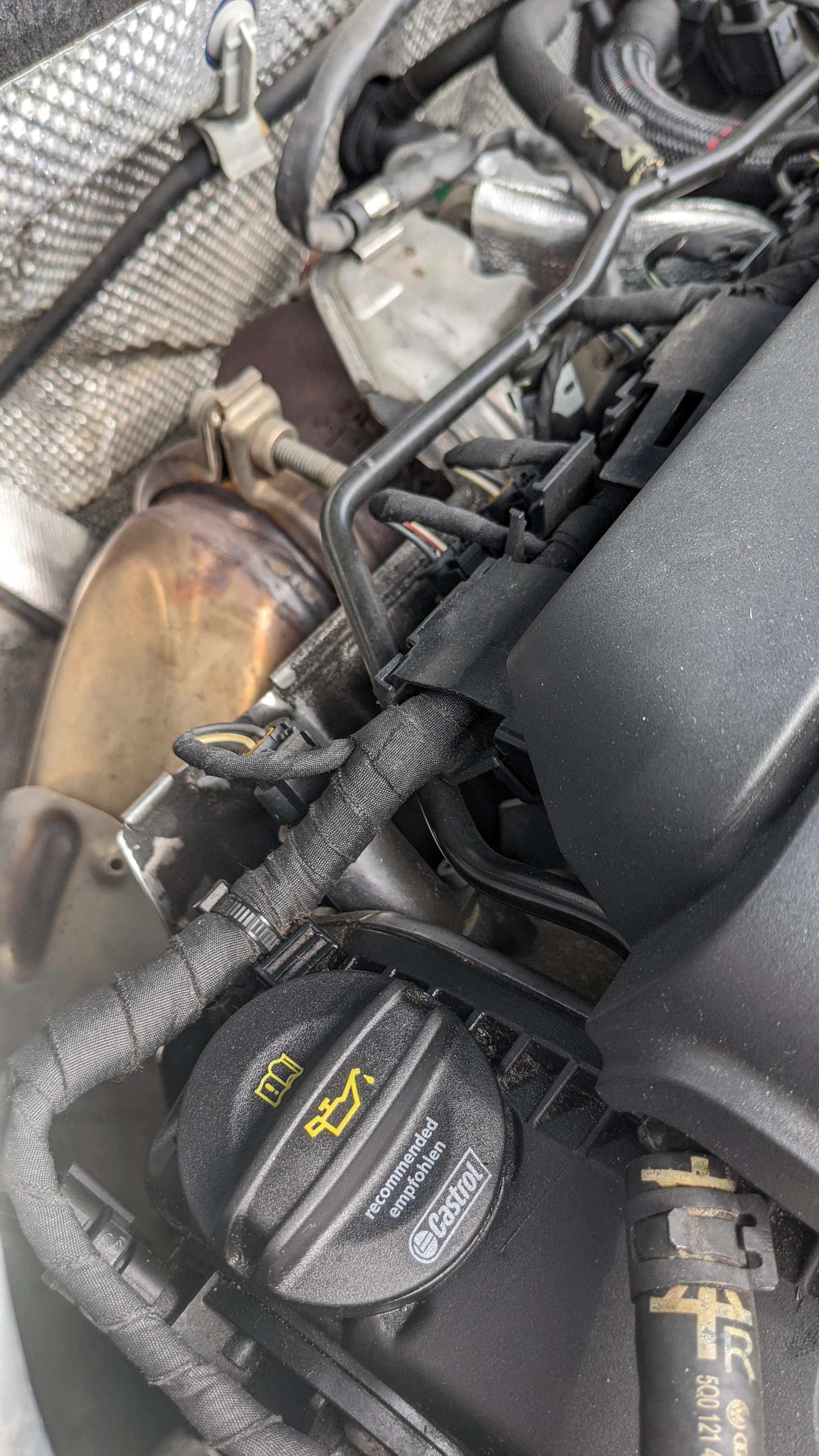
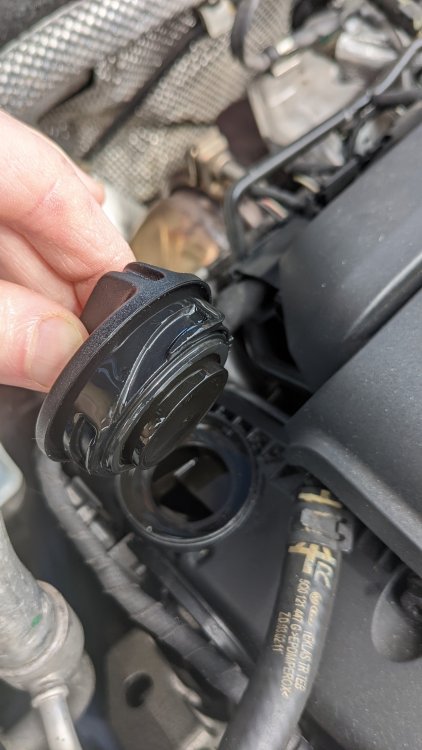
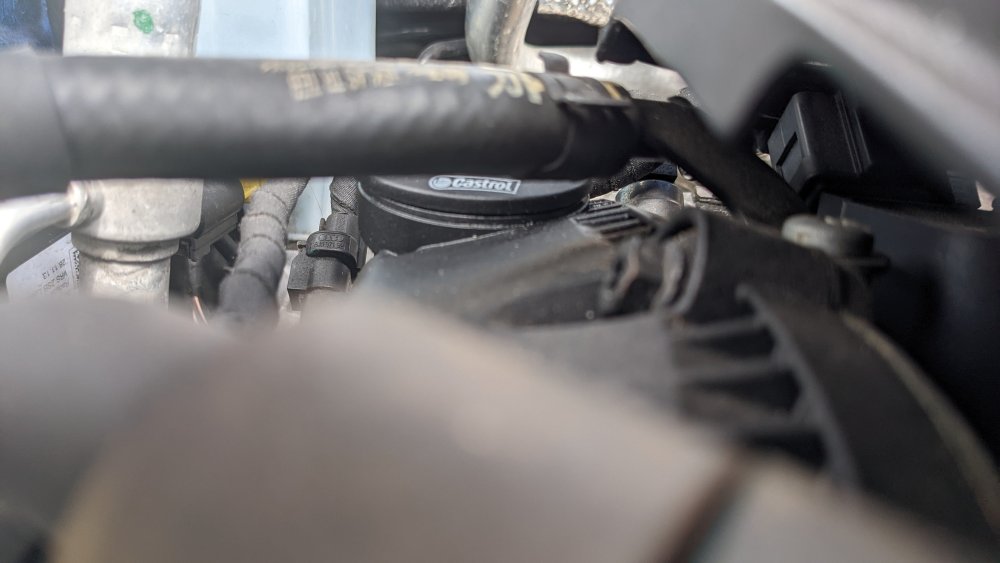
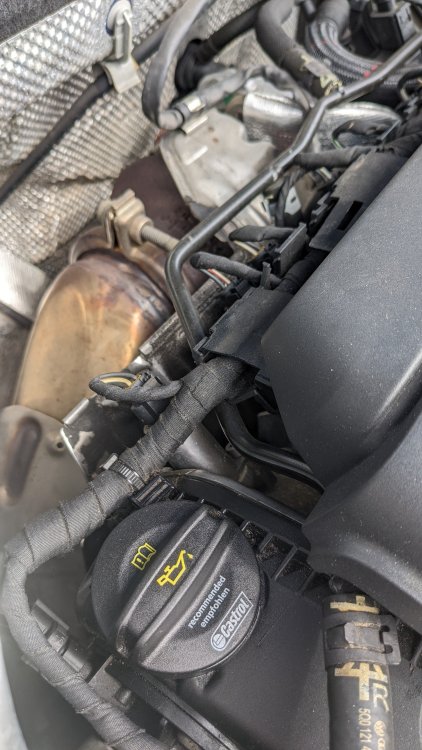
Hi All, I have owned a 2014 220 TSI for about 1.5 years and when buying I noticed some oil around the filler but assumed this was someone doing a poor job of filling it up at one point. However even after cleaning a very light almost oil residue reappears. I can't see it coming from anywhere other than the filler cap. I have attached a photo of the cap and oil residue. I have checked with Skoda and a replacement cap is £13. Am I missing a seal or have a faulty cap? Has anyone else had this problem and a new cap cured it? Thanks and apologies if this has been asked before I have searched and not found a resolution.
-
Hi, was there ever a resolution to this issue? I seem to have the same problem on a 14 plate TSI 220. A new cap is £14 from Skoda so wanted to find out if this will help before purchasing one. Thanks
-
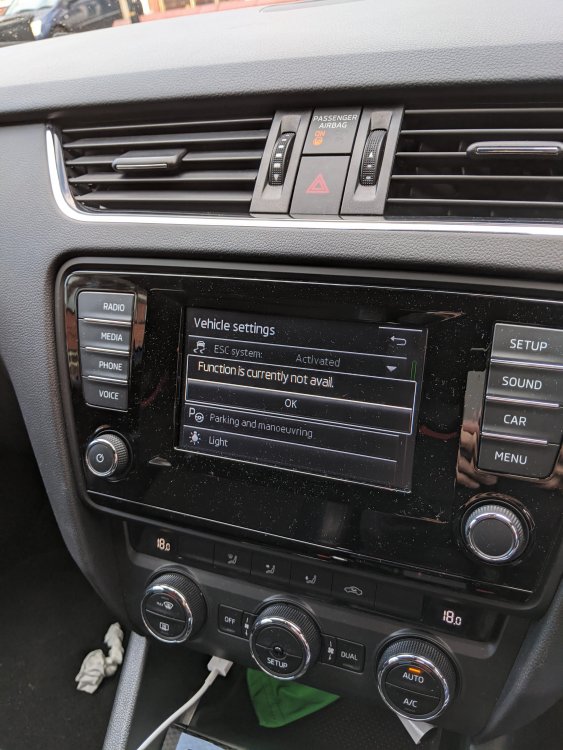
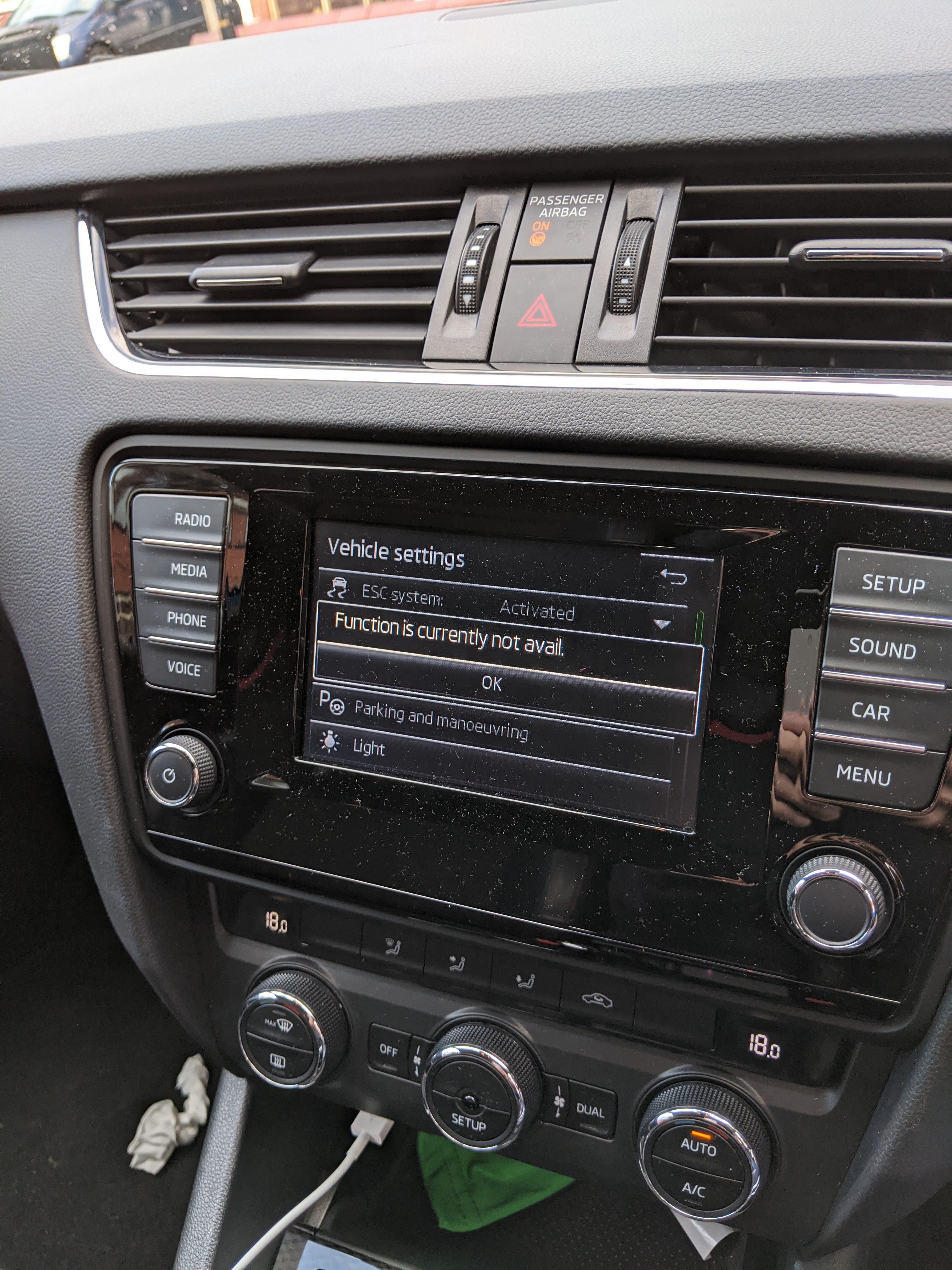
Hi All, I've owned a 2014 2.0 TSI VRS for three weeks now. I am generally happy with the car but on two drives, either in the wet or after it had been raining, when reversing i get no sensors and only the message "Function is currently not available" on the infotainment screen plus it starts off with a long beep then nothing. I have searched and found a few similar issues but generally those are the warning "park pilot not available" and none of the threads seem to reach a resolution. I still have about a weeks worth of warranty left from the dealer i purchased from but it is about an hours drive away. As it's an intermittent fault and I am not sure it will have left an error code I have the feeling I will drive there only for it to work fine and them say well there's no fault code... Has anyone else had a similar issue? Did they manage to get it resolved or do Skoda parking sensors just not work in rain or if it has been raining? Thanks