pjukone
Finding my way
-
Joined
-
Last visited
Everything posted by pjukone
-
Thanks, I'll have a look and take some photos
-
Hi, I have the same issue now with the neutral gear sensor. I have a MK2 2012 1.2 TDI. The slower up pictures are good to identify the part where exactly is it located? I saw a vw video and it seems you need to remove the battery compartment to access, not sure if it's the same location.
-
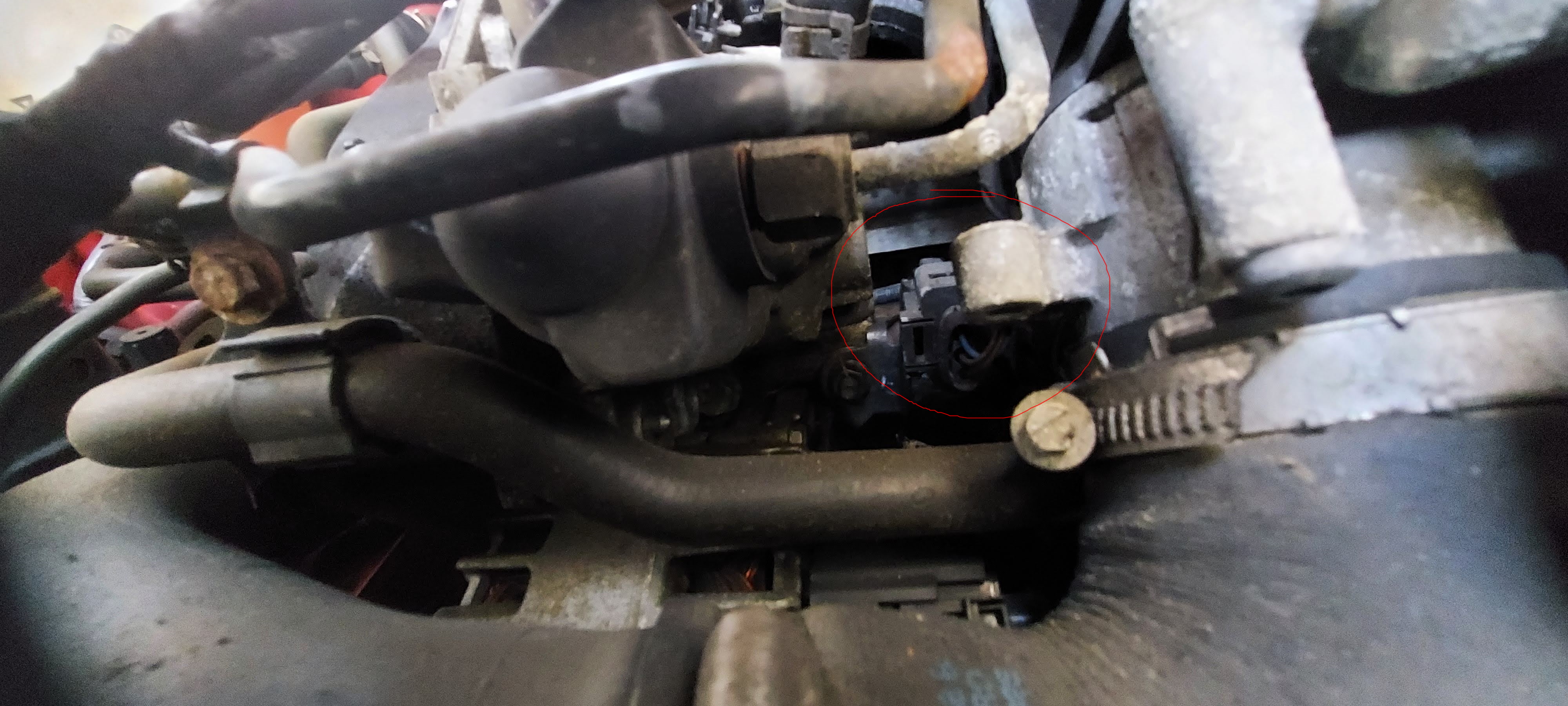
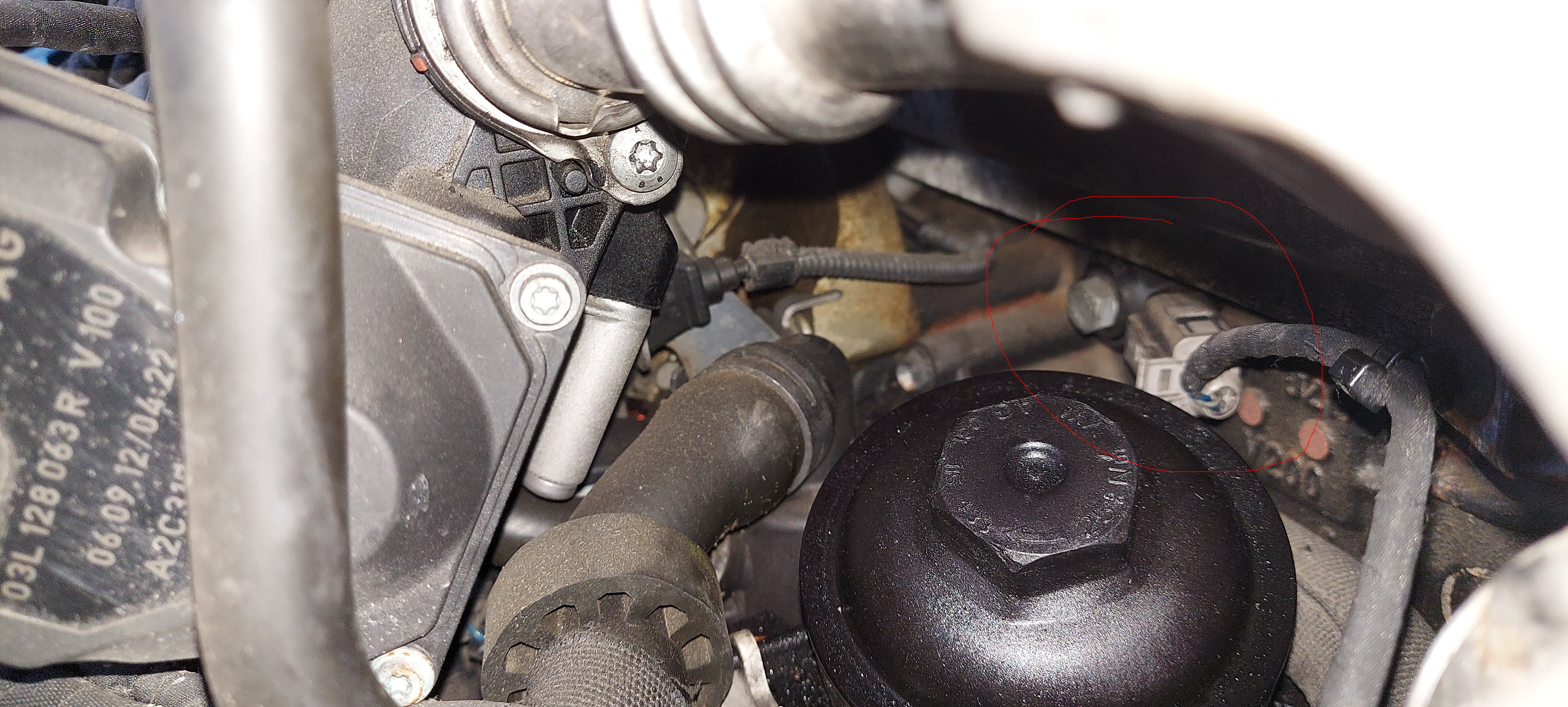
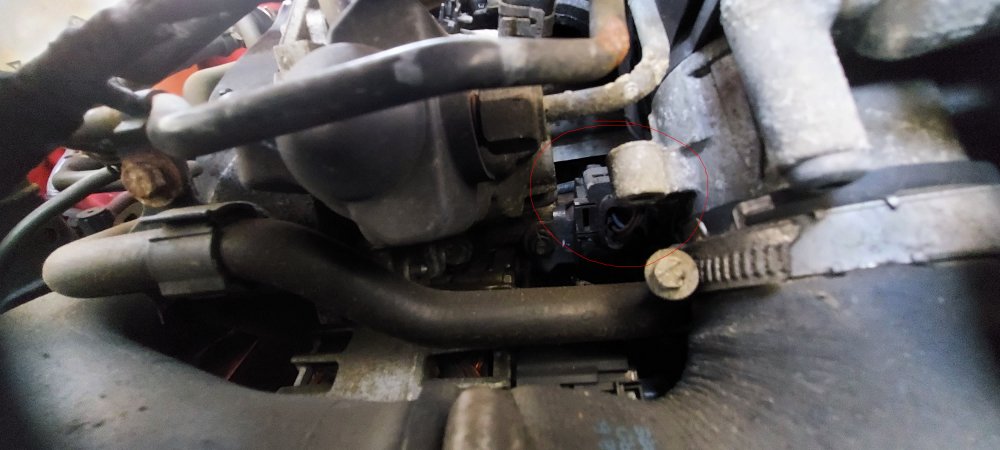
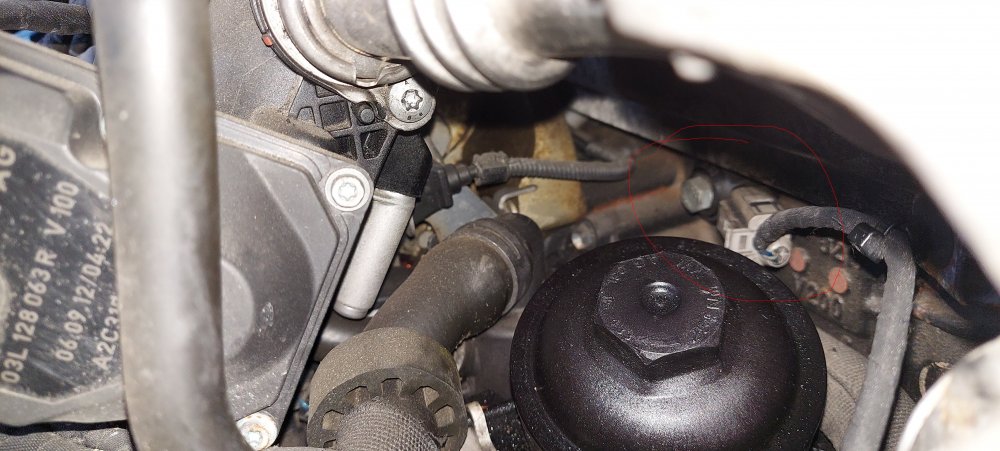
Hi thank you for this and your help, this has really helped narrow it down. When it stopped raining, I had another look. It looks like its one of the below two. The one behind the oil filter looks promising, the only thing that throws me is its supposed to have a small screw holding it, and this has a rather larger bolt.
-
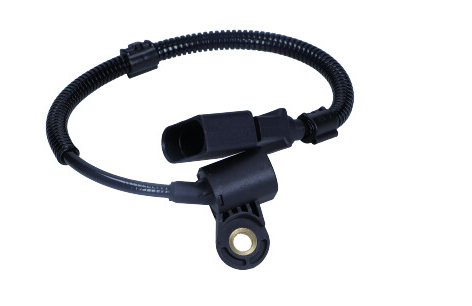
Hi Wino, Thanks, I had a good look around yesterday checking the part numbers on google to check if that was the part, also removed the top plastic cam belt cover yesterday. but unfortunately no joy. I will have another look for three way connector. What I had looked for yesterday was somthing that looks similar to the below. Do you think I am looking for the correct part? https://alvadi.ee/en/spare-parts/skoda/fabia-ii-2010/crankshaft-position-sensor/1016368-skoda-fabia-ii-542-1-2-tdi-55kw-diesel-2010-2014#fs_888777=bd70d
-
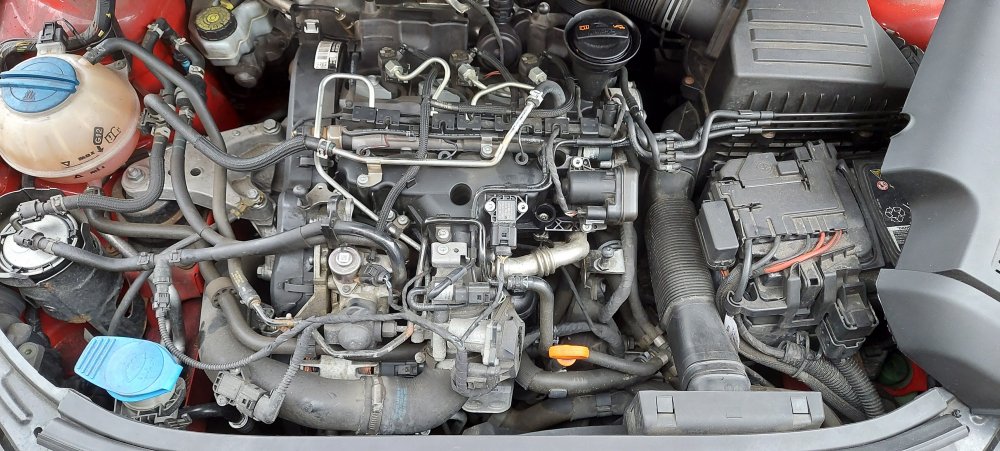
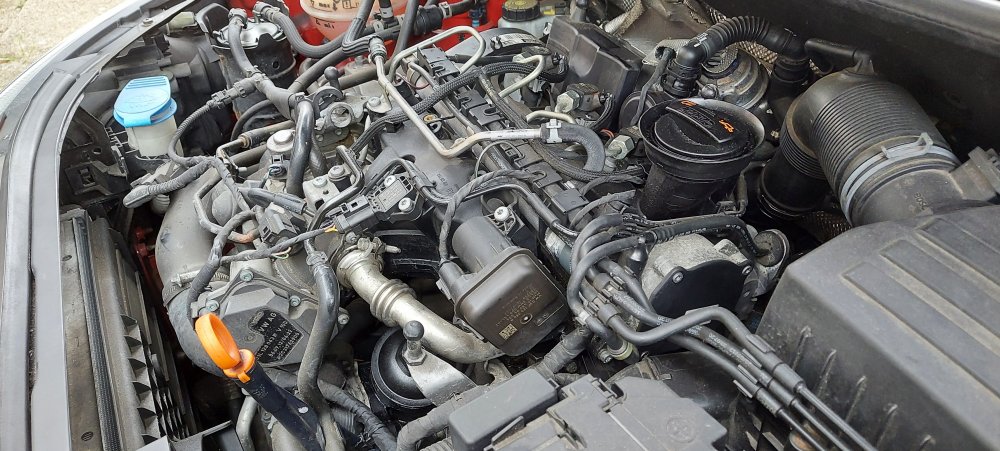
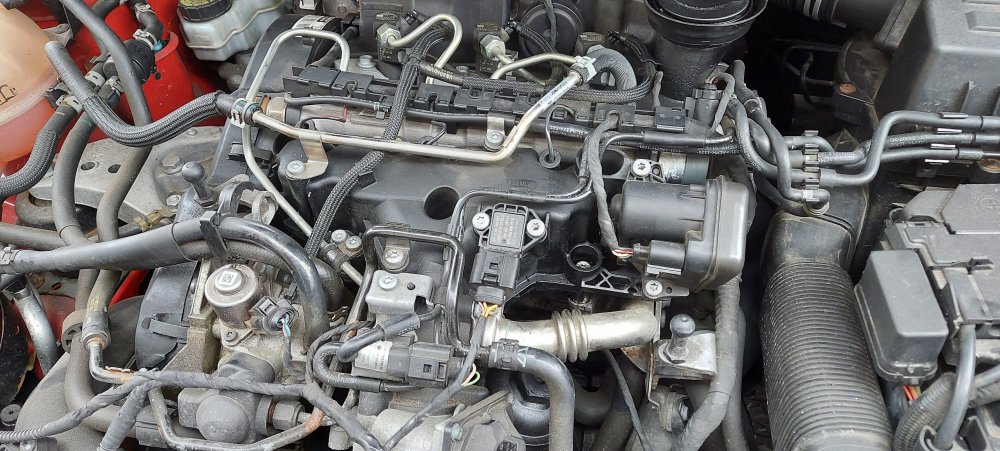
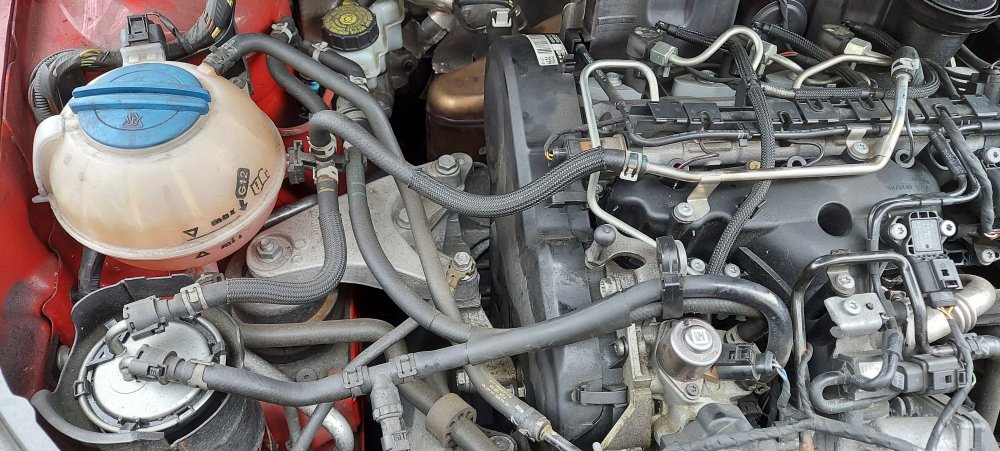
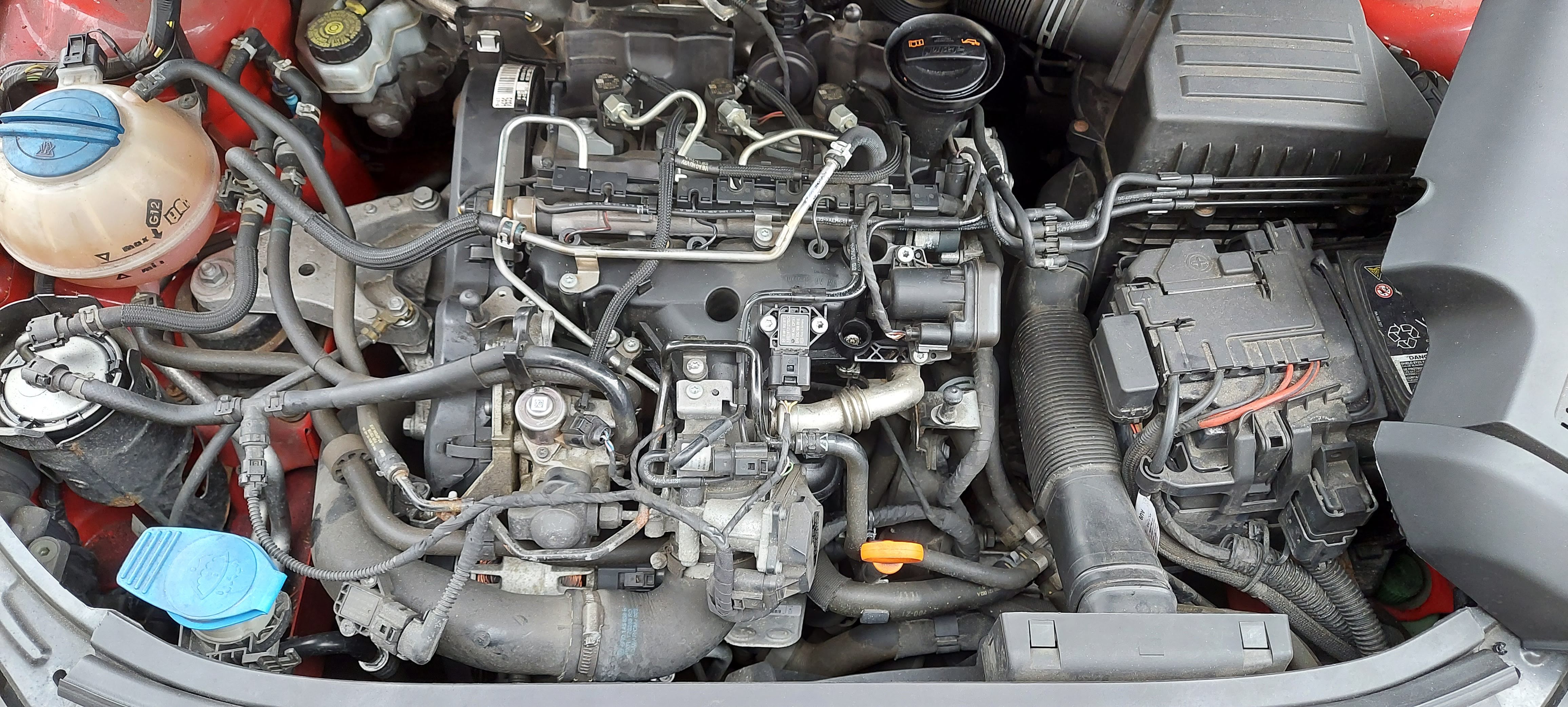
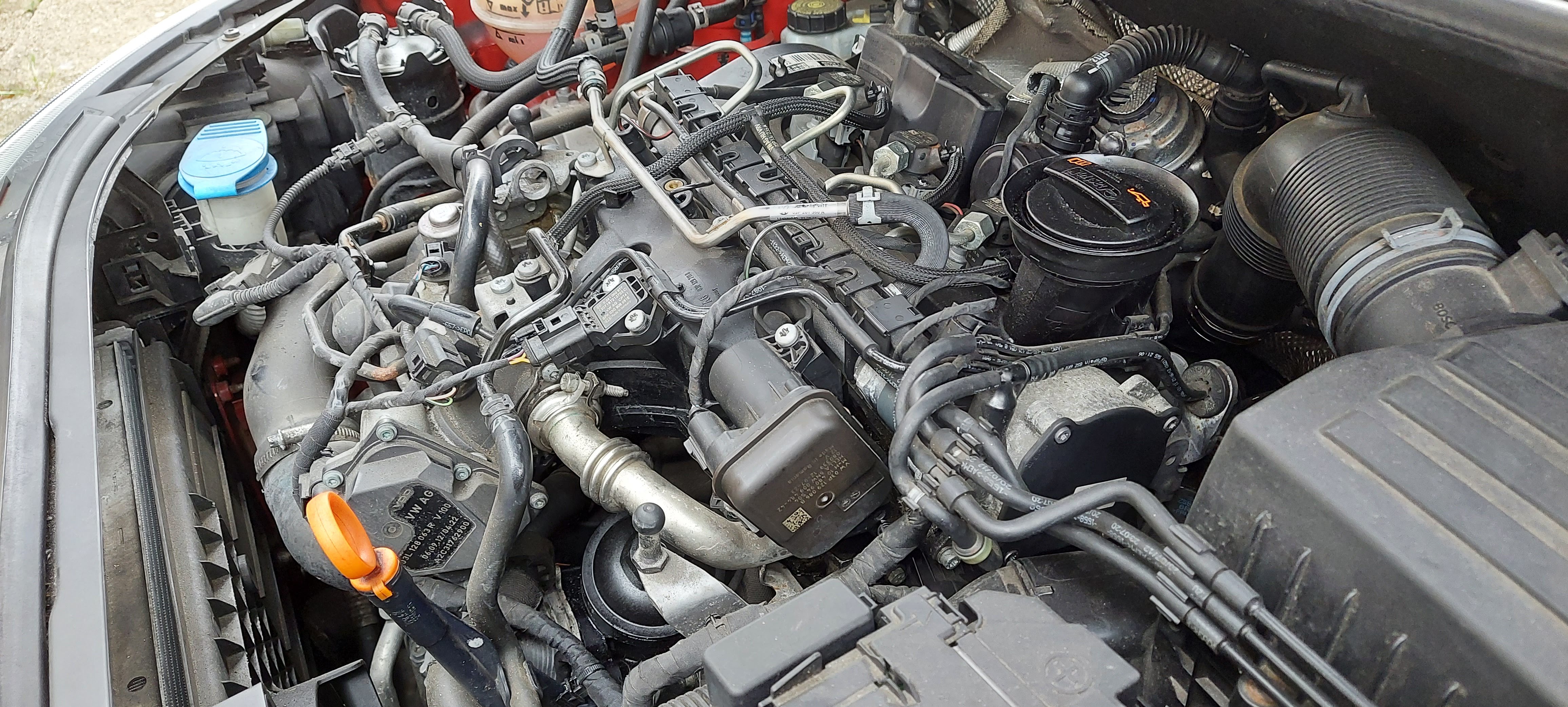
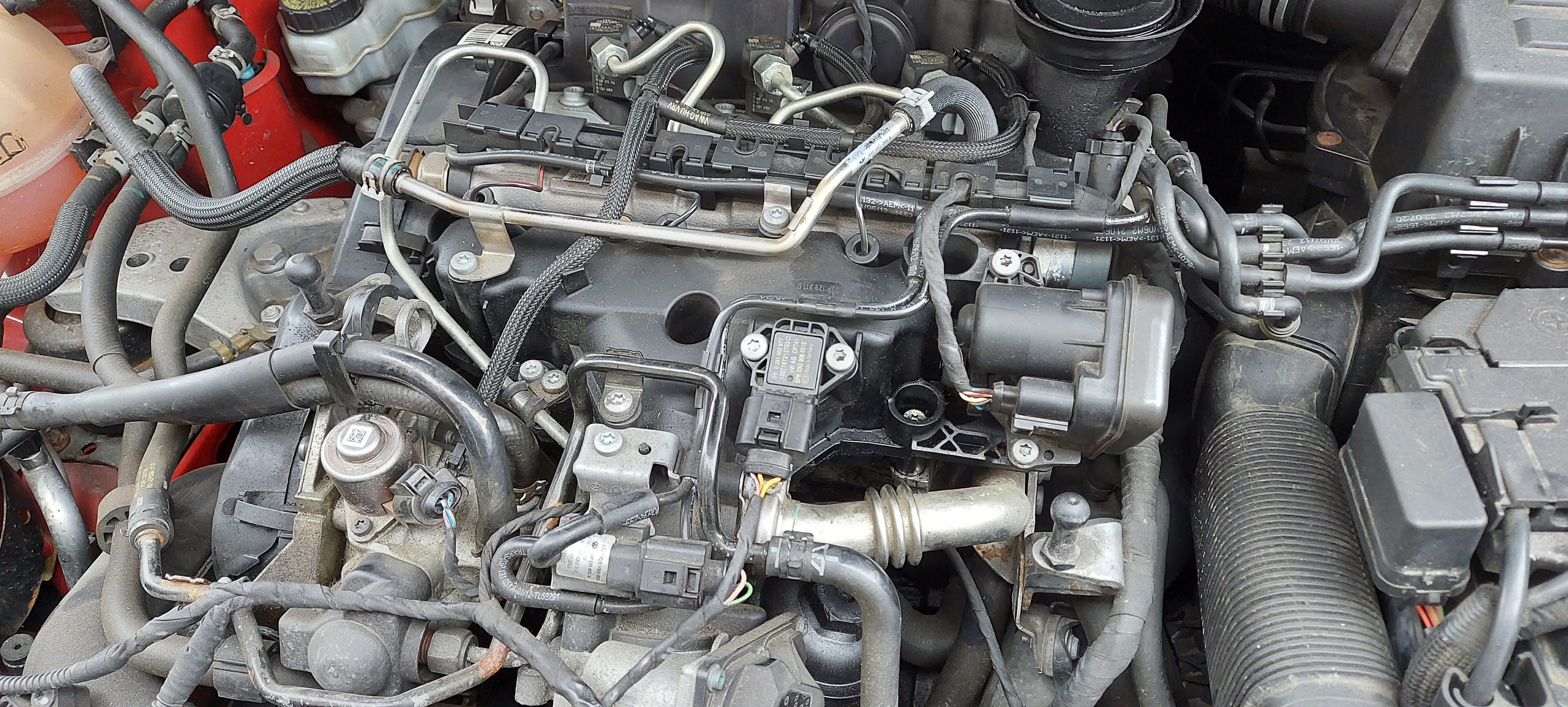
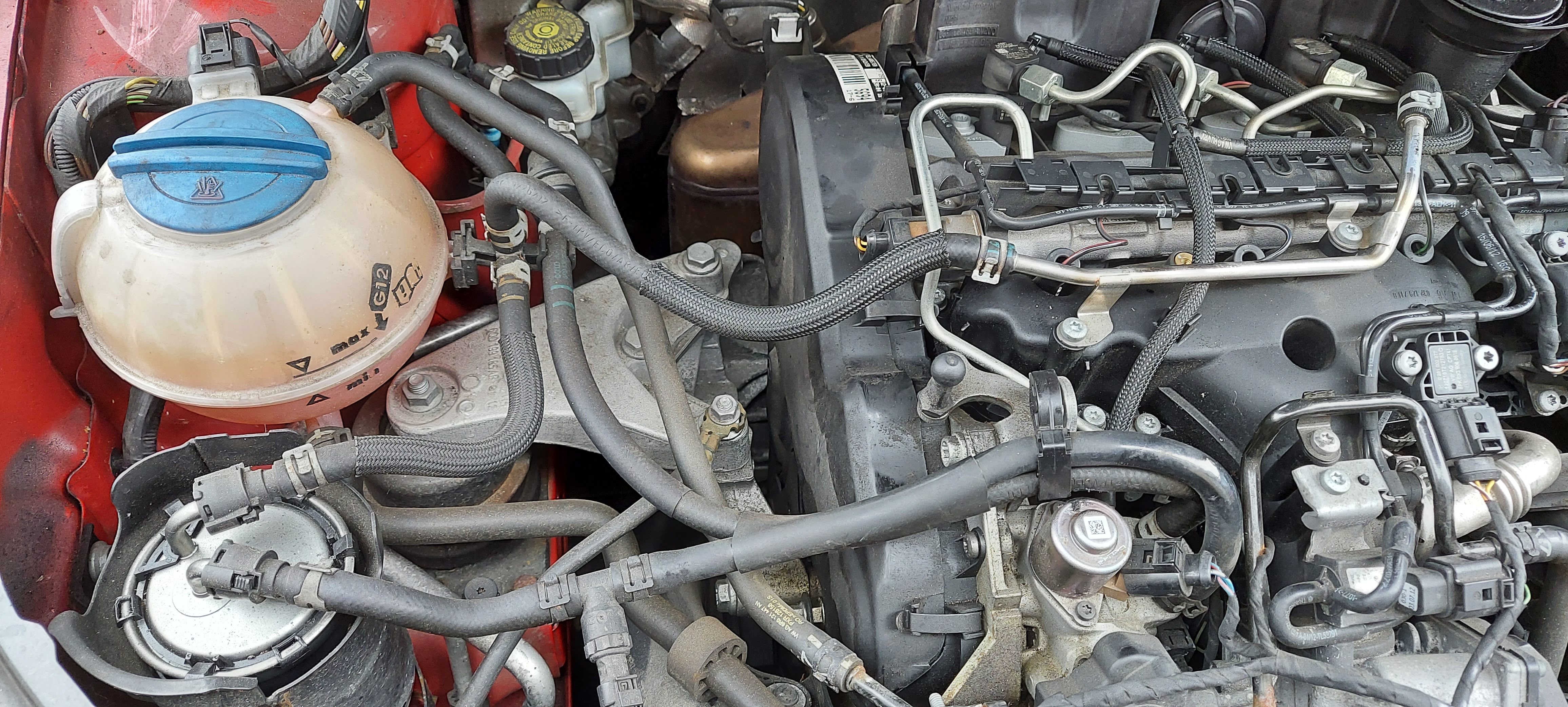
Hi All, I am a fairly new member to this forum and needed some help in locating the Cam Pos Sensor. I have a Skoda 1.2 TDI 2012 version (CFWA 1.2L TDI=CR). I got an error code P034100 for the first time as a Passive / Sporadic status , this is described as Cam Shaft Pos. Sensor Circ Range/Performance. I had a look around and could not work out where this sensor is located. Please could you help point out how to get to this sensor? I have attached a few pics of the engine if that helps. I had a look on youtube and could not find any clear videos showing the position, hence will help make one to help someone else once I can find the sensor. Thank you in advance.