Bruffkid
New here
-
Joined
-
Last visited
-
-
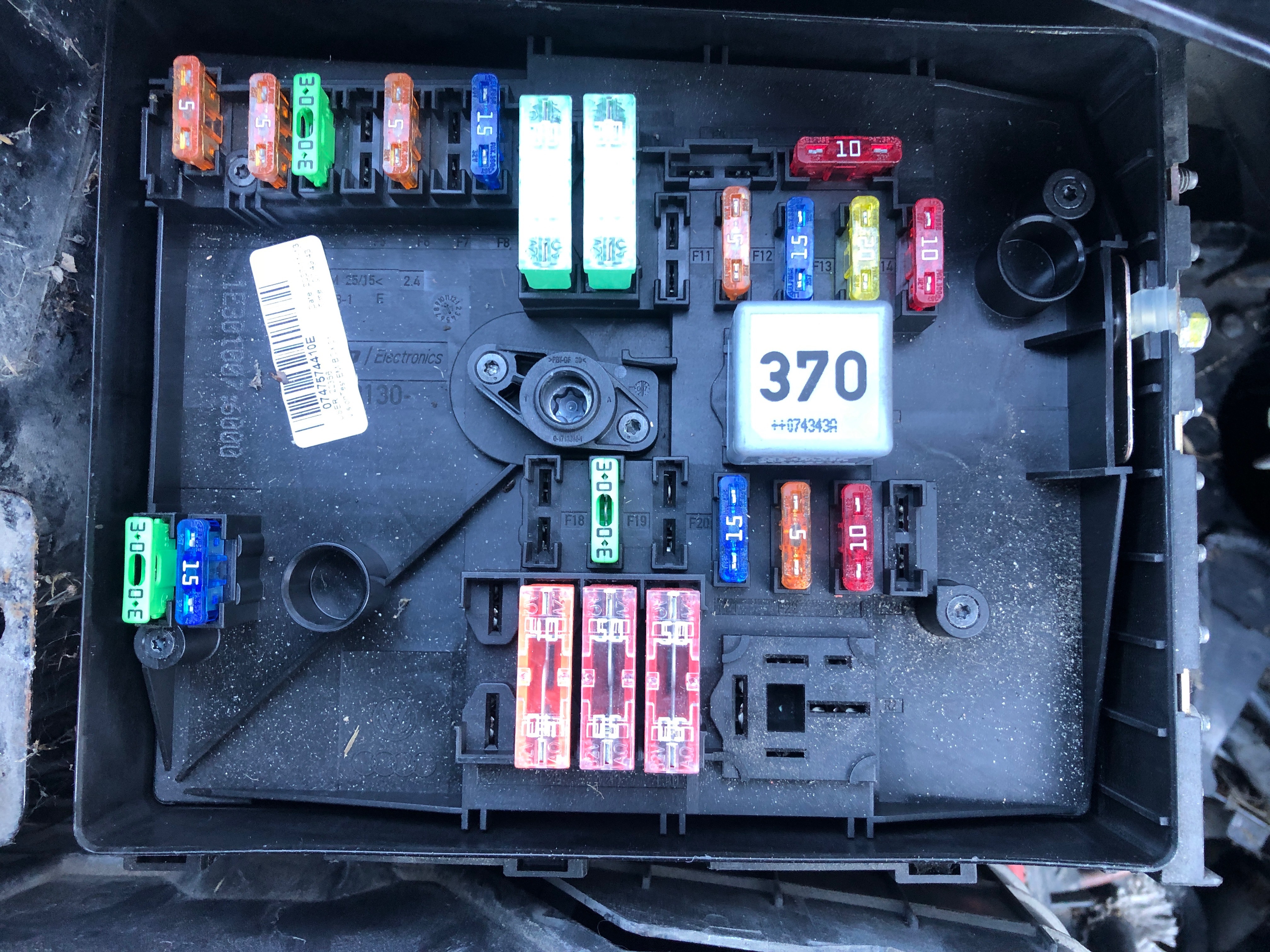
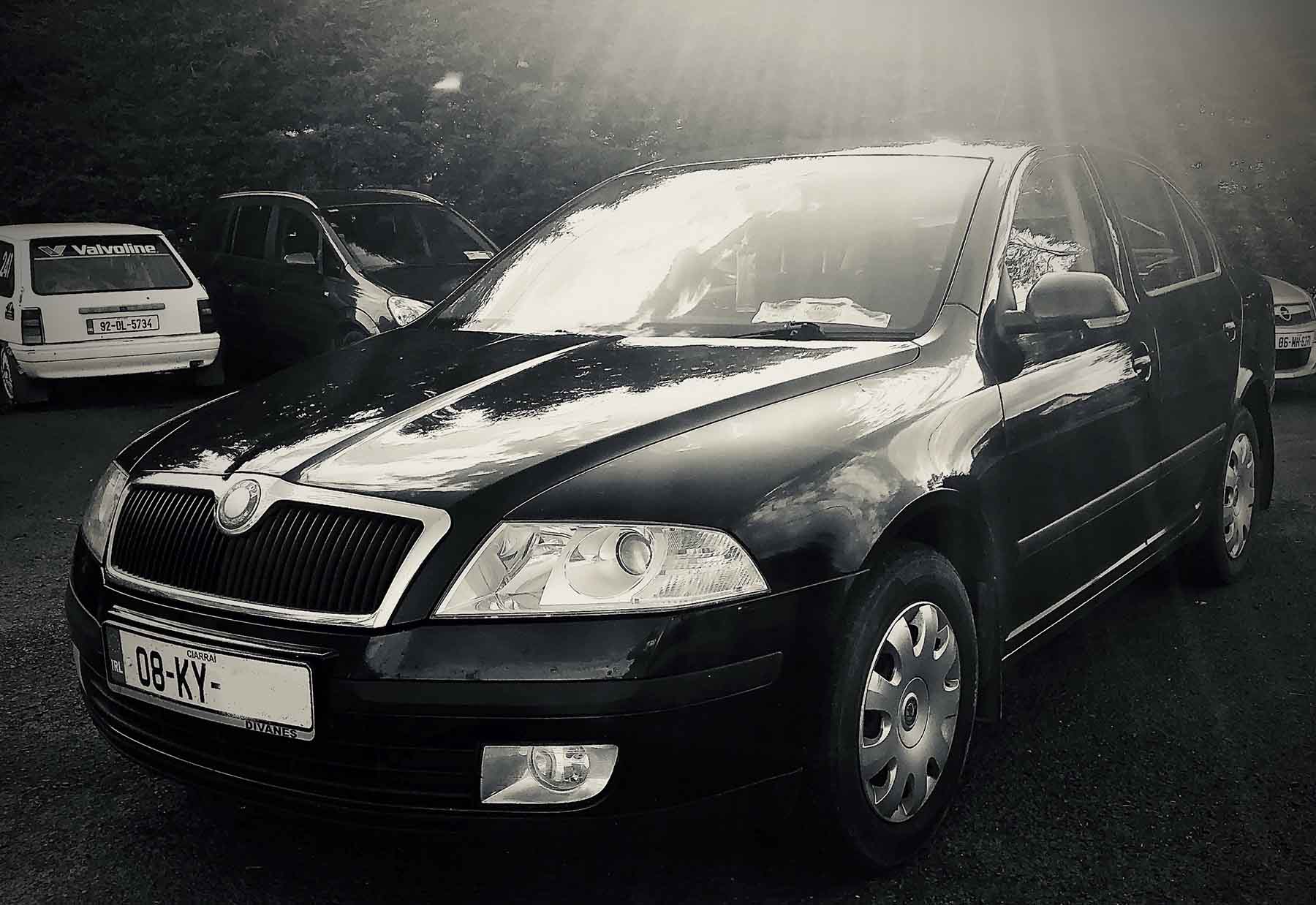
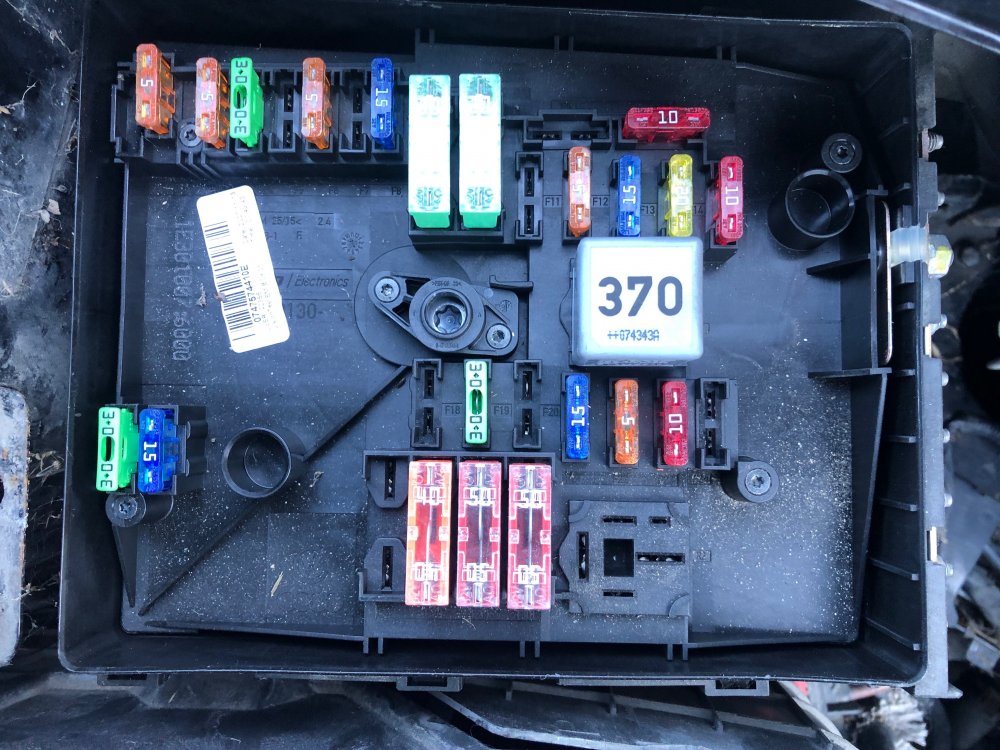
Hi this is the Fuse Box in my Engine bay of 2008 1.4 Petrol in a lot of Topic i see ash the silver relay is numbered 100 and mine is 370 also i have a different fuse layout to others. My question is it ok to have the 370 instead of 100 and am i missing fuses or they in the wrong place. Any help is much appreciated Kind Regards Brian
-
Hi bris24 thank you for the reply i will look int this i appreciate the info Happy new year to you
-
Hi FatblokeVRS thank you for the reply i will have a look on the website Cheers Brian
-
Hi I'm looking to get Diagnostic Computer Software so i can run it on my 2008 Skoda Octavia using my friends equipment as he has only software for his make of car. ?? any help will be much appreciated.. Brian
-
Bruffkid changed their profile photo
-
-
-
-
Hi all I have a 2008 1.4 petrol octavia that a few electrical things that have pop up recently, NO 1 is that the the puddle light and interior lights won't come on when i press the key fob to open the car or when I'm in and the engine is running and i open the door it won't work also. No 2 the volume on the radio will turn up high and back down low when i haven't even touched the controls. No 3 the back left passenger window decided to work in the opposite direction ie when you pull up on the button the window will go down and vice versa this also happens when i hold down the key fob also. No 4 The rear taillight fog is working on the opposite side to what it show be any help would really be appreciated