Jaqoda
New here
-
Joined
-
Last visited
-
OK great, thanks for the swift replies everybody. Looks like the grill will be the first mod then! Any idea what I should expect to pay for plastic welding? It's not something I've ever had to deal with before.
-
Happy to be corrected if that's not the case! If I can just order a new grill then I will be doing that. Does anyone know the part number I need? I can't seem to find the OEM grill on its own, just the grill surround and the aftermarket part I posted a link to.
-
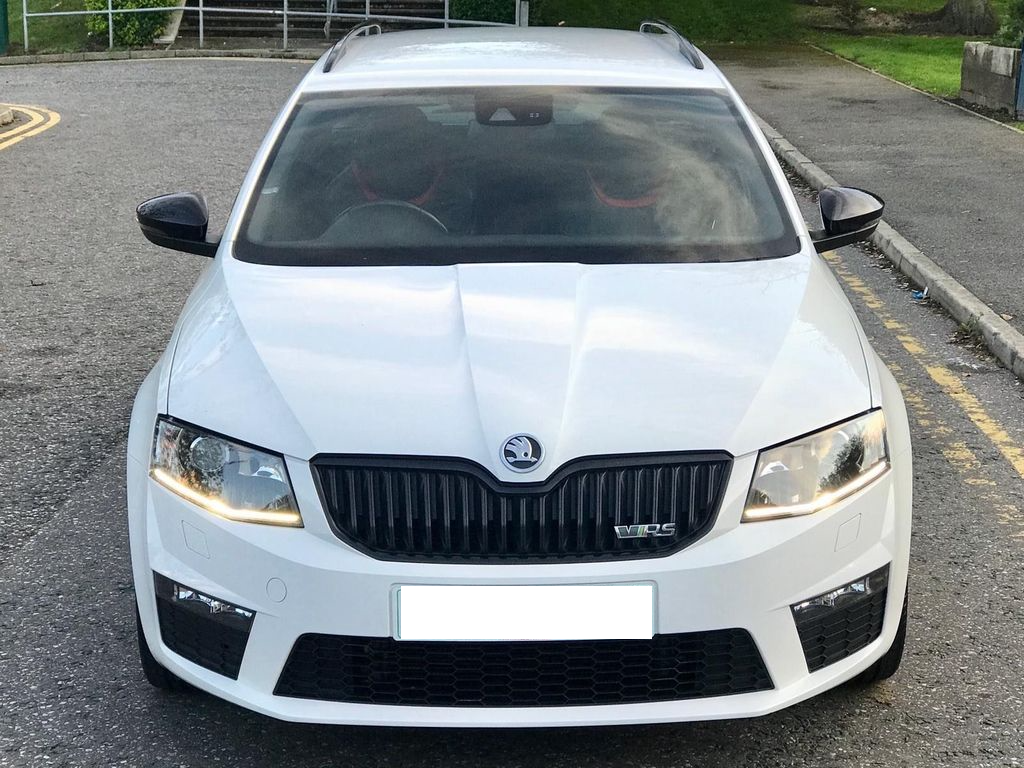
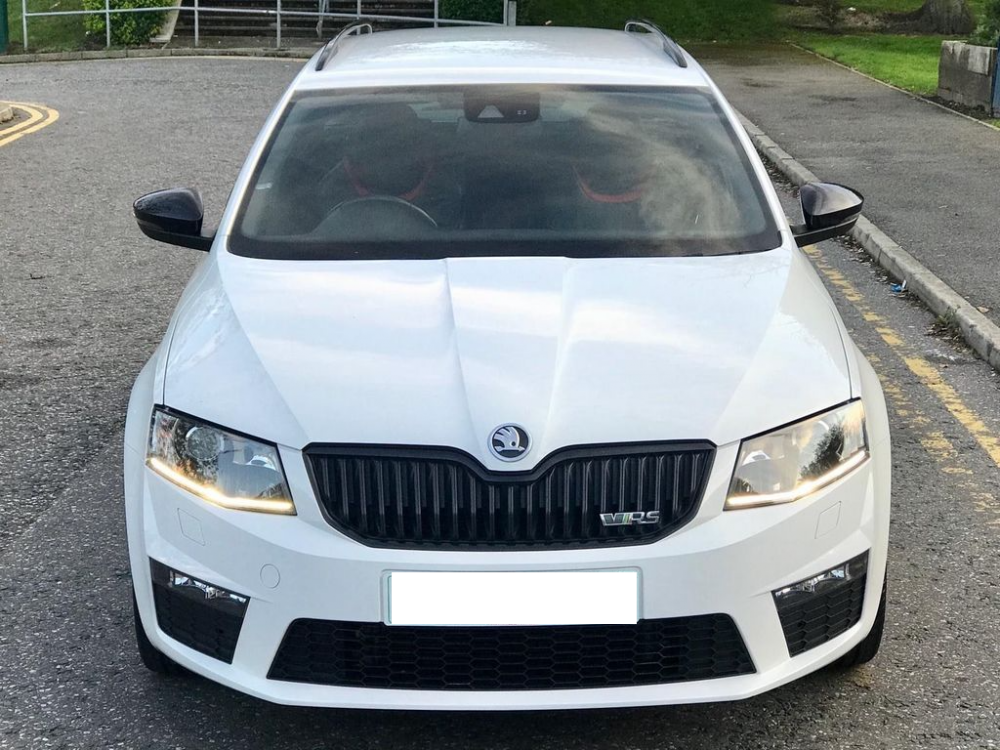
Hi all I recently bought a nice clean Octavia vRS: After about a month of careful driving my wife decided to bump it at 3mph and smash the upper front grill FFS! Anyway I have now discovered the upper grill is a part of the entire front bumper, the rest of which is absolutely fine. So my question is, what's the best fix for this? New bumpers seem to be in the region of £400+ which seems excessive. Aftermarket grill and plastic weld? Any recommendations on what will fit? I've seen this part - http://www.superskoda.com/Skoda/OCTAVIA-III/Octavia-III-front-grille-in-OEM-honeycomb-design-KI-R Which looks pretty good, would I also need the black grill surround to fit this and how much should I expect to pay for plastic welding it in? And in the meantime is there any downside to driving without the upper grill? I need to make a long distance trip soon and don't fancy finding out on the M1! Cheers all
-
Hi all Recently got myself an Octavia vRS mk3 as my 'sensible' car (compared to my Land Rover Discovery green lane toy). Loving it so far, although the wife has already managed to take the front grill out :-( So I'll be posting about that very shortly! Anyway nice to be here, I've always valued car forums like this and have moderated a few in my time. Look forward to learning more about VAG in general. Cheers Dan