




balllyboy
New here
-
Joined
-
Last visited
-
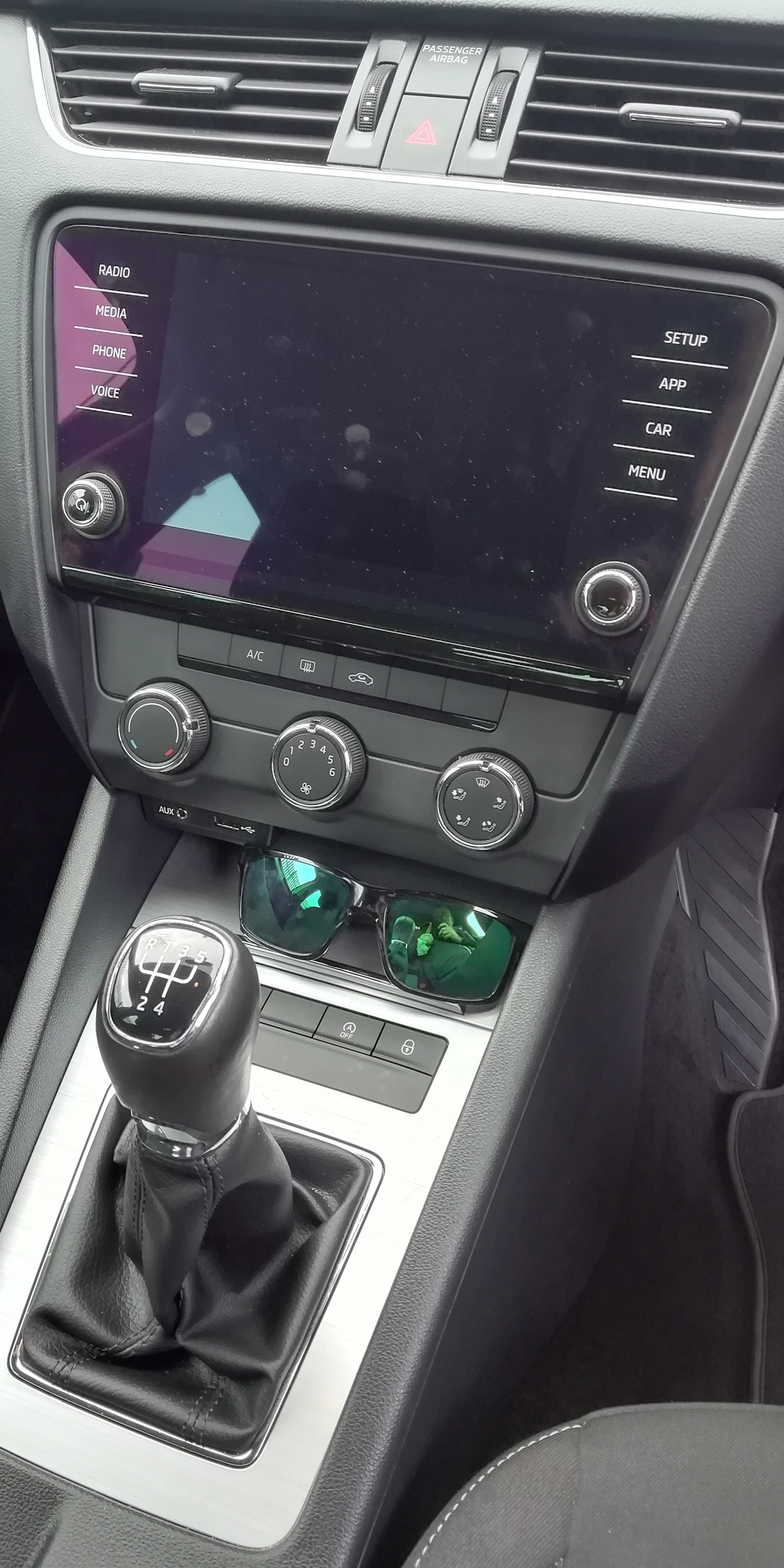
Large screen also.
-
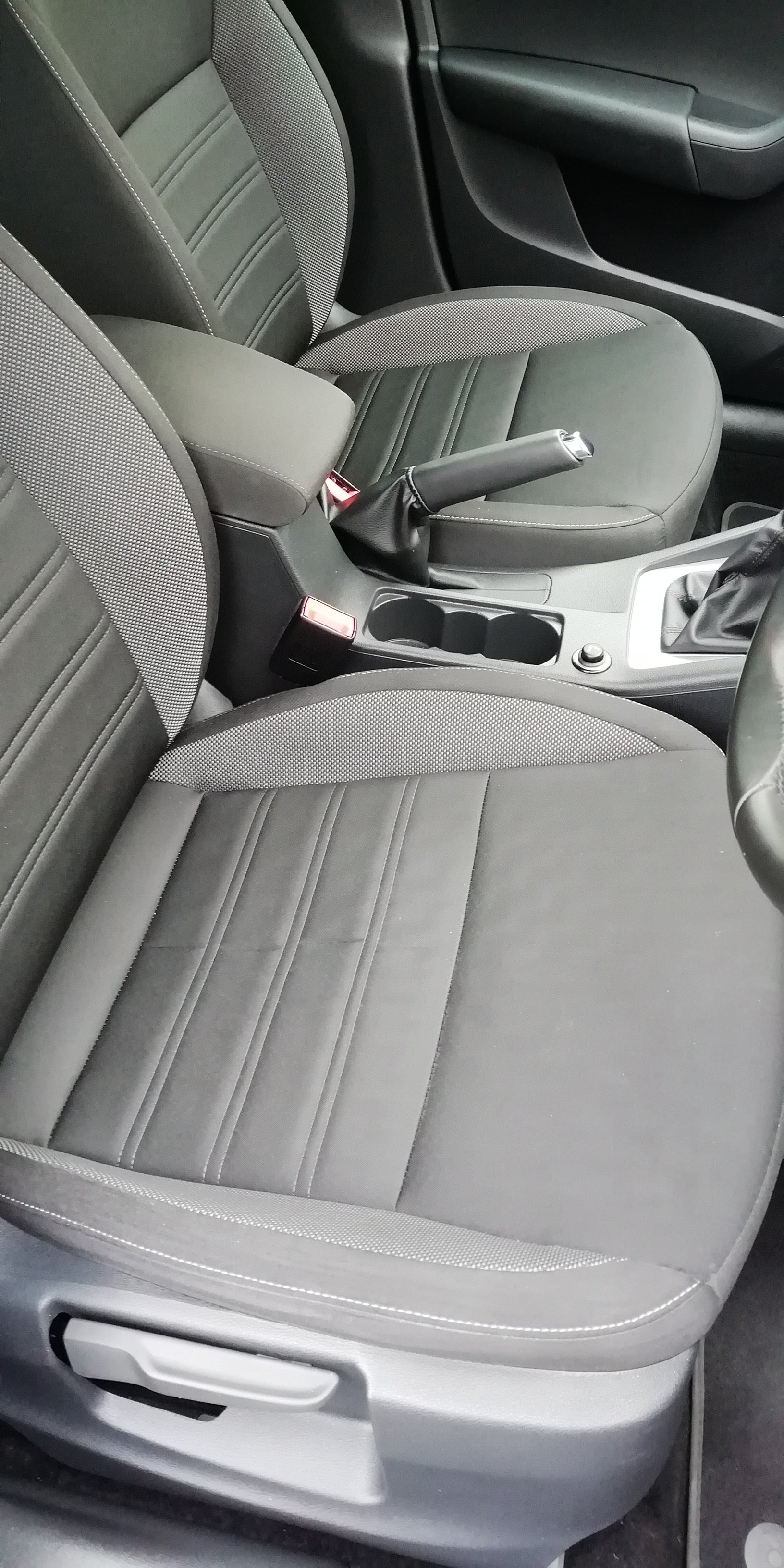
I have tinted back windows. It says Ambition on the vehicle regrestation cert.
-
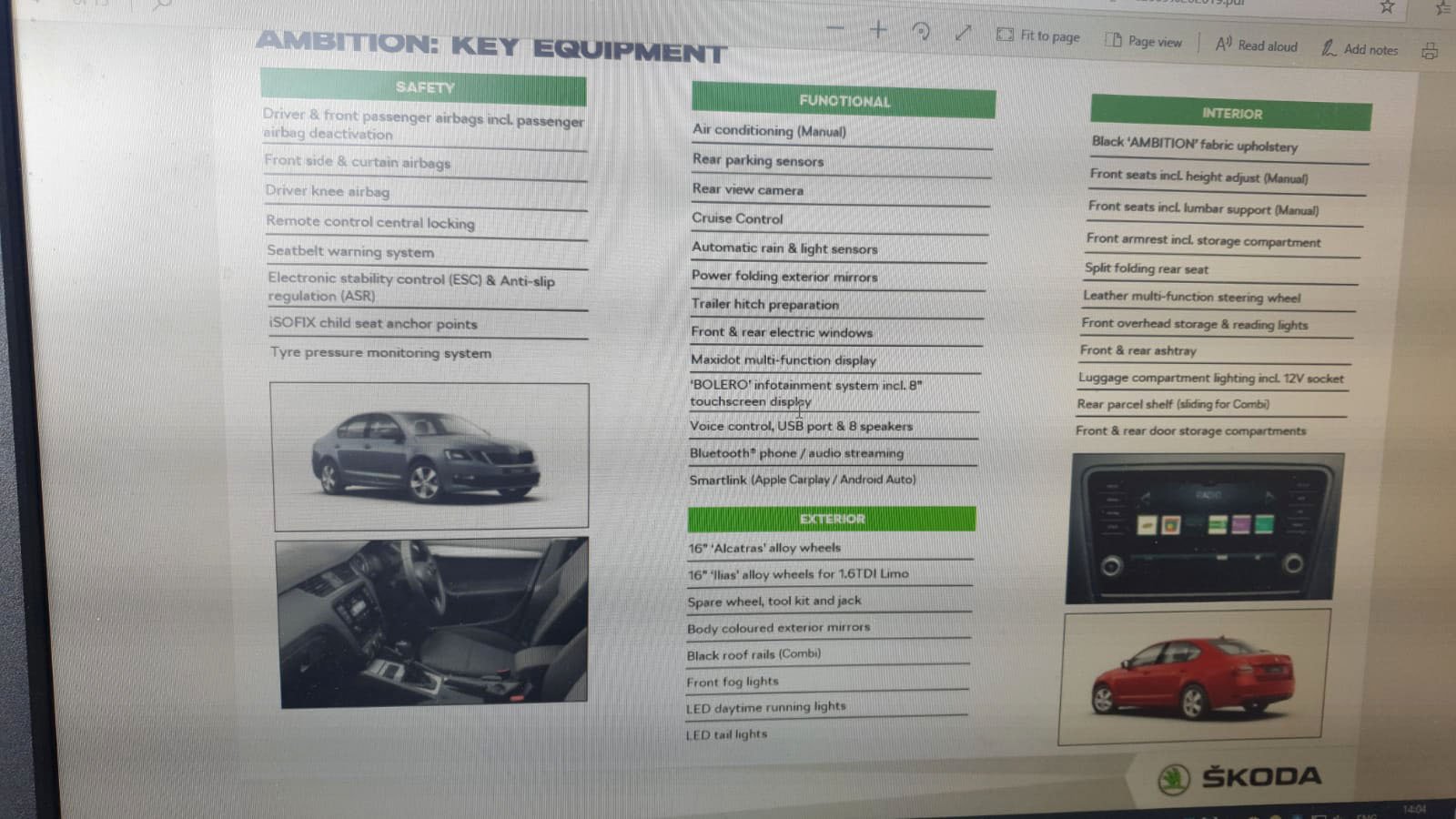
I have discovered that it doesn't have rain sensor wipers or auto lights. I thought that was part of the Face-lift version
-
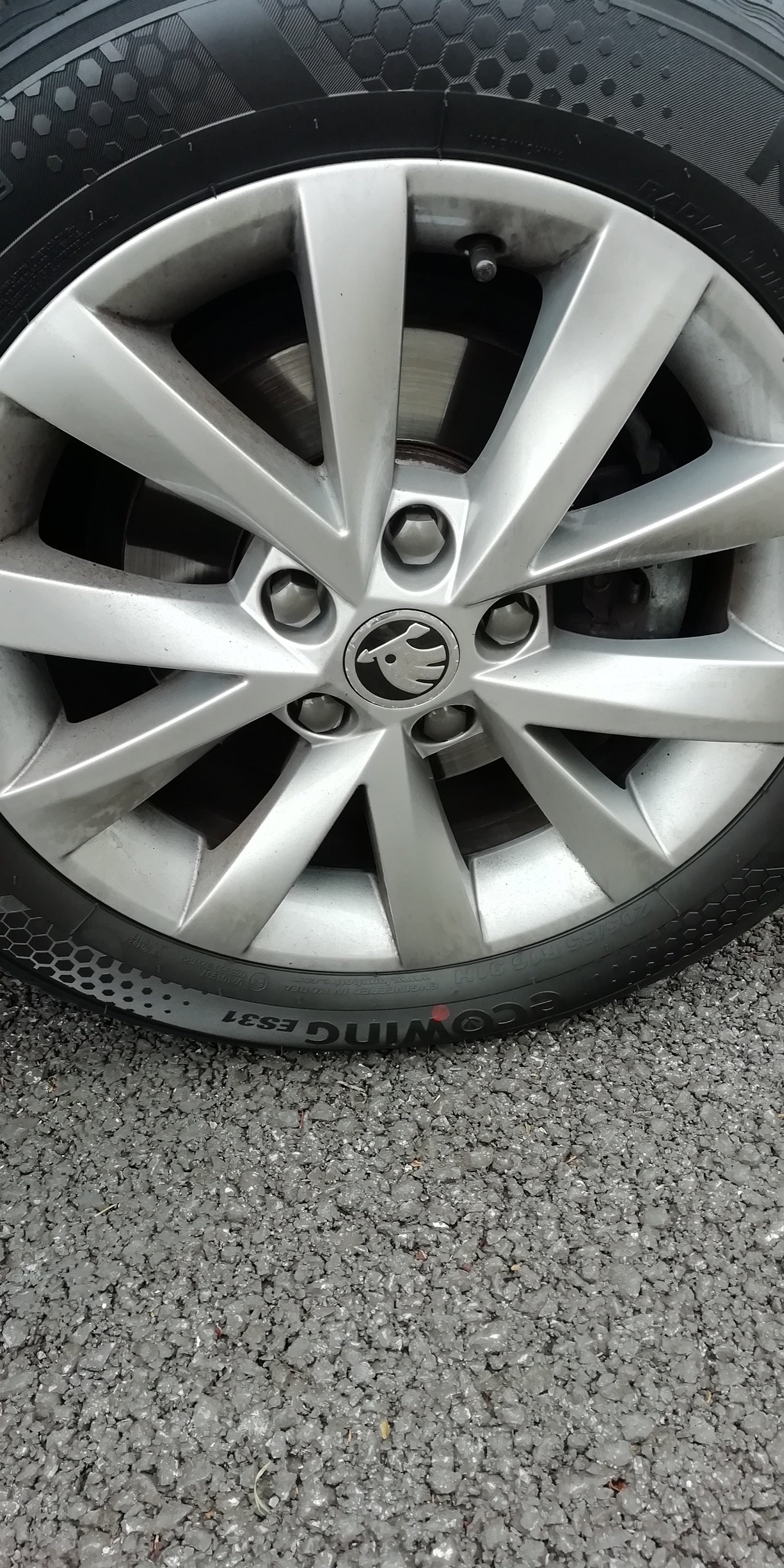
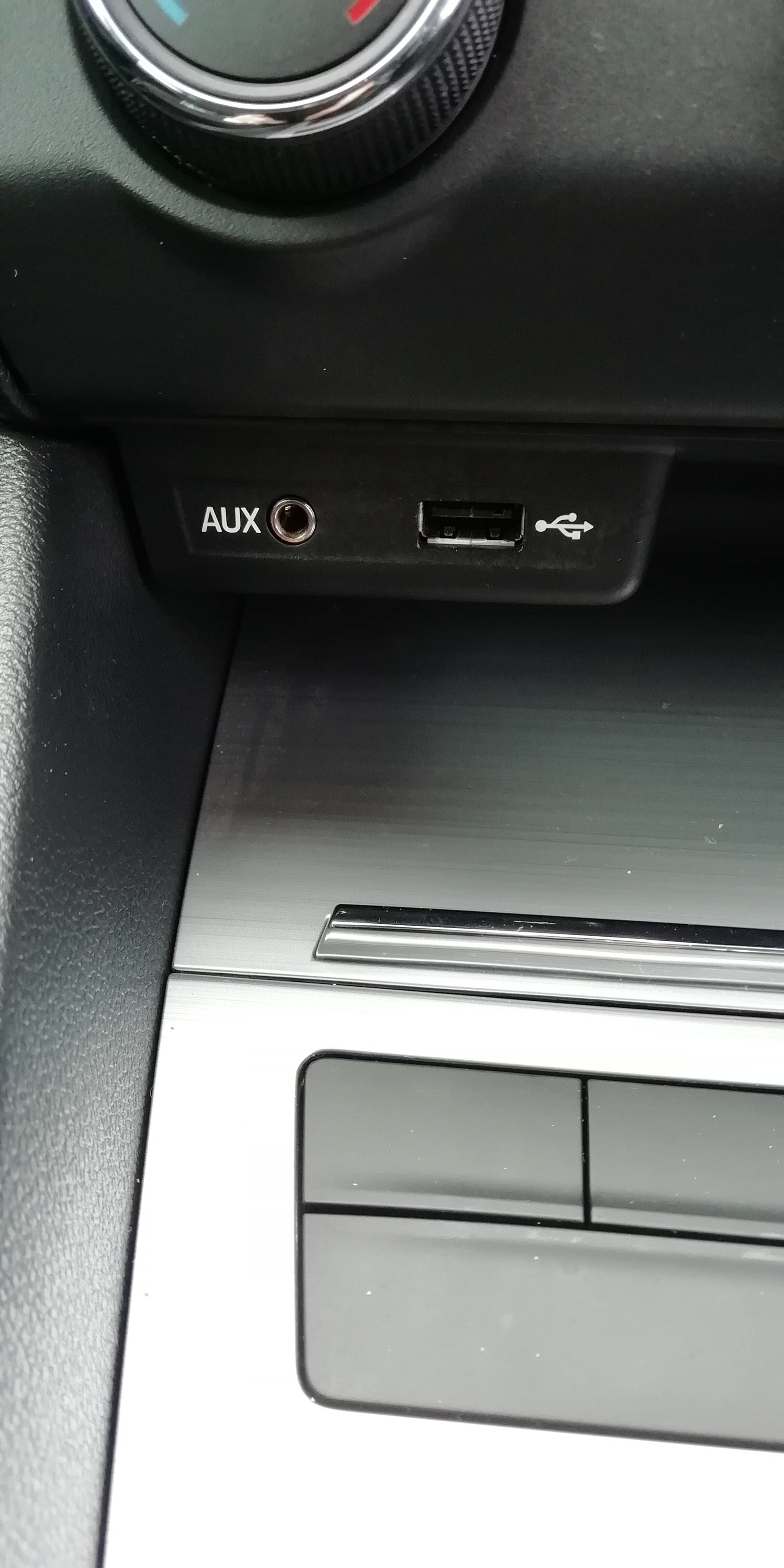
Yes, it has the drops on the wiper stalk. I was told it was a face-lift, but can't see that little sensor, I will have to wait for the weather to change.@lway@lway Thanks for the info. It doesn't have a silver trim around the exterior windows, but has silver trim on the inside door panel and around the gear stick. In the picture I posted above, it says Automatic Rain and light sensor, but I don't see that little rain sensor on the windscreen? It also has little down lights on the wing mirrors which light up the ground, not sure if that is standard. It has 3 USB ports one at the front and two at the back, it also has an Aux port in the front and a SD slot in the glove compartment (no CD player).Thanks @AllanDJ. Yes it must just be Ireland that has this variant of Skoda. I still don't know if it's an Ambition or Elegance? I would of thought that the spare wheel kit would be standard, considering its importance.At school? There is a comma.No, Ambition.
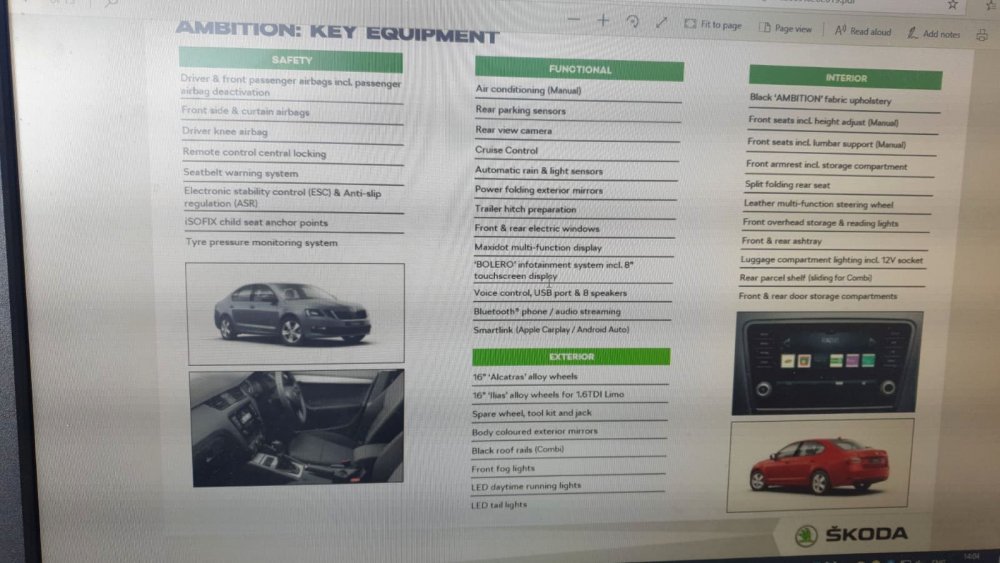 hi there i recently bought Skoda Octavia Ambition well as i thought, when I got the insurance documents back it said Elegance. Can anyone on here tell me is this a mistake on the insurance document or is it on the reputable Garage that told me it an Ambition? Its a 2017 1.6 TDI Thanks in advance..

Important Information
Welcome to BRISKODA. Please note the following important links Terms of Use. We have a comprehensive Privacy Policy. We have placed cookies on your device to help make this website better. You can adjust your cookie settings, otherwise we'll assume you're okay to continue.