WildGoose
Finding my way
-
Joined
-
Last visited
Everything posted by WildGoose
-
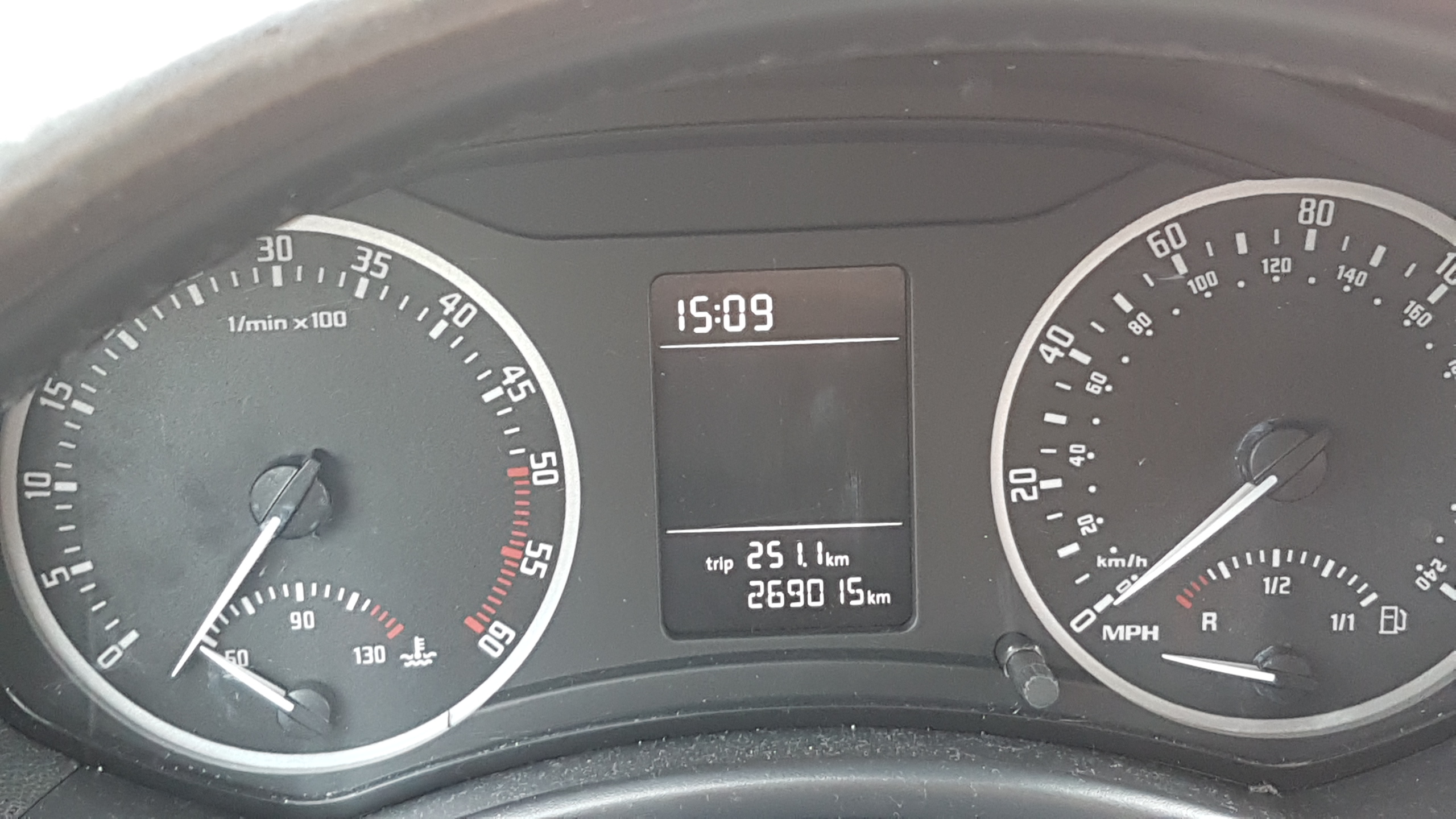
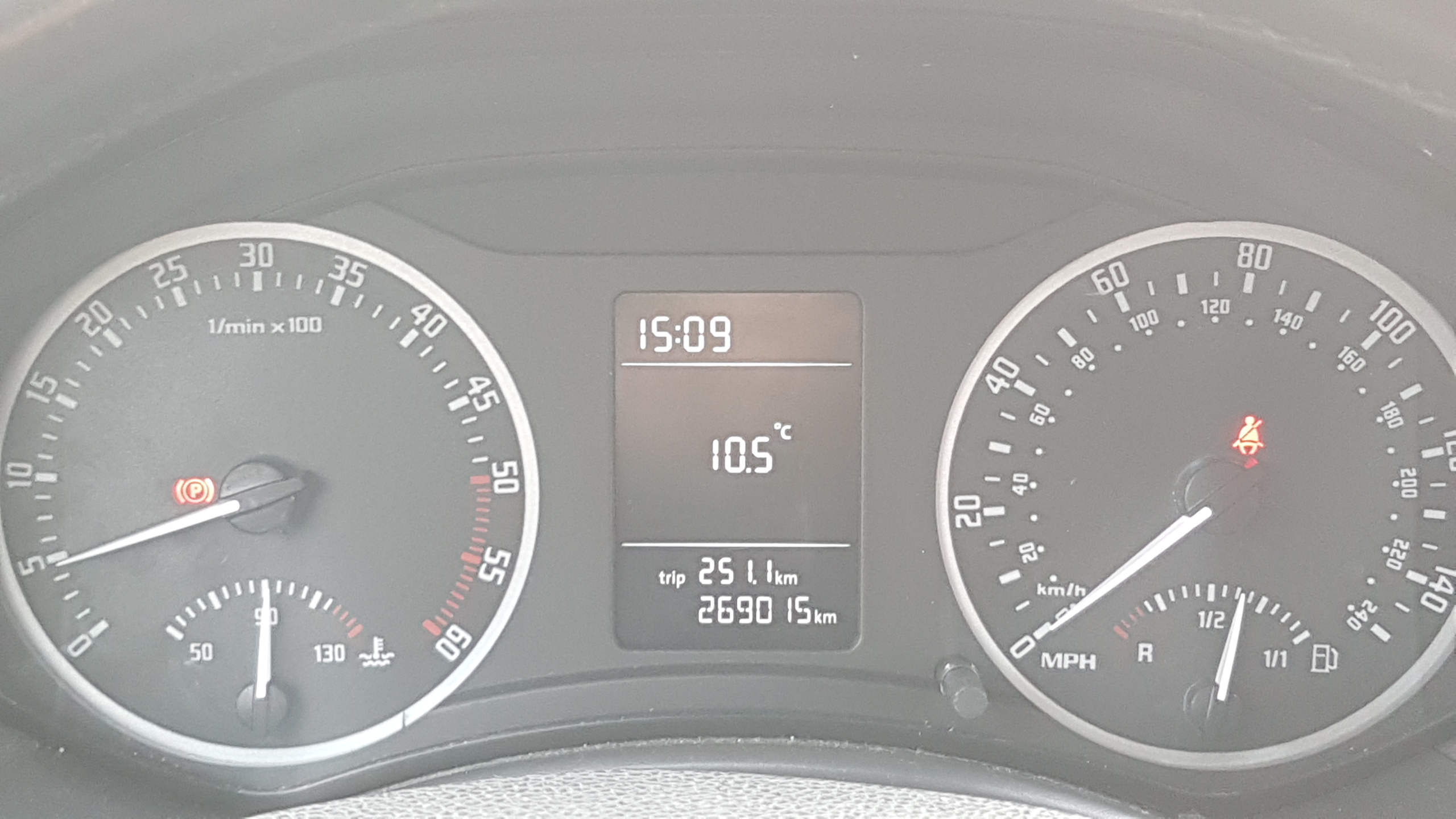
Tried refitting the needles, didn't help. Will give it a second try...
-
(Tank is full)
-
My instruments show negative fuel and rpm while the ignition is off, and way less than real values while it is on. I got a vcp+diag cable at hand, can this be fixed just via the software/reprogram the instrument module? I am fine using the hex editor, done that before on the central electronics. The car is an octavia II facelift, 2011 model.
-
Sorry to revive an ancient thread, next weekend I'll be able to put my hands on a VCP 5.5.1 kit. Is this just a tickbox or needs coding?
-
Thank for all the replies, found the VCDS-Owners map in one of the threads, but anyway I'll try to fetch something myself too just in case. Read somewhere, that the 2008+/facelift version is not very VCDS-friendly (I think it was about rear fog light reconfig). I'll need to clear the error not just read it, I go back to research on what obd2 and obd11 can do on this car...
-
Replaced the speedo dial last night and after messing around the instrument cluster, the Airbag warning light remains on. Any idea of a reasonably priced diag tool that could reset the warning? Ebay lists a few but no idea if the <£30 units can clear errors from an Octavia II facelift model.
-
I need roof rack for my Octavia II estate but want to upgrade to a Superb III soon. If possible, I'd keep the rack. Can I just buy the factory bars for Superb, do they fit on the rails of an Octavia II? I know they both take the same Thule Wingbar-raised rail feet combo but no idea if the two cars have the same rail dimensions or the official Superb bars are adjustable...