Barley
Finding my way
-
Joined
-
Last visited
-
Can a mod move this post to superb mk2 forum please . b
-
Sorry , will move it .
-
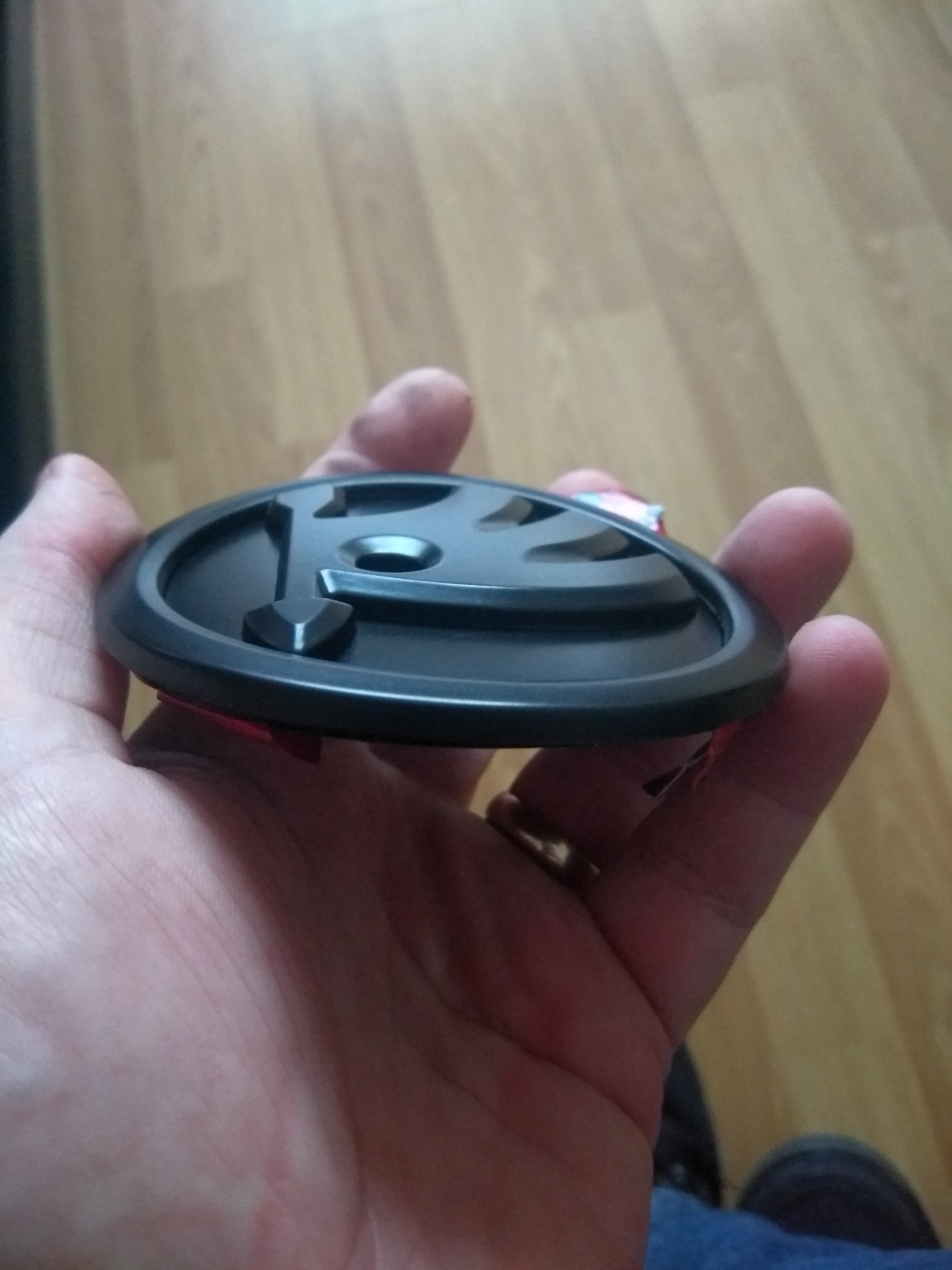
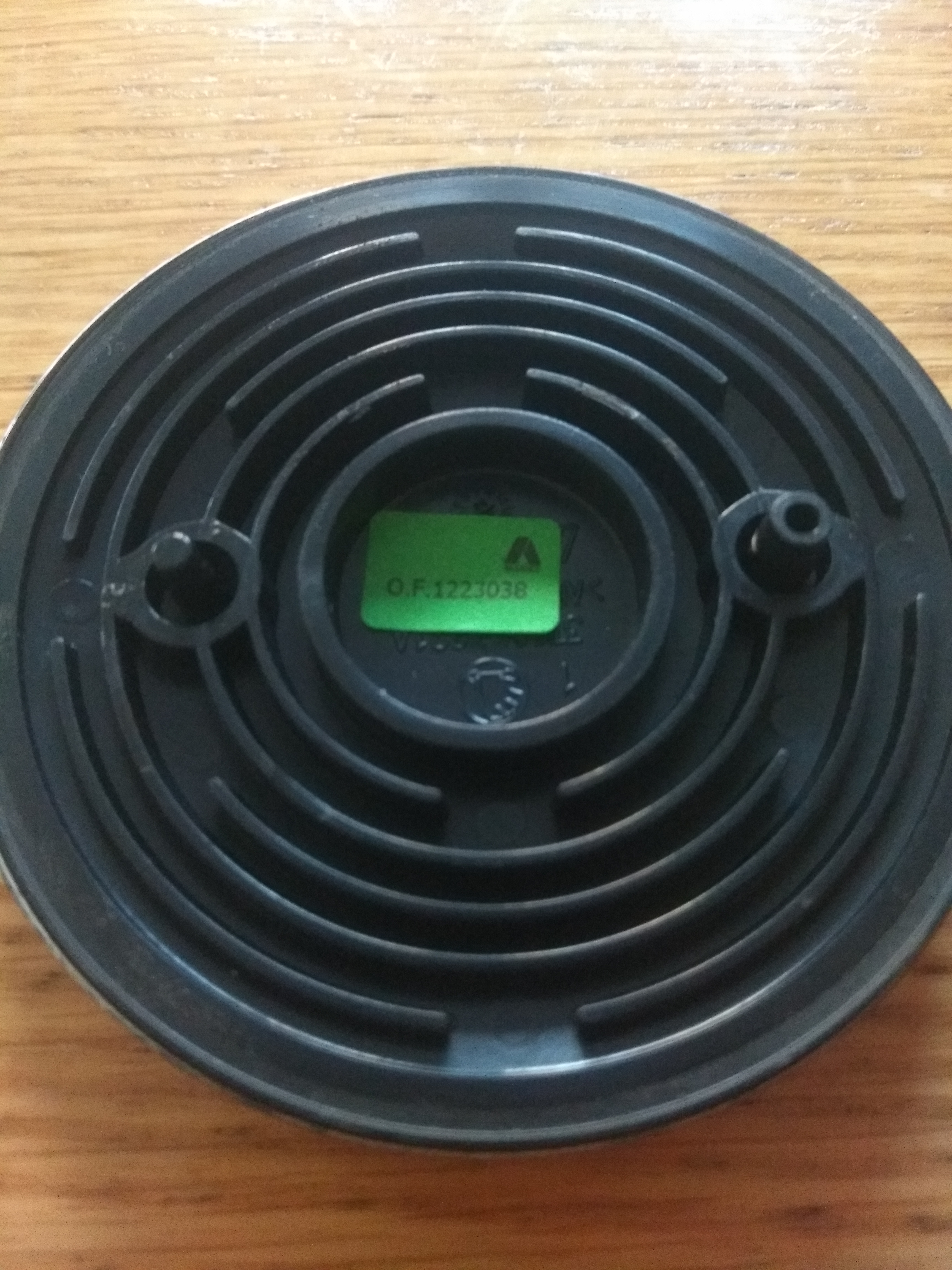
Hi , has anyone updated their main Skoda (90mm badges front and back).I picked up new cheap badges from that auction site. They are correct size but both have a convex shape ! And three locating pins on back. I removed the rear original badge, it has two locating pins (different sizes) and is flat . is there particular badges that suites the mark 2 superb ? Any pointers in right direction appreciated. Cheers b
-
Hi , thanks for the reply, I'm in the process of downloading the manual . I have the vcds software which I believe is needed aswell. The car has had the emissions update which I believe has caused this carbon build up . It has high mileage but is running great with no codes etc . I'm just trying to get ahead of any issues . Are the inlet valves accessable when the inlet is removed, I might aswell try and clear them while there is some access. Cheers b
-
Hi , I'm looking for advice regarding the removal process of the intake manifold on the cfgb motor. I have already cleaned the throttle body (which was fairly well blocked) and made the modification to the erg inlet ( turning it to face the inlet ) .I would like to remove the the plastic inlet as it has heavy deposits aswell. Are there flaps in the inlet that cause issues? Is there any specific procedures I need the perform when removing the inlet and more importantly when I reassemble it. I've have researched quite a few of theses on other motors but have yet to find one for the cfgb motor. Any advice would be welcome. Cheers b
-
-
Hi , new to the forum ,and new to skoda. I recently acquired a 2013 superb 2.0 cr 170bhp ,6 manual .It's high mileage but still going strong. I'm hoping to extract as much knowledge as possible from members to keep it going for alot longer . Looking forward to it. Thanks in advance Cheers b.