
ablgoose
New here
-
Joined
-
Last visited
-
ablgoose changed their profile photo
-
That's another one I can't resolve. My hyundai use to do that to - not sure what that constant need to press the ok button is about but there must be a hack somewhere!
-
Yep thats the message I still have. Tried updating firmware - nothing. Tried talking to skoda support nothing - tried asking the garage that sold me it - nothing. I have just emailed their support email and expect nothing. I am struggling to see how this can be so hard to fix! thanks for everyone else's thoughts tho!
-
There is a second page but it's not related to that message. Yep Connect is active (and still displaying confirm messages when it shouldn't - grrr!) I saw the other threads and doesn't seem to be that. It's a Superb iV Estate K&L (so the PHEV that came out this year)- forgive me if I put this in the wrong discussion...eek.
-
Yep - Pretty much lack of proper English Be fab to be able to change it!
-
No 'got all everything' is far from correct.. I mean I'm not a grammar snob but it just makes me go... really!??... every time I look at it (sigh!)
-
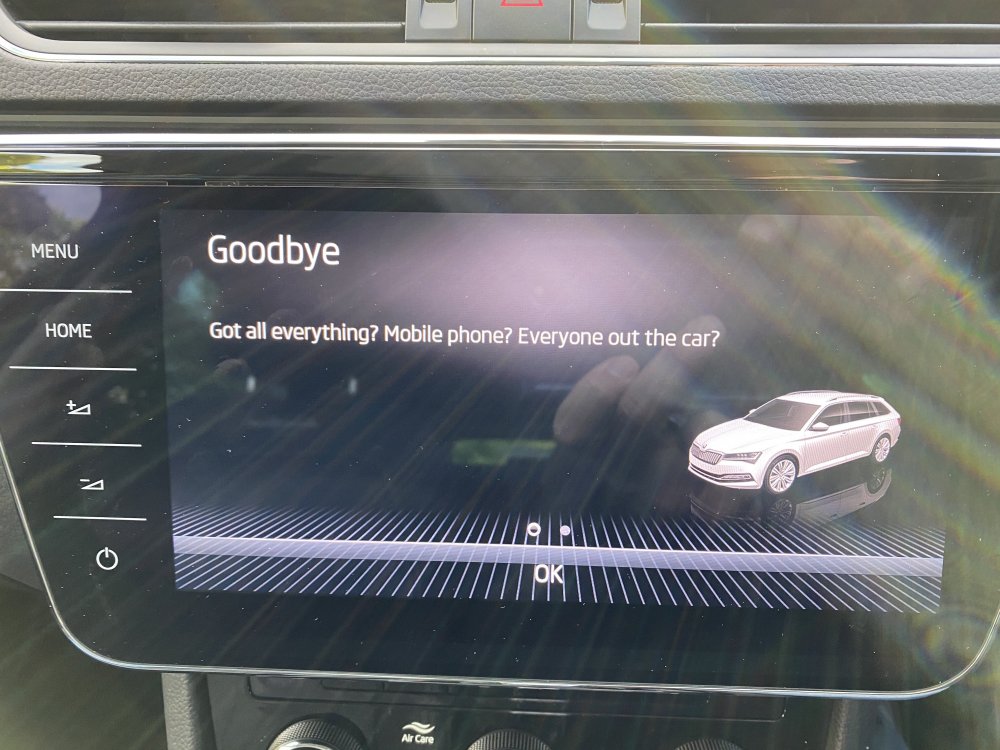
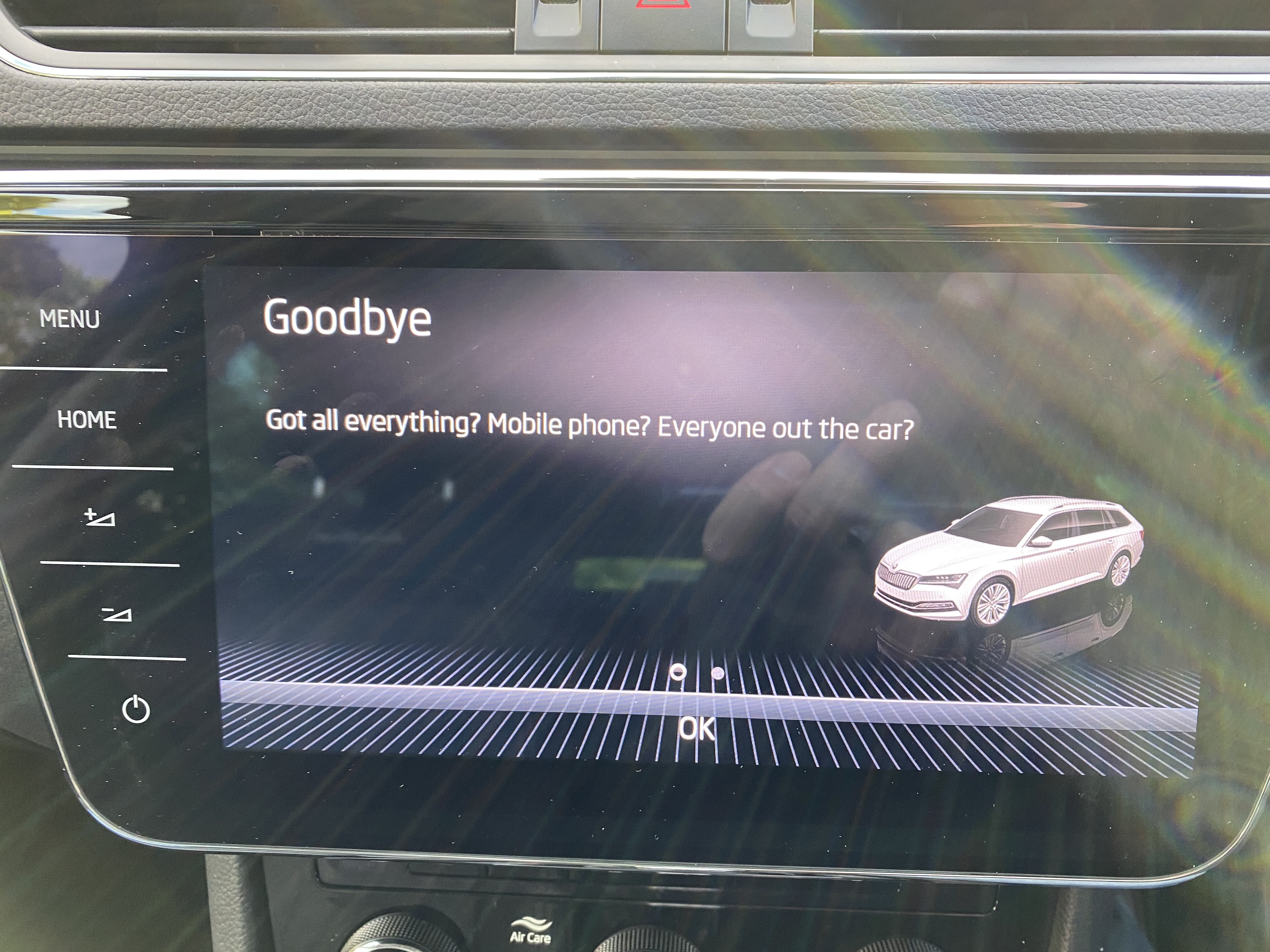
Anyone any idea how to change the exit message that comes up on the centre console when you turn of the ignition? On my second hand Skoda Superb iV Estate (PHEV) It currently says (as shown in photo - but if that doesn't load) 'Got all everything? Mobile phone? Everyone out of the car?' For a car that costs £40k new it's not that impressive! Wondering if the previous owner might have changed it somehow? Anyone any ideas if I can change this? I have downloaded the updates and it still remains. Cheers Andy