Trundle
New here
-
Joined
-
Last visited
-
Hi All, I think I too am coming to this forum slightly confused as to the state of the Octavia VRS... I have had an order on for a VRS PHEV in White since August this year, but today the lease company told me that Skoda have informed them that they wont accept the order on the VRS currently. I am being presented with the following options instead - Octavia 1.4 iV SE L DSG Octavia 1.4 iV SE Tech Superb 1.4 iV S/Tg Superb 1.4 iV SE L DSG
-
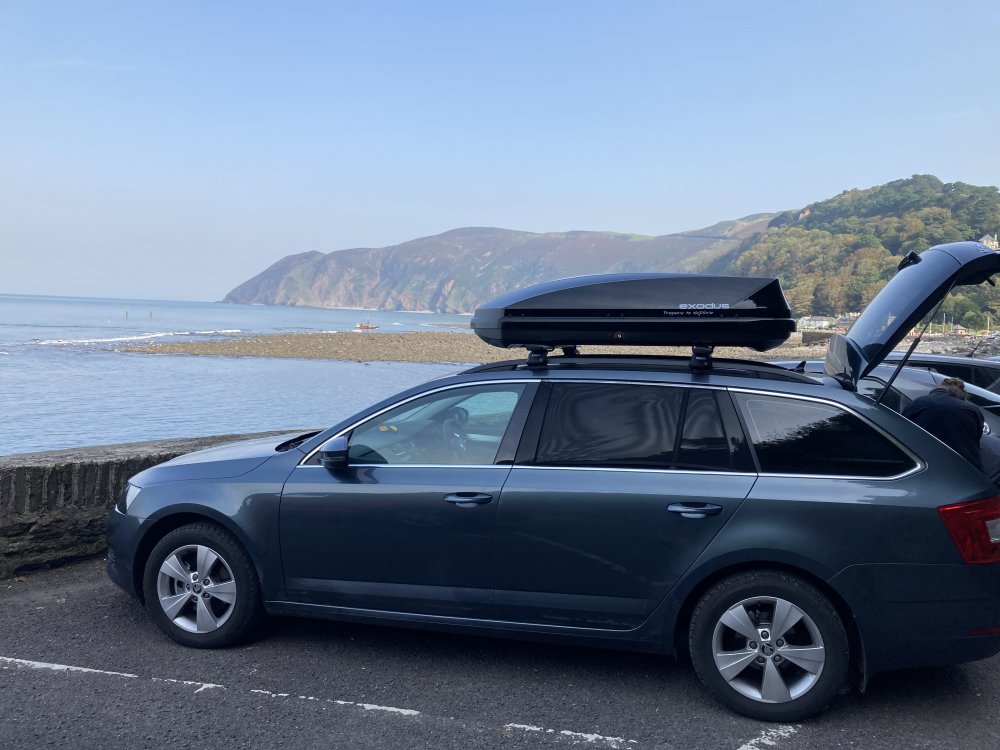
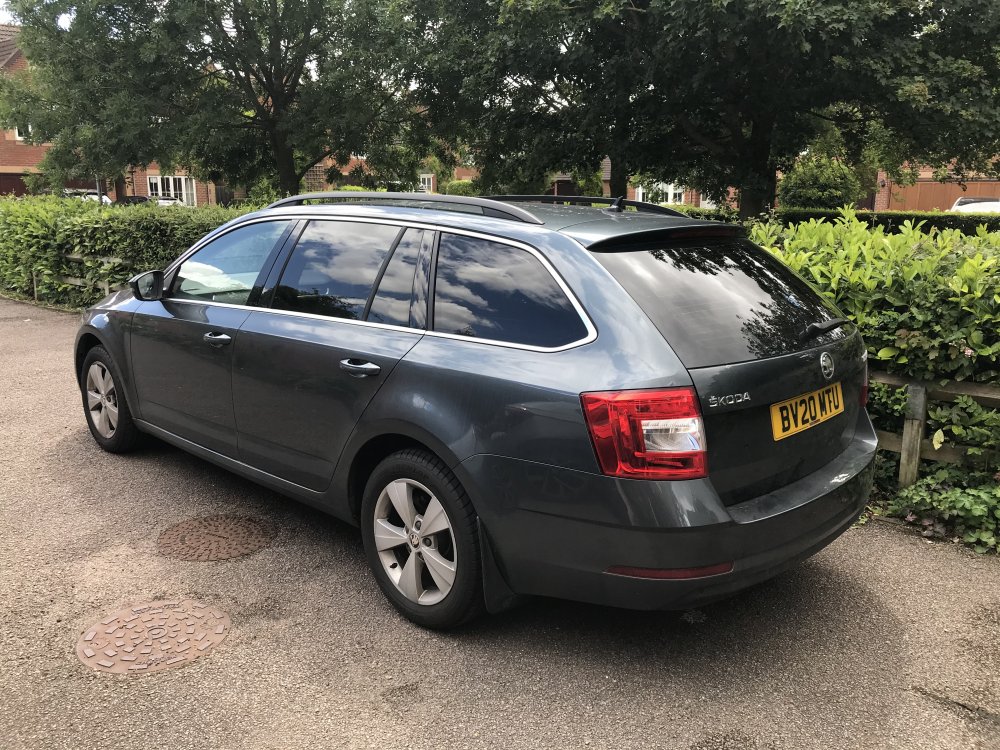
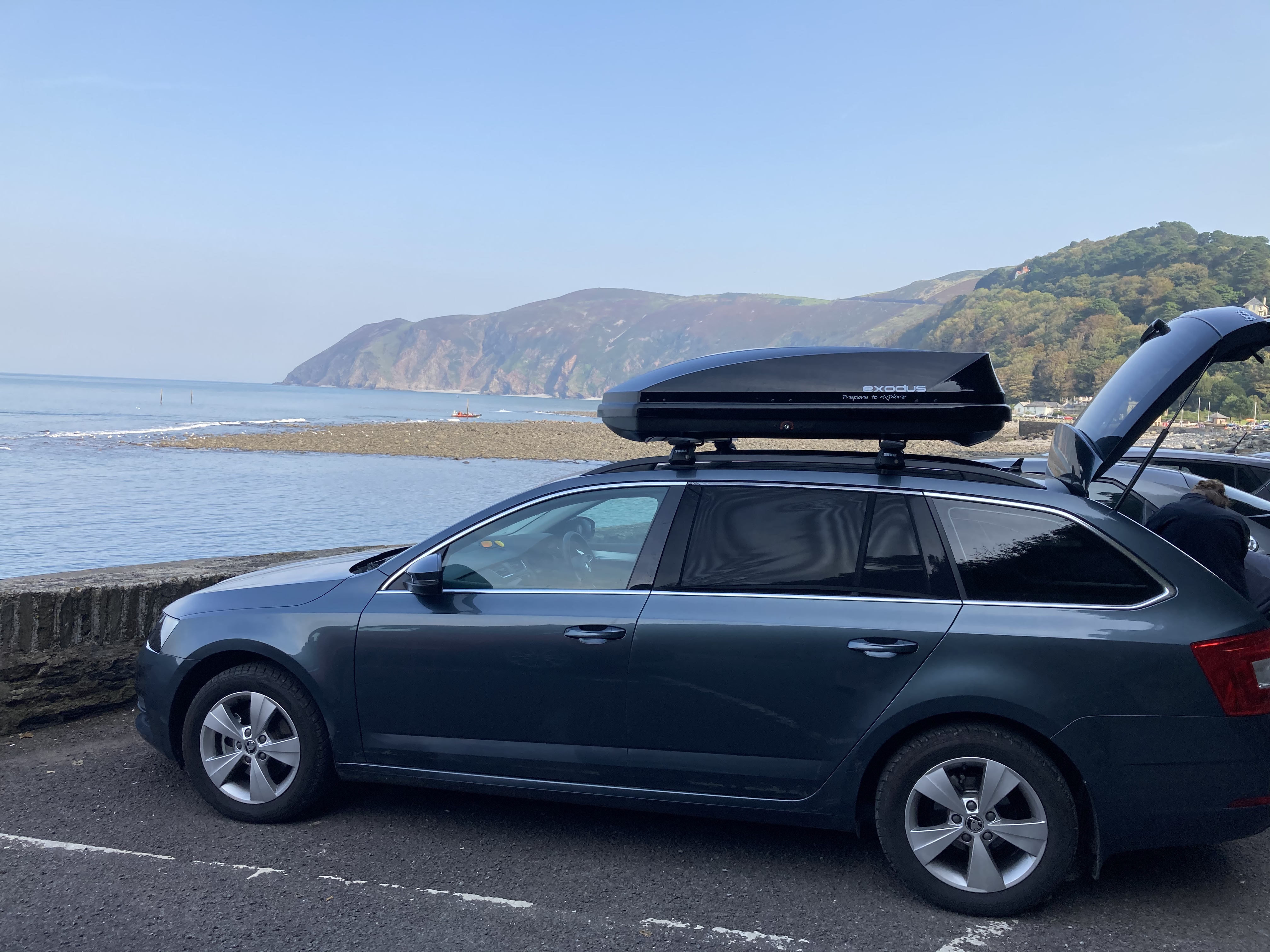
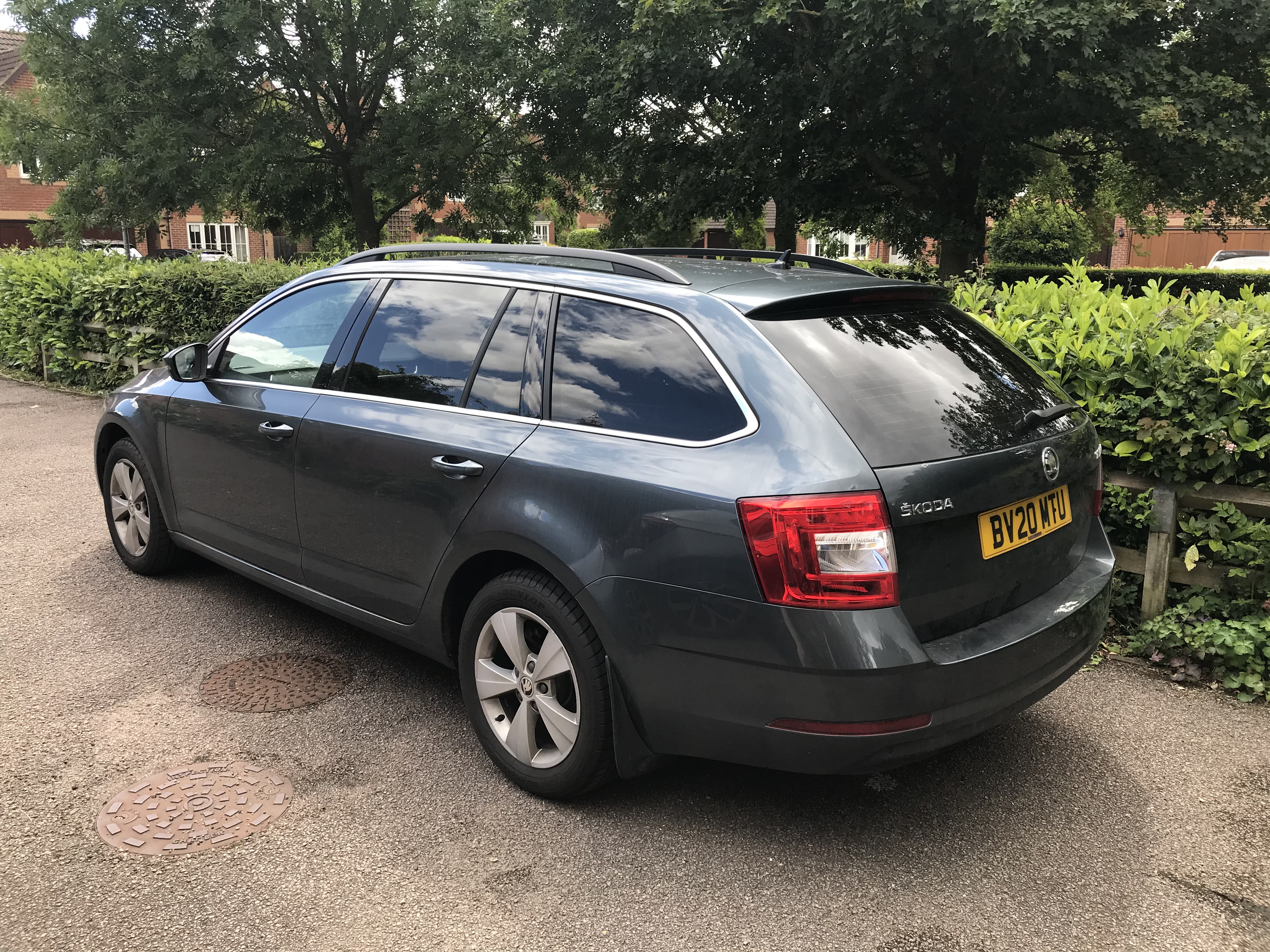
Howdy. New to forum, needed a couple of guides for some bits so signed up. 20 Plate Octavia SE Technology (company car) - sadly, couldn't wait long enough for the new shape Octavia as lease was well past on the previous company car. I kind of chose the colour on a bit of a whim, and I'm really not a massive fan of it - we were literally just having a baby around the time that I had to choose a car so went with the largest car I could for the lowest amount of BIK tax. After the factory build missed a couple of bits I added, Ive subsequently had the window tints added by a third party (Global Tint) which are darker than the factory spec, but I really like this as I am putting a lot of work bits in the boot. The rest of it couldn't be retro-fitted, so the BIK was subesquently reduced as it came in at less the value that was originally intended. If this had been my car and not a company car, I'd be pretty annoyed about this, but a degree of control is taken away from us being company car drivers. Would really like to put the VRS steering wheel on it as I much prefer the feel of it over the stock one.