SuperbSEL
Finding my way
-
Joined
-
Last visited
Everything posted by SuperbSEL
-
1KU - finally located it as per the 8 page list of codes. A little bit of a panic though as when you are searching on a time limited basis, it's easy to panic. OK, thanks all for your assistance.
-
It also brings up a red warning saying - This vehicle has outstanding field issues - visit an authorised dealer. Jesus!
-
Yes, that gets me to Basic data, which indeed shows the correct date it was registered but precious little else.
-
What I thought was going to be a simple job, of ordering some Brembo discs and pads online, becomes a nightmare! Having paid 7 euros for access to that erWin site for an hour, it then asks me to sign up to a parts site for 20 euros, to get the information I need. What a farce! I'll try contacting my local dealer to see if they can help.
-
Thank you both. I've had a quick look in that erWin site and will check when I have more time. Obviously as mine is only a 150bhp, I can only get the solid rears it seems. That narrows it down a little, to only 3 different types of Brembo discs for the rears!
-
Ok, that's fair enough, but how do I find which is the correct ones for my car? On Euro Car Parts, there are 4 different sets of Brembo discs listed for my car, all with different PR codes. Then there also 3 different sets of Brembo pads! On previous Skodas, I always had this sticker inside the service booklet that listed the various codes. This car, which was bought virtually new has no sticker anywhere, not in the booklet nor in the boot where the previous ones were in earlier models. To say it's frustrating is a major understatement...
-
I want the vented ones, but I need to be sure I am matching the correct discs to the pads.
-
I have an October 2019 SE L Superb that I want to fit new Brembo discs and pads to on the back, as the current factory fitted discs are now badly scored. When I check online, there are several different sets of pads and discs and I don't know which to buy. The fact that my car doesn't have (as previous Skodas did) a list of codes on a sticker either in the service book, or in the boot makes it all but impossible. Where can I find these details easily? Thanks in advance!
-
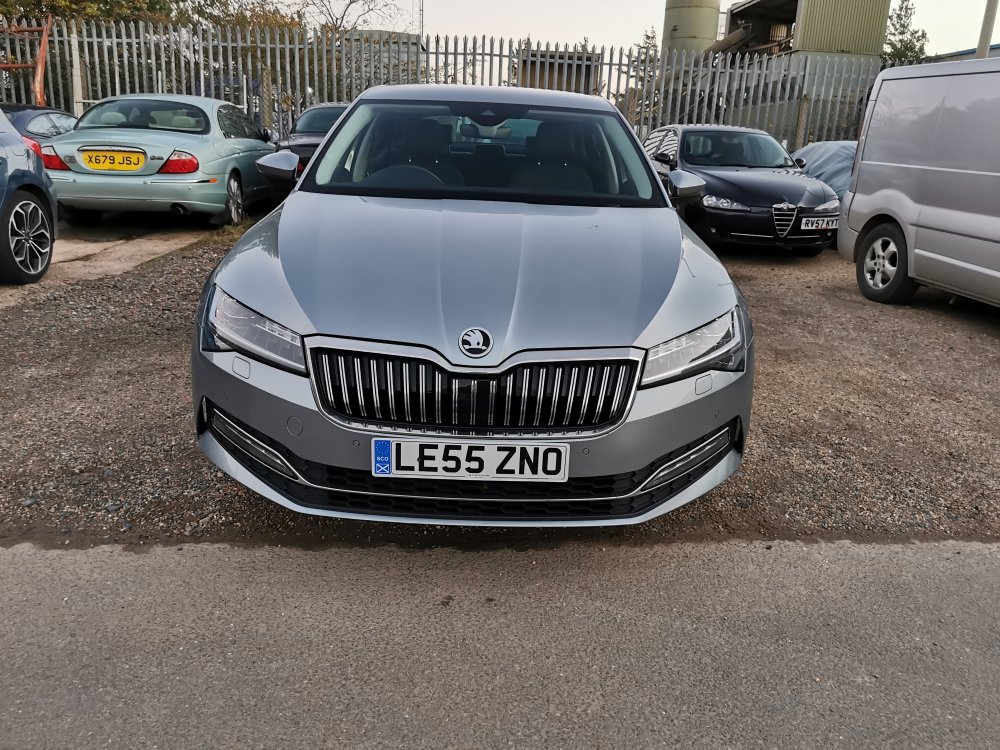
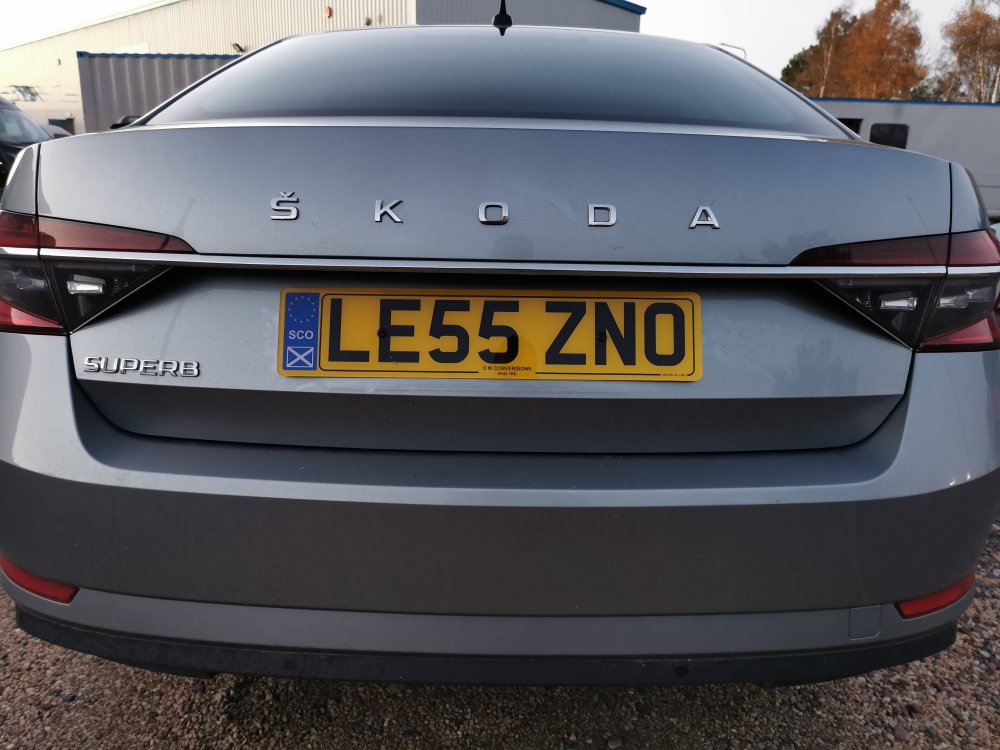
2019 facelift Superb SE L manual with virtual dash, blindspot detection.
-
Hi all I have bought a Superb SEL facelift 2019 after several Octavias. I also have a Carista plug in and had hoped it was possible to add some customisation to the virtual dash. I've gone through the various menus, appears I can change the colours, but none of the changes take effect after saving...can anyone help? Also I had hoped to add some more sporty versions of the dash dials...is this possible? I watched a Carista video for the Superb virtual dash which says it is, but I see nowhere in the menu to do this... Help please! Thanks in advance Michael