
nickVe
Finding my way
-
Joined
-
Last visited
-
USB-C to USB-C, 20 cm length, that is what I am using.
-
I don't think so, it annoys me sometimes as well.
-
I can hear the relay as well in my Scala.
-
Hi @abjb, Try clicking the right scroll on the steering wheel to cancel the call, if you haven't tried that already.
-
You are welcome @Brihtnez. Mine is 1.0 tsi 115 HP, manual transmission and I found two different values for the weight of the car, 1188 kg is the weight declared by the manufacturer and 1263 kg is the weight in my documents. One of the values I assume includes the driver as well, the weight provided by Skoda, probably is on empty vehicle, I am not sure.
-
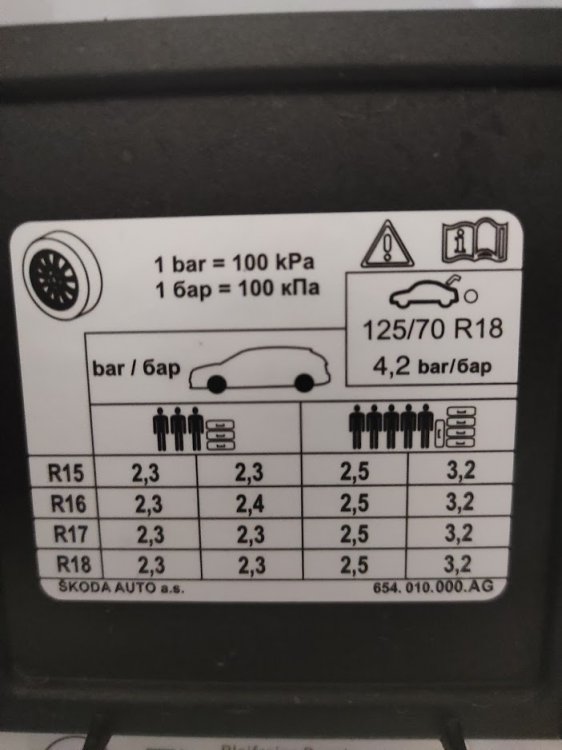
Hello @Brihtnez, I took a picture of the sticker on my Skoda Scala 1.0 TSI, I hope this will be helpful.
-
Thank you
-
@skoda1982, I just wanted to find the tightening torques, to be ready when I need them. Thanks
-
Following Wino's description I found the needed data. Thanks Wino and Techle
-
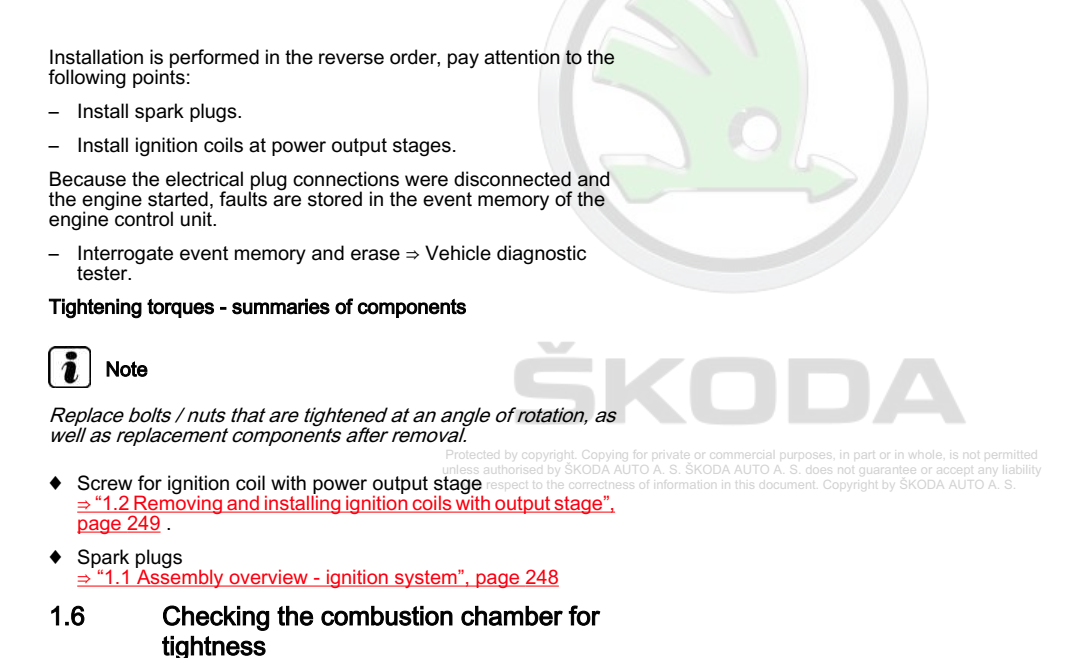
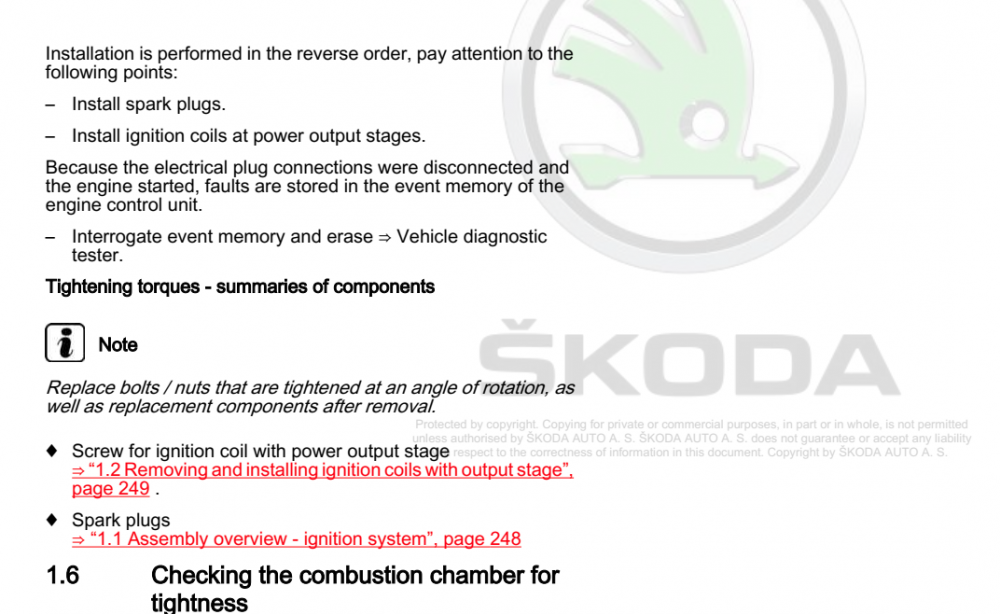
Hello Techle, Thanks for the link, I already have those manuals, but it seems that something is missing. For example, the tightening torque for the spark plugs, it just says, summaries of components, and I am not able to find that infromation.
-
Hi all, I was looking for the tightening torques for the bolts on the Skoda Scala, and from the workshop manuals, for some of the bolts there are values, but for some, it just says "Tightening torques - summaries of components". If someone have the list of torques and wants to share that list here on the forum, it will be great. Thank you