DavidWoods
New here
-
Joined
-
Last visited
-
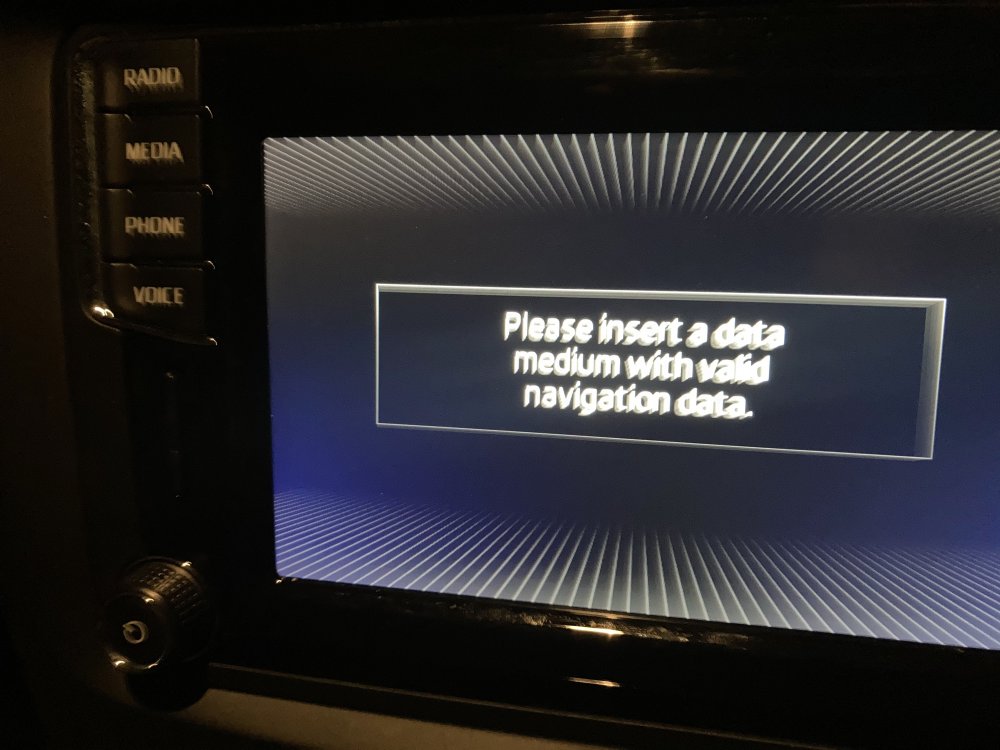
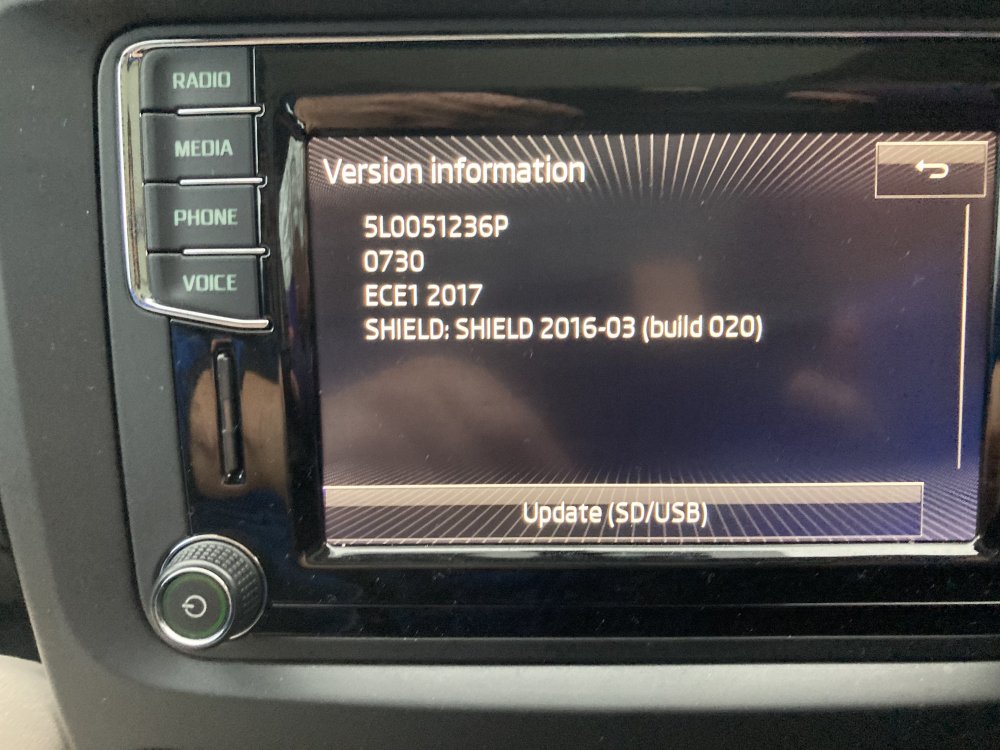
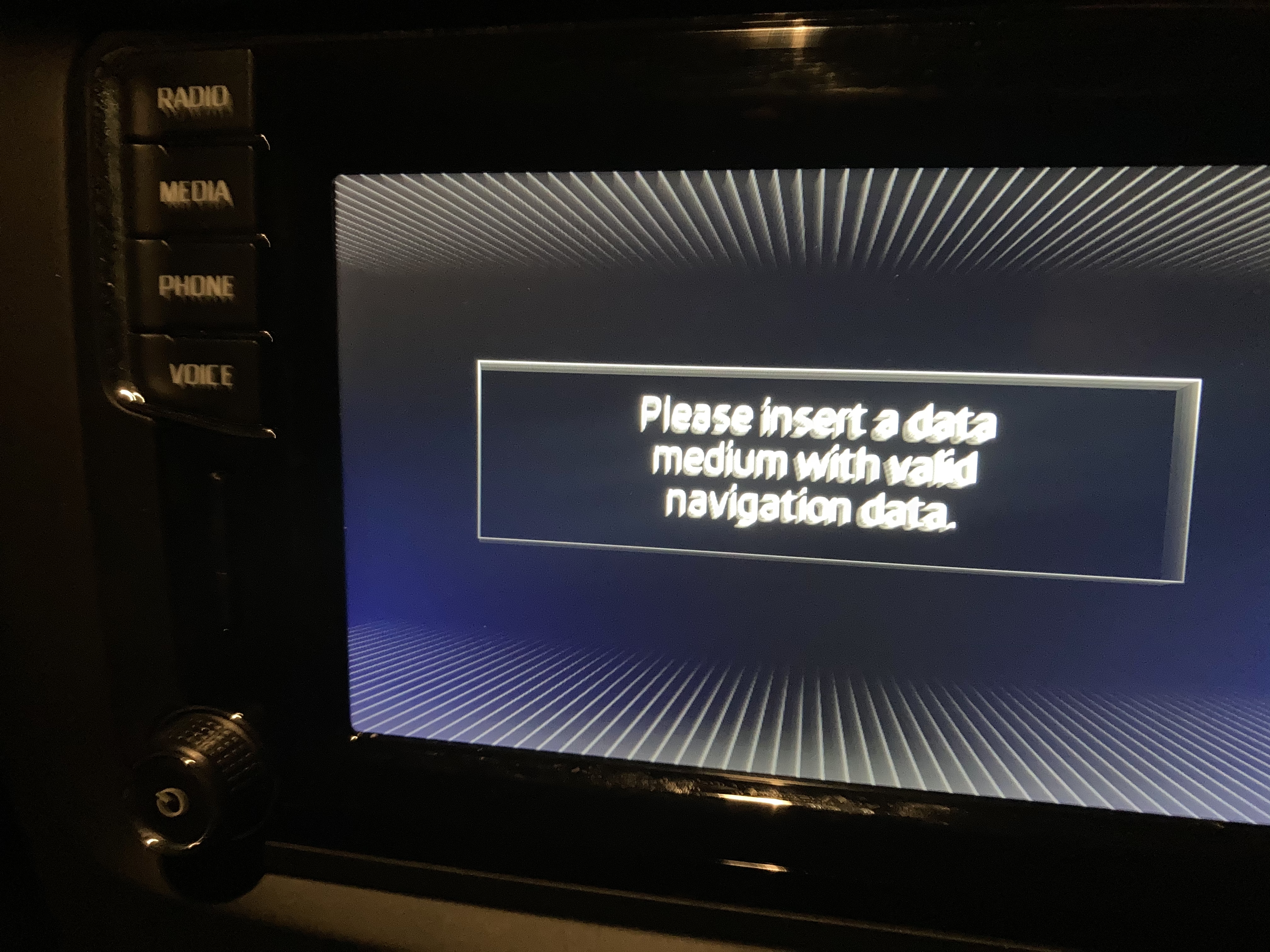
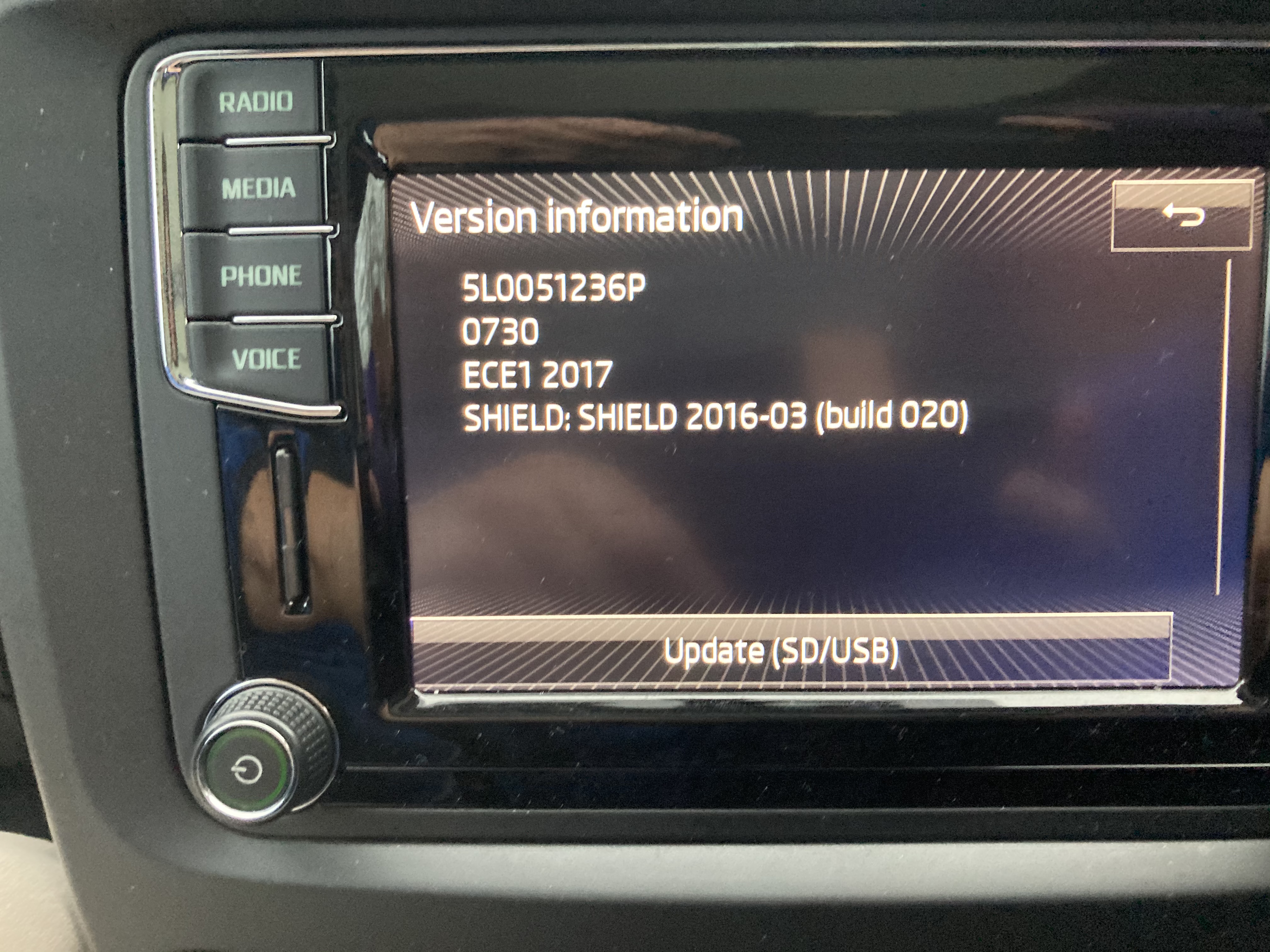
I can almost hear the collective groan as I type this. Just bought a 2017 Yeti with Amundsen mibi2 version ? Maps have not been updated. Darn it followed the instructions and deleted the card without backing it up. Error 1 ..... tried to download current Europe map to retain the area coverage I had and to include Spain and Italy on the same map. Error 2 Can’t do it card needs to be 32gb Skoda card. Deleted this and tried to install last years map as this only needed 16Gb to work.., still not working in the unit. error 3 I’m using a MAC. Is there an easy way to do this. Can you buy 32 gb replacement Skoda cards to use the current maps. Etc etc is it safe to get someone to reprogram the Amundsen to accept non Skoda 32 gb cards. Basically looking for a long term solution. Enjoying the great radio and phone functions ;-) but absolutely no SATNaV now.