cleverhans
New here
-
Joined
-
Last visited
-
Hi there, I have a 2015 1.2L RHD Yeti that is having some issues with the interior right hand side door handle. It is quite loose and no longer springs back closed. Does anyone have any advice on how to fix it. I’ve included a link to a video of it below. Do I need a new handle? Is it hard to find? https://www.dropbox.com/s/qkqh361ly8nrd81/RHD interior door handle broken.mov?dl=0 BTW I’m located in Sydney Australia.
-
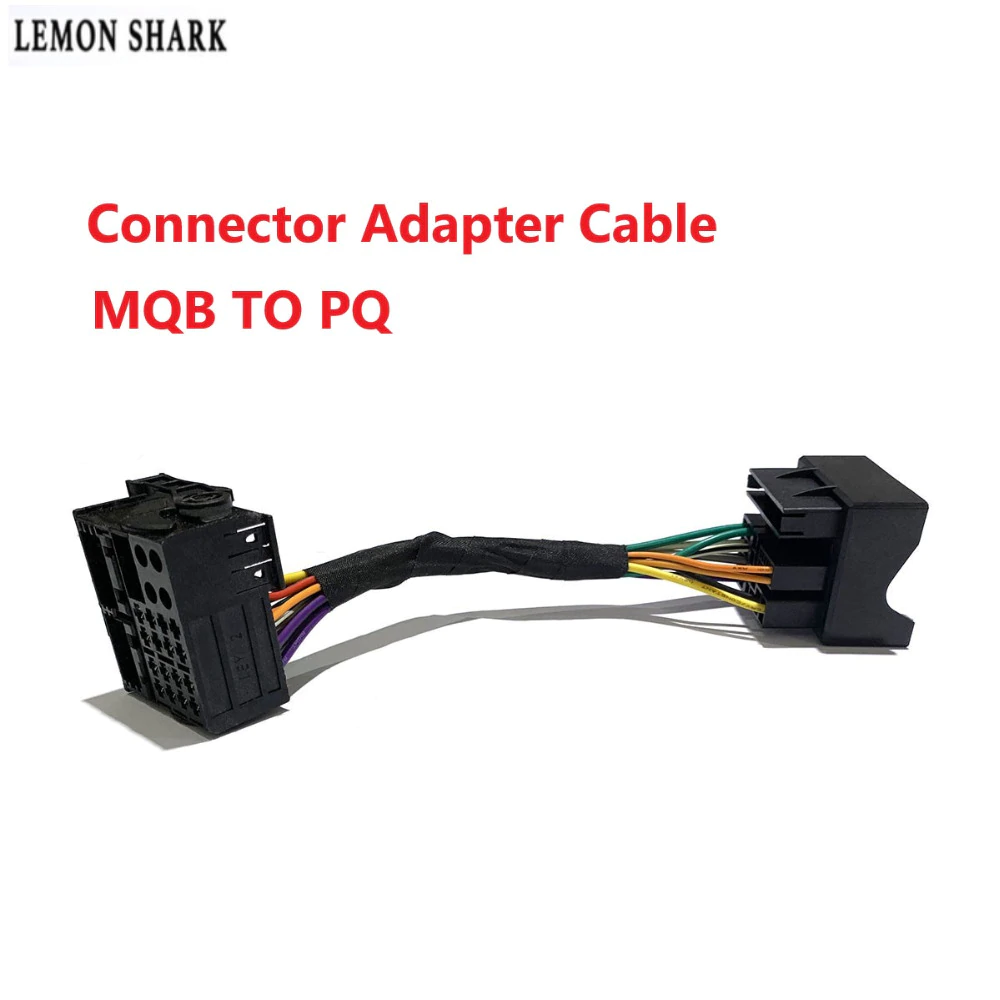
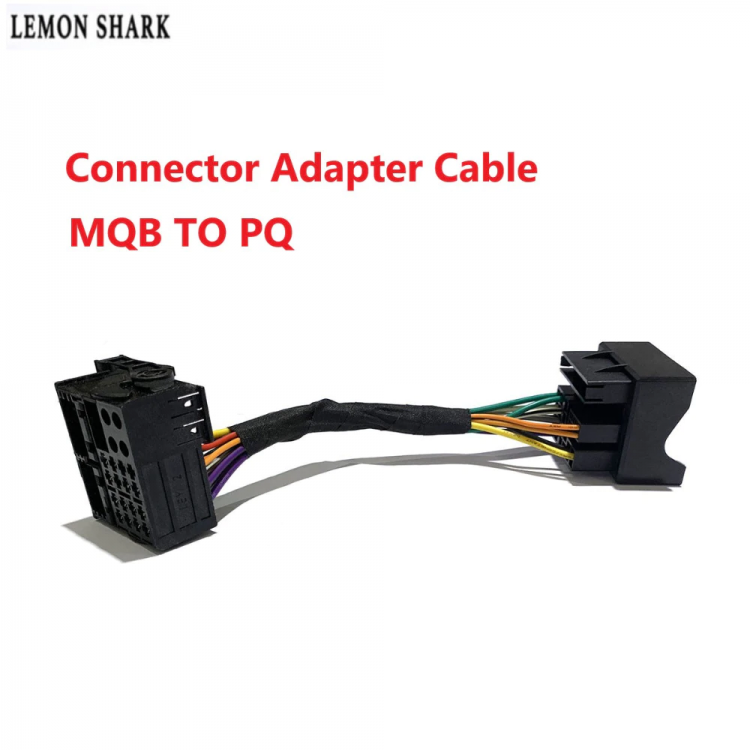
@LoveYeti - I got mine on AliExpress. It was recommended by the RCD330 seller Lemon Shark who supplied the head unit. https://www.aliexpress.com/item/32950297895.html?spm=a2g0s.9042311.0.0.74964c4dLrAMSm When connected it's a bit bulky. It was a bit of an effort sliding the head unit in with the new harness, but it worked in the end after trying a few times. Good luck!
-
The new RCD330 unit came with 2 adapters. One for the rear camera, and one for the antenna so I think I'm set. I don't really use the radio for the most part so losing DAB doesn't worry me. The Aliexpress seller indicated I should get this too. Is this similar to the Quadlock adaptor that you mentioned? Cheers!
-
@langers2k - Thanks for the response I was hoping that there'd be an easy way to get CarPlay on the display. I'm sensing that that this is not the way :O( Is there a better way. I do have the RCD330 unit but I can resell it if necessary.
-
My mistake. New, replacement unit is called "6RD 035 187B NONAME"
-
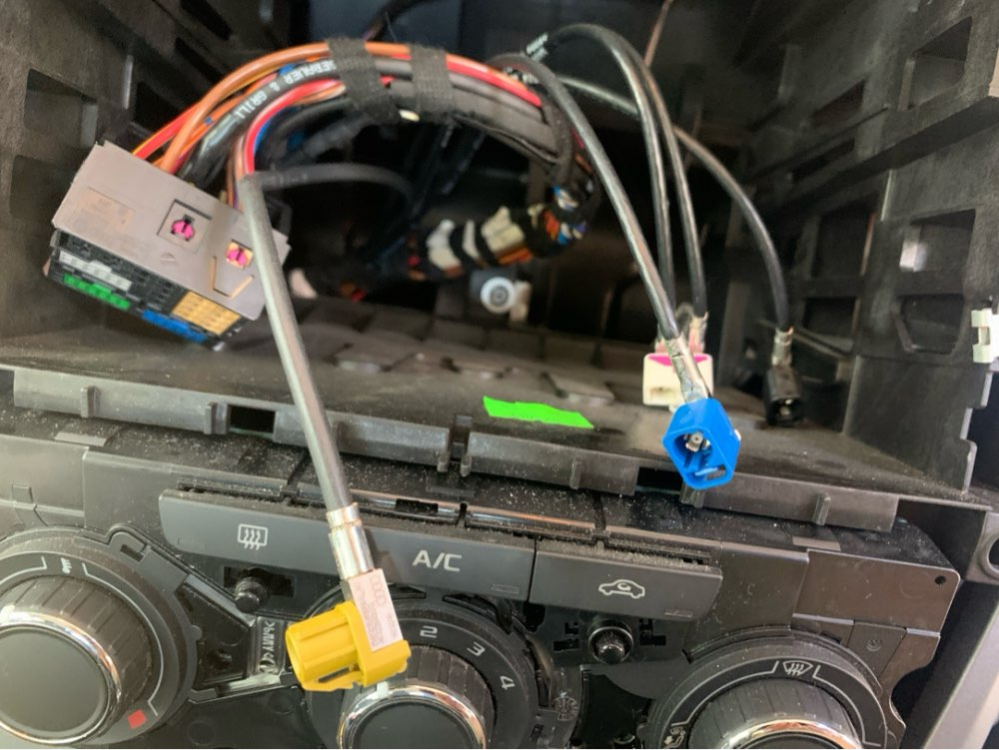
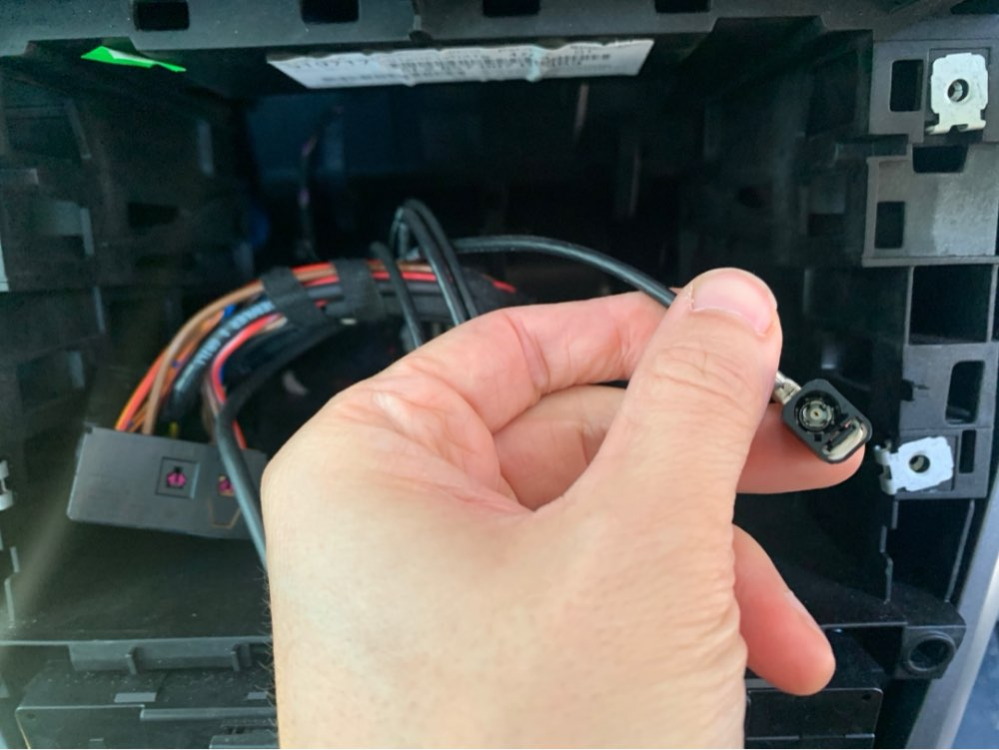
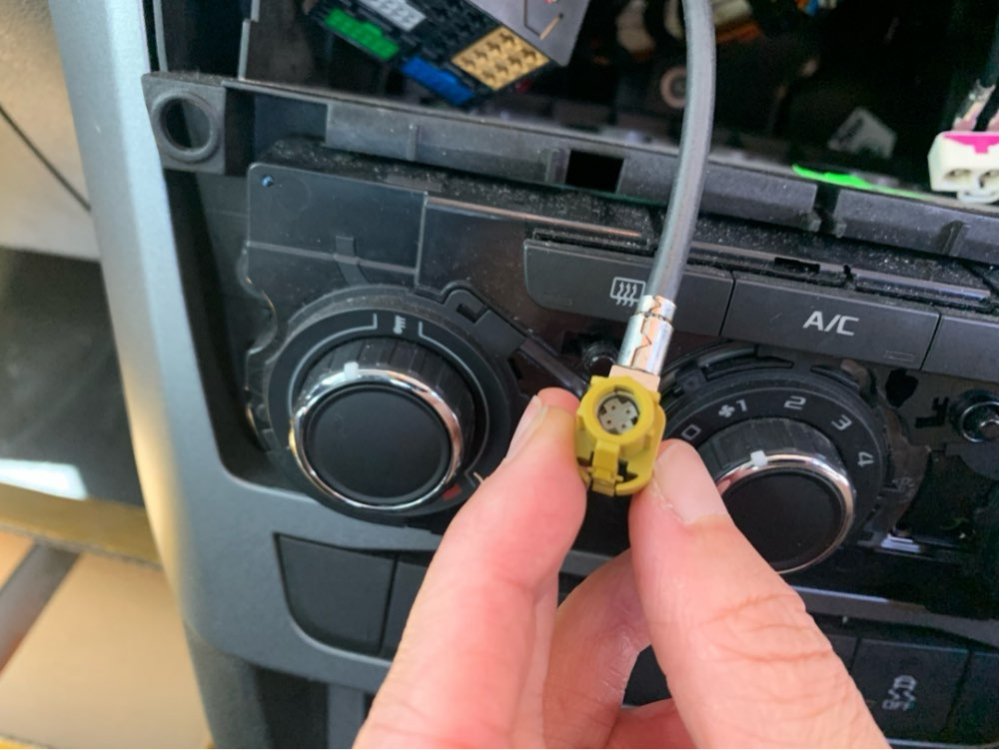
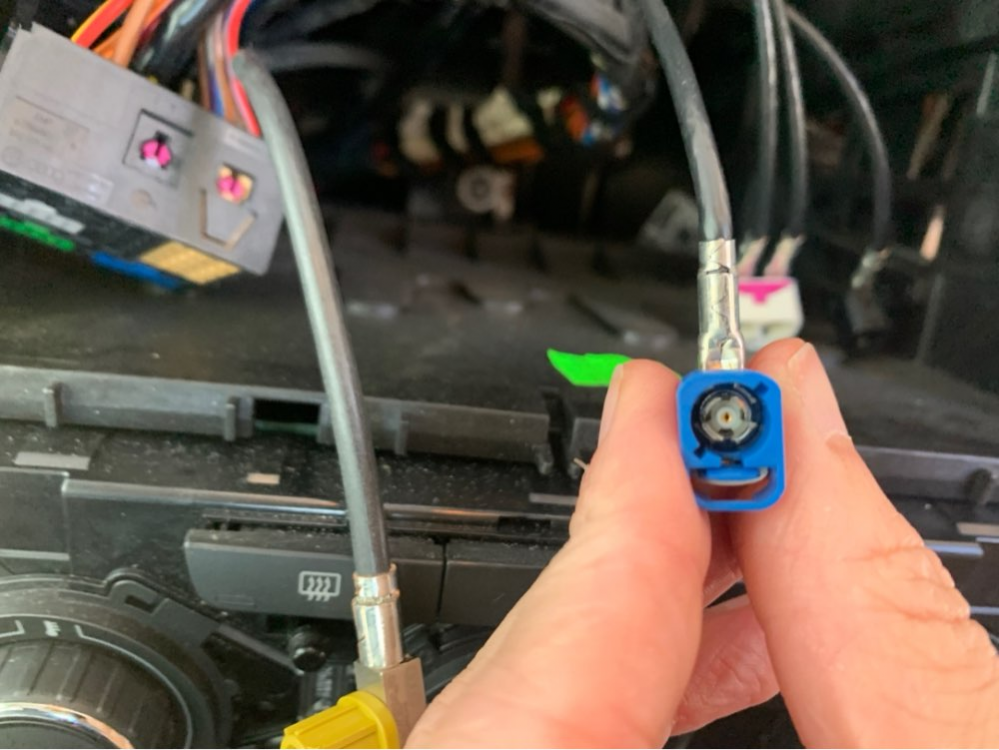
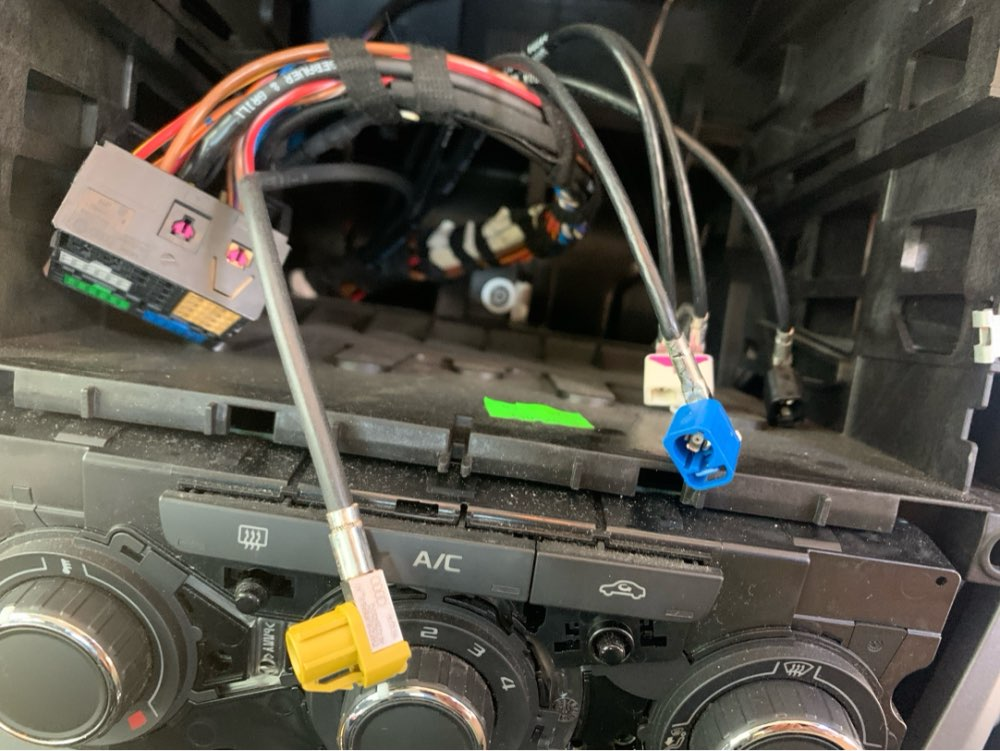
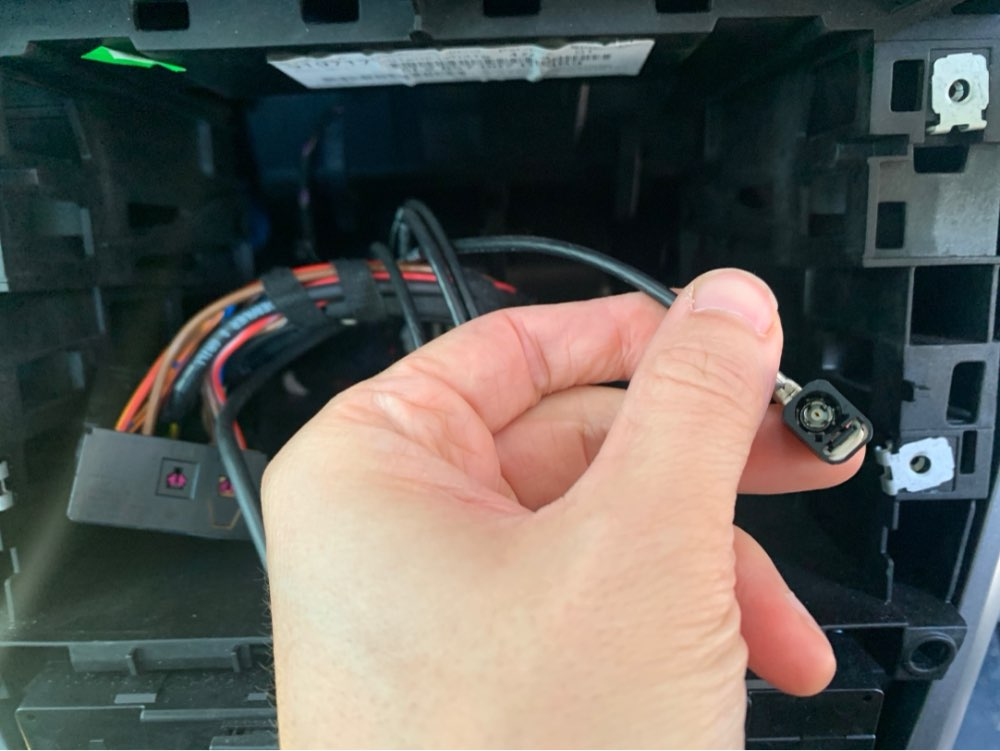
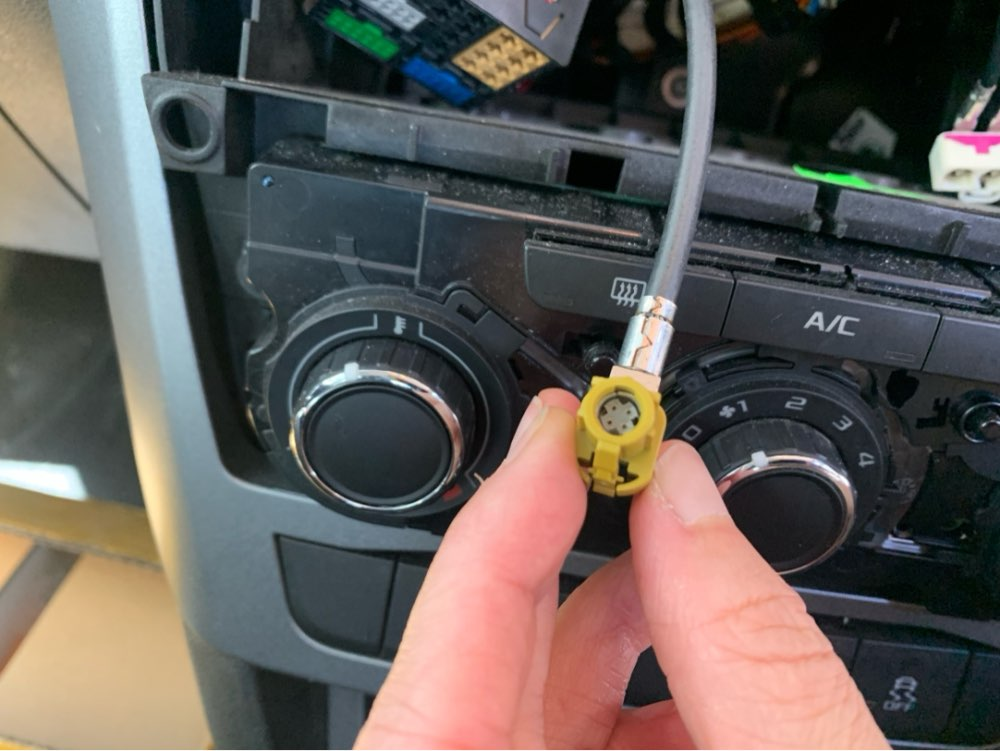
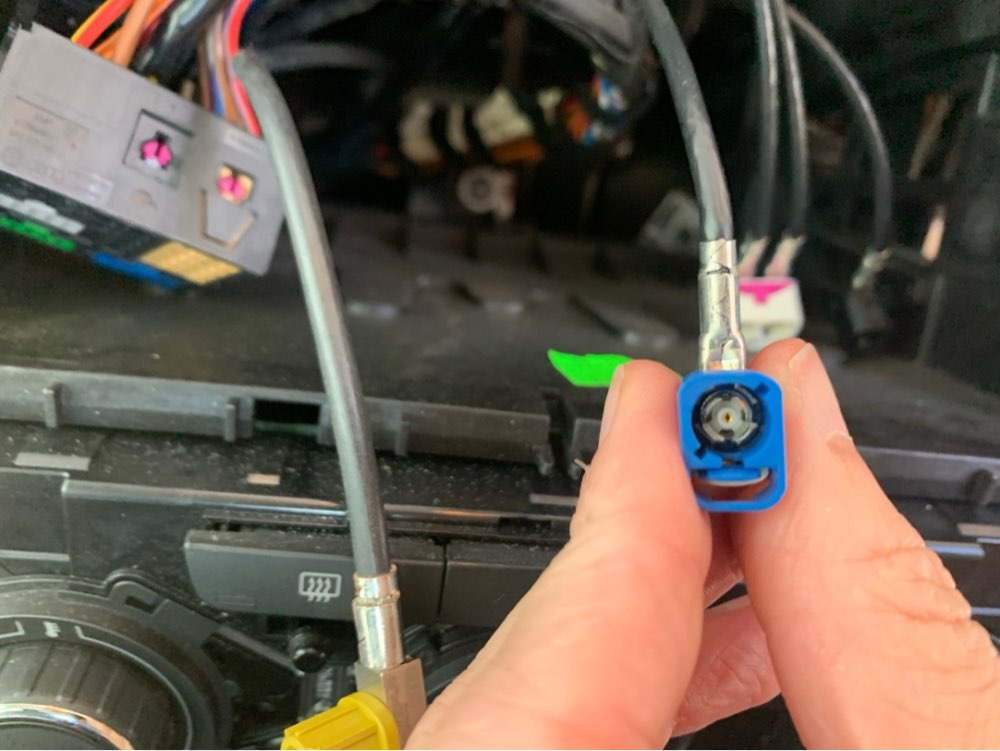
I'd like to upgrade a RCD330 197b NONAME head unit and I'm trying to figure out if it will work. Does anyone know which wires do what in this picture? I think the white, double one is the antenna, sure about the other colours (blue, yellow, black ).