Squyre
Finding my way
-
Joined
-
Last visited
-
-
Any help on this topic?
-
My sd card with music on it keeps 'skipping' jumping while playing. It's an expensive sd card on which I've cleaned the contacts. Does anyone know of a way to clean the reader?
-
I add that I tried the SD card from my wife's Skoda and still the same message.
-
Hi, I have a problem with my 2018 Octavia Hatchback SD1 card. Previously worked fine. Now when I press media I get shown 'Error SD1' 'Not Connected' plus the Bluetooth symbol (occasionally a track from my SD card shows then disappears) Cleaning the card, turning bluetooth off and on etc resolves nothing. This problem seems to have developed since using Spotify in my apps (also connected to Radio 5Extra to listen to the cricket) Does anyone have any idea about what's causing this? Thanks in advance. Simon.
-
Thanks. Something to do with Skoda Connerct I gather. I'll have a fiddle with it.
-
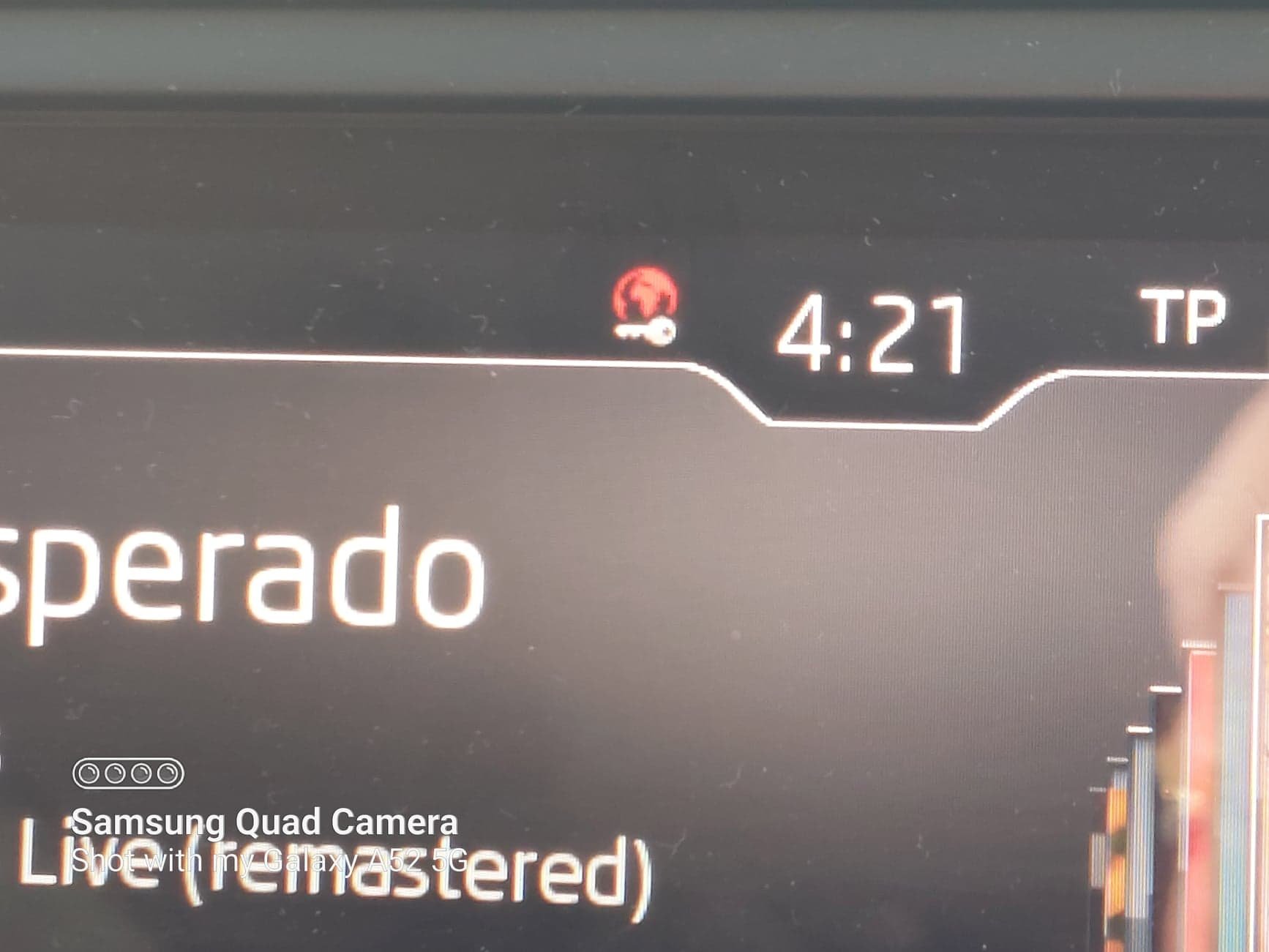
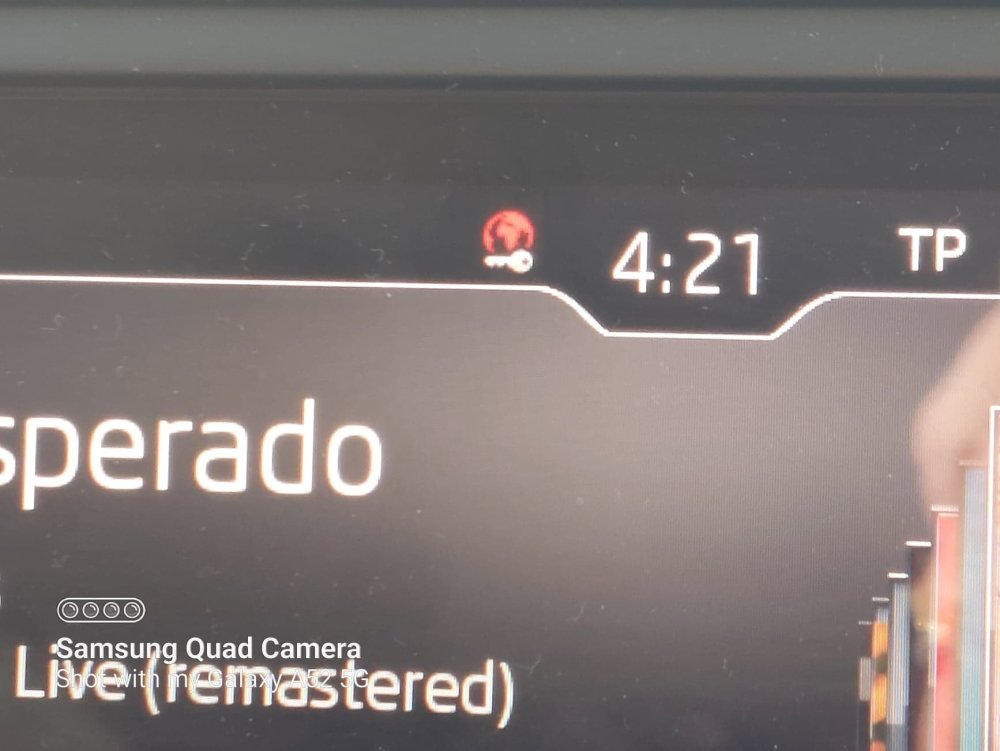
Ah, thanks. Something to do with Skoda Connect I gather. I'll have a fiddle with it. Thanks. Here's a couple. Initially just a red icon then the key icon appears below it.
-
Hi, on my 2018 Octavia Hatchback I've just noticed a key icon/symbol with a red out line above it at the top of my infotainment system's screen. I initially thought this was indicating that I needed to change the fob's battery. I did that but no change. Today I tried my spare fob, same icon appears. Now I'm wondering whether it's there as a reminder that the key is in the ingnition and I've never noticed it before (how embarrassing) or it's an indicator of something more troublesome. Can anyone explain this to me please?
-
Thanks, sounds abetter option than the stuff they sell on Amazon for poking around in the slot.
-
Possibly, I had considered that but having bought a supposedly top of the range more expensive SD card and it seems to work for varying lengths of time before I get the 'No Source' message I was guessing at a dirty port. I may try a different SD card. I may do that. Thanks for the reply.
-
Thanks, at least that is cleared up.
-
Thanks for your reply. I don't know whether it's an Amundsen or Columbus. The SD card for the infotainment system can be pressed but once out a bit can't be removed. All I can gather from the info on the system build for the Sat Nav is version 5L0051236AH 1030 EC1 2018/19 SHIELD: SHIELD 2016-44 (build 309)
-
There's only one port I can use as the other one is permanently for the operatin of the infotainment system, Sat Nav etc..
-
Hi, with my 2018 Skoda Octavia Hatchback the SD card in port 1 containing my music will play for a while then stops and I get the message 'No Source'. I remove the card and clean the contacts and it will play again, for varying amounts of time, then stops again with the same message. I'm wondering whether the problem is with the SD card or perhaps I need to clean the SD port. Does anyone else have this problem or have any tips on cleaning the SD port?
-
Ahhh, thanks for that Pilot guy. Between you, PetrolDave and langers2k you've got it through my thick skull.